What Are AI Photo Trends? How Viral Styles Work and How to Try Them
In this guide
Every few weeks a new AI photo style takes over social feeds: everyone suddenly has a Pixar version of themselves, a dramatic wedding-cinema portrait, or a pencil-sketch profile picture. These are AI photo trends, pre-designed style templates that transform your photo in one tap, and they are the fastest way to get a striking image without learning prompt writing.
How a trend template actually works
Behind every trend is a carefully engineered prompt that a human tuned until the style came out right every time. The template describes the art style, the lighting, the composition and the mood, while leaving one variable open: your face.
When you pick a trend and upload a photo, the system combines your image with that proven prompt and instructs the AI to preserve your identity while rebuilding everything else in the trend's style. That is why trend results look consistent from person to person, the style is fixed, only the subject changes.
This is also why trends often beat freehand prompting for beginners. You are borrowing a prompt that already went through dozens of refinement rounds.
The trend styles people use most
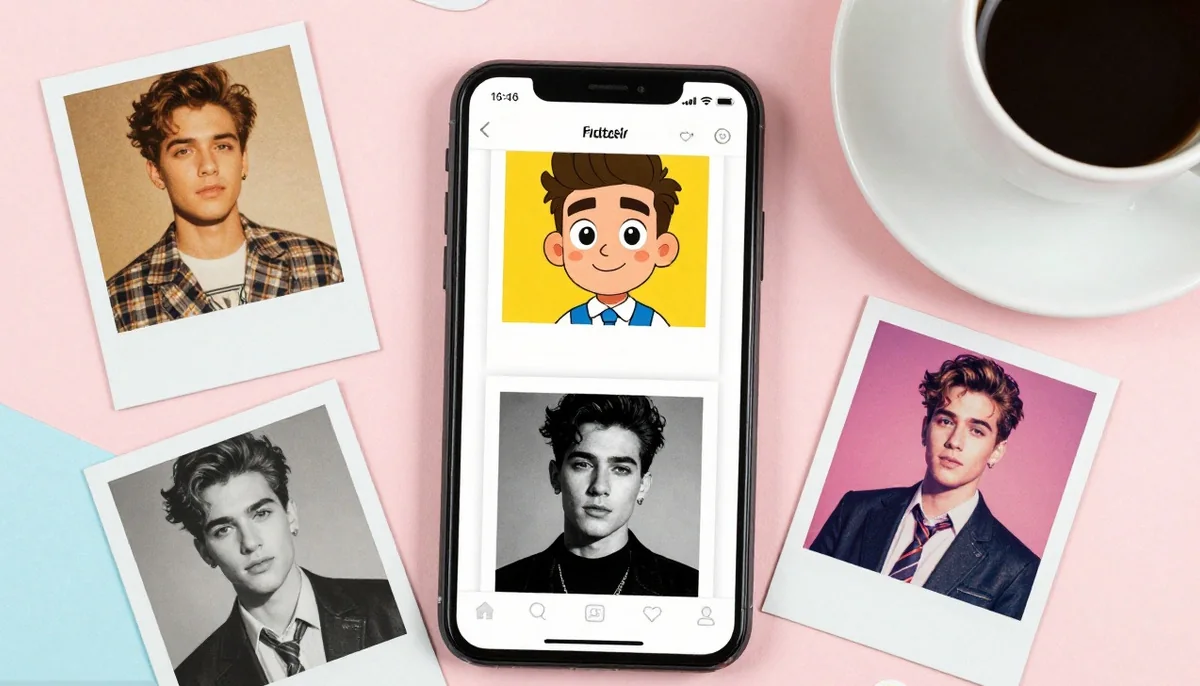
Character styles turn you into an animated version of yourself, Pixar-like 3D characters and cartoon caricatures lead this group. They work because they keep your recognizable features while wrapping them in a friendly, polished art style.
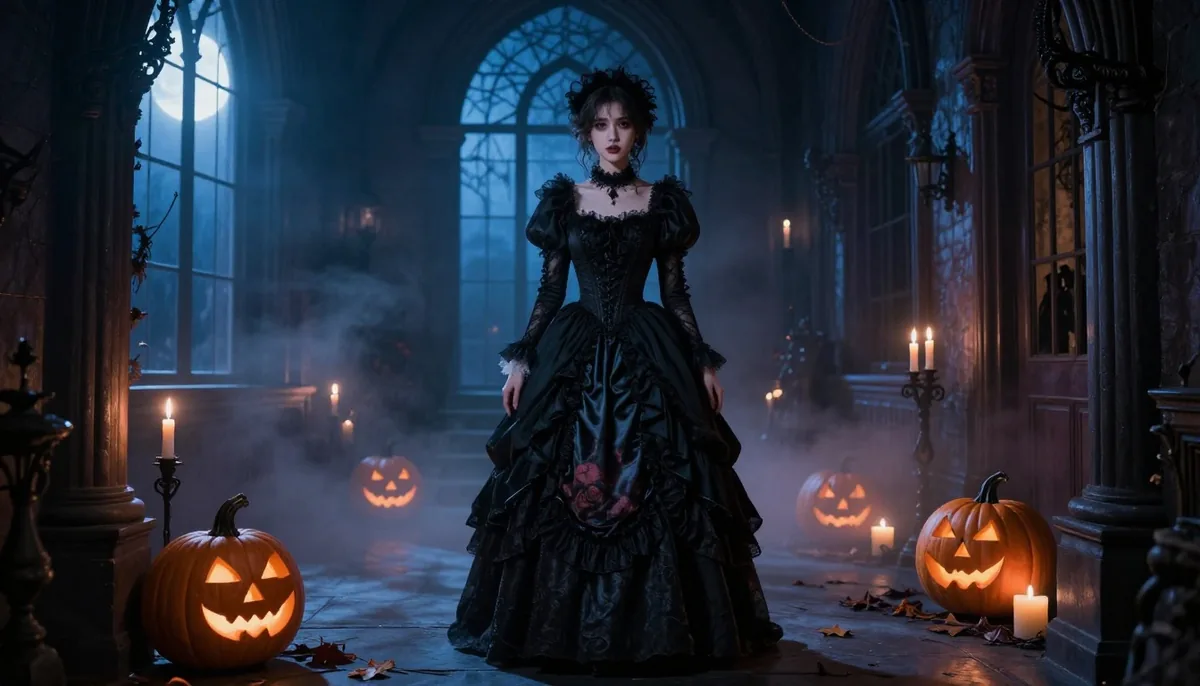
Cinematic poses recreate professional photography setups: dramatic wedding shots, moody night portraits, retro film stills. These trade on lighting and composition that would normally need a photographer and a studio.
Artistic conversions, pencil sketches, oil paintings, minimalist metal posters, strip the photo down to a classic medium. They are the most timeless of the three groups and the most popular for profile pictures.
Getting the best result from a trend
Use a clear, front-facing photo where your face is well lit and unobstructed. The template controls the style; your photo only needs to supply a clean likeness.
Solo photos outperform group shots, and simple backgrounds beat busy ones, less visual noise means the AI spends its effort on the style instead of untangling the scene.
If a result misses, try again with a different photo. Because the style prompt is fixed, changing the input photo is the variable that actually moves the outcome.
Where trends come from and how often they change
Trend catalogues follow culture: football season brings stadium and jersey styles, wedding season brings bridal cinematics, film releases spawn look-alike aesthetics. The catalogue on the Trends page is refreshed continuously, and the Top Trends row is ranked by what users are actually generating right now, so it doubles as a live popularity chart.
Trying them costs nothing: pick a style, upload a photo, and your free images cover the experiment.
Try unlimited AI photo editing
Run every AI tool as much as you want, right in your browser.