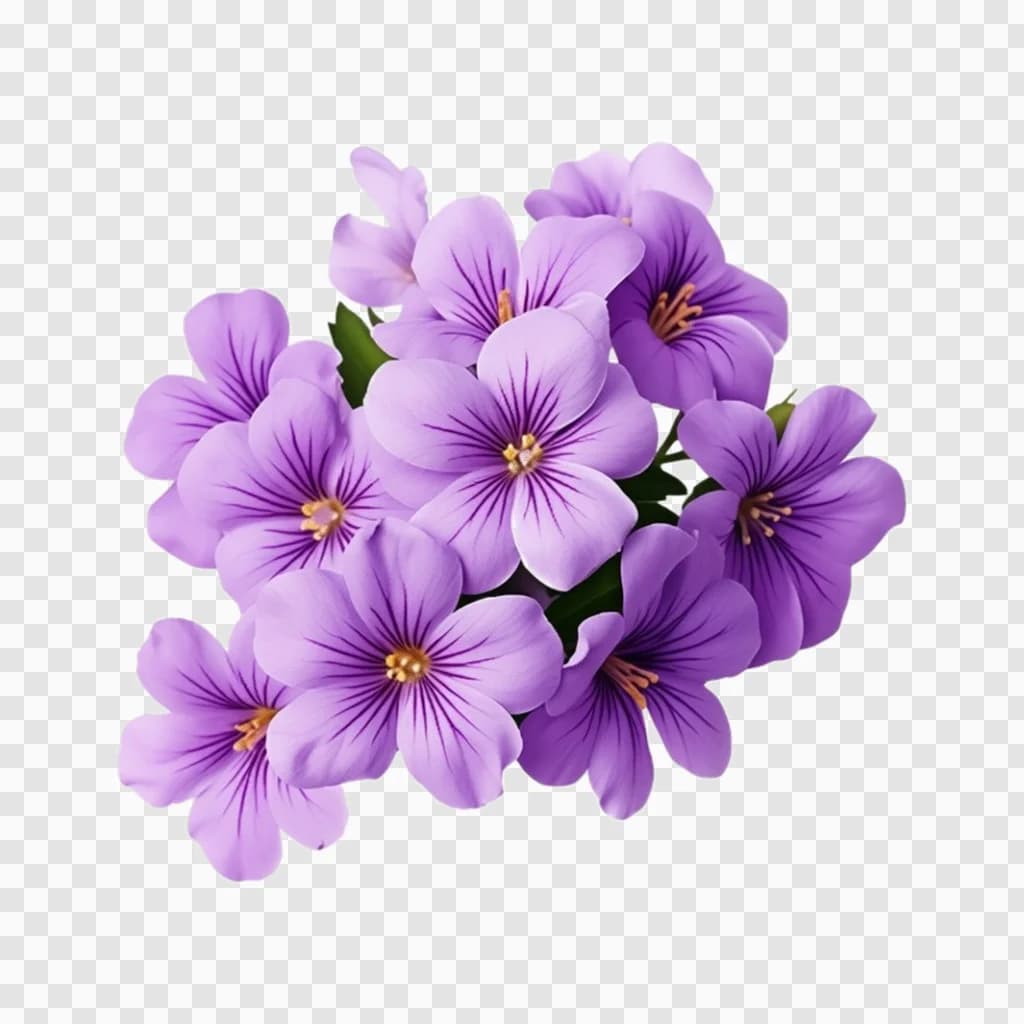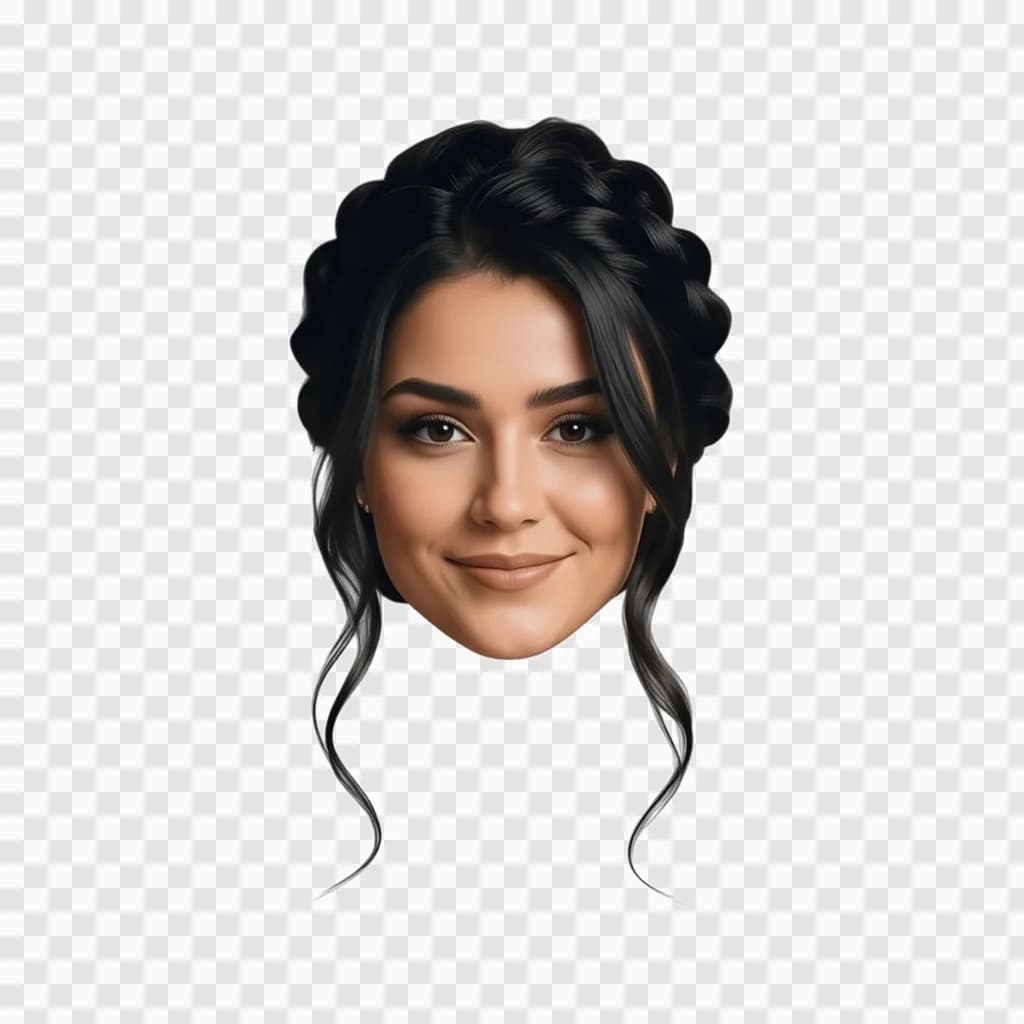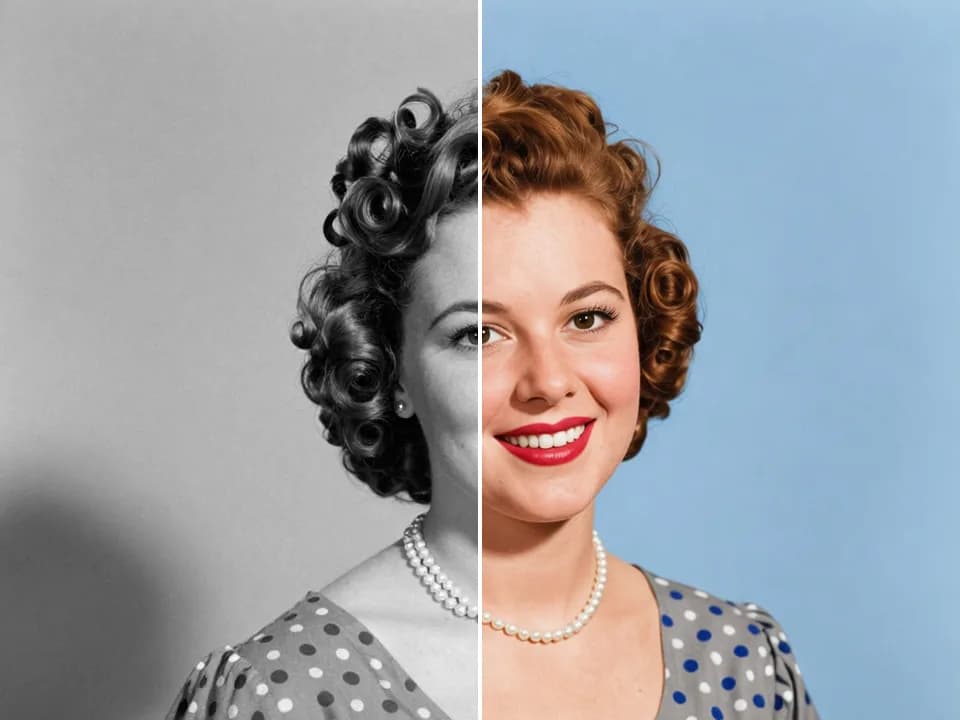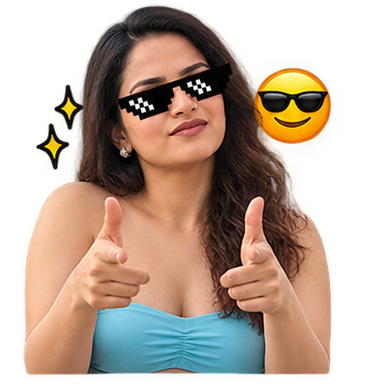
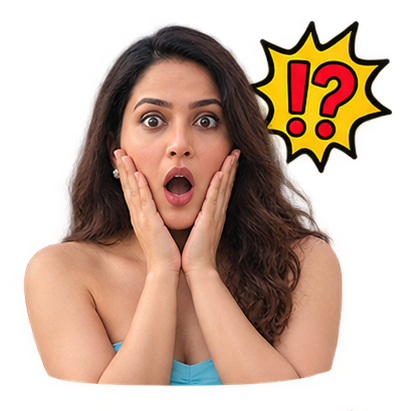
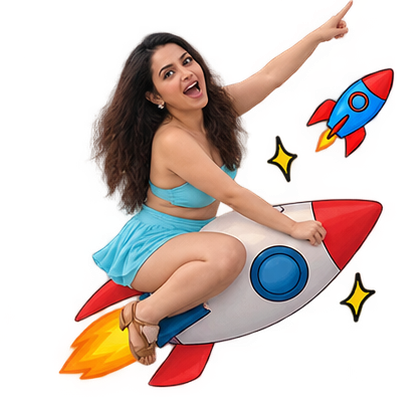
Add custom stickers to Instagram Stories, TikTok content, reels, posts, thumbnails and other visual content to make it more expressive.
AI Sticker Generator
AI Tool
AI Sticker Generator
One photo, nine stickers
JPG, PNG or WebP. A clear photo of a face, pet or object works best.JPG, PNG or WebP. A clear photo of a face, pet or object works best.
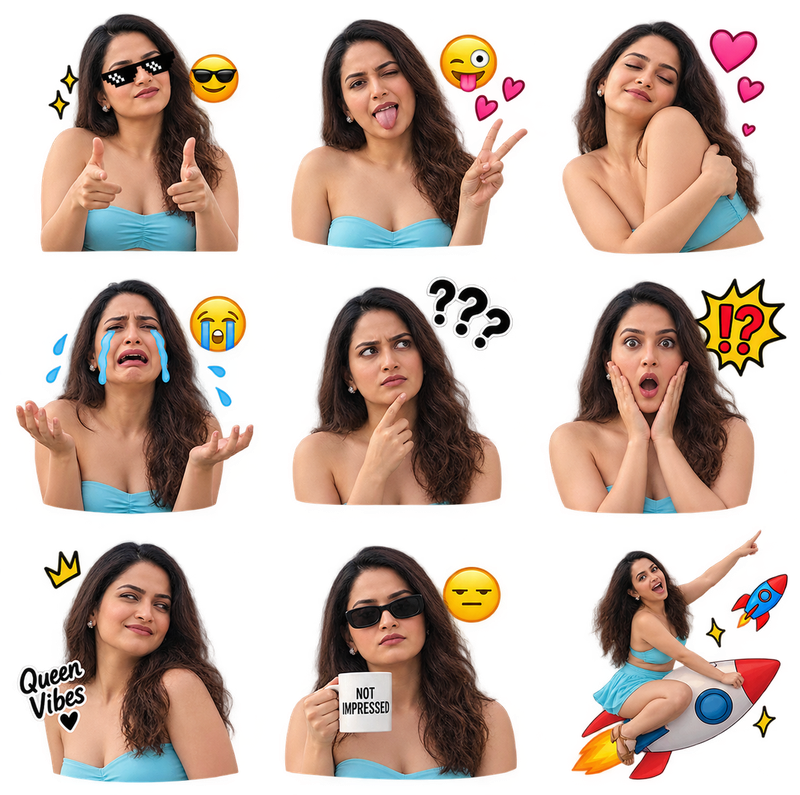
Your face, as a sticker pack
Turn Any Photo Into a Custom Sticker
By uploading, you agree to our Terms of use and Privacy Policy.
No prompt needed3 x 3 reaction packTransparent PNG download
Create fun, expressive and shareable stickers from your favorite images with our AI Sticker generator. Upload a photo, let AI transform it into a clean sticker-style design and use the result for chats, social media, profile content, digital projects or personal collections. No design experience is needed and the process is quick enough for beginners.
Four peels to a pack
How to Use the AI Sticker generator
- 1
Upload Your Image
Choose a clear photo where the main subject is easy to see. Portraits, pets, objects, food and product images can all work well.
- 2
Let AI Process the Photo
The tool analyzes the image, identifies the main subject and creates a sticker-style version with a cleaner and more focused appearance.
- 3
Preview Your Sticker
Check the final result and see how your original photo has been transformed into a fun digital sticker.
- 4
Save and Share
Use your sticker in chats, social media posts, stories, creative projects, mood boards or personal collections.
Stickers, explained
What Is an AI Sticker Tool?
An AI sticker tool uses artificial intelligence to turn an image or idea into a sticker-style graphic. Instead of manually removing backgrounds, tracing subjects or drawing outlines, the system handles much of the creative process automatically.
An ai sticker maker can be useful for people who want personalized digital stickers without using complicated design software. You can start with a simple image and create artwork that is easier to share, save and reuse.
Make my stickersTurn a Photo Into a Sticker
If you already have a favorite selfie or image, an ai sticker generator from a photo makes it easy to transform that picture into a more playful digital asset.
You can use smiling photos, funny expressions, travel pictures, pet portraits or even product images. Clear subjects usually produce better results because the tool can separate the main subject more accurately from the background.
- 9stickers per photo
- 1:1square sheet
- PNGtransparent download
- 0design skills needed
What to upload
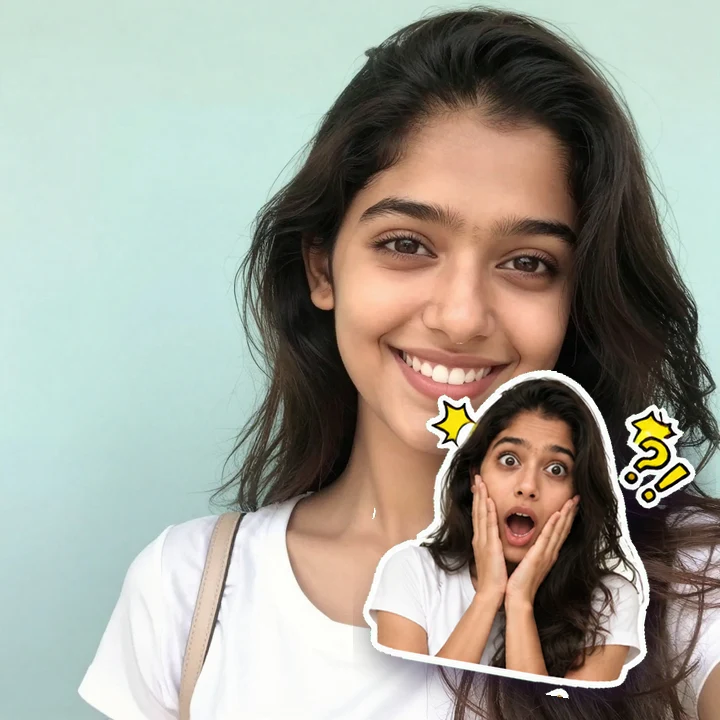
Any clear photo works, here are real results
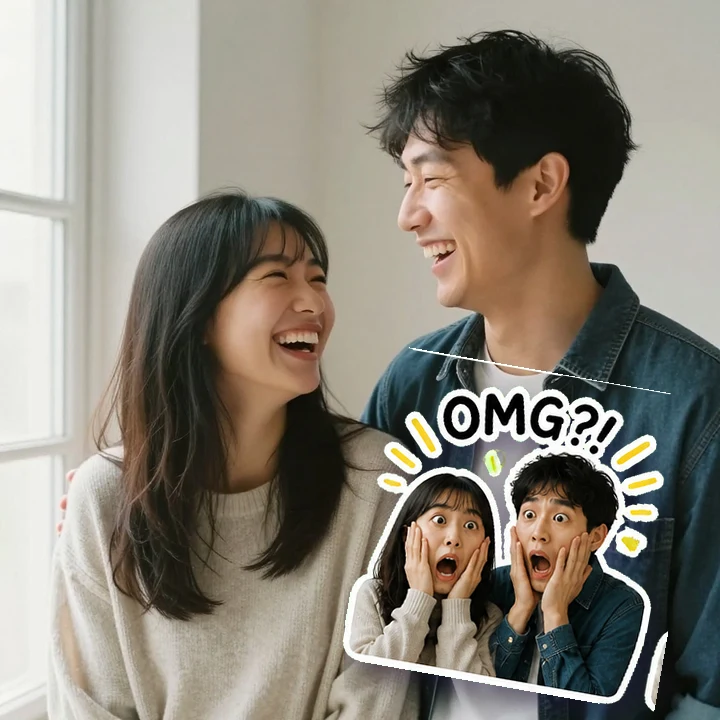
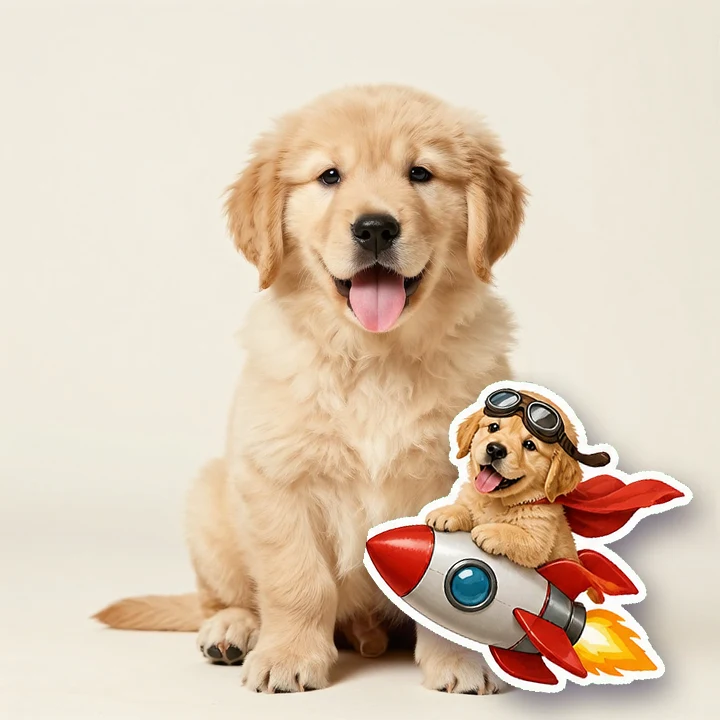
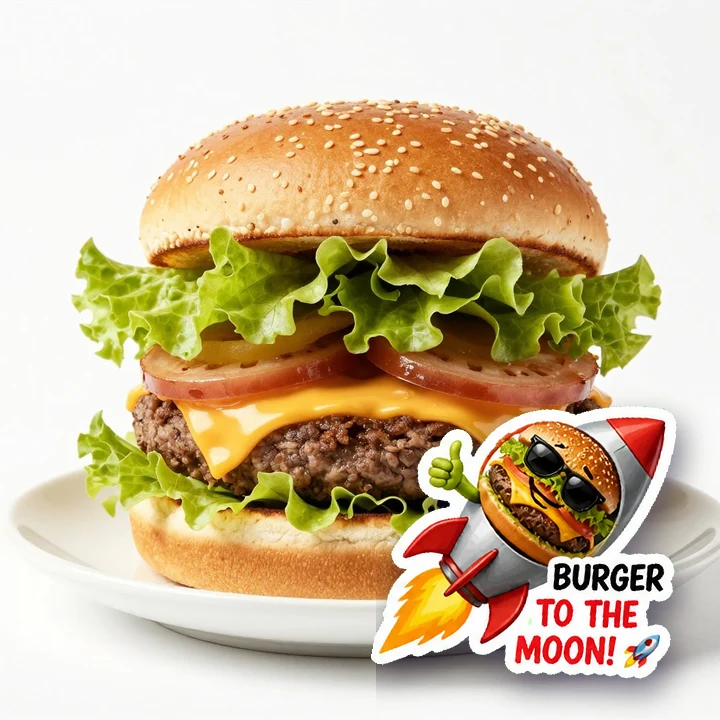
Why bother?
Why Create Custom AI Stickers?
Creating stickers manually can take time, especially if you need to remove backgrounds, draw outlines, resize images and clean edges. AI makes this process much easier.
You can create custom stickers for different moods, reactions, people, pets, hobbies and special moments. This gives you more freedom to make visuals that feel unique instead of relying only on ready-made sticker packs.
- No background removal by hand
- No outlines to trace
- No resizing or edge clean-up
- One upload, one click, nine stickers
Where they end up
Popular Ways to Use AI Stickers
Create stickers based on your own expressions, reactions, pets or inside jokes and use them in conversations with friends or family.
Turn memorable photos into fun stickers and include them in digital greetings, birthday messages, invitations or surprise designs.
Creators and small businesses can use custom stickers to add personality to social content, community posts and visual campaigns.
Build your own sticker set around your hobbies, favorite moments, travel photos, pets or different moods.
Tips for Better Sticker Results
For the best output, use a sharp image with good lighting and a clearly visible subject. Photos with simple backgrounds often help the tool detect the main object more accurately.
Try different poses, expressions and image types. A close-up selfie may create a strong reaction sticker, while a full-body image can work better for character-style designs.
Avoid extremely blurry images, very dark photos or pictures where the subject blends heavily into the background.
DoSharp photo, good light, subject clearly visible.
DoTry a close-up for reactions, full body for characters.
SkipBlurry, very dark, or subject blending into the background.
Make Stickers Without Design Skills
Create Your Own Sticker Collection
Upload an image, let the AI handle the transformation and create a sticker you can use in just a few steps. This makes the tool suitable for casual users, content creators, students, social media users and anyone who enjoys personalized visuals.
Start with one photo, experiment with different styles and build a collection that reflects your personality.
Make my stickersFrequently Asked Questions
Clear photos with good lighting and a visible main subject usually work best. Simple backgrounds can also help create cleaner results.