

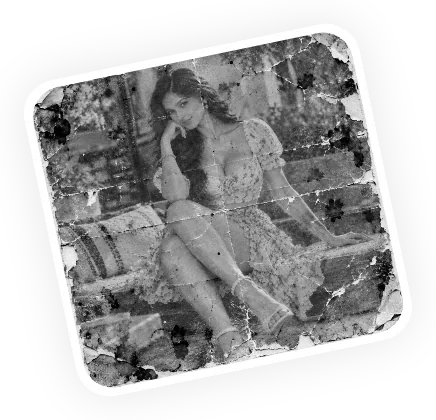
Upload your image
Upload your black-and-white or faded photo.
Turn black and white photos into realistic color images with Magical Studio AI Photo Colorizer. Upload an old family picture, vintage portrait, wedding photo or historical image and let AI add natural-looking colors in seconds. No Photoshop, no manual painting and no editing skills required.
Upload your black-and-white or faded photo.
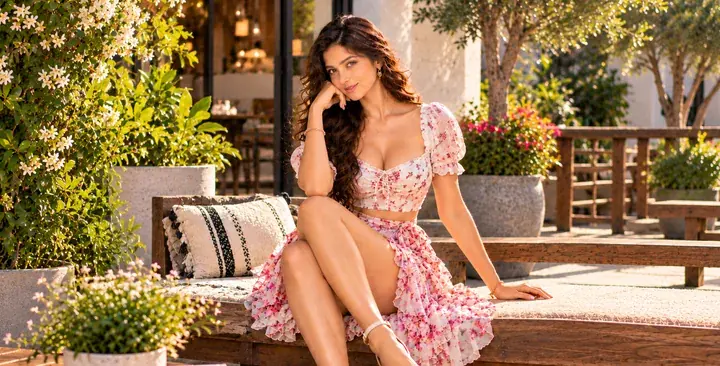
The AI adds realistic color and restores detail.
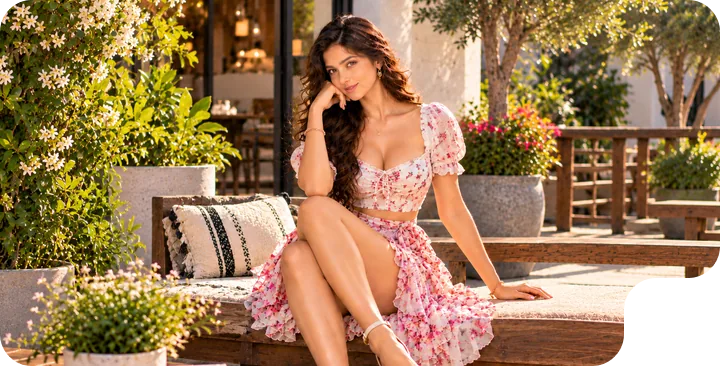
Download the colorized, restored photo.
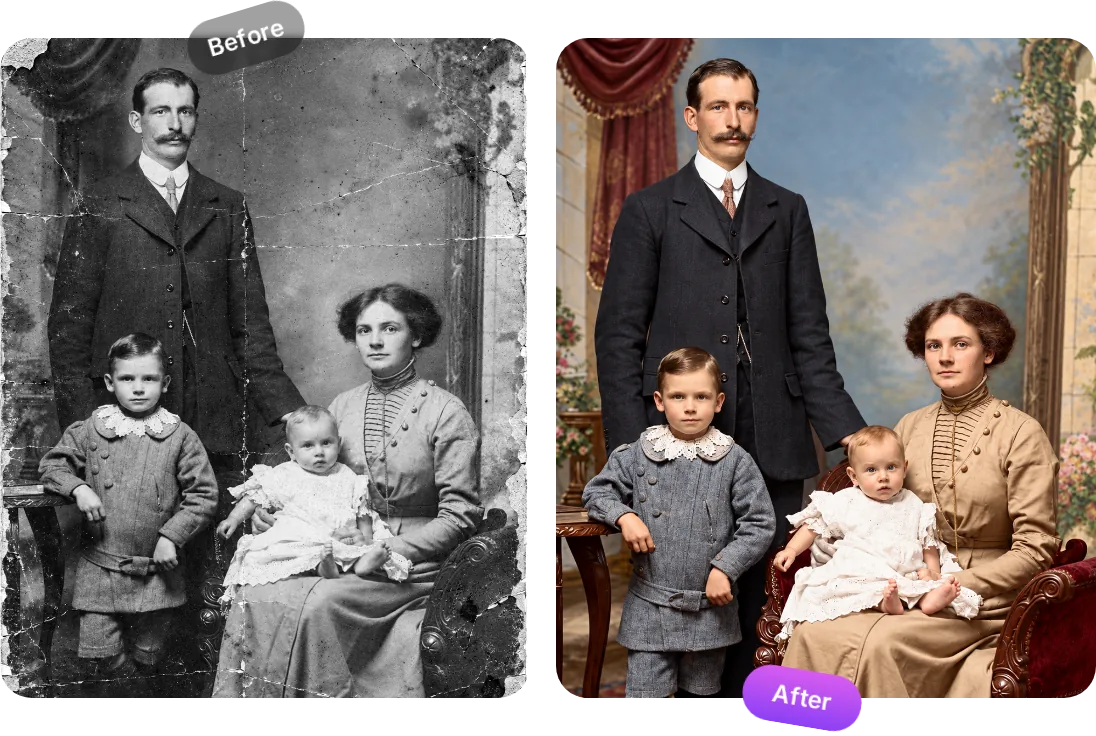
An AI photo colorizer is an online tool that uses artificial intelligence to understand a black and white image and add realistic colors automatically. It looks at the objects in your photo, such as skin, hair, clothing, sky, trees, roads and indoor backgrounds, then predicts natural colors that match the scene.
Instead of using manual brushes or complex photo editing software, you only need to upload your image and click generate. The AI handles the colorization process and gives you a colorized version ready to download.
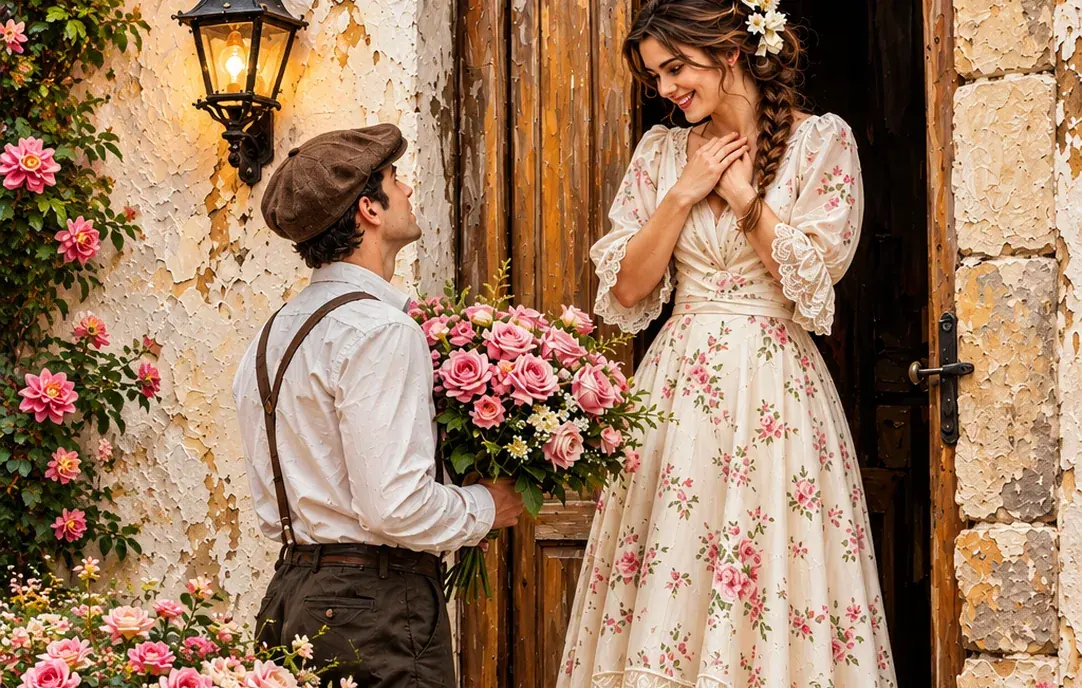
Old photos often hold the most valuable memories, but black and white or faded images can feel distant. With Magical Studio AI Photo Colorizer, you can give those moments a fresh, realistic look. The tool is useful for family albums, old portraits, school projects, social media posts, genealogy research, archive collections and creative photo restoration.
You can use it to colorize old photos of parents, grandparents, weddings, childhood moments, vintage streets, historical places, and classic portraits. The result keeps the original feeling of the image while making it more vivid and easier to connect with.
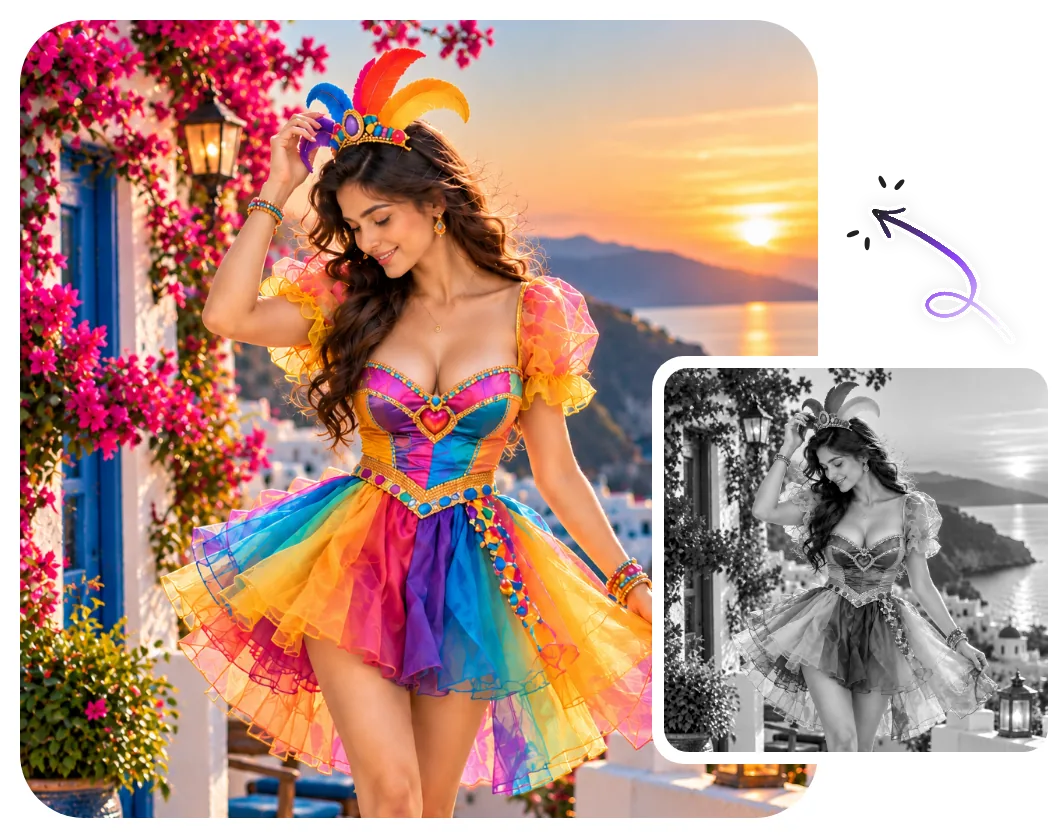
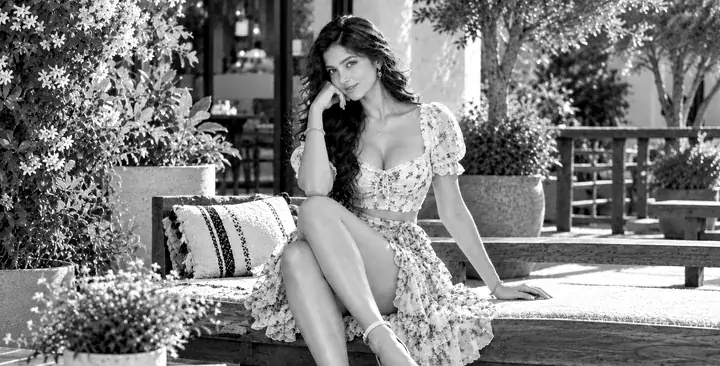
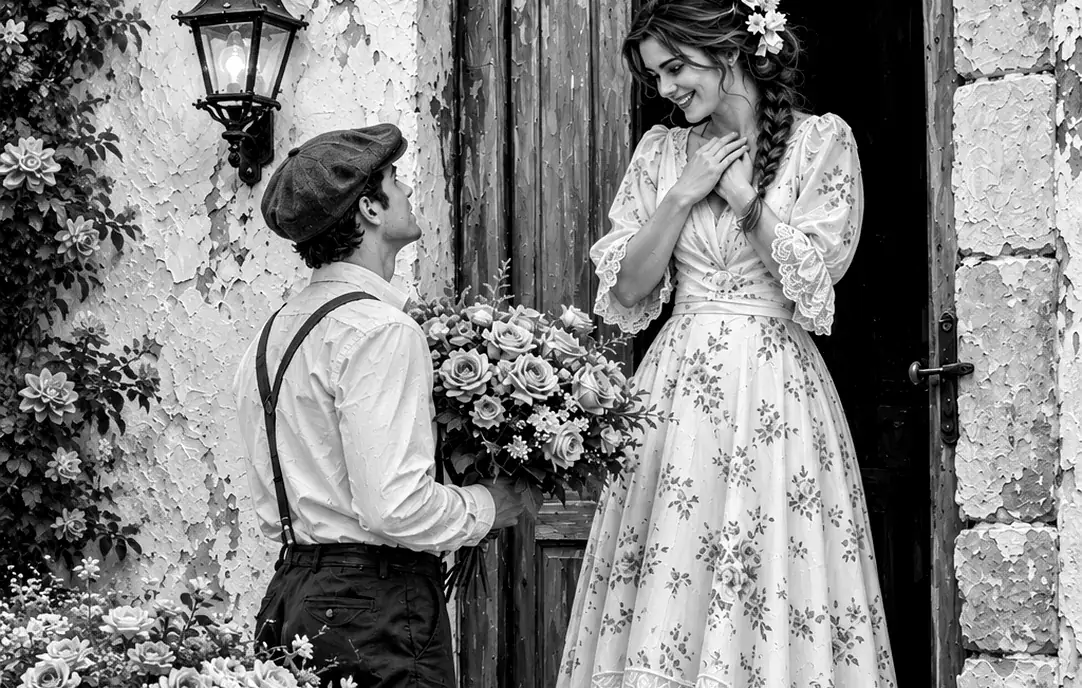
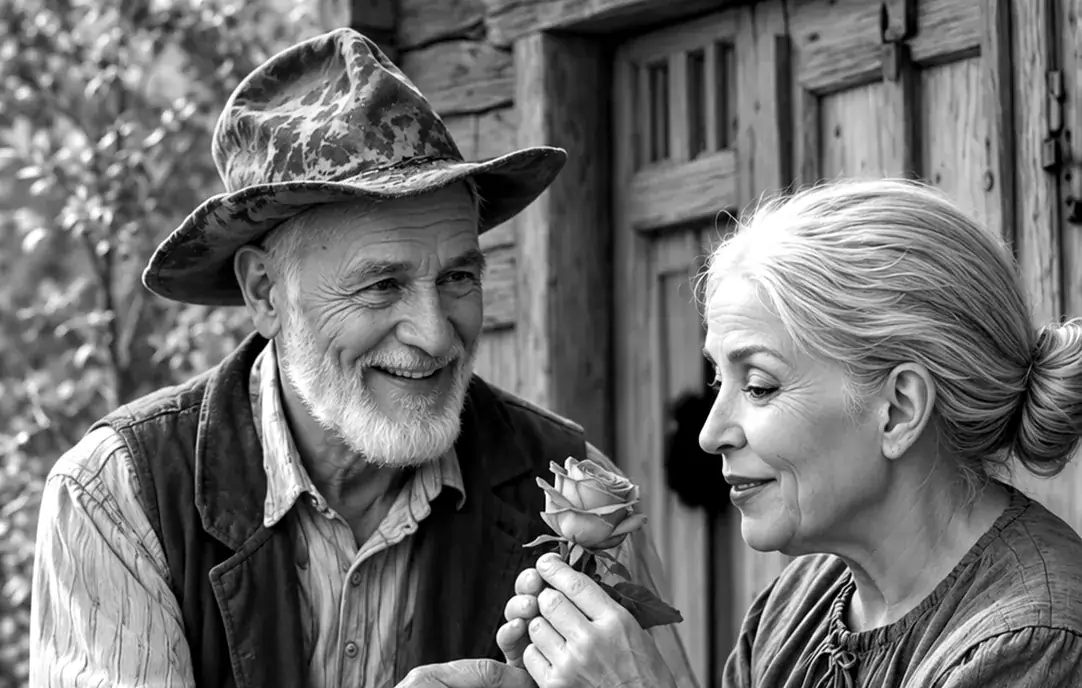
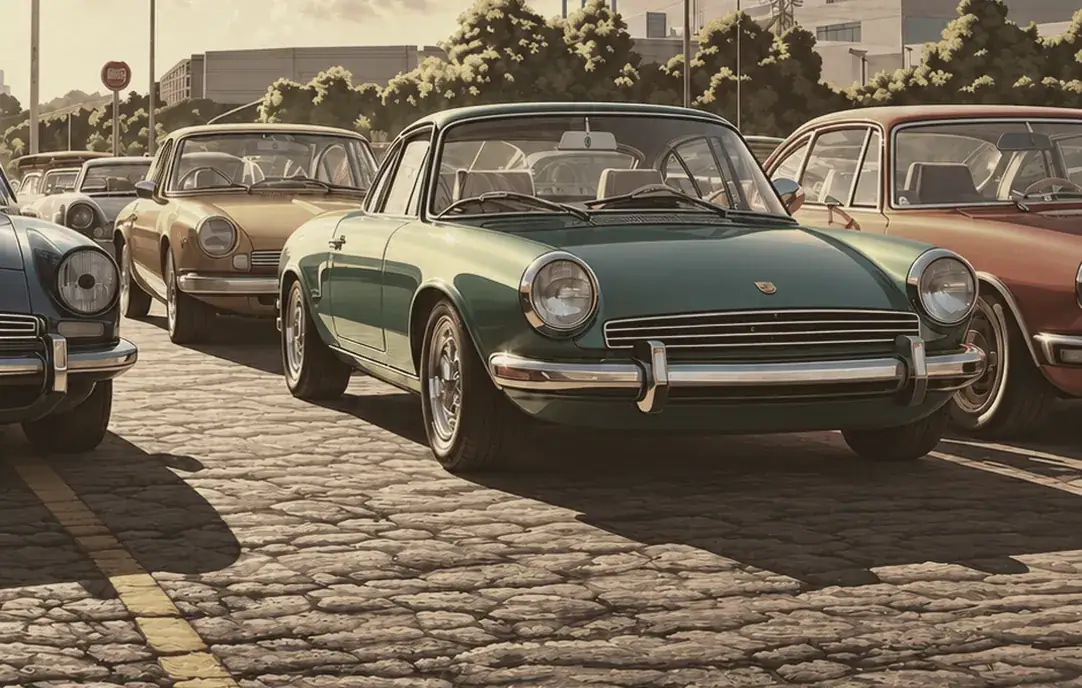
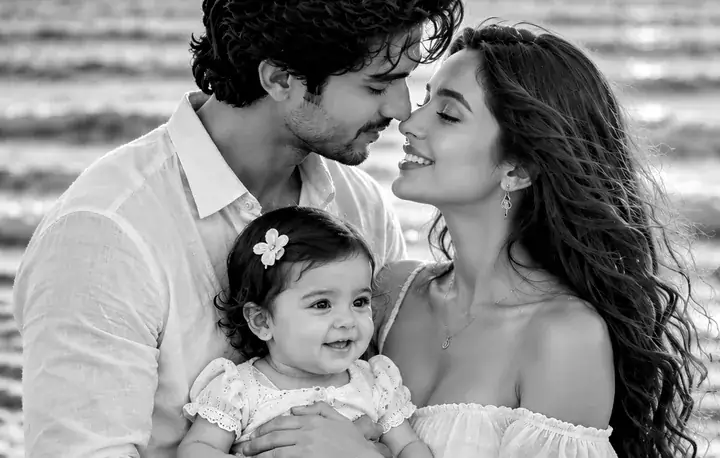
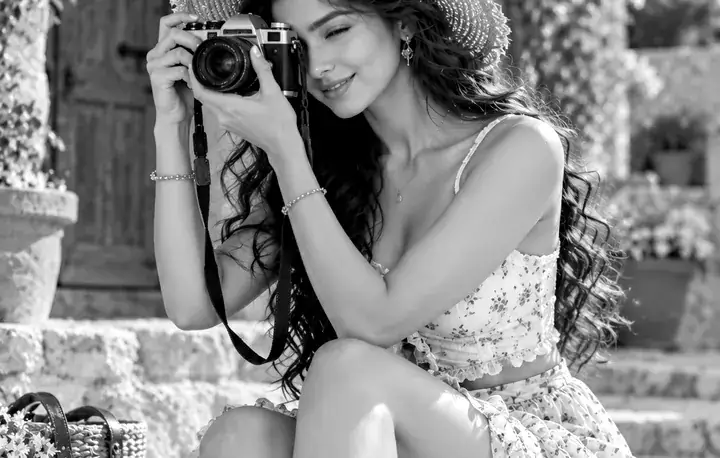
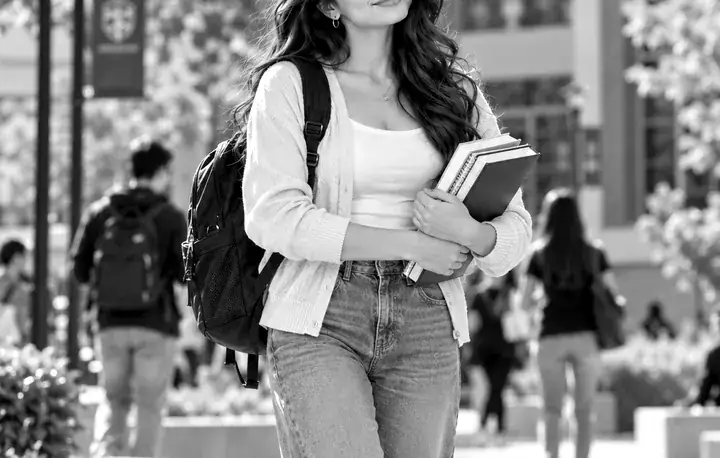
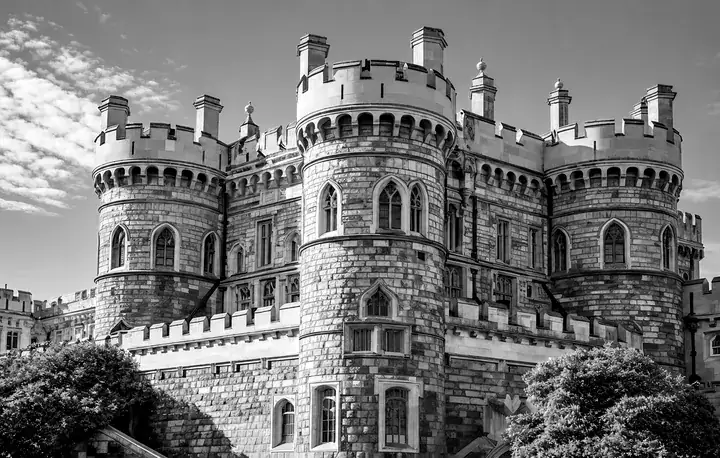
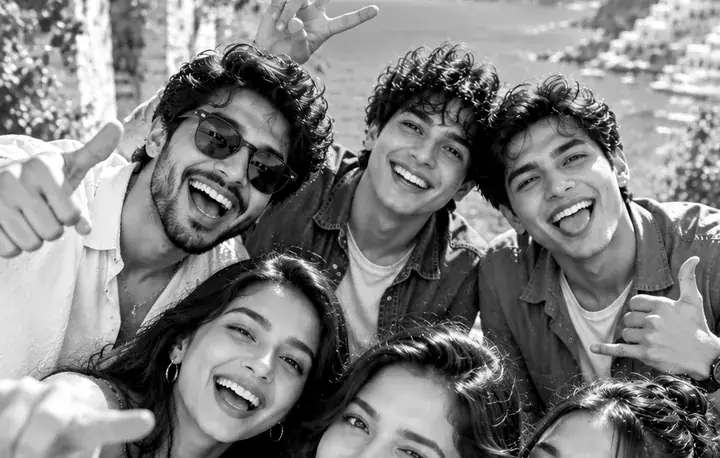
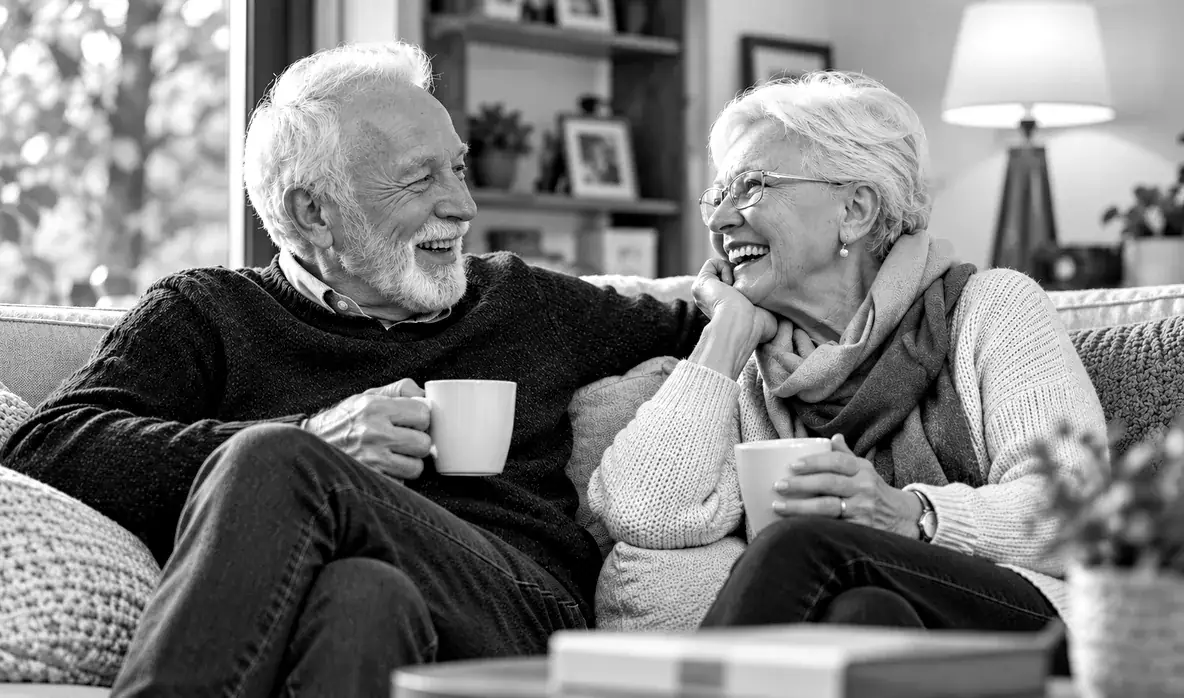
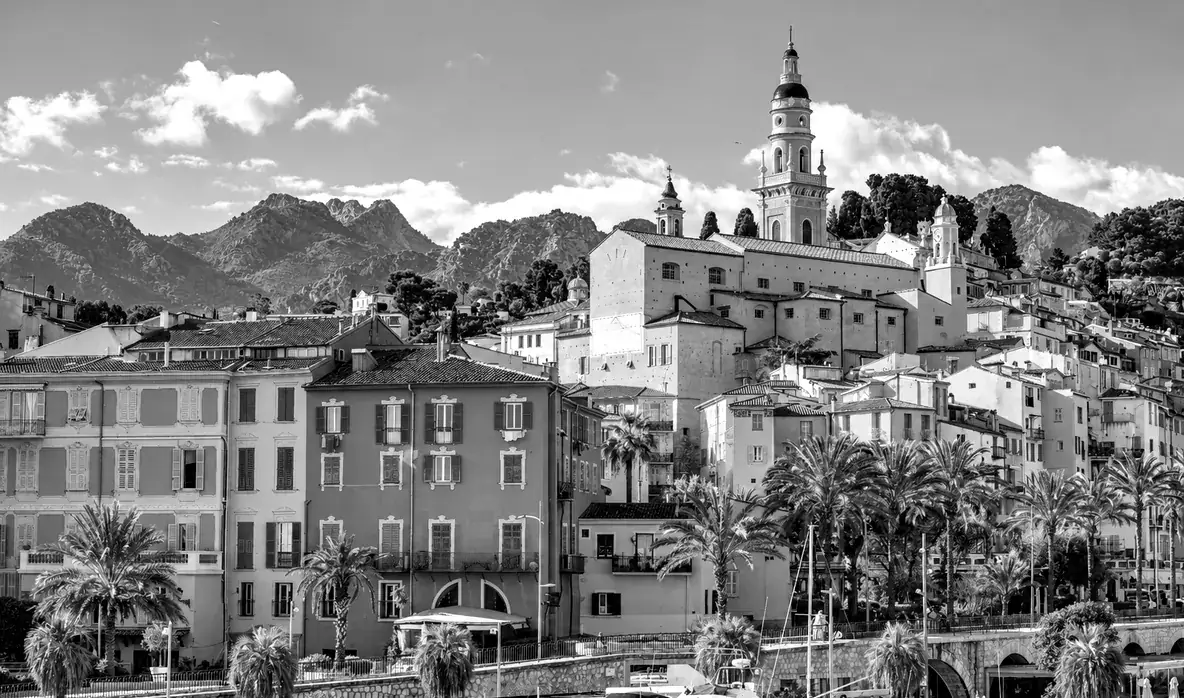
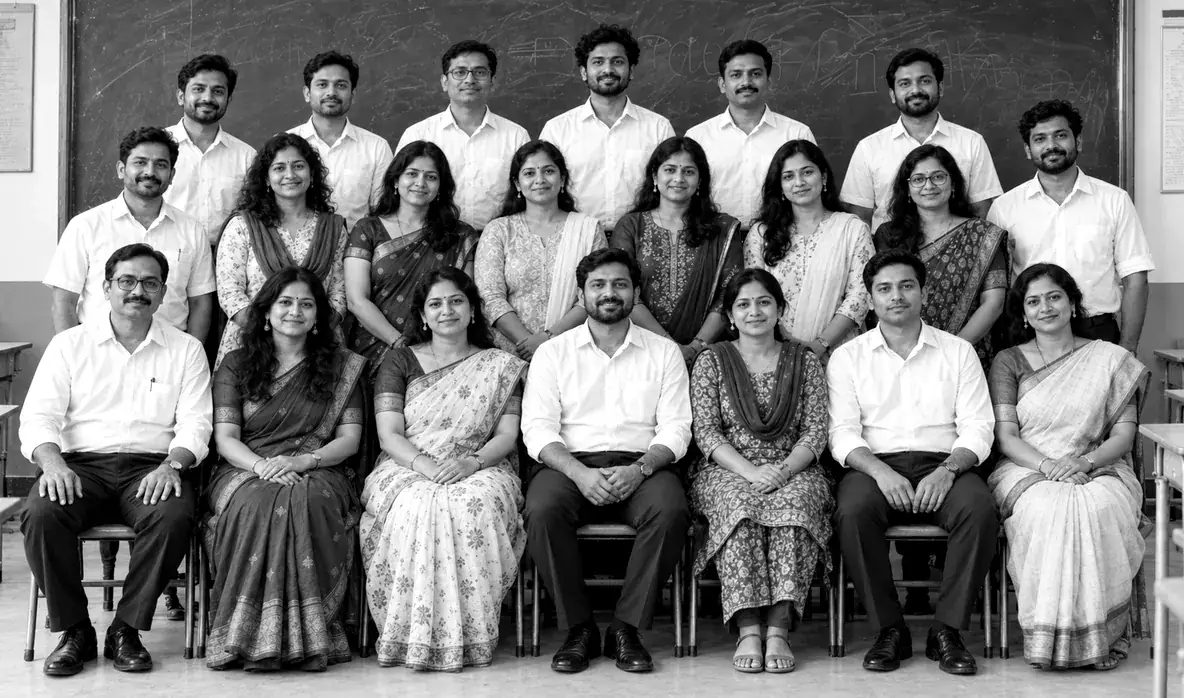
Compare the original and colorized examples on this page to see how skin, clothing and backgrounds can change. For a walkthrough, read how to colorize black-and-white photos. Keep your original scan: AI colors are estimates, not a record of the original colors.
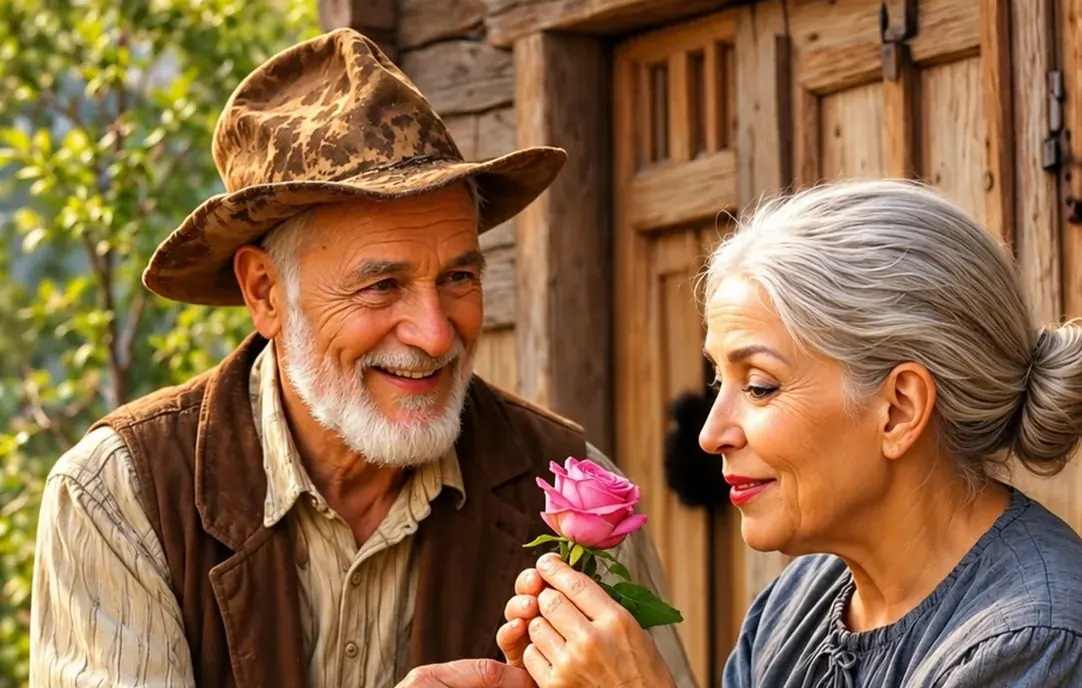
AI colorization creates realistic color estimates. It can predict common colors for skin, sky, plants, buildings and clothing, but it cannot always know the exact original color of every item in the photo. For example, if someone wore a blue dress in real life, the AI may choose a similar natural color but not always the exact same shade.
That is normal for AI photo colorization. The goal is to create a believable, emotional and visually natural version of the original black and white image.
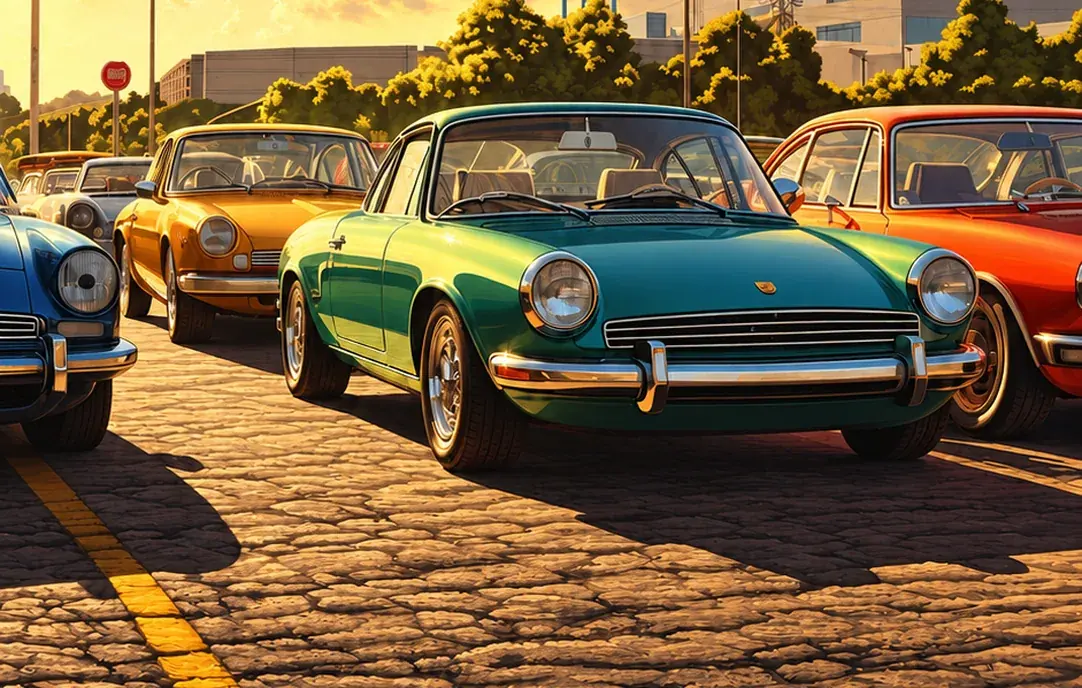
Start with the clearest version of your photo. If you have a printed picture, scan it at a high resolution or take a sharp photo in natural light. Avoid shadows, glare and tilted angles. Crop out thick borders, frames or damaged corners before uploading so the AI can focus on the actual image.
For a soft or low-resolution scan, compare the result from the photo enhancer or image upscaler before adding color. For a damaged family print, follow the scanning and cleanup steps in our old family photo restoration guide. Severe damage can limit what AI recovers.
Magical Studio AI Photo Colorizer is useful for families, creators, students, designers, historians, archivists, teachers, bloggers and social media users. Families can restore old memories, creators can make engaging before-and-after content and students can make historical images more visually interesting for presentations. If you have an old black and white image and want to see it in color, this tool gives you a quick and simple way to do it.
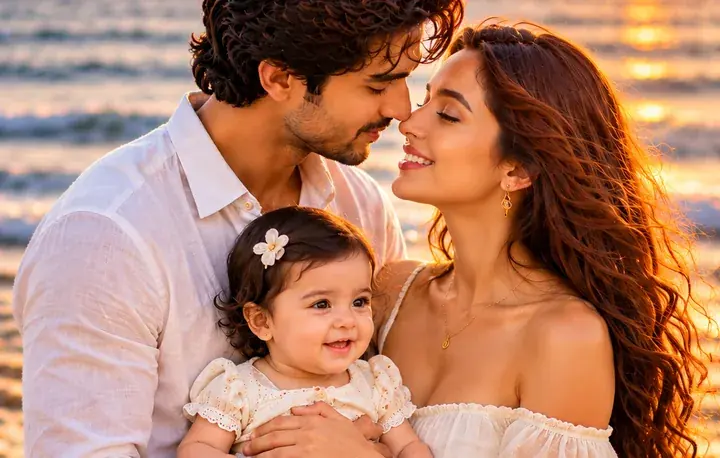
Restore old memories and bring your precious photos to life.
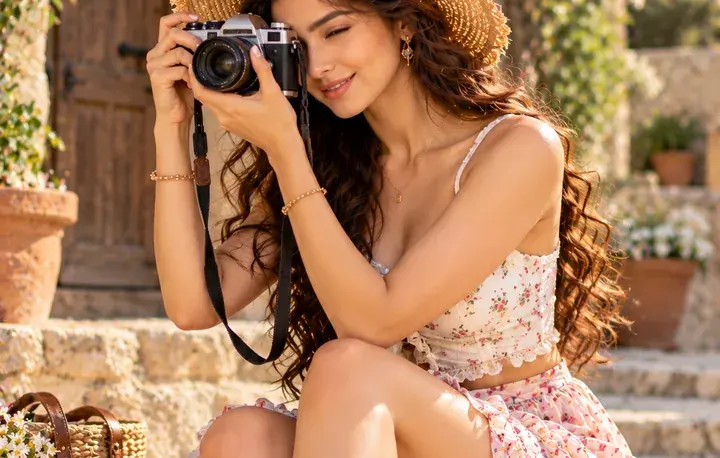
Make engaging before-and-after content for social media.
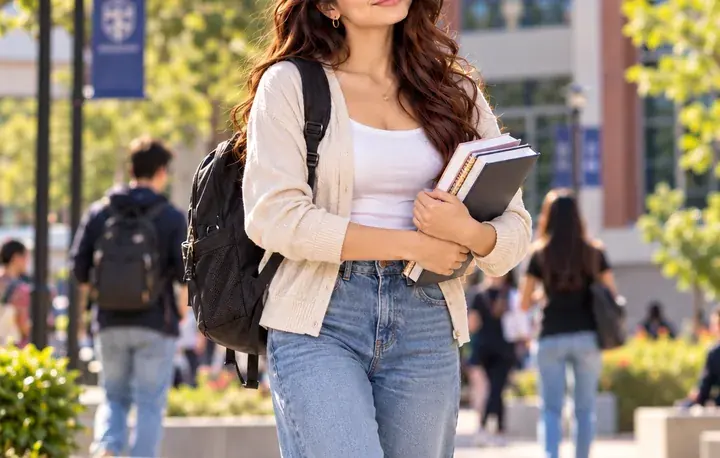
Make historical images more visually interesting for presentations.
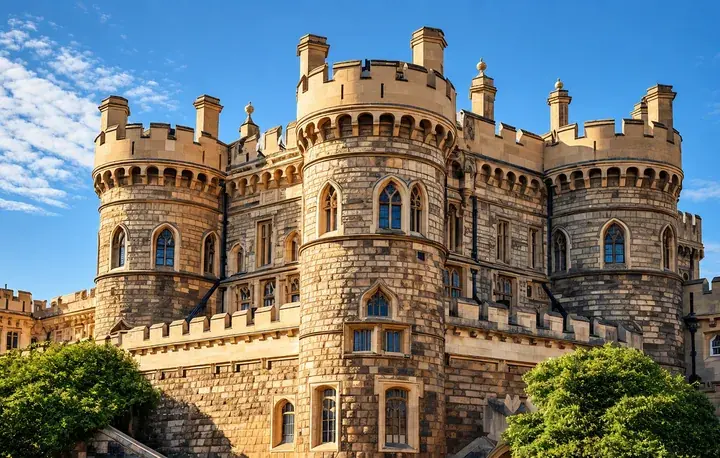
Use colorized images for creative projects and visual storytelling.
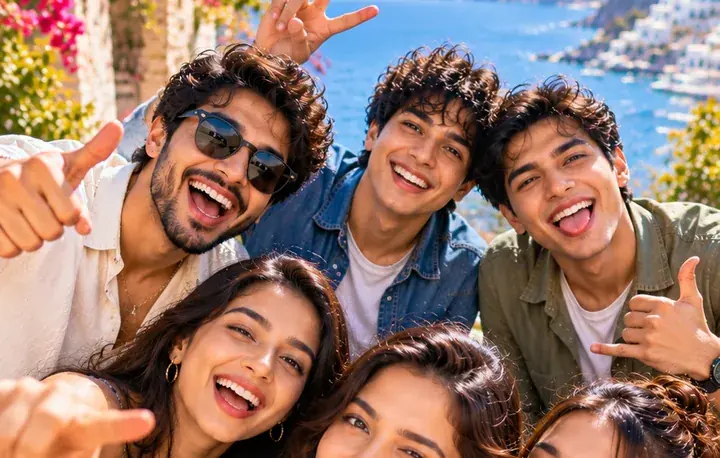
Bring archive photos to life with natural-looking color.
Turn old black-and-white photos into color images to share.
Magical Studio AI is designed for users who want fast, simple and realistic photo editing. You do not need to install software or learn advanced editing tools. Everything works online in your browser.

Adds realistic colors to black and white photos

Restores faded old pictures with better visual detail
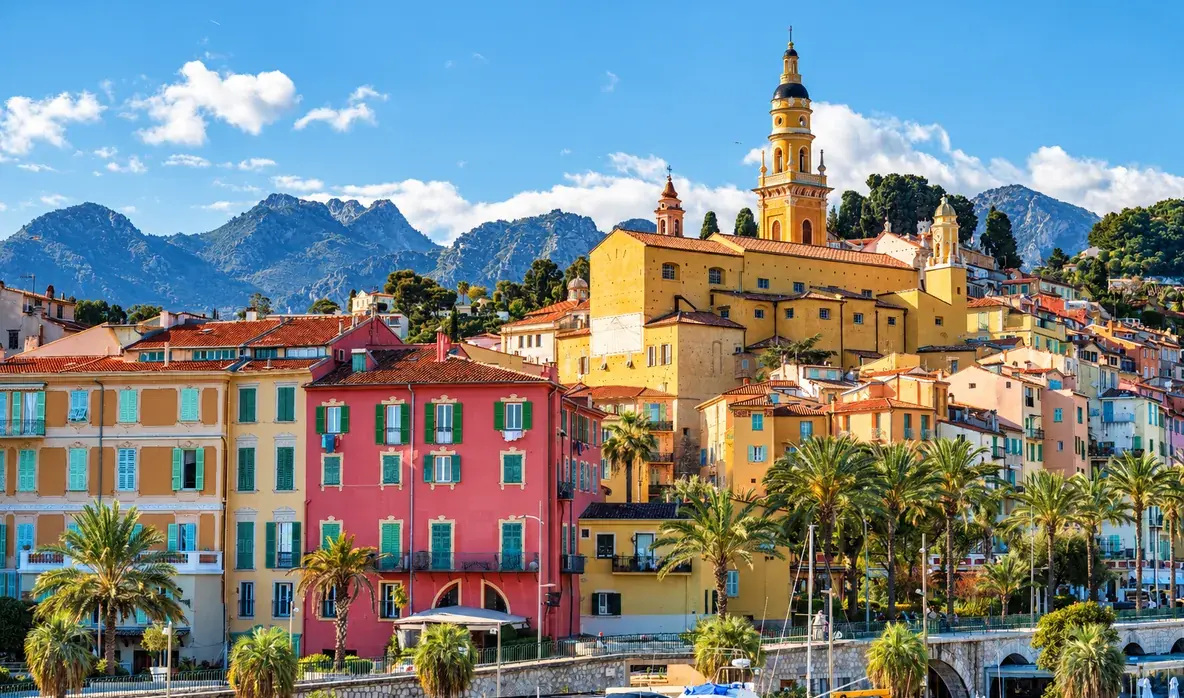
Works online without Photoshop
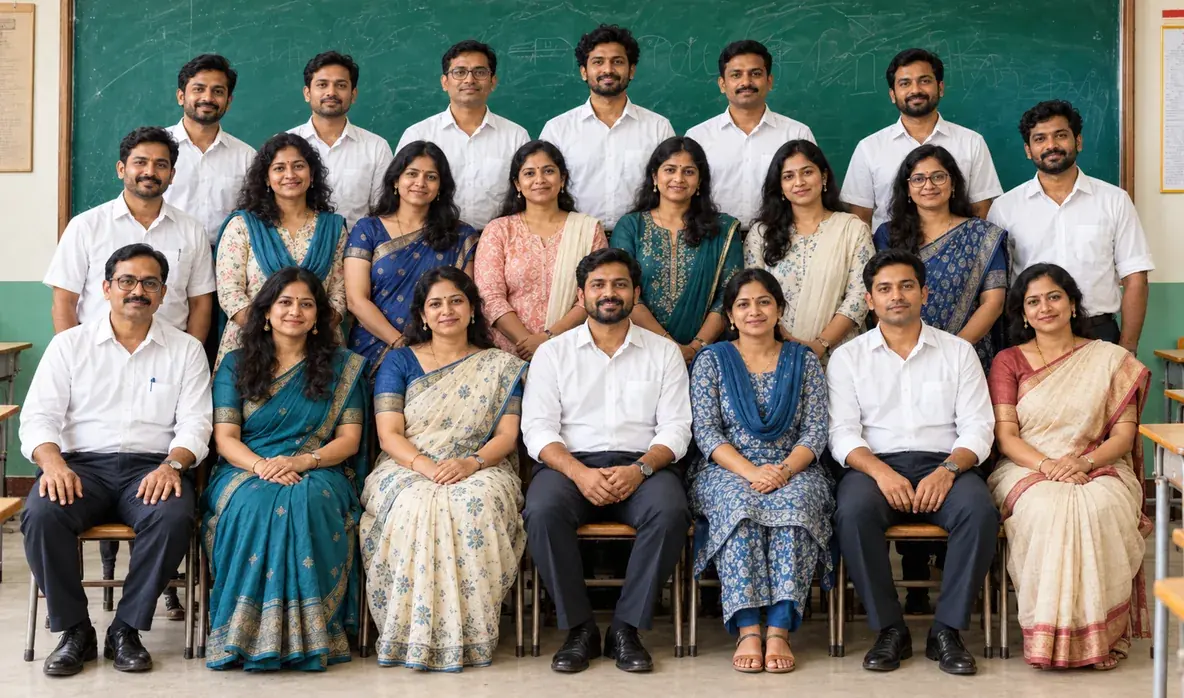
Creates natural-looking skin tones and background colors
FAQ’s
Learn More About Magical Studio AI and Our Powerful Tools
Yes, it adds color and helps restore faded detail. Scan or photograph the picture as clearly as you can for the best result.
The AI predicts natural tones for skin, sky, plants and clothing for a believable result.
Every account gets 5 free images a day, no card needed. The Unlimited plan makes every image tool unlimited.
AI uses the visible subjects and scene to estimate colors for skin, clothing and backgrounds. It cannot determine the exact original colors from a black-and-white photo. Treat a colorized version as an interpretation and keep the original scan, especially for family records or historical research.
Yes, as it colorizes black and white photos, the tool also sharpens and recovers faded detail, helping restore old photos in a single pass. For badly torn or stained pictures, scan them as cleanly as possible first; the clearer the input, the better the colorized, restored result will look.
Restore & colorize old / B&W photos. Upload a photo and see the result in seconds, free to try.
Upload your ImageFile must be JPEG, JPG, PNG or WebP and up to 40MB





 Upload your Image