AI Navratri Photo Generator
Your photo. The colours, sparkle and joy of Navratri.
Step into your festive era—no prompt needed.
Create your festive portrait
AI Tool
Navratri Portrait
Your photo, dressed for the occasion
JPG, PNG or WebP · Up to 40MB. A clear face works best.JPG, PNG or WebP · Up to 40MB. A clear face works best.
Uses your Image Edit allowance. Results vary with your photo. View plans
With the AI Navratri Photo Generator on magical studio ai, explore a celebration-inspired version of yourself. Create a fresh profile picture, a greeting for someone special or a keepsake with a little festive personality.
Give Your Portrait a Festive Mood
Imagine rich fabric textures, embroidered details and the soft glow of an evening celebration around your portrait. The AI Navratri Photo Generator gives your everyday photo a new creative direction, inspired by the colours and atmosphere of the festival.
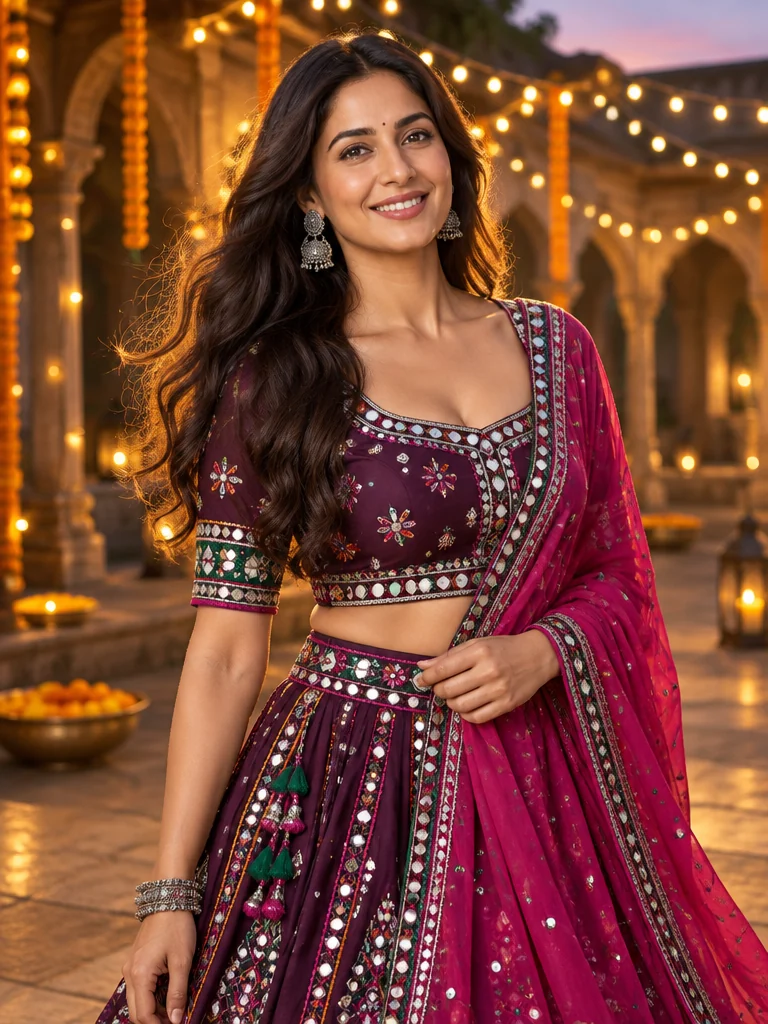
Style inspirationMirror-work magic
Jewel tones. A little extra sparkle.
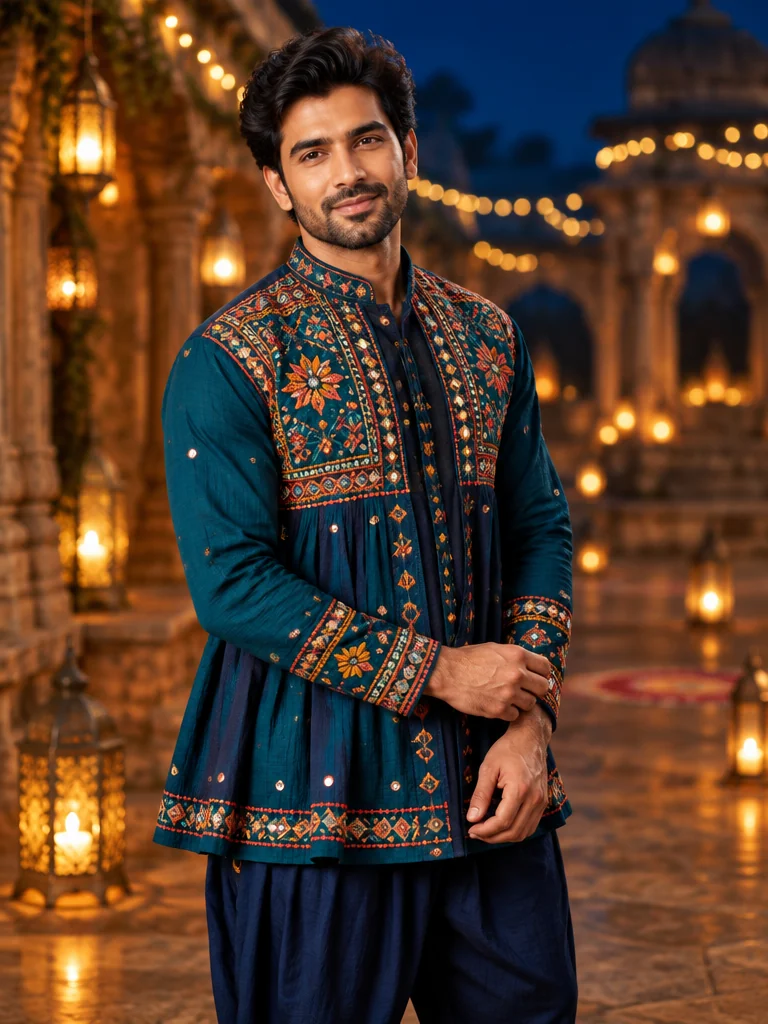
Style inspirationGarba-night glow
Rich embroidery meets golden hour.
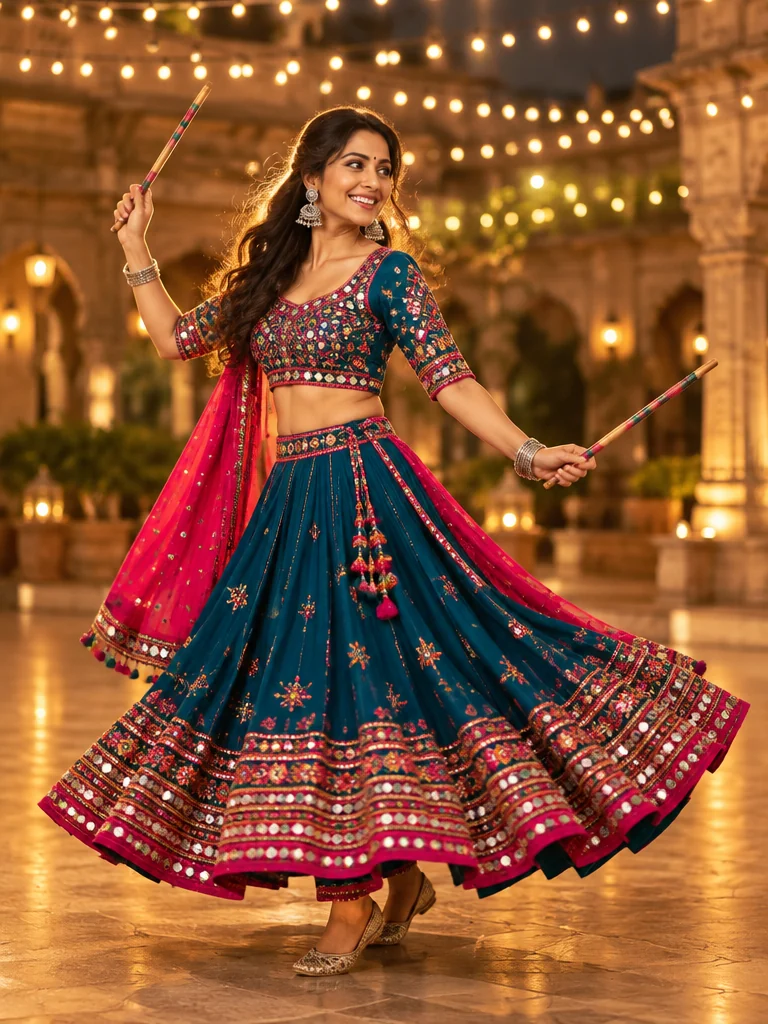 Style inspiration
Made to twirl
Colour, movement and festive joy.
How to Use the AI Navratri Photo Generator
- 01
Choose a Clear Portrait
Pick a well-lit photo with your face clearly visible. Leave a little space around your head and shoulders, and avoid heavy blur or shadows across your face.
- 02
Upload and Start Creating
Upload your picture, sign in if prompted and select Generate. Check your account for available generations before you begin.
- 03
Review and Save Your Favourite Result
Look over the face, clothing and background before downloading your portrait. If you want to try again, a brighter source photo or a different angle may give you a better starting point.
Colour, Texture and a Little Garba-Night Glow
The AI Navratri Photo Generator can reimagine your portrait with a festive visual mood. Look for details that make the composition feel lively and balanced:
Expressive colours
Jewel tones and bright accents that bring energy to the portrait.
Traditional textures
Embroidery and mirror-work-inspired details that add visual interest.
Warm lighting
A gentle glow that gives the scene an inviting evening atmosphere.
A thoughtful setting
Decorative lights and festive patterns that complement the subject.
Small Photo Choices That Make a Difference
Good Navratri photo editing starts with a useful source image. Choose natural lighting, keep your face unobstructed and use a photo with enough detail to show your features clearly.
A simple background can make the subject easier to distinguish. Skip strong beauty filters when possible, and check the generated image closely before deciding which version to share.
Make Your Greeting Personal
Create a Navratri festival image with your own portrait at its heart. After downloading, add a short message in your favourite editing app, refresh your profile picture or include the result alongside photos from your celebrations.
A few words in your own voice can make the finished greeting feel especially personal. Keep any added text away from the face so the portrait remains the focus.
Frequently Asked Questions
A few helpful things to know before creating your portrait.
No. The AI Navratri Photo Generator handles the visual transformation, so you do not need to build the effect manually. Start with a clear photo, generate a result and review it before saving.
Ready for Your Festive Close-Up?
Open the AI Navratri Photo Generator, upload a photo you like and give your next portrait the colours of celebration.
Create My Festive PortraitExplore more festive styles