Polaroid AI Photo Generator: Create Retro Instant Photos Online
In this guide
The charm of instant photography never really disappeared. Soft hues, warm tones and the signature white frame give Polaroid-style photos a timeless charm that can make even simple everyday moments feel nostalgic. Today, artificial intelligence makes it possible to recreate that timeless aesthetic without needing an instant camera, special film or complicated editing software.
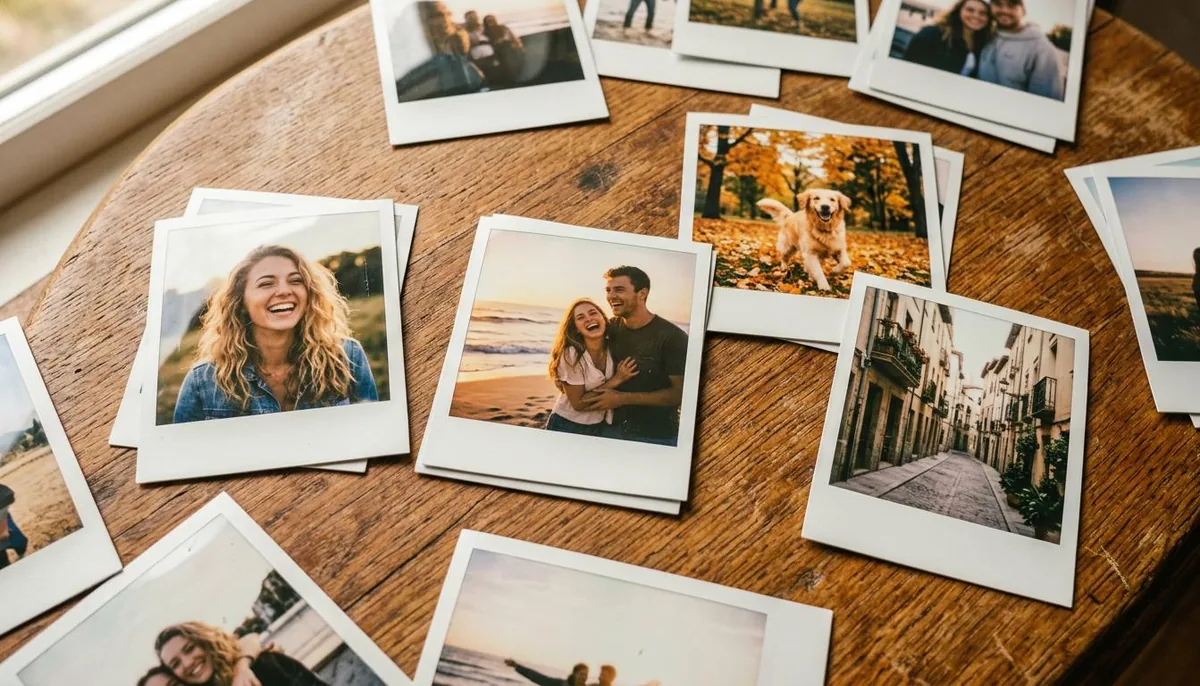
A Polaroid AI Photo generator can transform an ordinary digital image into a retro-inspired instant photograph with vintage colors, subtle grain, classic framing and an authentic photographic atmosphere. Whether you want to give your portraits an old-school look, create memorable social media posts or experiment with nostalgic photography, AI makes the process quick and accessible.
What Is a Polaroid AI Photo Generator?
A Polaroid AI Photo generator is an online tool that uses artificial intelligence to create images with the nostalgic look of classic instant-camera photography. Instead of manually adjusting exposure, colors, grain, borders, shadows and other effects, you can use AI to produce the overall aesthetic with minimal effort.
The technology analyzes the uploaded image and applies visual characteristics commonly associated with instant photography. They may feature gently faded tones, warm lighting, soft contrast, natural film grain, subtle vintage flaws and the classic look of instant photography.
The result is more than simply adding a white frame around a picture. A good AI generation can create a cohesive vintage appearance that makes the entire photograph feel like it came from an older instant camera.
Why Are Retro Instant Photos Popular Again?
Photography trends often move in cycles. While modern smartphone cameras focus on sharpness, clarity, high dynamic range and perfect exposure, many people now enjoy images that feel less polished.
Retro photography introduces character.
Small imperfections such as film grain, muted colors, light leaks, soft focus and uneven exposure can make an image feel personal and authentic. Instead of looking like another perfectly edited smartphone photograph, a vintage-style image can feel like a moment captured from another period.
Social media has also helped make nostalgic photography more popular. Creators frequently use vintage-inspired visuals for profile pictures, travel posts, fashion content, couple photography, lifestyle posts and creative projects.
Instant-photo aesthetics are especially useful when you want an image to communicate a mood rather than simply document an event.
How AI Creates the Instant Camera Look
AI image technology can combine several visual elements to reproduce the atmosphere of instant photography.
Vintage Color Treatment
Classic instant photos usually feature softer tones and more muted colors than modern digital images. AI can recreate this appearance by introducing warm tones, reducing excessive saturation and balancing highlights and shadows.
Film Grain
Digital photographs can sometimes look extremely clean. Adding natural-looking grain gives the image more texture and a more authentic film-like appearance. The grain should remain subtle enough to preserve important facial and image details.
Soft Contrast
Instant photography often has a distinctive contrast profile. Instead of extremely deep blacks and bright highlights, the image can have a softer tonal range that contributes to its nostalgic appearance.
Classic White Border
The familiar instant-photo frame is one of the most recognizable elements of this photography style. A larger bottom border can also create the appearance of a traditional instant print.
Natural Imperfections
Vintage photography does not always look perfectly uniform. Slight color variations, subtle fading, gentle blur and minor exposure differences can make the final result feel more authentic.
How to Create a Retro Instant Photo Online
You can create a vintage-style instant photo without any professional photography skills. Most AI tools follow a simple workflow.
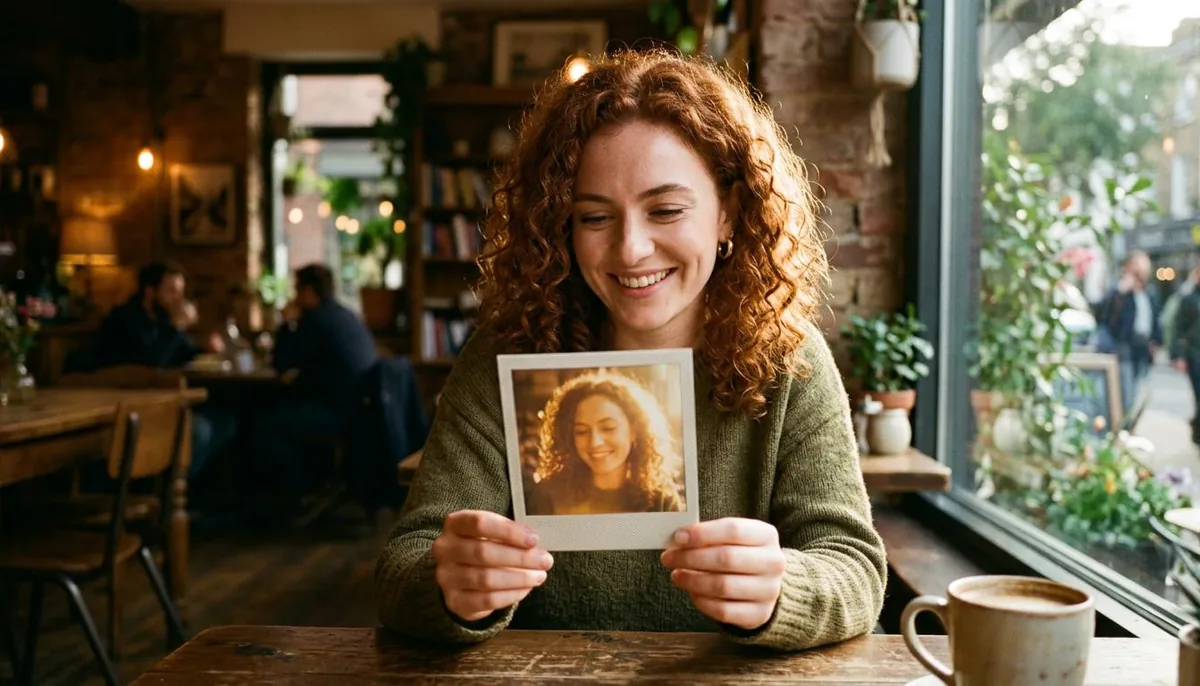
Step 1: Choose Your Photo
Start with a photograph that has a clear subject. Portraits, travel photographs, family pictures, pet photos and everyday lifestyle images can all work well.
A well lit image usually provides better results because AI has more visible information to work with.
Step 2: Upload the Image
Upload your original image to your preferred AI photo editor, using a supported format such as JPG or PNG.
For the best result, use an image with reasonable resolution and avoid heavily compressed photographs.
Step 3: Describe the Desired Style
Describe how you want the photograph to look. For example, you could request a vintage instant-camera appearance with warm tones, subtle film grain, a classic white border and soft natural lighting.
More specific descriptions generally give you greater control over the visual direction.
Step 4: Generate the Image
The AI processes your instructions and creates the edited version. Depending on the tool, you may be able to generate multiple variations and select the one that best matches your idea.
Step 5: Refine the Result
If the first version is not quite right, adjust your instructions. You might ask for softer colors, stronger film grain, less contrast, warmer lighting or a more authentic instant-camera appearance.
AI editing is especially helpful because you can refine the image using simple text instructions instead of adjusting many settings manually.
Best Photo Ideas for a Retro Instant Style
Almost any photograph can be given a nostalgic treatment, but some subjects work particularly well.
Portraits
Portrait photography is one of the easiest ways to use the instant-photo aesthetic. A simple portrait can become more expressive when combined with warm colors, soft lighting and a vintage frame.
Travel Memories
Turn vacation photographs into digital souvenirs that resemble old instant prints. Beach trips, road journeys, city walks and scenic locations can all benefit from a nostalgic treatment.
Couple Photos
A vintage instant-photo style can make couple photographs feel personal and sentimental. It's particularly suitable for anniversaries, engagement moments and everyday candid photos.
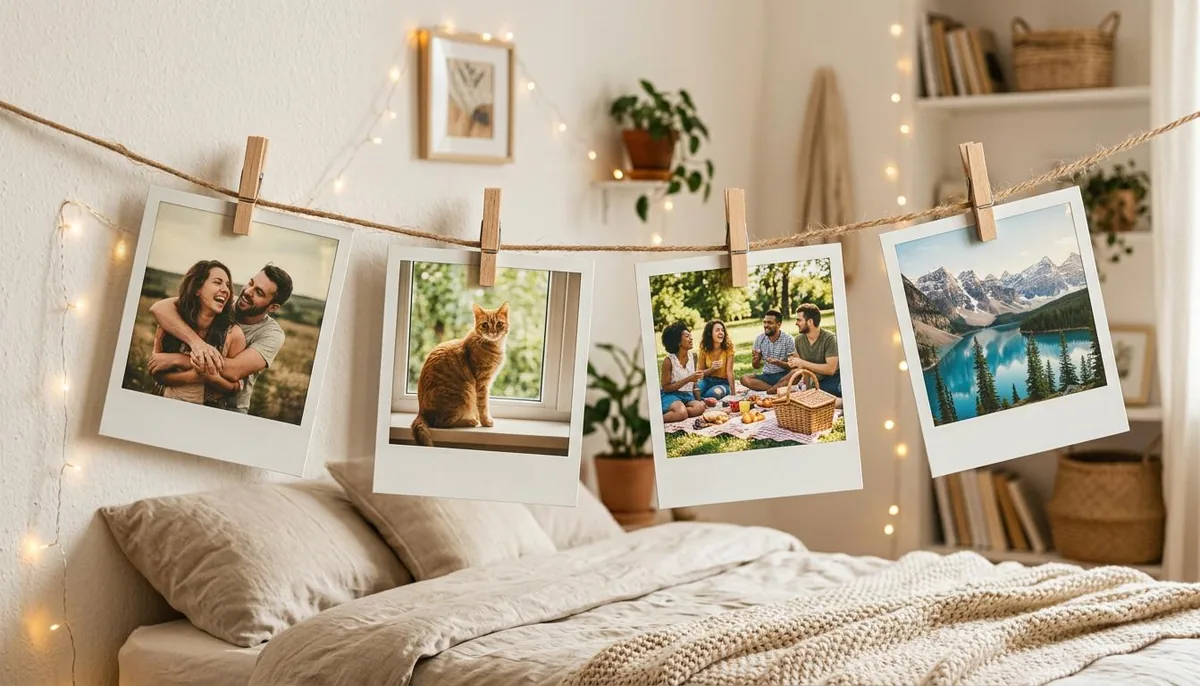
Family Moments
Family photographs can gain a timeless quality through retro styling. Even a simple everyday photograph can look like a memory preserved from another generation.
Fashion Photography
Retro aesthetics are particularly effective for fashion content. Combine vintage colors with period-inspired clothing, poses, backgrounds or lighting to create a distinctive editorial appearance.
Pet Photography
Pets can also become the subject of playful instant-camera images. A simple photograph of a dog or cat can be transformed into something that looks like a printed memory.
Creative Prompt Ideas
If your AI editor accepts text instructions, experiment with different descriptions instead of relying on one generic command.
Try a warm 1970s-inspired instant photograph with faded colors and subtle grain.
For a different mood, request a nostalgic bedroom snapshot with soft flash lighting and a classic instant-photo frame.
You can also create a summer vacation memory with warm sunlight, slightly faded colors, gentle film grain and an authentic printed-photo appearance.
For portraits, try describing a casual instant-camera photograph with natural expression, soft lighting, muted colors and realistic analog texture.
The more clearly you describe the desired mood, lighting, composition and photographic characteristics, the easier it becomes to guide the result.
Tips for Getting Better Results
A few simple practices can significantly improve AI-generated retro photographs.
Use a clear source image. AI generally performs better when the original photograph has visible facial and clothing details.
Describe the mood. Words such as nostalgic, candid, warm, dreamy, cinematic or authentic can help establish the desired atmosphere.
Mention lighting. Specify whether you want natural sunlight, direct flash, soft indoor lighting, sunset illumination or another lighting style.
Avoid excessive effects. Too much grain, blur or fading can hide important details and make the photograph look artificially processed.
Try several variations. AI generation can produce different interpretations of the same idea, so creating multiple versions can help you find the strongest result.
Keep the subject consistent. When editing portraits, clearly state that the person's facial features, identity, hairstyle, skin tone, body proportions and expression should remain unchanged if those characteristics are important to the final image.
Polaroid AI Photo vs. Traditional Instant Photography
Traditional instant photography has a physical charm that digital editing cannot completely replace. There is something special about watching an image develop in your hands and keeping the physical print.
However, AI offers several advantages.
You do not need to purchase film or maintain an instant camera. You can experiment with different styles without wasting physical prints. You can also edit an existing digital photograph instead of taking a new picture.
For creators, AI makes experimentation much faster. A single photograph can become several different visual concepts, from a faded vintage print to a colorful retro snapshot.
How Creators Can Use AI Retro Photos
A Polaroid AI Photo can be useful for more than personal memories.
Social media creators can use nostalgic visuals for Instagram posts, Pinterest graphics, blog illustrations and promotional campaigns. Designers can use them in mood boards, posters, digital invitations, album artwork and creative presentations.
Businesses can also use retro photography to establish a particular visual identity. Restaurants, fashion brands, travel companies and lifestyle businesses can incorporate vintage imagery into campaigns when it matches their brand personality.
For anyone experimenting with AI image editing, platforms such as Magical Studio AI can make creative image transformations easier to explore without requiring advanced editing skills.
Why AI Makes Retro Editing Easier
Traditional photo editing often requires several separate adjustments. You may need to change the color temperature, reduce saturation, modify contrast, add grain, create a border, adjust shadows and then fine-tune the final image.
AI combines much of that creative process into a natural-language workflow.
Instead of searching through menus, you can explain the result you want. This makes experimentation faster and allows people with limited editing experience to explore creative photography styles.
The technology is especially useful for people who have a clear visual idea but do not know how to reproduce it manually.
Final Thoughts
Retro photography proves that an image does not need to be perfectly sharp or technically flawless to be memorable. Sometimes faded colors, gentle grain, soft lighting and imperfect details create a stronger emotional connection.
A Polaroid AI Photo generator brings that nostalgic visual language into the digital age. With a simple photograph and a clear creative direction, you can explore instant-camera aesthetics, experiment with different moods and create images that feel like treasured memories.
Whether you are creating social media content, refreshing old photographs, designing a creative project or simply looking for a new way to enjoy your pictures, AI-powered retro editing offers an accessible way to bring the charm of instant photography back to life.
Try unlimited AI photo editing
Run every AI tool as much as you want, right in your browser.