Creative Photo Ideas for Chats, Stories and Social Posts
In this guide
A good photo can say more than a long message. Whether you're sending a quick reply to a friend, sharing a daily update or creating a social media post, the right image can instantly make your content more interesting. You don't always need a professional camera, complicated editing software or a perfect location. With a little creativity, an ordinary photo can become something fun, expressive and worth sharing.
Today, people use images in many different ways. A simple selfie can become a reaction image, a travel memory can turn into a stylish story and a casual picture can become a creative post with the right visual treatment. The key is finding an idea that matches your mood, personality and platform.
In this guide, you'll discover practical creative photo ideas for chats, stories and social posts that you can try with photos you already have.
Creative Photo Ideas for Chats
Chats are usually more casual than social media posts, so your images can be playful and spontaneous.
1. Turn Your Expression Into a Reaction
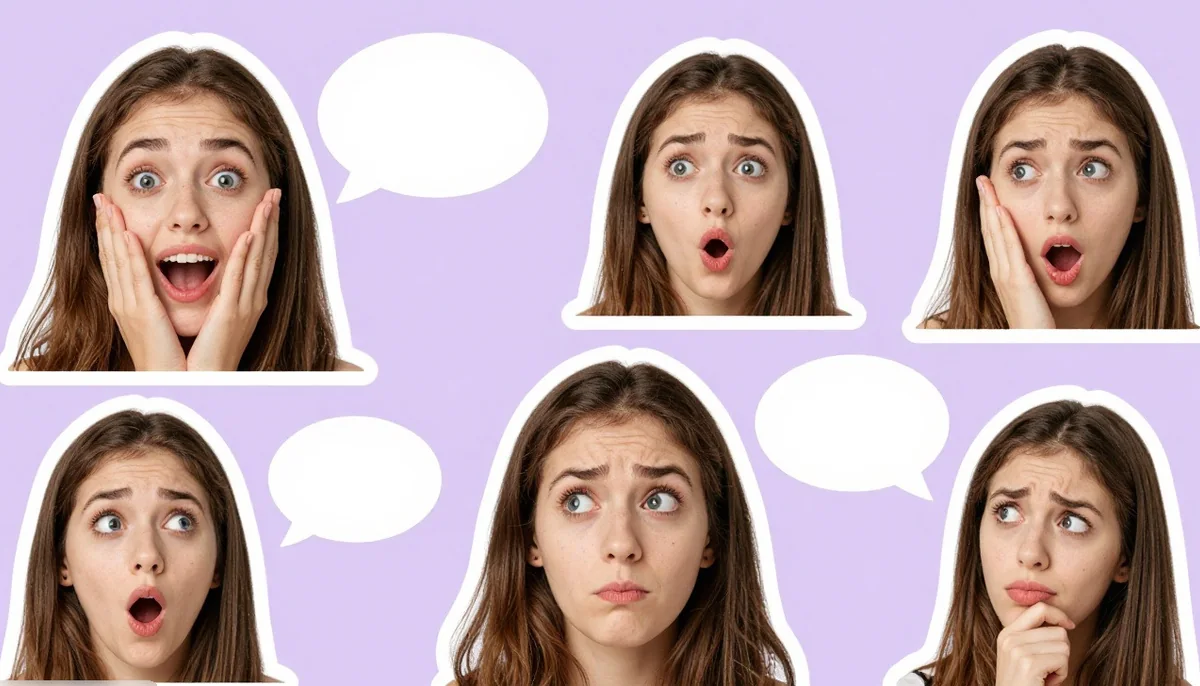
Use different facial expressions to communicate emotions such as excitement, confusion, surprise, happiness or disbelief. You can crop your face closely and add a simple caption or emoji.
For example, a confused expression can become a funny response when someone sends you an unexpected message. A dramatic shocked expression can work perfectly when reacting to surprising news.
2. Create Funny Sticker-Style Photos
Take a clear selfie and remove the background. Then place yourself on a simple transparent background or add a playful outline around your body.
You can create different versions for common chat situations such as:
- Happy
- Confused
- Excited
- Angry
- Laughing
- Celebrating
- Shocked
- Thinking
An AI sticker generator can also help transform ordinary photos into expressive sticker-style visuals that are easy to use in conversations.
3. Make a Mood Photo
Instead of adding a long message, send a photo that represents your current mood. Try a close-up portrait, a funny pose, a coffee picture or a simple image of your surroundings.
This works especially well when you want your messages to feel more personal.
4. Try Unexpected Crops
You don't always have to show the entire photo. Crop just the eyes, smile, hairstyle, shoes, hands or another interesting detail.
A creative crop can make a familiar picture feel completely new.
Creative Photo Ideas for Stories
Stories are perfect for experimenting because they disappear after a limited time. You can therefore try ideas that you might not normally use for permanent posts.
5. Create a Before-and-After Story
Show the original photo first and reveal the edited version next. This is particularly effective for transformations such as:
- Background changes
- Outfit changes
- Color corrections
- Vintage effects
- Cartoon transformations
- Portrait enhancements
The contrast between the two images gives viewers a reason to continue watching.
6. Build a Photo Collage
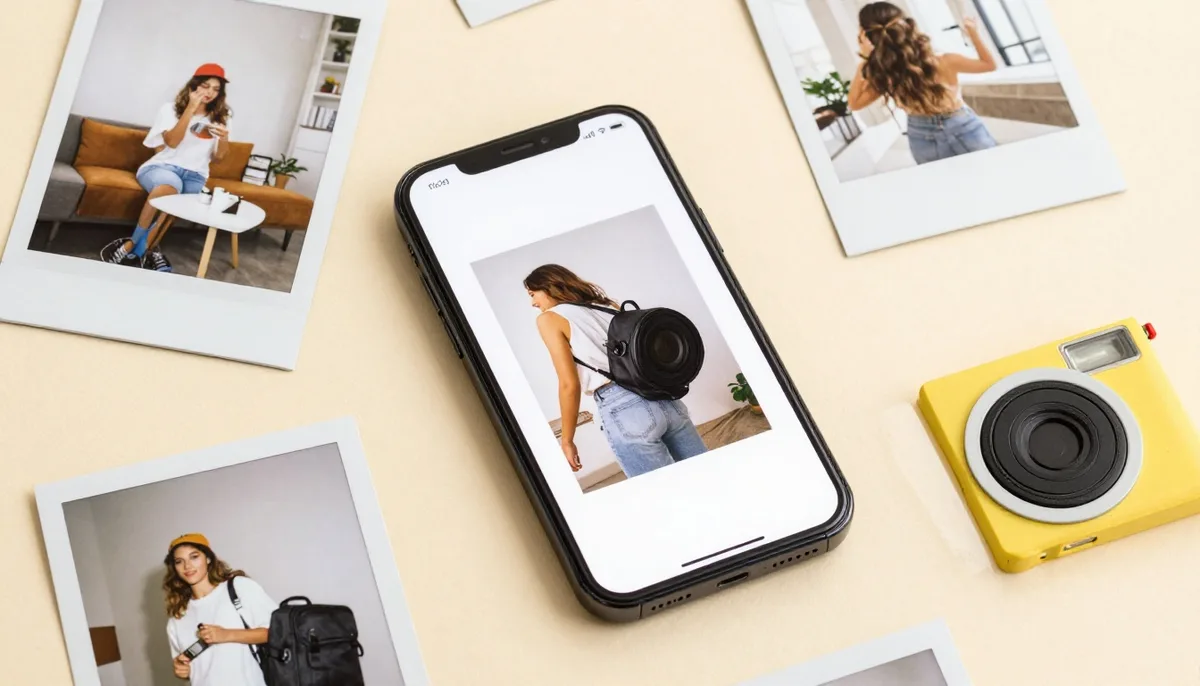
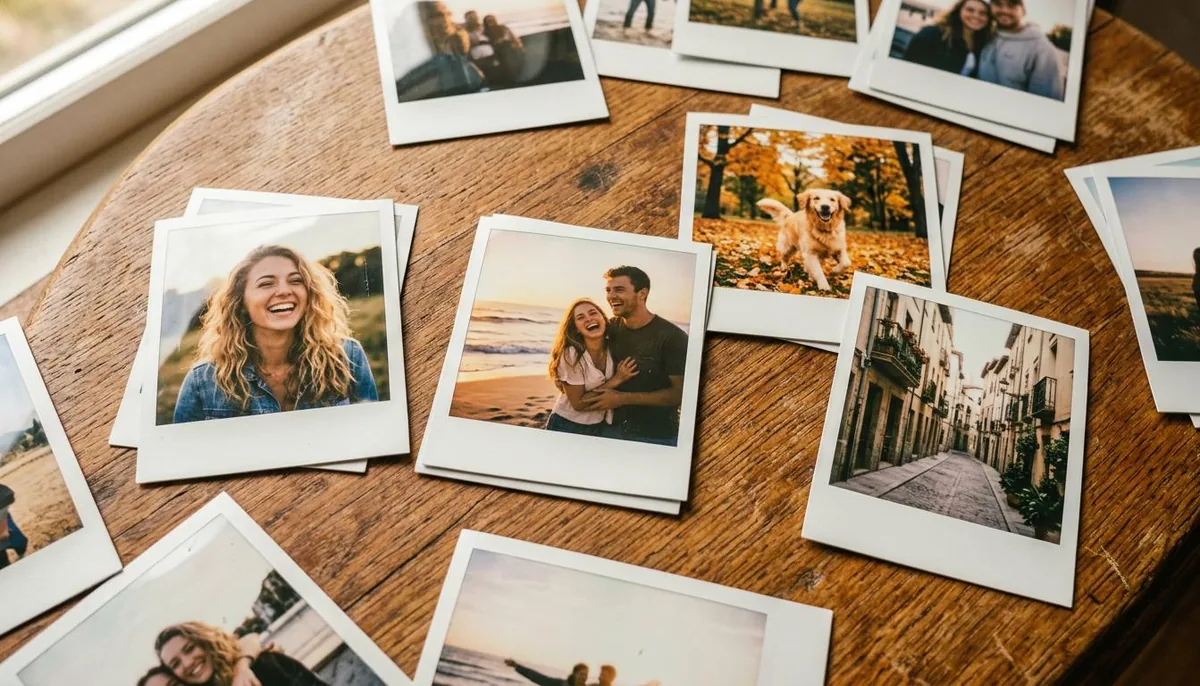
Combine several pictures into one story. Use different sizes, overlapping frames, handwritten-style elements, small decorative graphics and subtle textures.
For a travel story, you could combine a portrait, destination photo, food picture, ticket-style graphic and a small location note.
For a birthday story, combine childhood photos with recent pictures to create a visual timeline.
7. Use a Single Photo in Multiple Styles
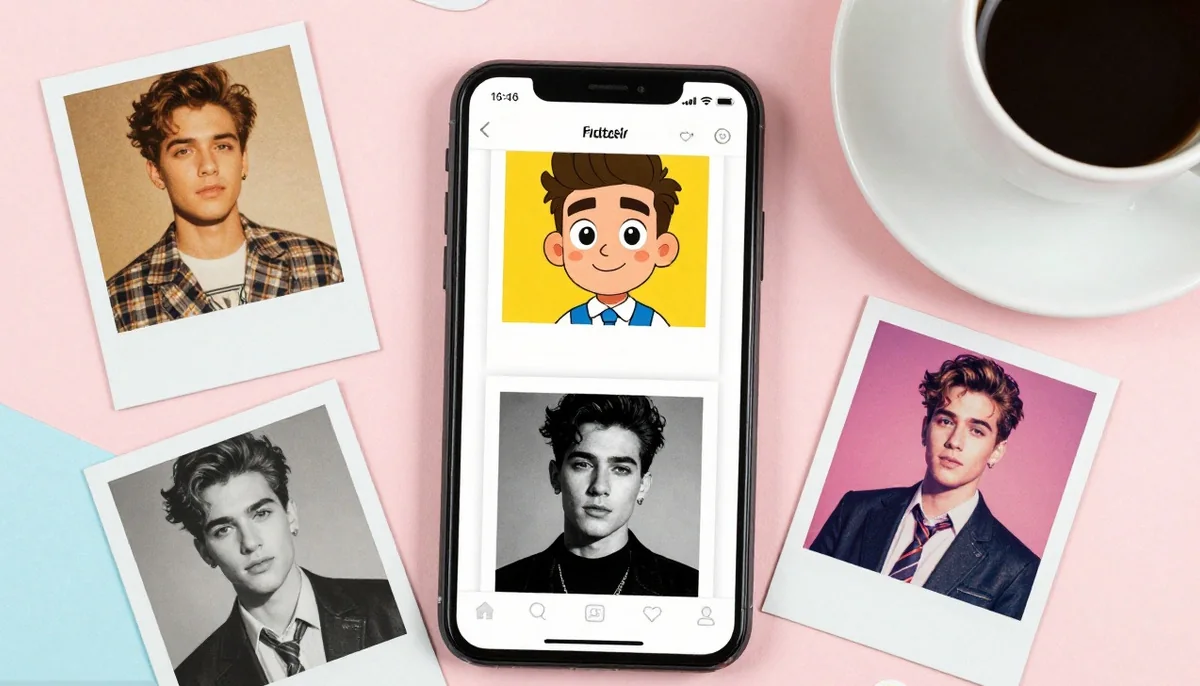
Take one photograph and create several visual versions. For example, the same portrait could become:
- A vintage film photograph
- A colorful pop-art image
- A soft editorial portrait
- A cartoon illustration
- A black-and-white photograph
This approach gives you multiple pieces of content from one original image.
8. Create a Seasonal Photo
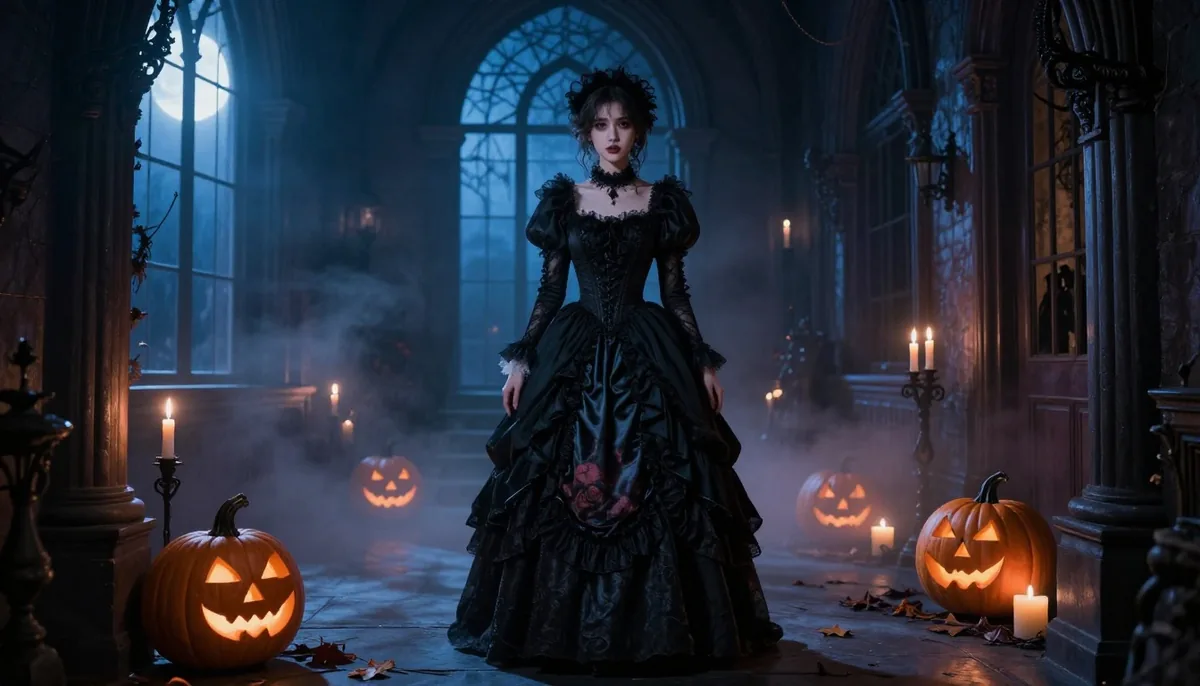
Seasonal content naturally fits into stories. Transform your photos around festivals, holidays, weather or special occasions.
You can experiment with festive outfits, decorative backgrounds, traditional elements, seasonal colors or themed lighting while keeping the original subject recognizable.
9. Create a Retro-Inspired Portrait
Give an ordinary portrait a nostalgic appearance inspired by a specific decade. Think about clothing, hairstyle, lighting, accessories, photography texture and background details.
For example, an old-school 1980s-inspired photo could include analog grain, faded colors, retro fashion, direct flash and a vintage camera aesthetic.
The important part is consistency. If the background looks modern while the subject looks vintage, the concept may feel less convincing.
10. Make a Personal Photo Poster
Turn your photograph into a simple poster design. Place the subject prominently and surround it with subtle graphic elements.
You could create posters around themes such as:
- Travel
- Fitness
- Music
- Fashion
- Motivation
- Photography
- Festivals
- Personal milestones
Keep the design clean and avoid filling every empty space with text.
11. Create a Cinematic Scene
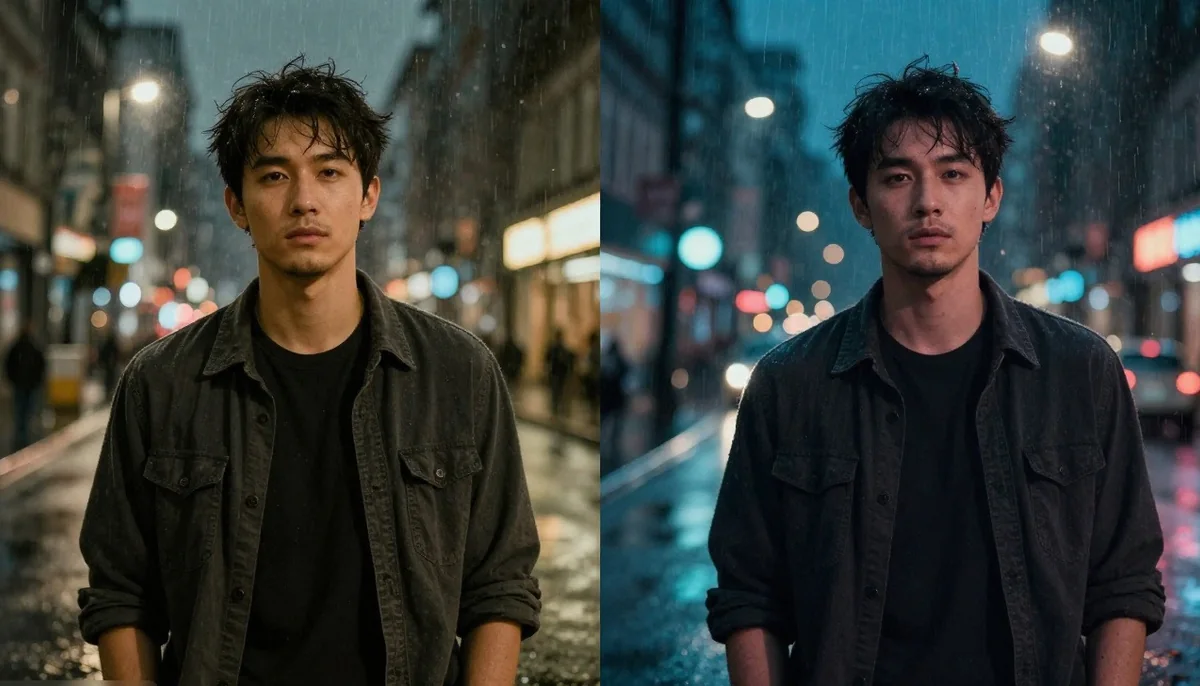
Take a regular portrait and imagine it as a frame from a movie. Think about the environment, lighting, camera angle, clothing and atmosphere.
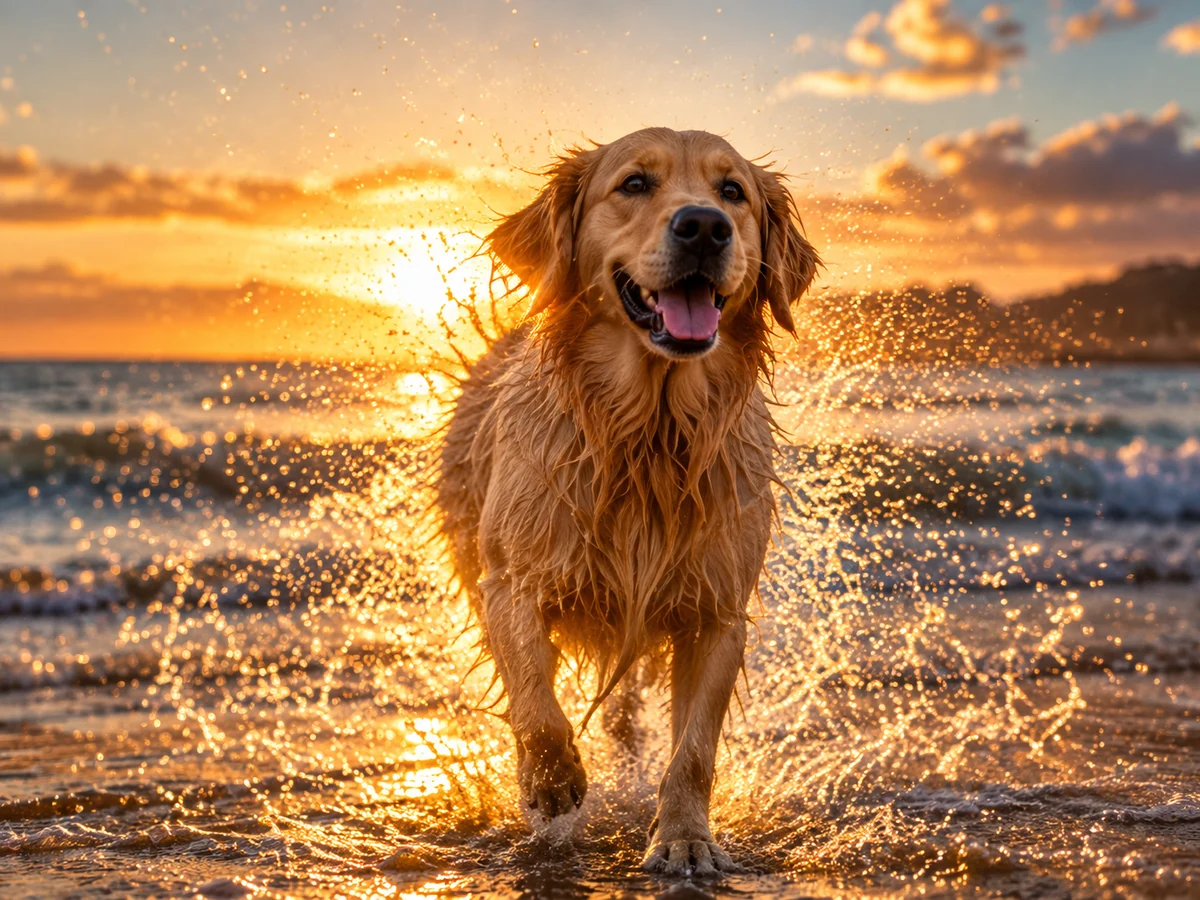
A rainy street, sunset location, dramatic indoor setting or nighttime city scene can give a portrait a completely different personality.
12. Try a Double-Exposure Concept
Combine a portrait with another meaningful image, such as mountains, a city skyline, flowers, architecture or a favorite destination.
The second image can appear inside or around the silhouette of the person, creating a layered artistic effect.
This style works especially well for profile images, inspirational posts, travel content and creative portfolios.
Photo Ideas That Encourage Engagement
Creative visuals can also help start conversations.
13. Ask a Question Through an Image
Instead of writing a question by itself, place it naturally within a photo.
Examples include:
- "Which look would you choose?"
- "Morning or night?"
- "Old-school or modern?"
- "Which photo is your favorite?"
- "Where should I travel next?"
This gives viewers an easy reason to respond.
14. Create a Choose-One Post
Make two or three versions of the same photograph with different backgrounds, outfits, colors or styles.
Ask your audience to choose their favorite. This format can work well because people can understand the comparison immediately.
15. Share a Photo Transformation
Show how a simple photograph changes through creative editing. Start with the original and gradually reveal the final concept.
Transformation content can be especially engaging because viewers get to see the creative process rather than only the finished image.
How to Make Your Photos Look More Creative
You don't need to add dozens of effects to make an image interesting. In many cases, a few intentional changes are enough.
Focus on Composition
Place your subject carefully instead of always putting them directly in the center. Experiment with negative space, close-ups, symmetry and unusual angles.
Choose a Clear Visual Theme
Decide what the image should communicate before editing it. A nostalgic photo, for example, needs different colors and details than a futuristic image.
Keep the Subject Recognizable
When transforming portraits, avoid excessive changes to facial characteristics. A creative edit should still feel like the person in the original photograph.
Don't Overuse Effects
Too many filters, stickers, fonts and visual elements can make a photo difficult to understand. Choose a few elements that support the main idea.
Match the Platform
A chat image can be funny and informal, while a professional social post may need a cleaner appearance. Think about where the image will be shared before deciding on the final style.
Easy Photo Concepts You Can Try Today
If you want quick inspiration, start with these simple concepts:
- Turn a selfie into a cartoon portrait.
- Create a vintage version of an old family photo.
- Transform a travel photo into a postcard.
- Make a nine-image expression sticker sheet.
- Turn a portrait into a magazine-style cover.
- Create a seasonal festival portrait.
- Combine several photos into a memory collage.
- Turn a casual picture into a cinematic scene.
- Create a split-screen before and after.
- Make a funny reaction image for chats.
Tools such as Magical Studio AI can make it easier to experiment with different visual concepts without requiring advanced photo-editing skills.
Conclusion
The best creative photo ideas for chats, stories and social posts don't necessarily require expensive equipment or professional photography experience. Creativity often comes from changing how you look at an existing picture.
Start with one clear photo and experiment with expressions, backgrounds, colors, layouts, themes and visual styles. You can turn the same original image into several completely different pieces of content.
For chats, focus on emotion and humor. For stories, experiment with transformations and temporary trends. For social posts, build a stronger concept around the image and give viewers something interesting to notice or respond to.
Most importantly, don't be afraid to try unusual ideas. A simple photo can become a memorable visual when the concept feels personal, relevant and fun.
With these creative photo ideas for chats, stories and social posts, you can keep your visual content fresh while finding new ways to express yourself online.
Try unlimited AI photo editing
Run every AI tool as much as you want, right in your browser.