AI Photo Tools
Pick a tool and edit your photo in seconds, Ghibli, background remover and more.
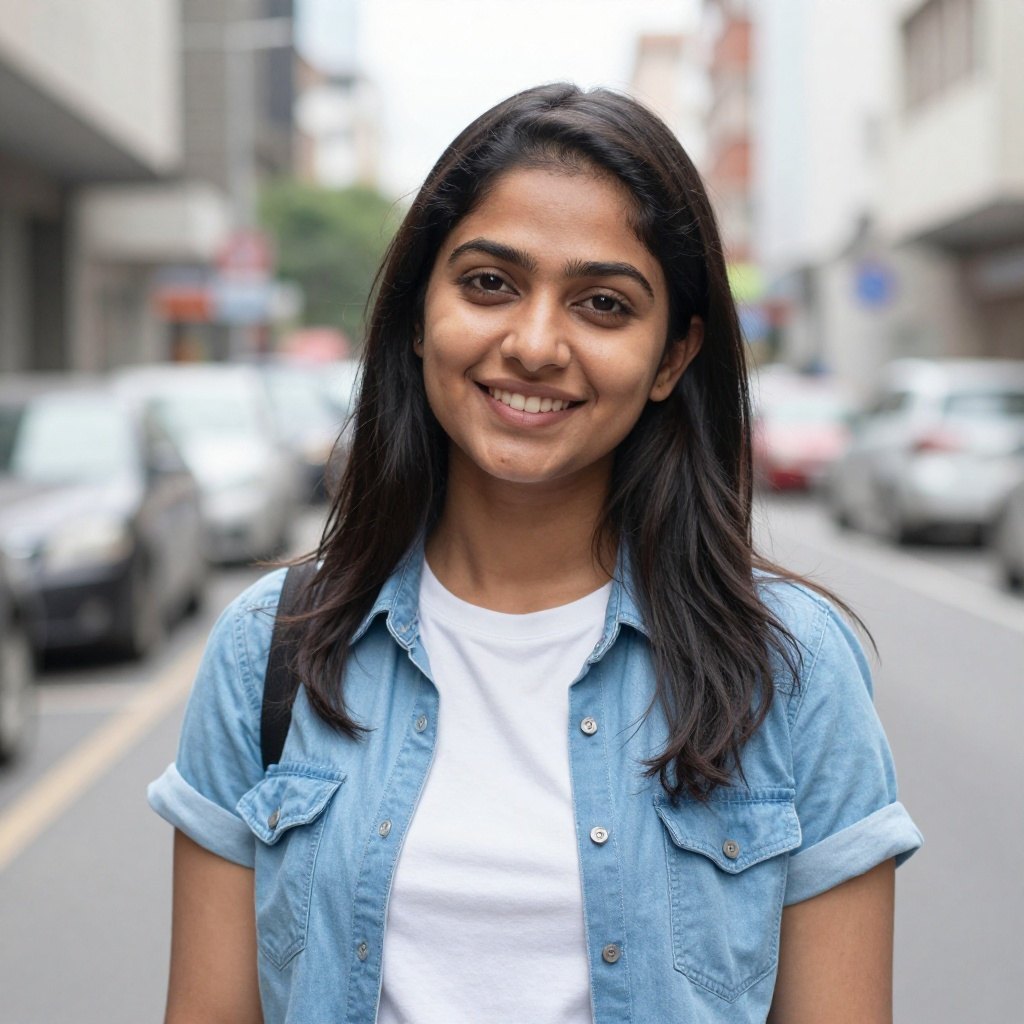
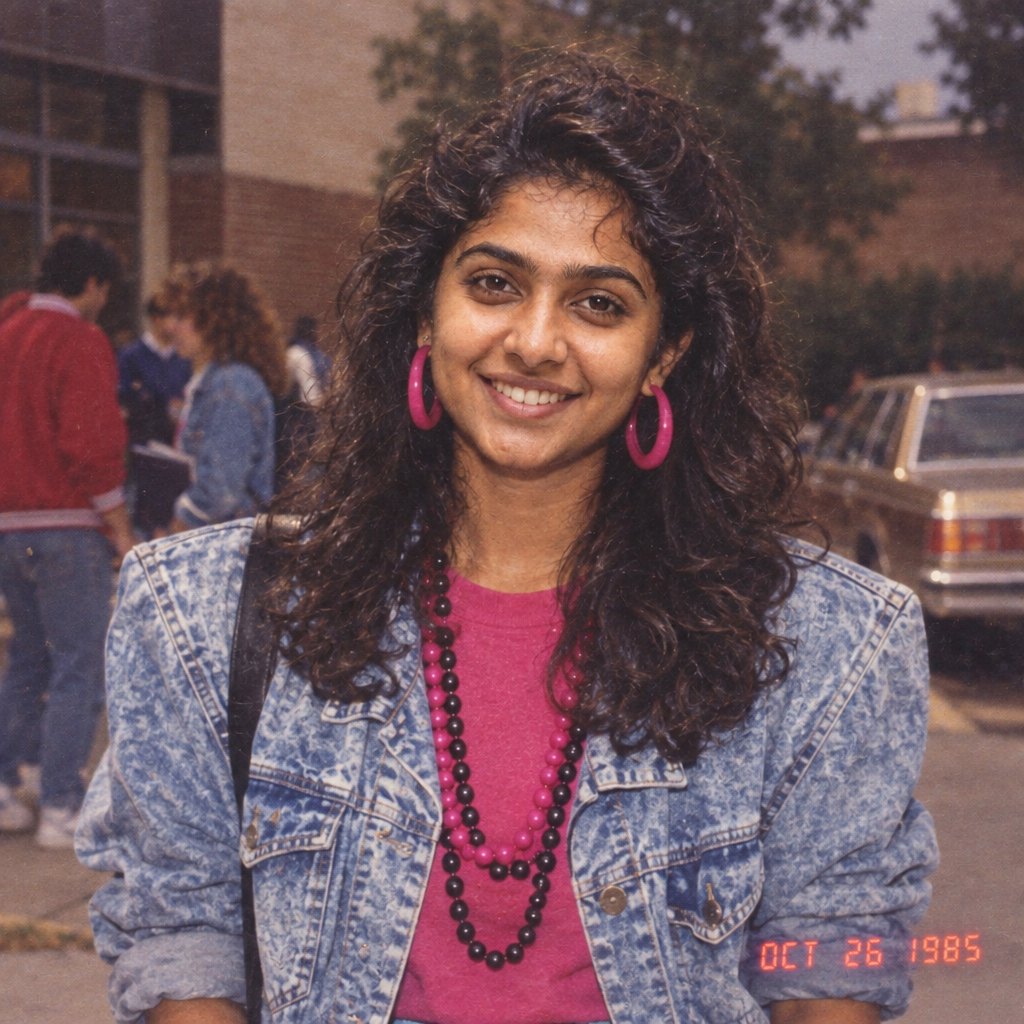
80s Retro Photo
Turn your portrait into a 1980s retro photo.
 Style exampleTry it →
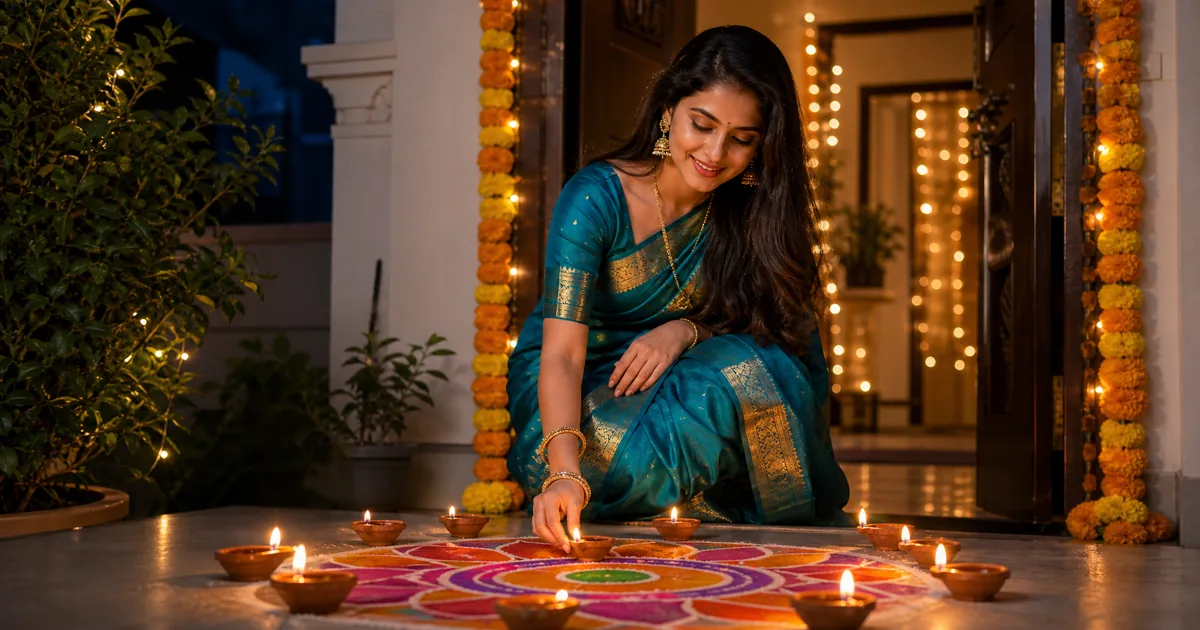
AI Diwali Photo Generator
Give your photo a festive Diwali makeover with traditional outfits, glowing diyas and warm lights.
 Style exampleTry it →
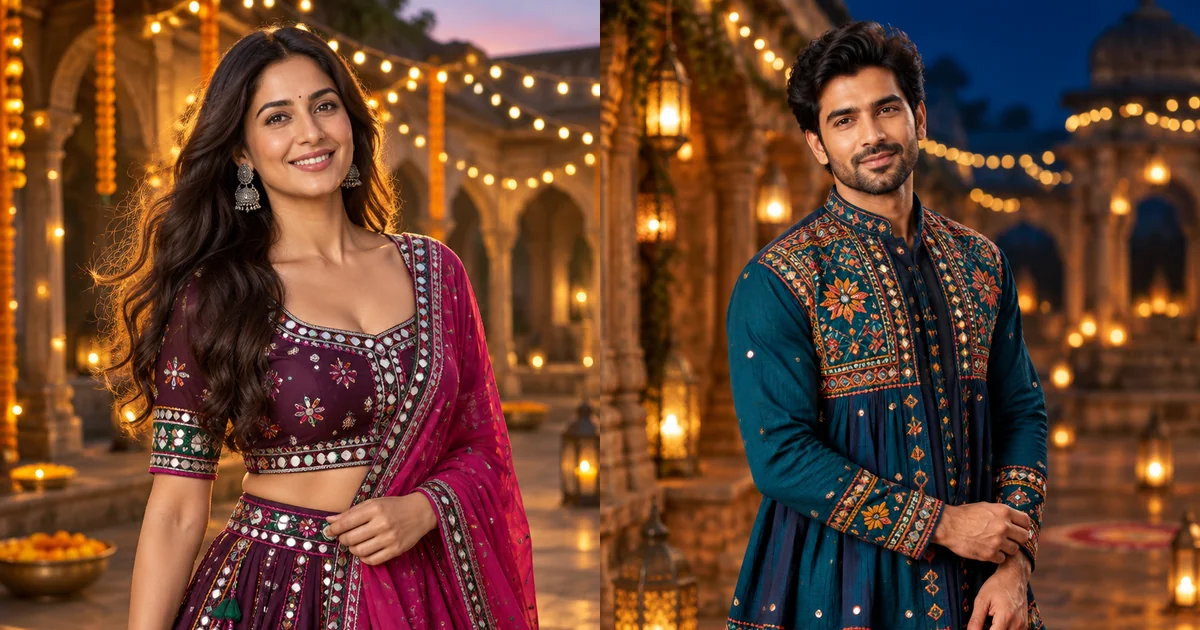
AI Navratri Photo Generator
Create a festive Navratri portrait with colourful outfits and warm garba lights.
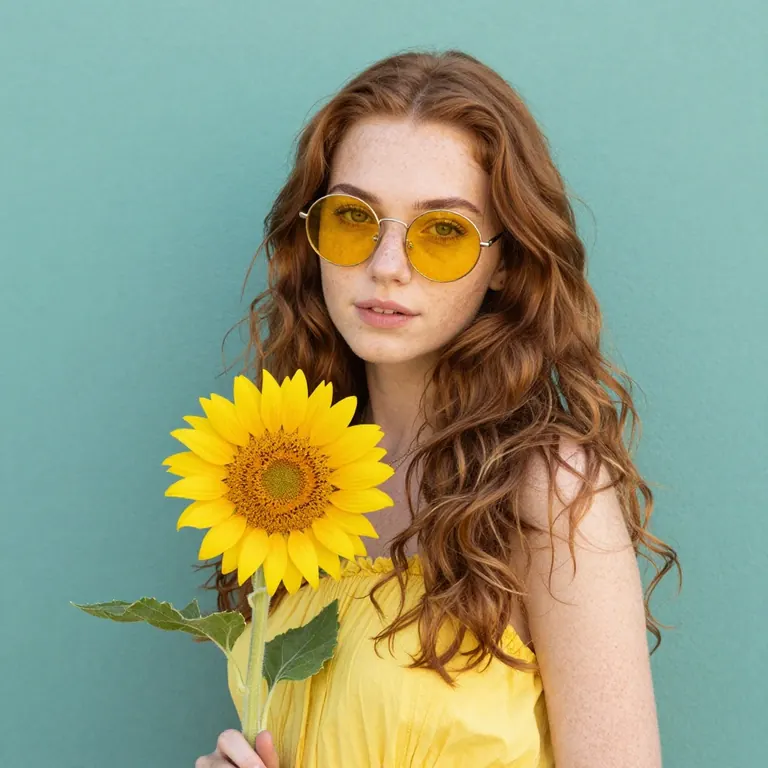
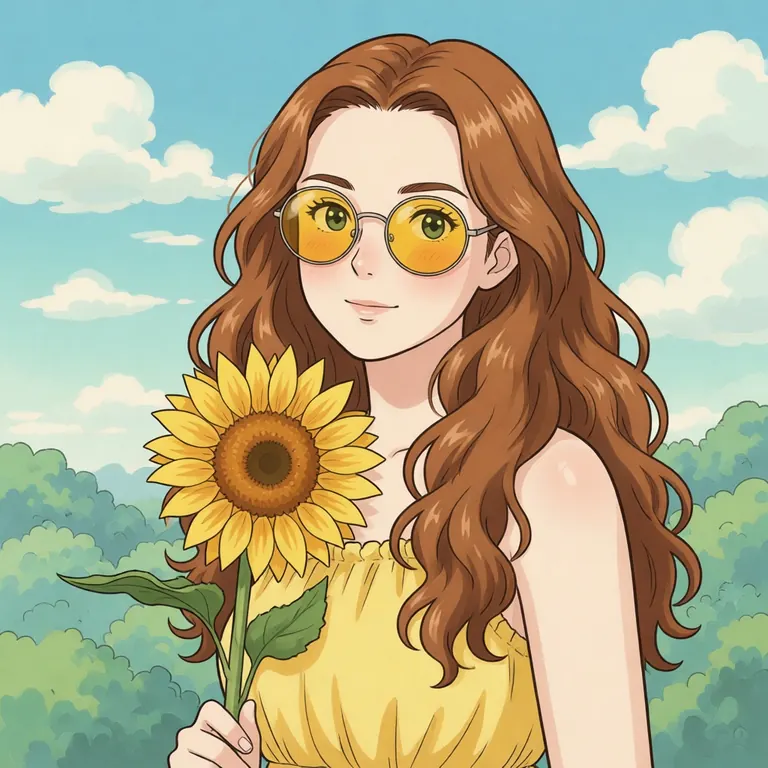
AI Ghibli
Turn your photo into Ghibli-style art.
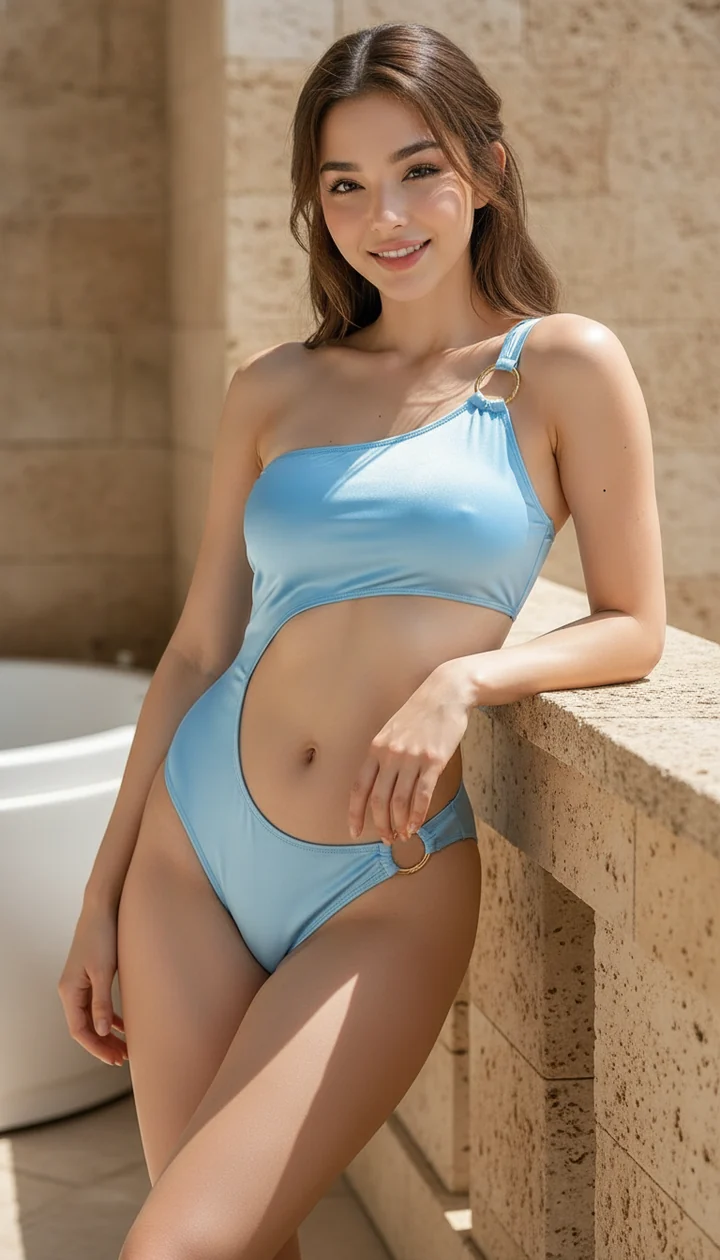
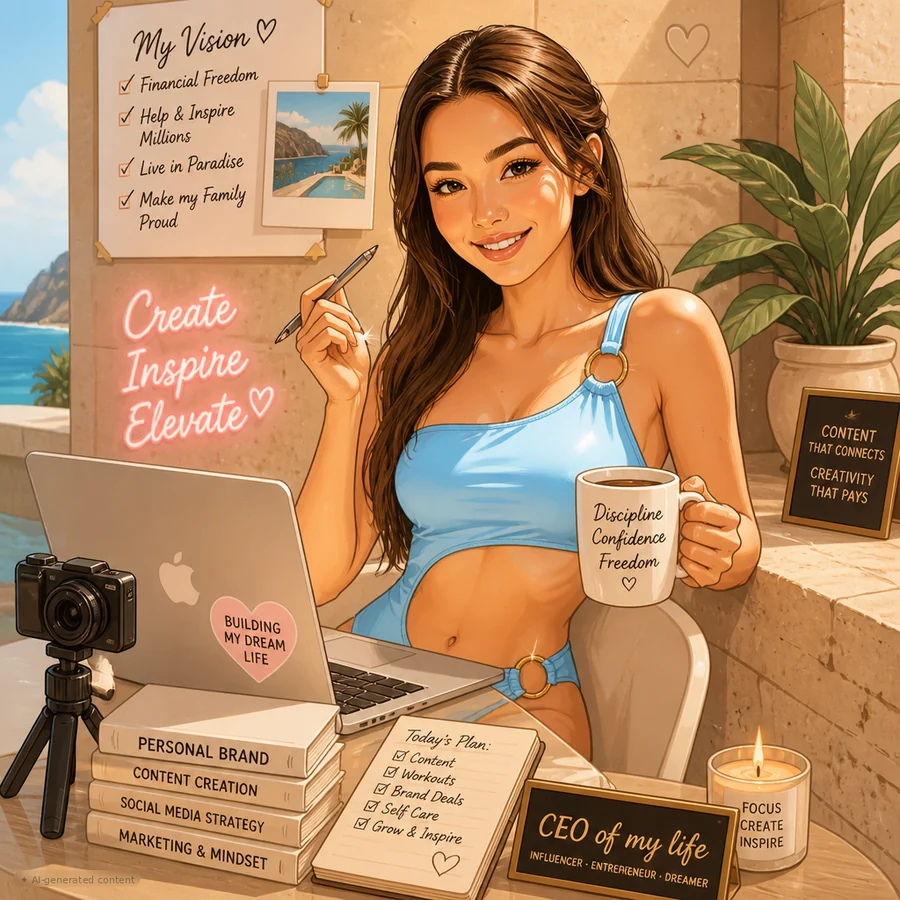
AI Caricature Maker
Turn your photo into a playful, expressive caricature.
 Style exampleTry it →
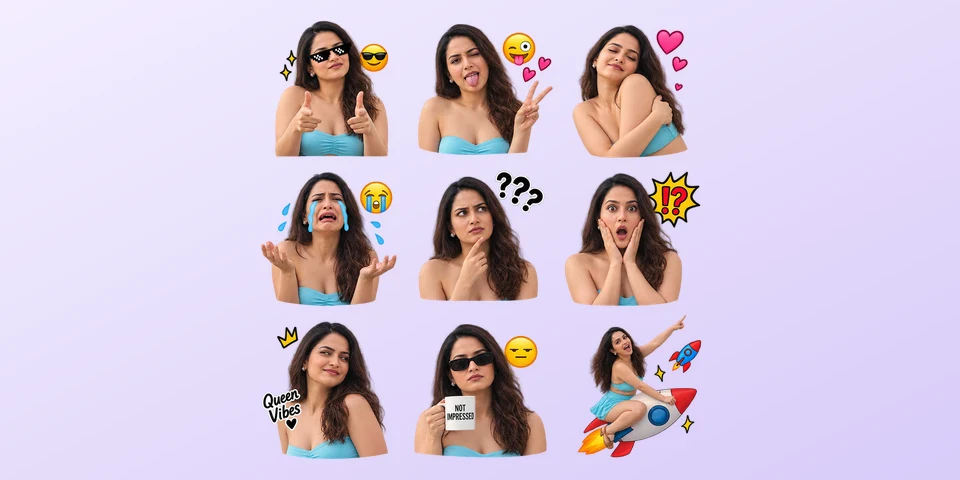
AI Sticker Generator
Turn one photo into a nine-sticker meme pack with a transparent background.
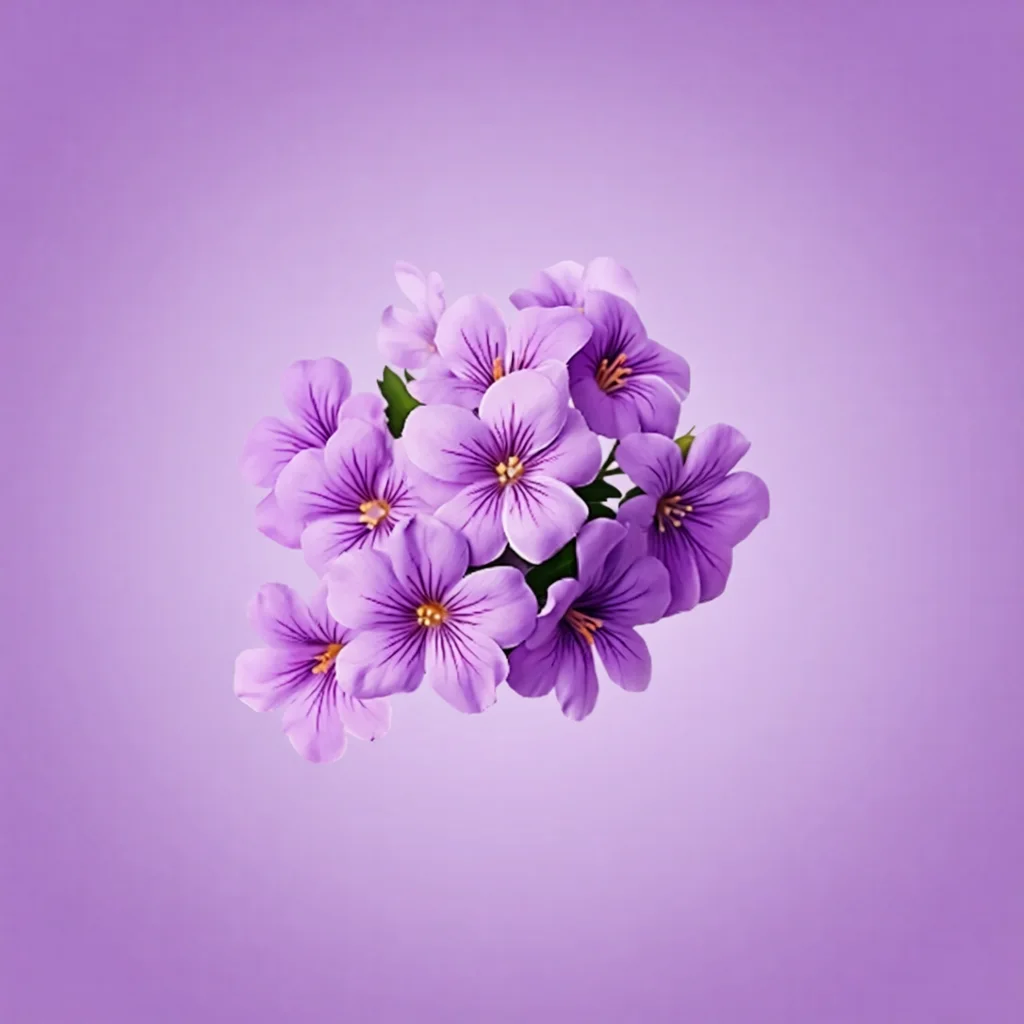
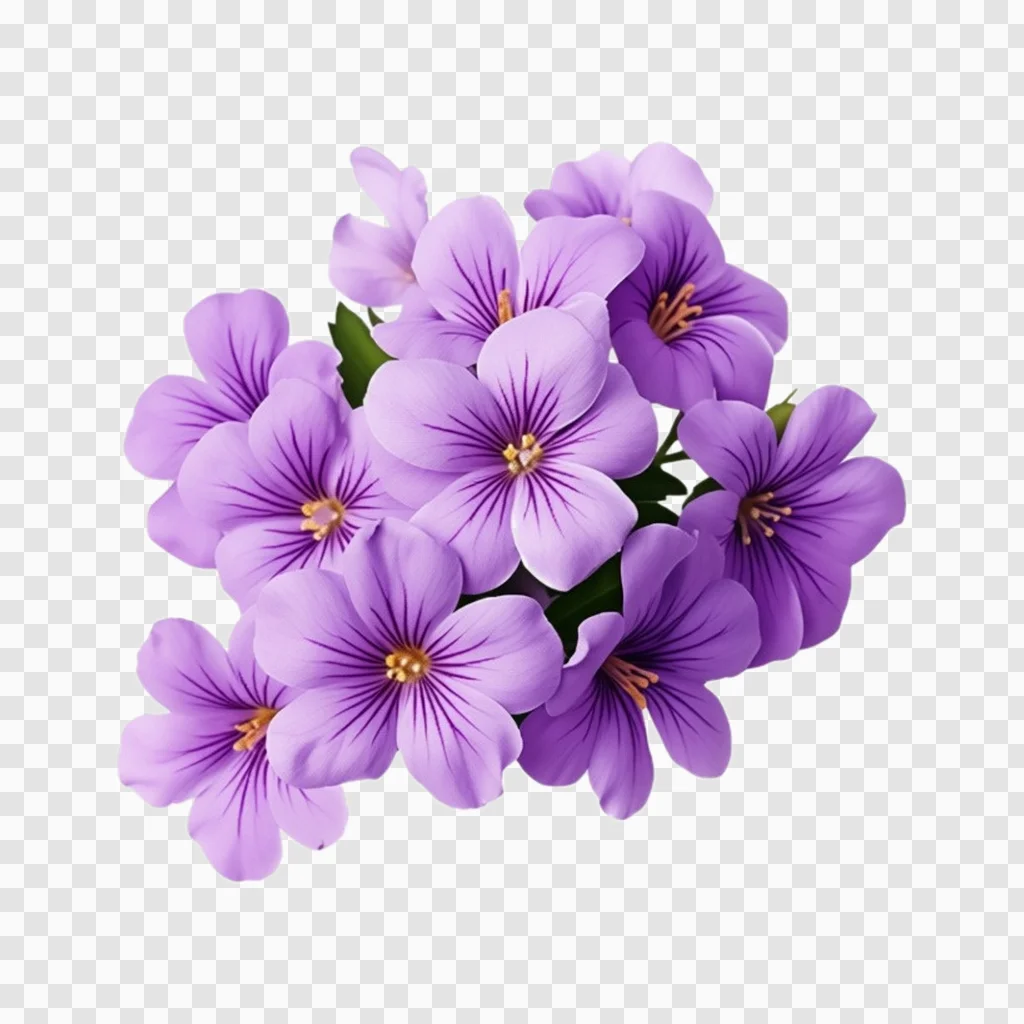
Background Remover
Erase the background, keep the subject.
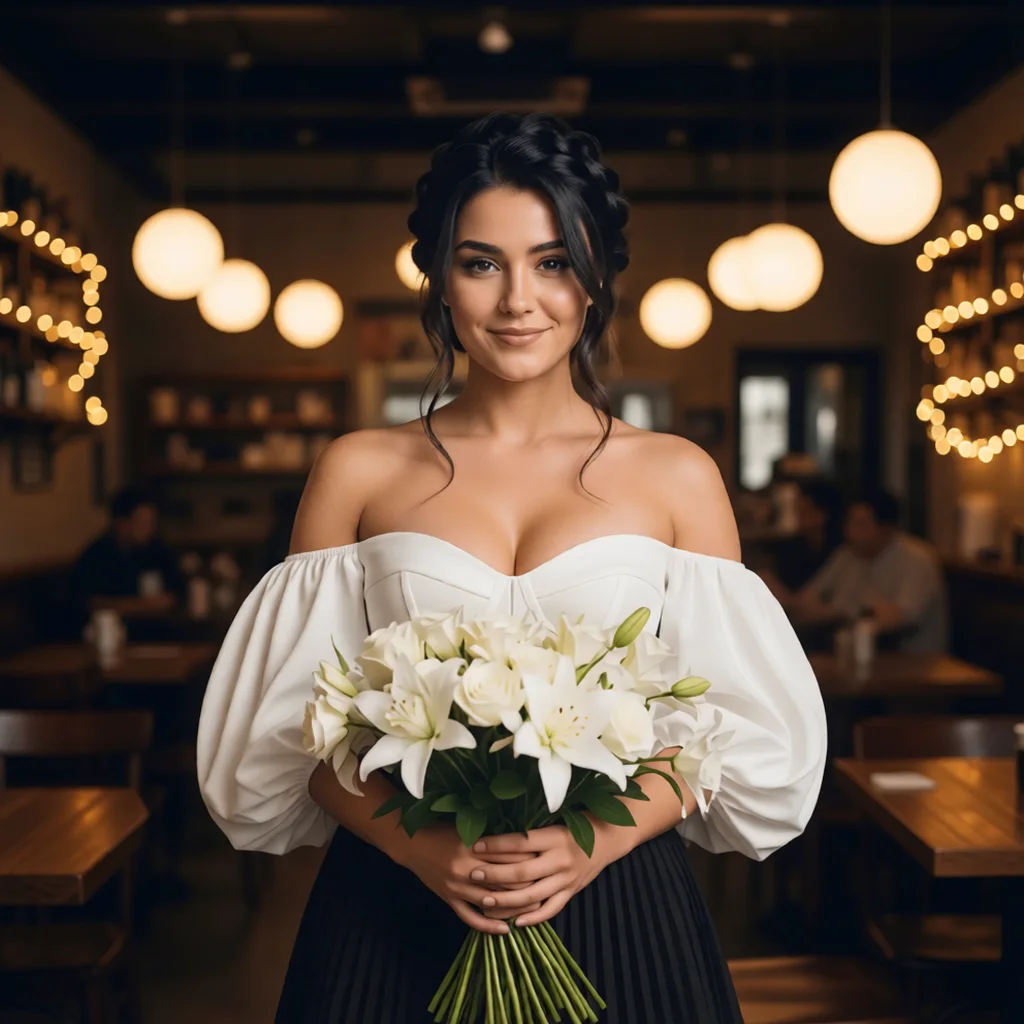
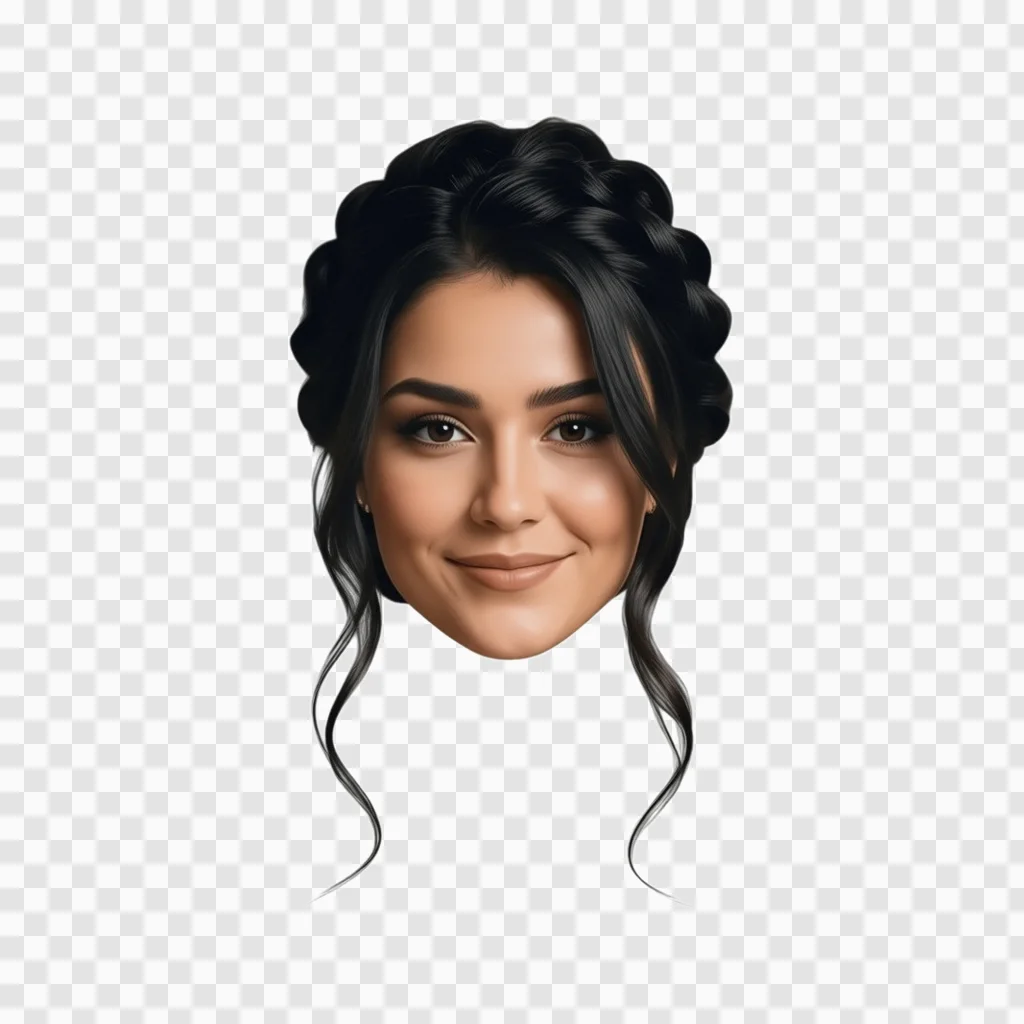
Face Cutout
Cut a face out of any photo, ready to reuse.
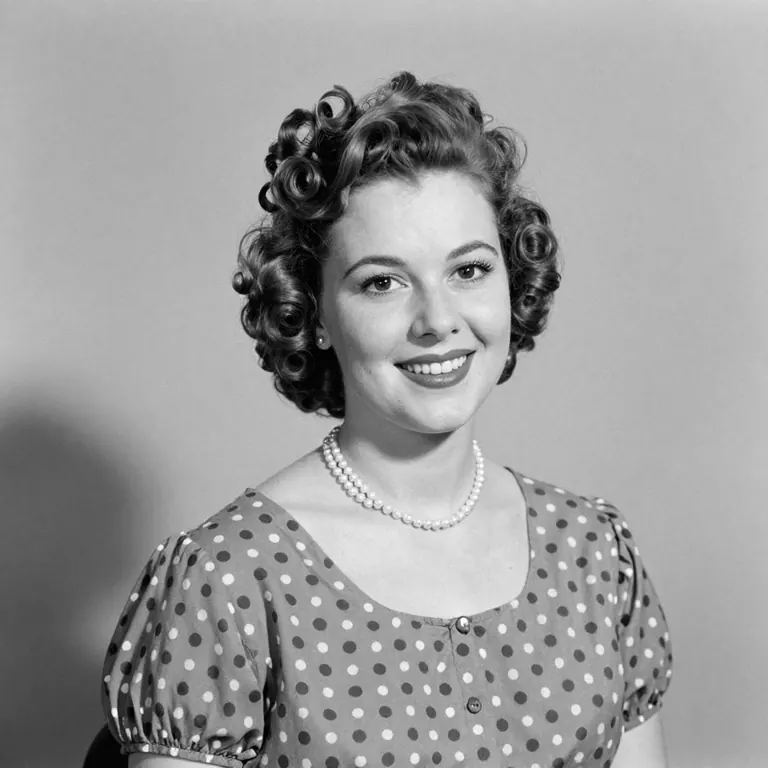
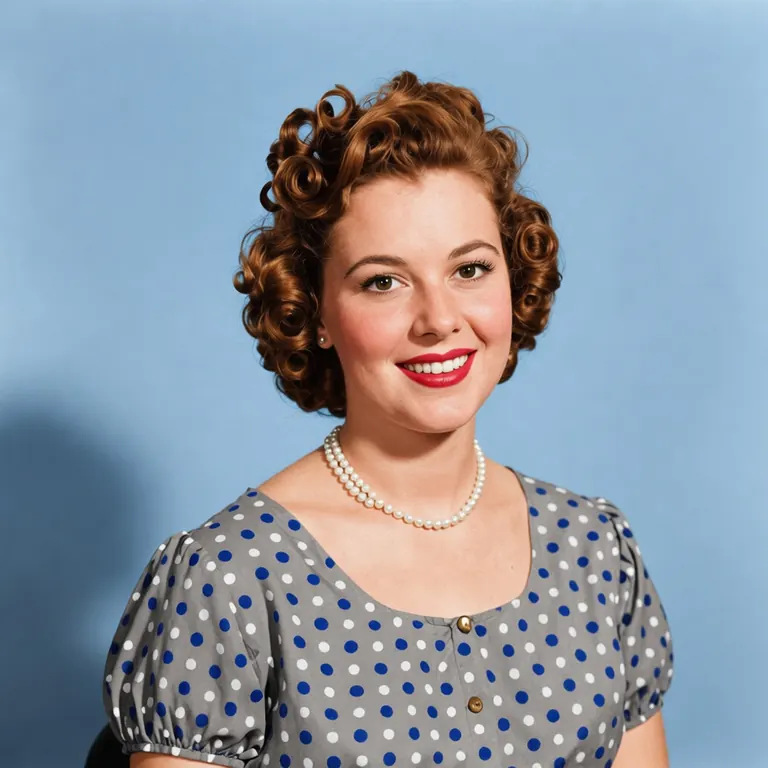
Photo Colorizer
Restore & colorize old / B&W photos.
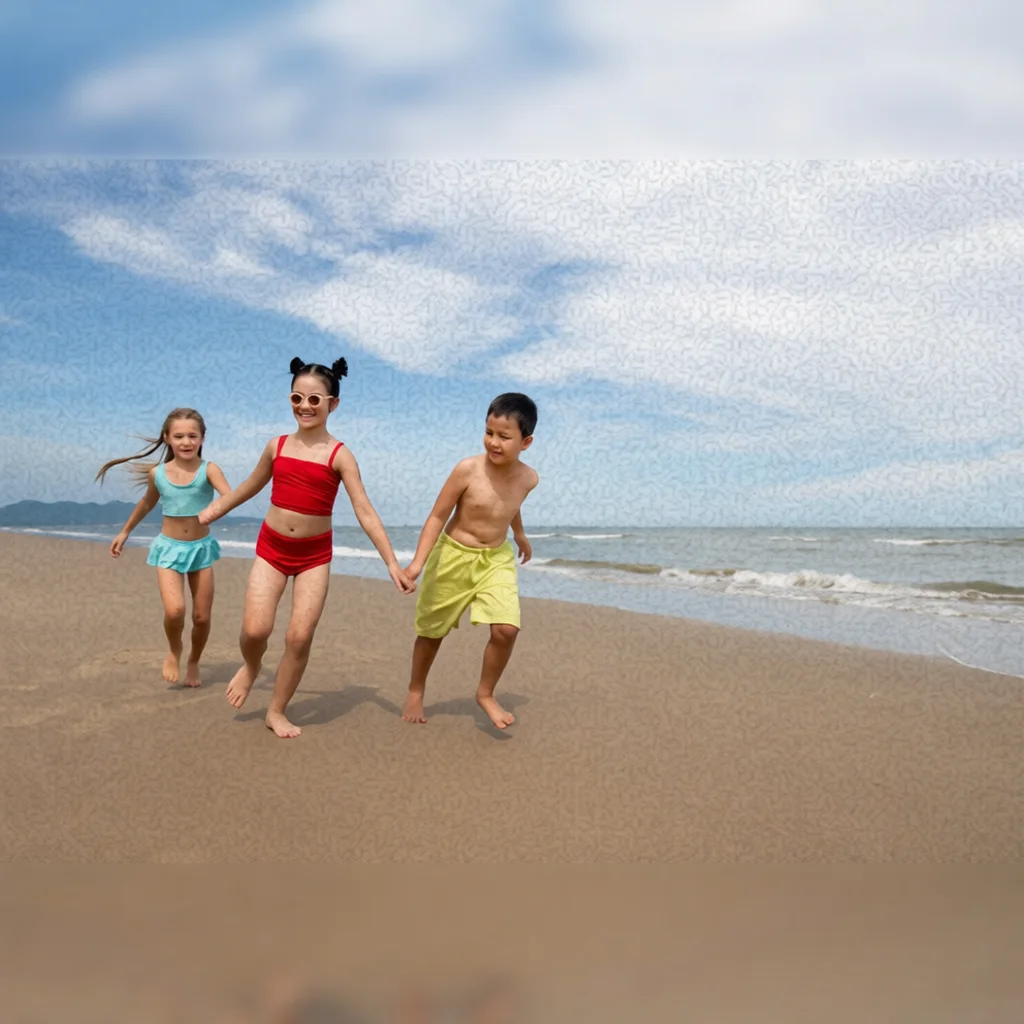
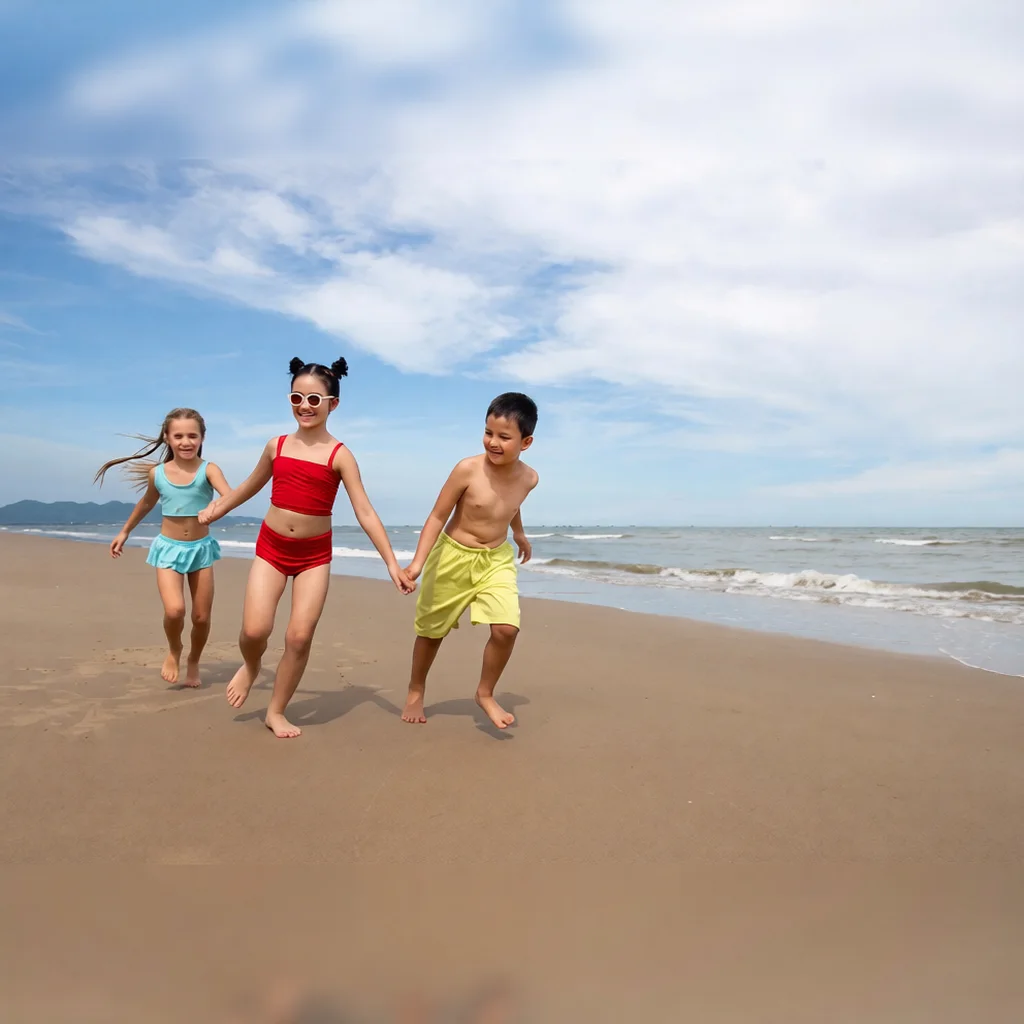
AI Enhance
Sharpen, restore and upgrade quality.
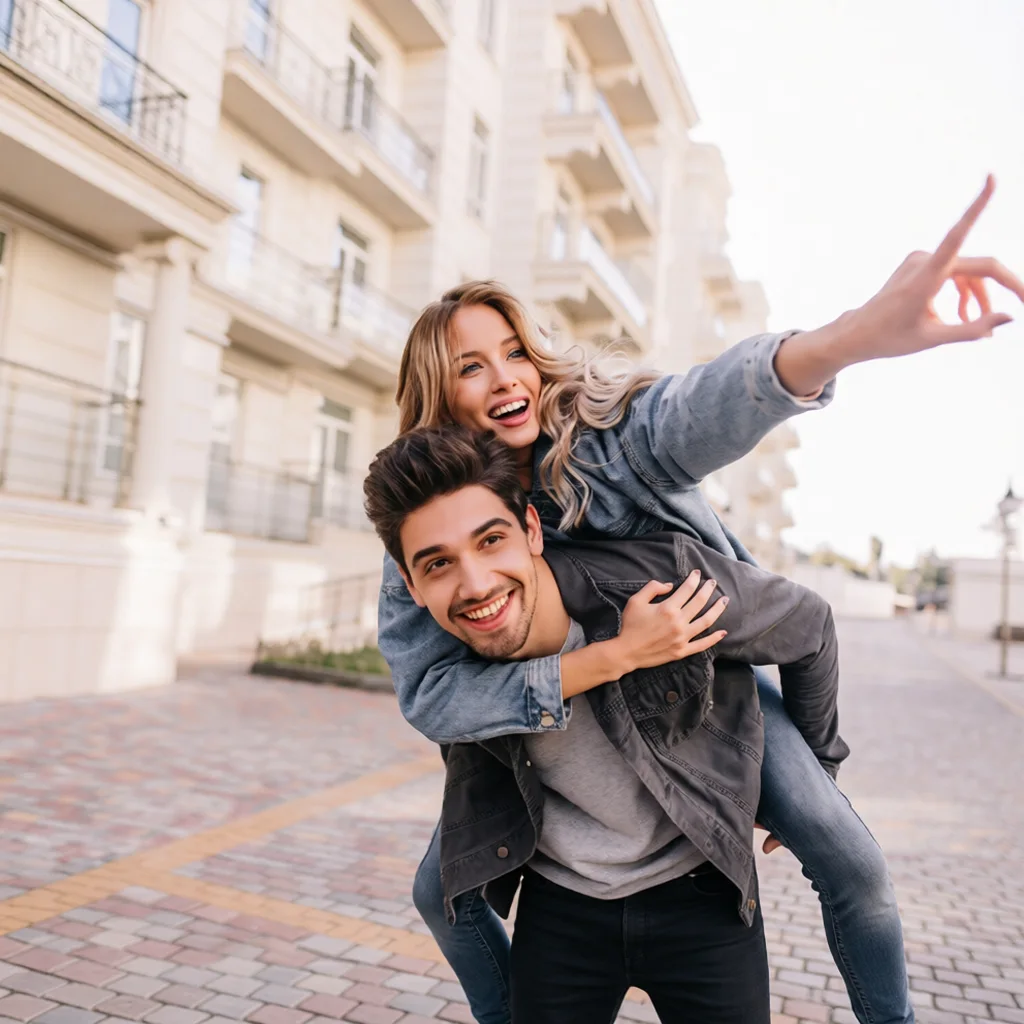
AI Upscale
Boost low-res photos to crisp HD.
Frequently asked questions
Magical Studio AI includes a Ghibli generator, background remover, photo colorizer, photo enhancer and image upscaler, plus viral photo trends and a freeform AI photo editor where you describe any edit in your own words.