


Upload your image
Upload the photo you want to improve.
Sharpen, restore and upgrade photo quality automatically with AI.
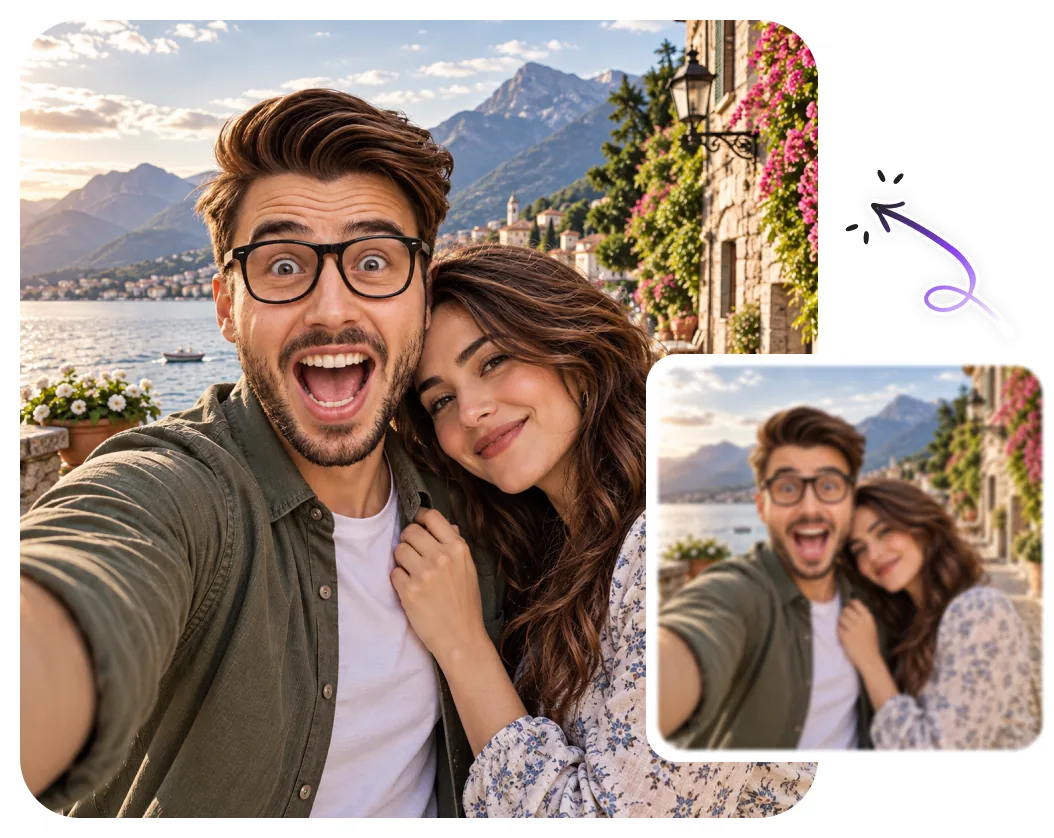
Upload the photo you want to improve.
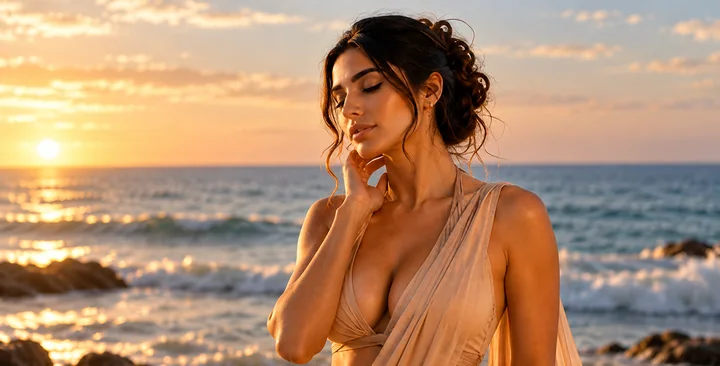
The AI sharpens, denoises and restores detail.
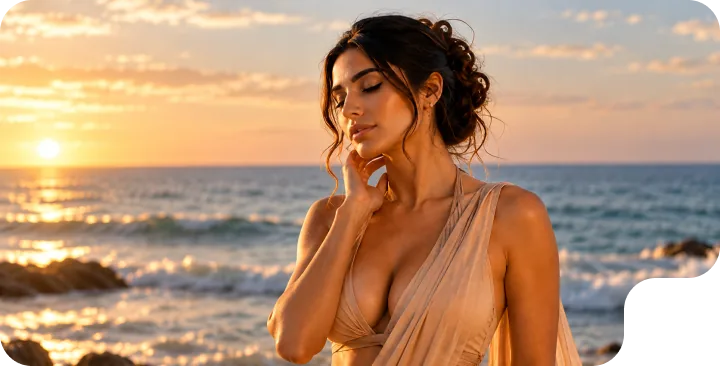
Download your enhanced, higher-quality photo.
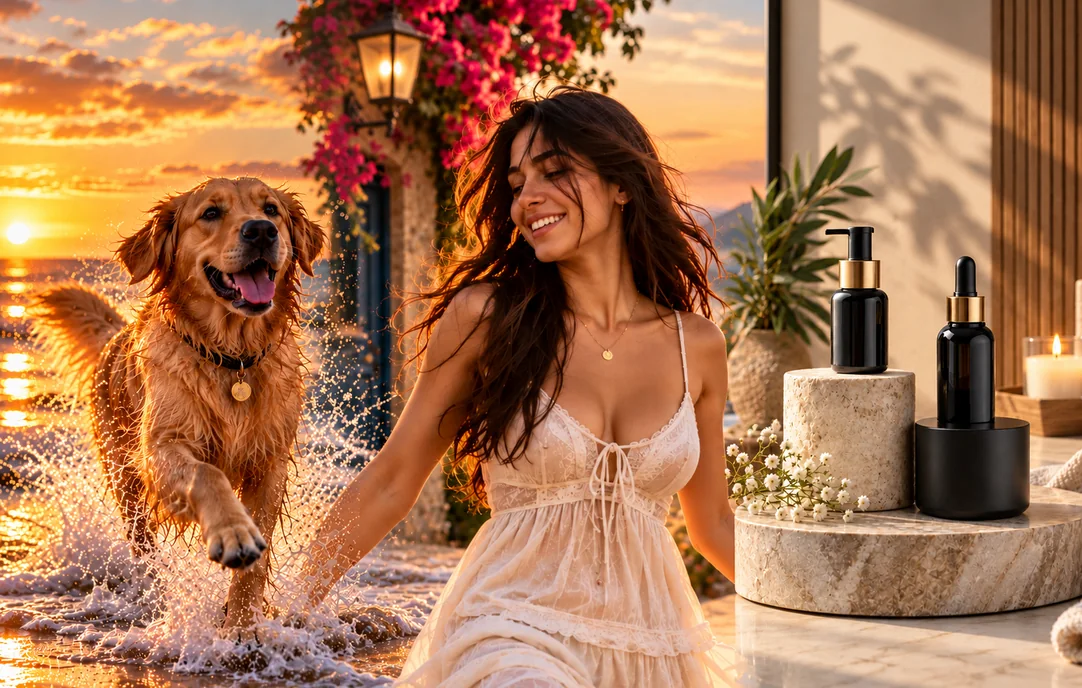
Not every photo comes out sharp, and this photo enhancer rescues the ones that don’t. Use it to unblur photos that came out soft, clean up noisy low-light shots, and improve photo quality for portraits, pets and product images. It is perfect for sharpening screenshots, refreshing old or scanned pictures, and making social media posts, profile photos and listings look crisp and professional. Marketers and sellers use it to polish images before publishing, while families use it to revive blurry memories. Because it runs as an online photo editor with no software to install, you can enhance many photos quickly and download clearer versions ready to print or post.
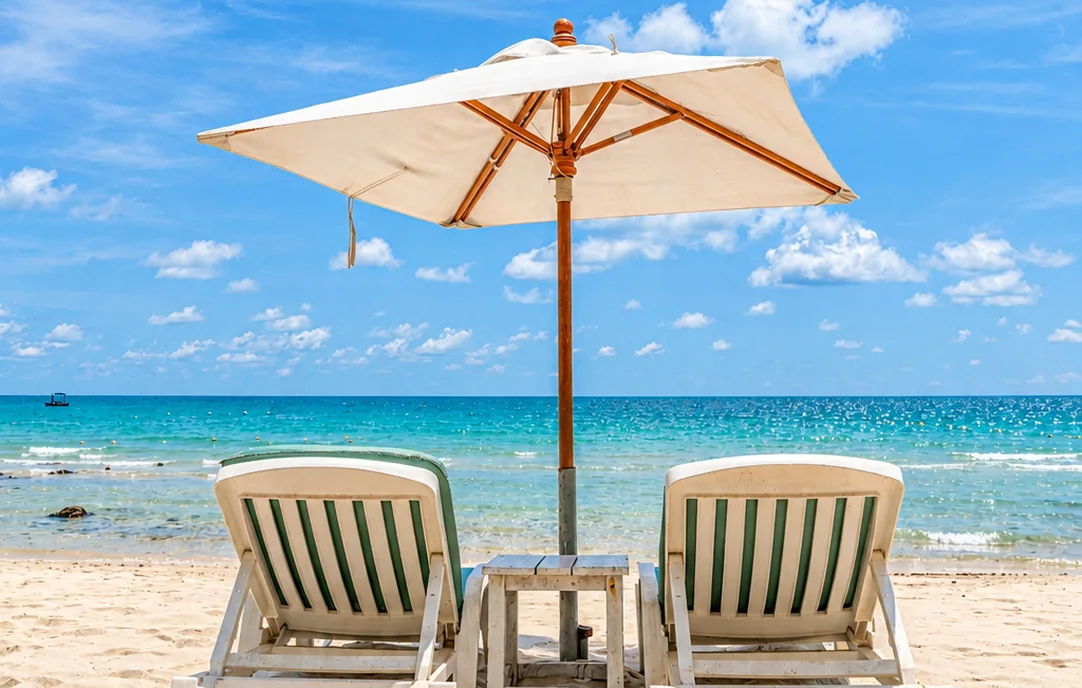
The enhancer works within the detail that exists in your original, so start with the best version you have, the higher the input quality, the more it can improve photo quality. Slightly soft or noisy photos respond best; extremely blurry or pixelated images can only be recovered so far. Avoid stacking heavy filters before enhancing, since they hide detail the AI needs. For old prints, scan them cleanly and crop out borders so the tool can focus on sharpening the actual photo.

Magical Studio AI’s photo enhancer is an AI image editor that improves blurry, soft or low-quality pictures, sharpening detail, reducing noise and restoring clarity automatically. Use it to unblur photos, clean up grainy shots and improve photo quality without manual sliders or editing skills. It works as an online photo editor in your browser, so you can edit photos with AI and download a clearer, higher-quality result in seconds, great for old photos, social posts and any picture that needs a quality boost.
Built For Every Photo
Rescue soft, noisy and low-quality photos with AI. Make them ready to share, print or publish.

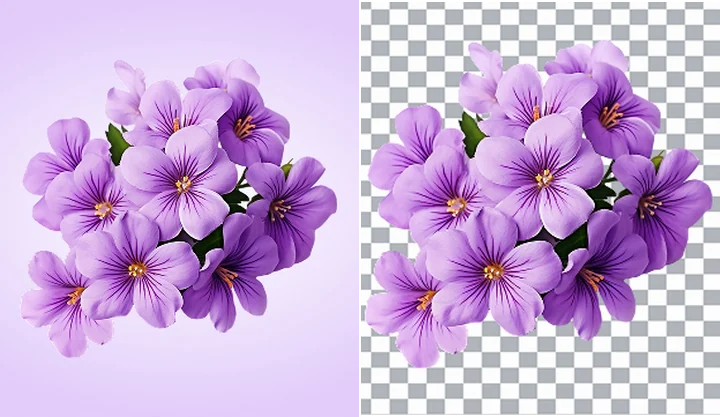
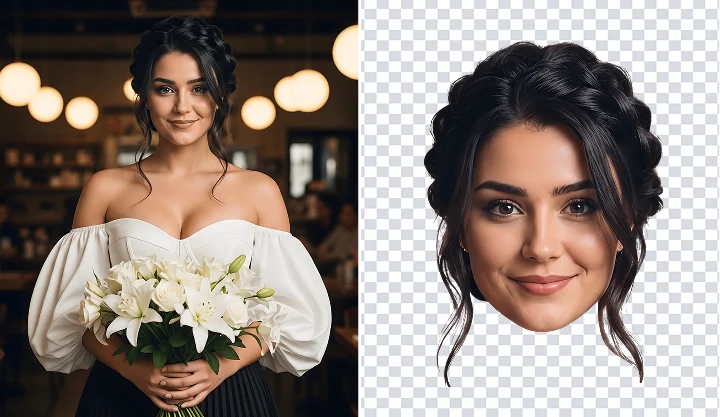
Sharpen faces and reveal natural details.
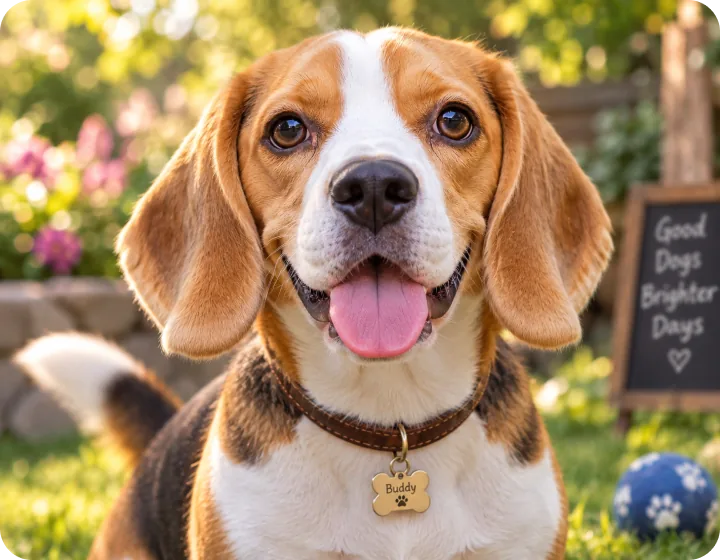
Make pet photos sharper and clearer.
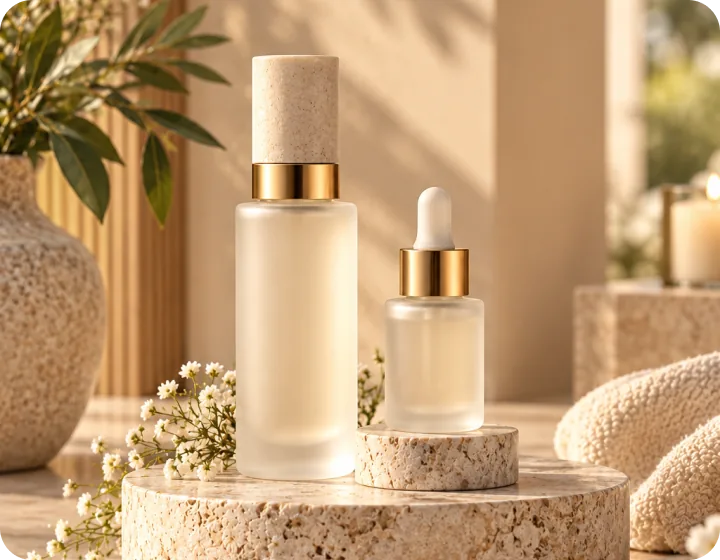
Crisp, listing-ready product images.
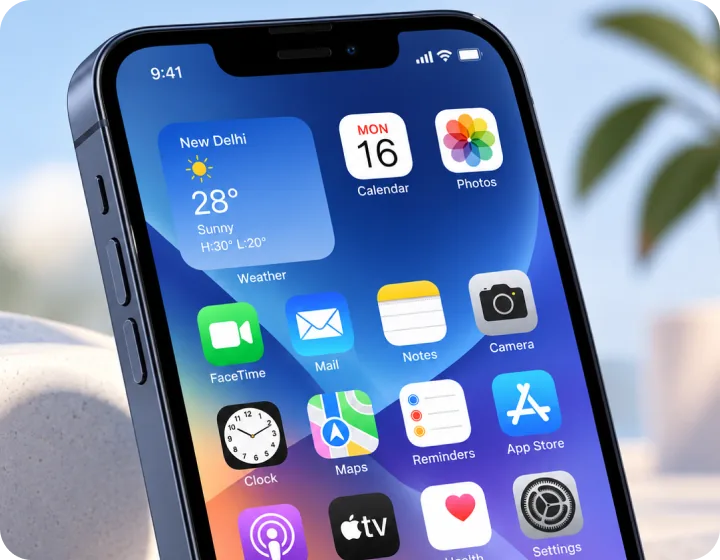
Clean up soft, blurry screenshots.
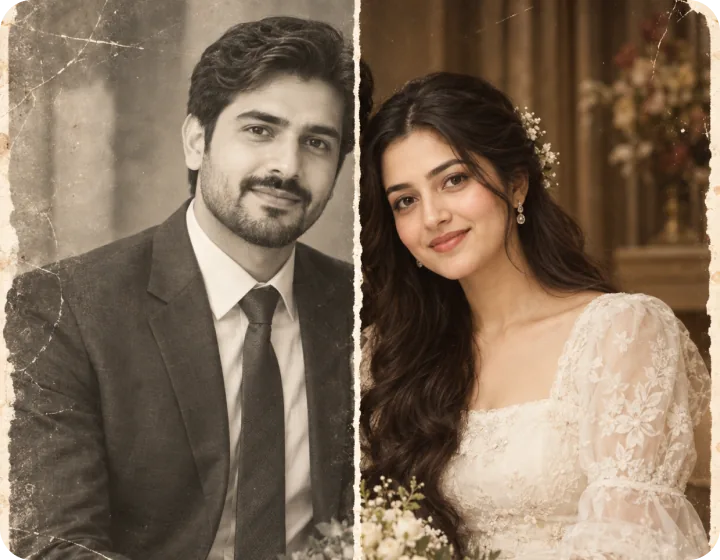
Bring back detail in faded photos.
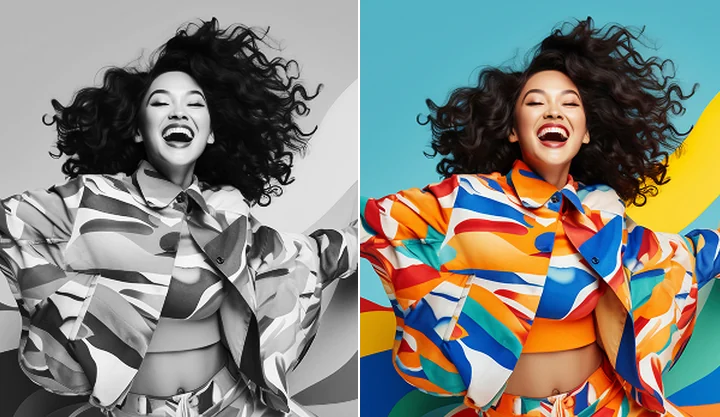
Create sharper photos ready to share.
Sharpen, restore and upgrade quality. Upload a photo and see the result in seconds, free to try.
Upload your ImageFile must be JPEG, JPG, PNG or WebP and up to 40MB
FAQ’s
Learn More About Magical Studio AI and Our Powerful Tools
It sharpens detail and reduces noise to make soft or blurry photos look clearer, within the limits of the original image.
Portraits, old photos, screenshots and social media images all benefit from enhancement.
Every account gets 5 free images a day, no card needed. The Unlimited plan makes every image tool unlimited.
The enhancer sharpens edges and recovers detail to unblur photos that are slightly soft or out of focus, and it reduces noise at the same time. It works within the information in your original image, so mild blur improves dramatically while extreme blur can only be reduced so far. Starting with the clearest version of the photo gives the best result.
The goal is to improve photo quality while keeping the picture natural, sharper detail, cleaner texture and reduced noise, not a different look. It will not change the composition, colors or content of your photo. If you want a larger, higher-resolution version instead of just a clarity boost, try the AI upscaler.







 Upload your Image