


Upload your photo
Choose an image from your device or drag and drop it into the editor.
Remove the background from any image automatically with Magical Studio AI. Upload your photo, let AI detect the subject, and download a clean transparent PNG cutout in seconds. No manual selection, no complicated editing and no design skills needed.
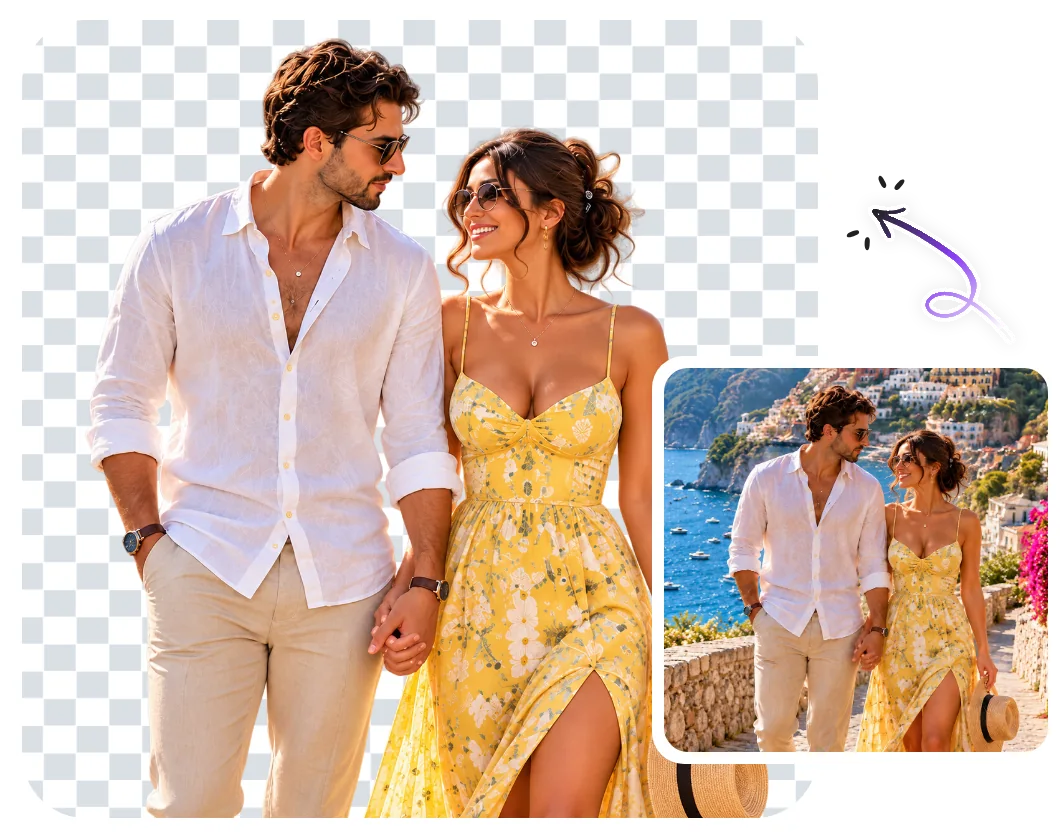
Choose an image from your device or drag and drop it into the editor.
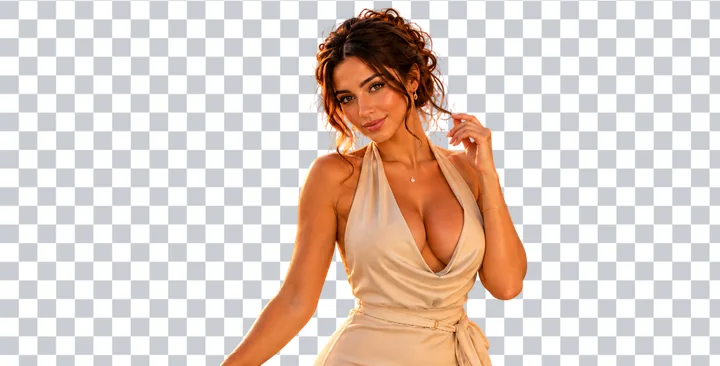
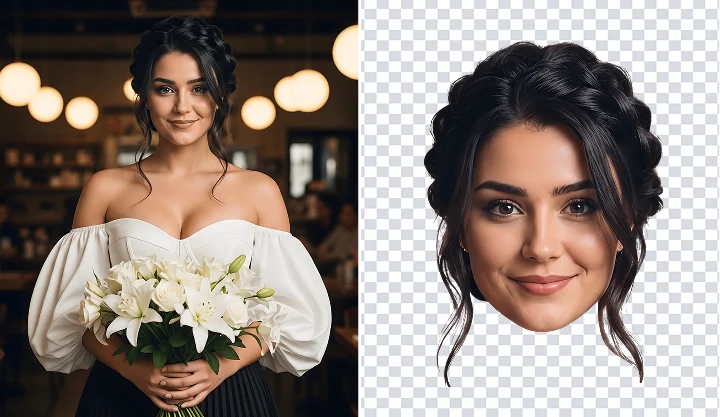
Magical Studio AI automatically detects the subject and removes the background.
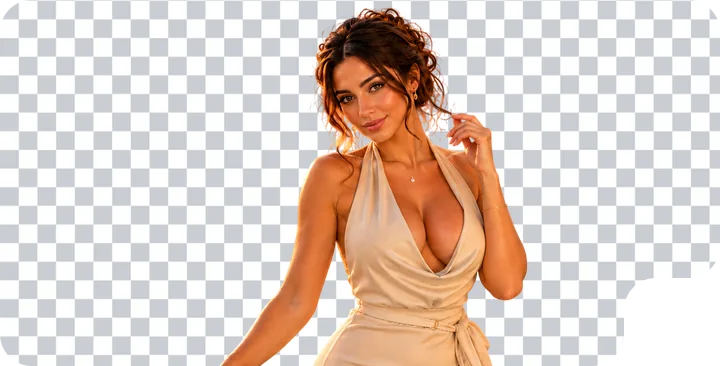
Save your edited image as a transparent PNG and use it anywhere.
Handle tricky edges with AI background removal. From fine hair to detailed graphics, Magical Studio AI removes backgrounds in seconds and keeps your subject sharp and clean.
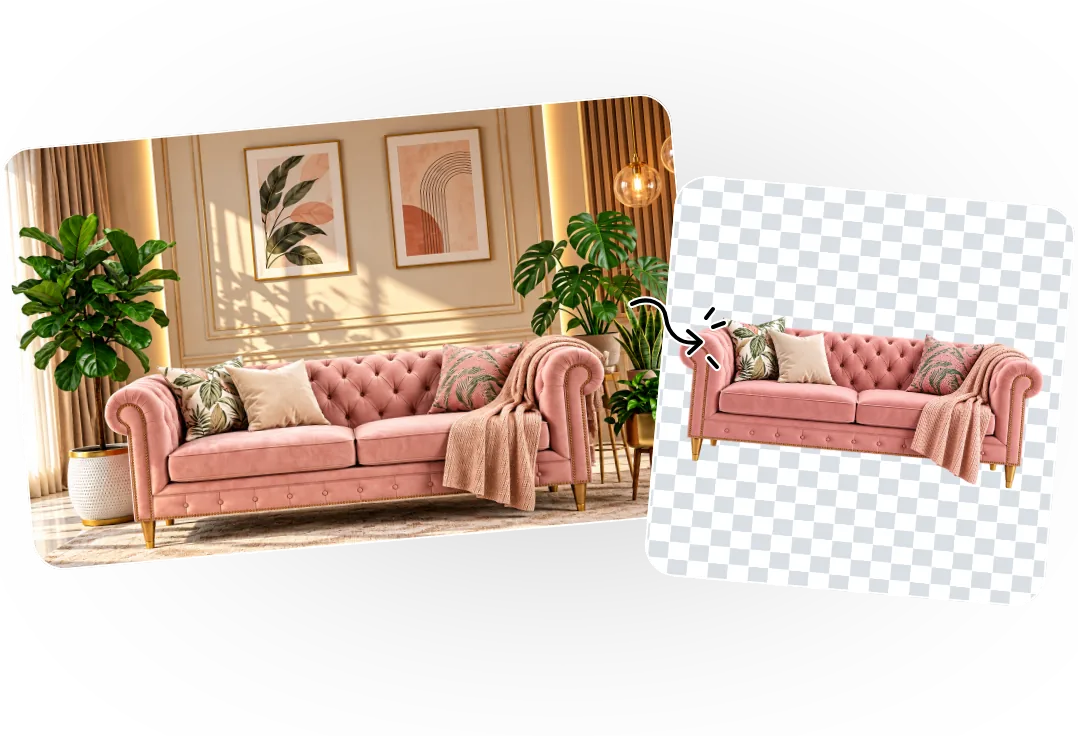
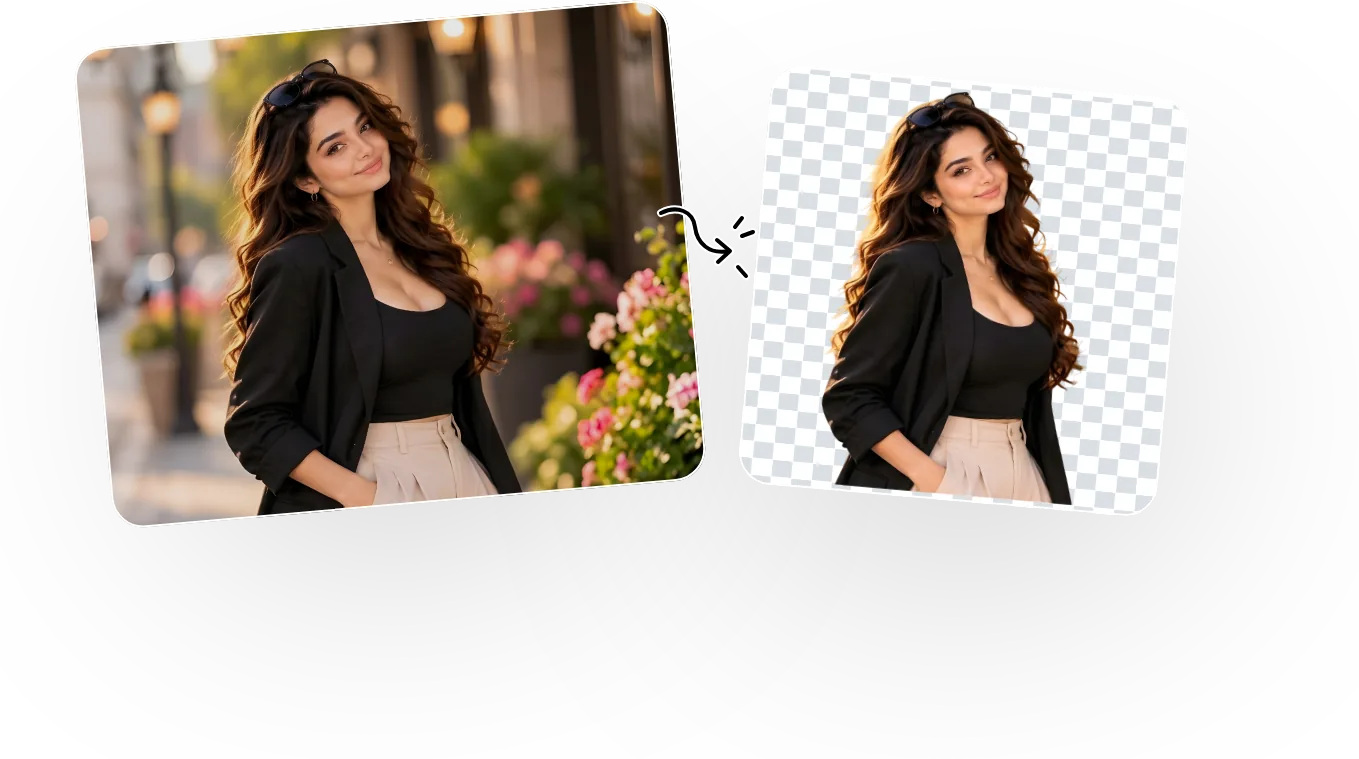
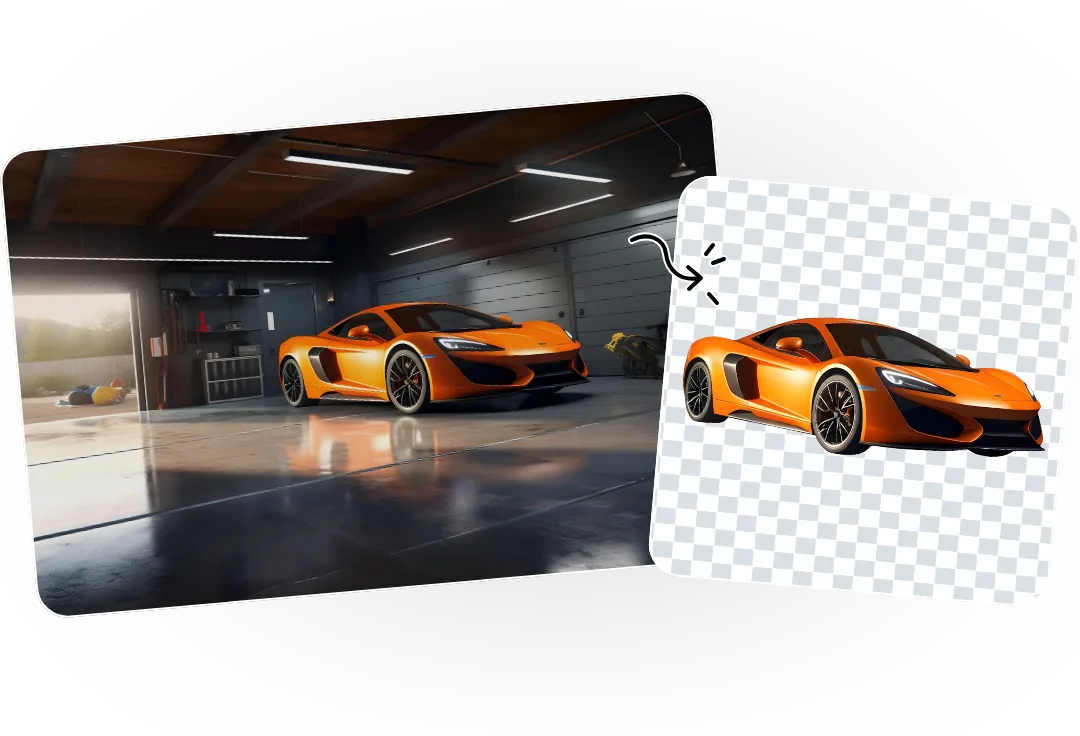
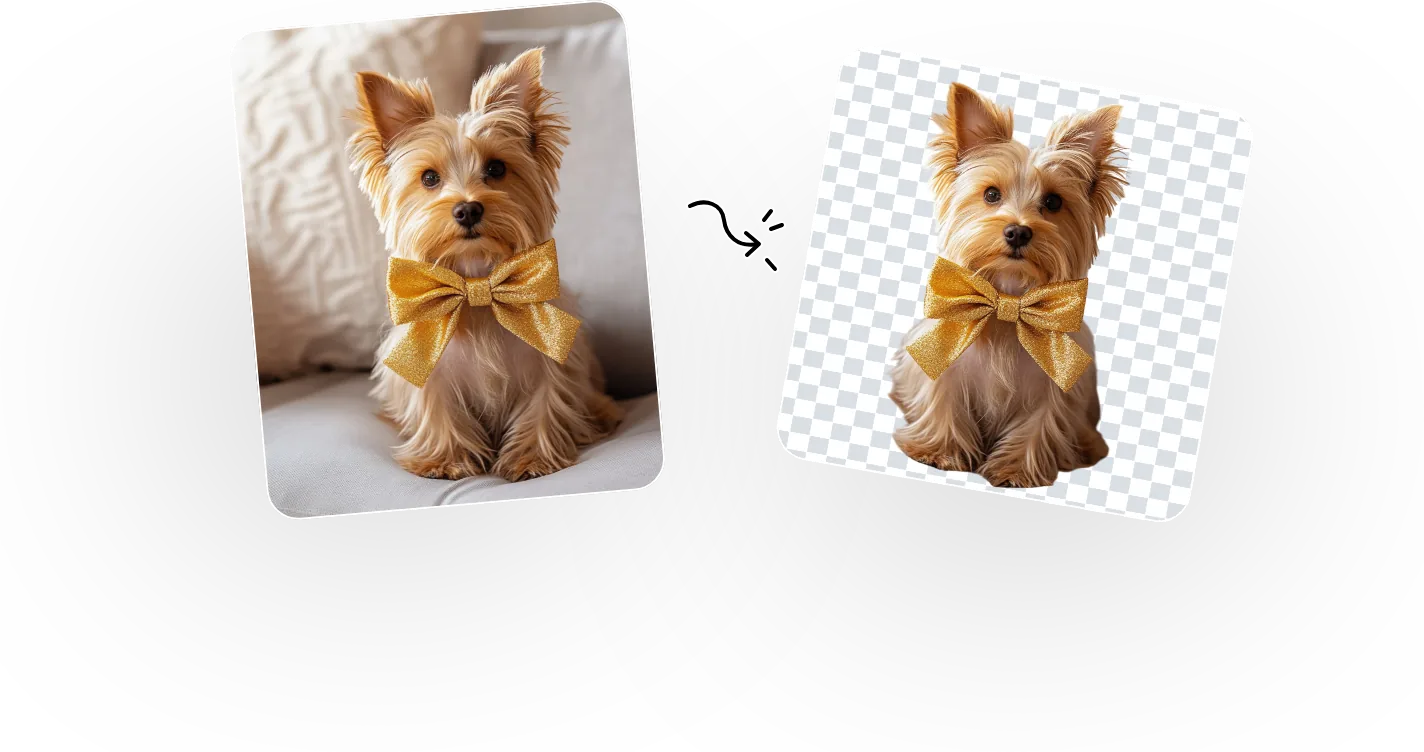
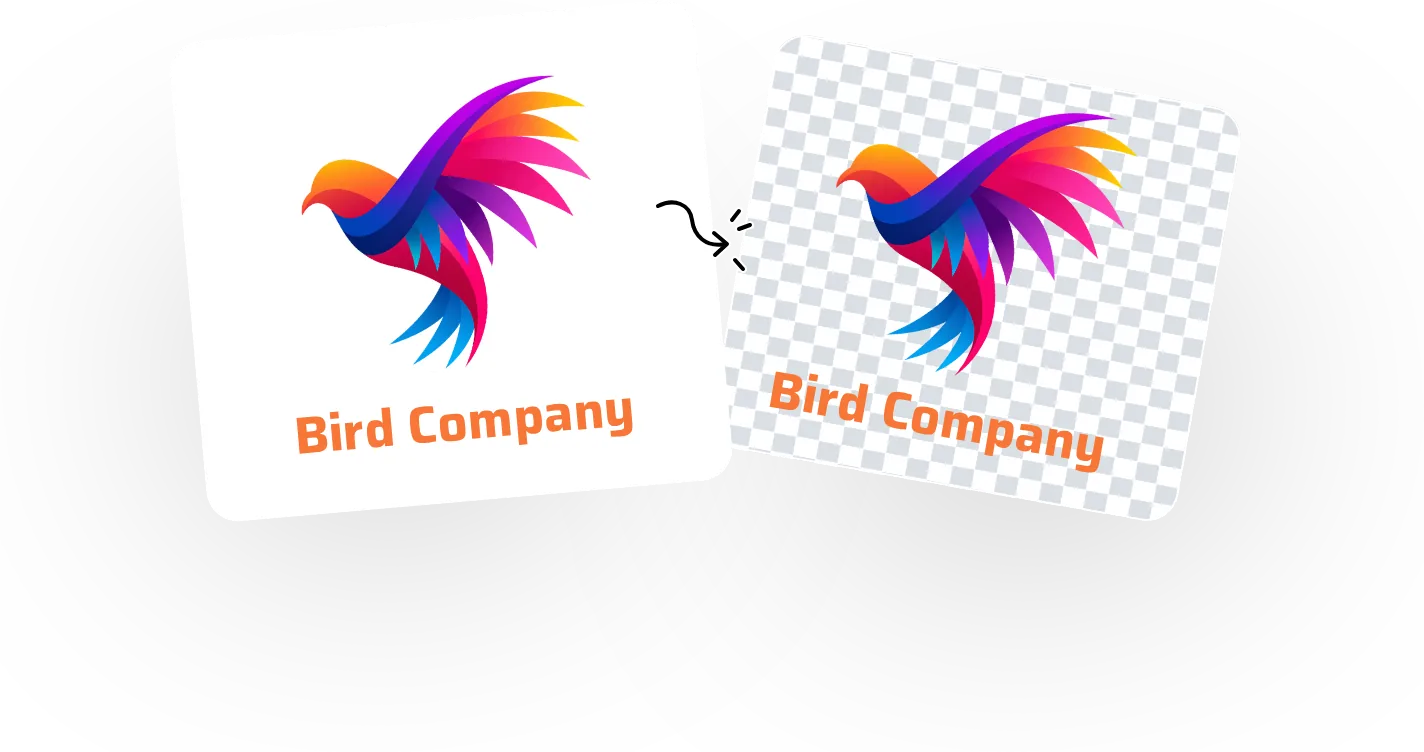
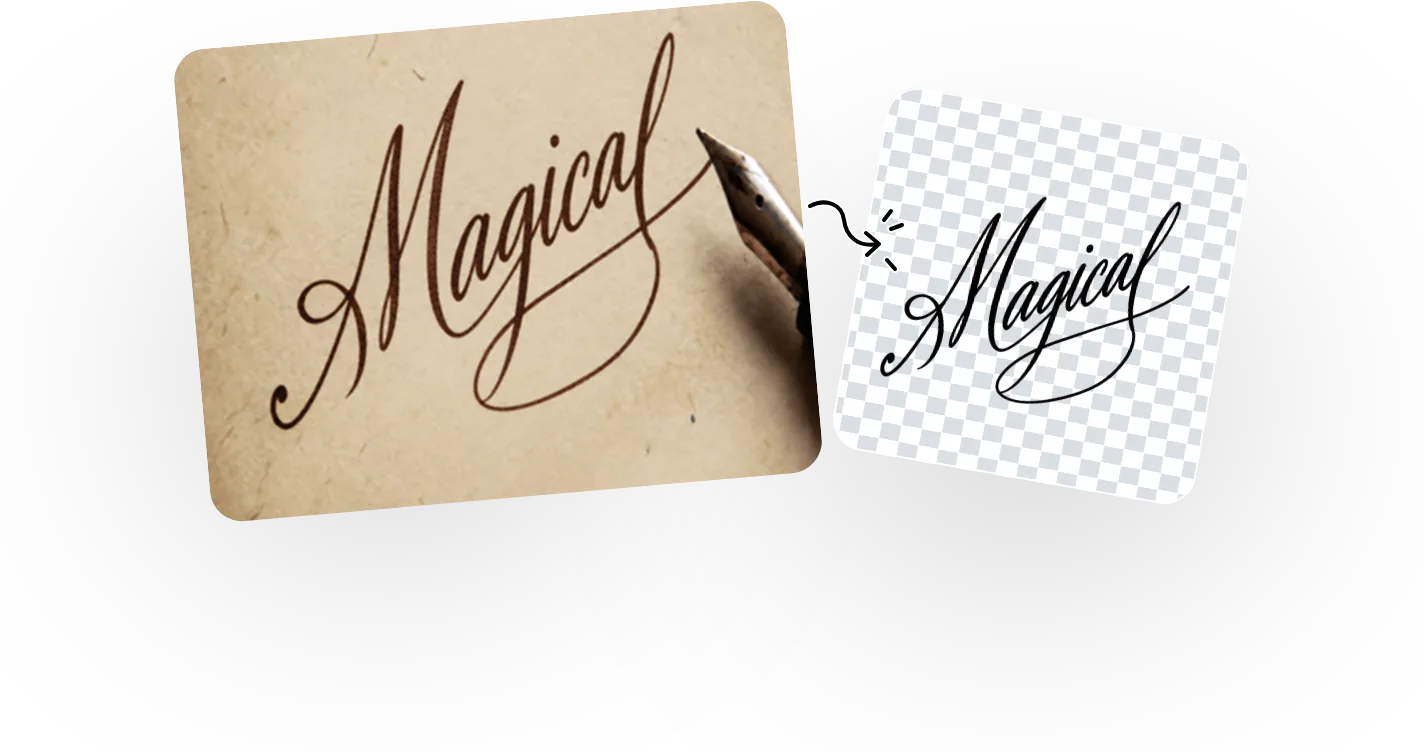
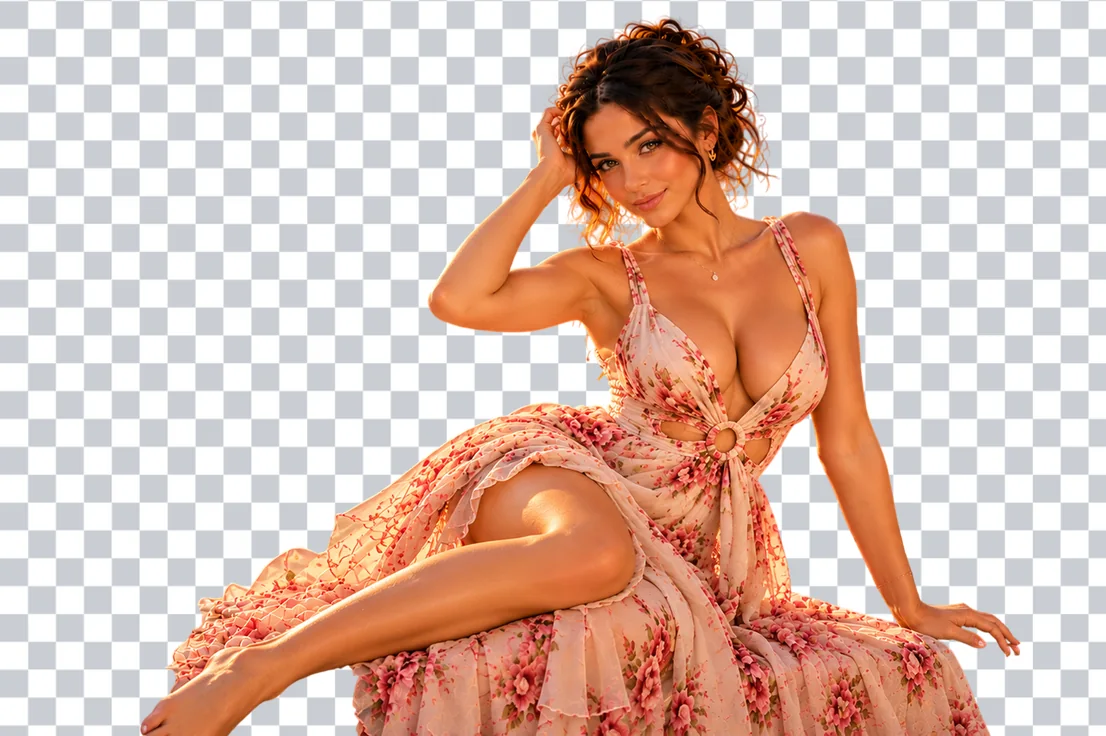
An AI background remover is an online image editing tool that automatically detects the subject in a photo and removes the background. It helps you create a clean transparent PNG cutout without manual selection, brush tools or professional editing skills.

Magical Studio AI’s background remover uses artificial intelligence to identify the main subject in your photo and erase everything behind it. Instead of tracing edges by hand, the tool automatically separates people, products, pets, objects and graphics from the background.
The result is a clean PNG cutout with a transparent background that you can place on any color, image, design, banner, product page or social post.
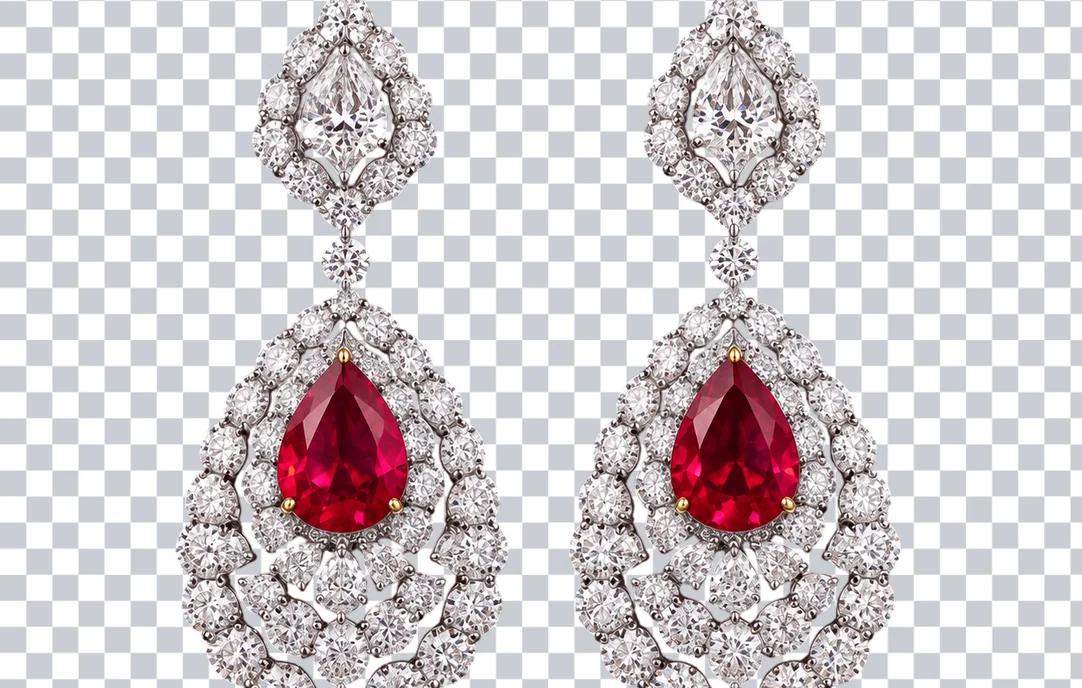
Use a sharp, well-lit image where the subject is clearly visible. Photos with good contrast between the subject and background usually create cleaner edges. For hair, fur, thin objects and detailed shapes, use high-resolution photos with less blur.
For product photos, shoot against a simple surface with even lighting. For profile pictures, make sure your face and shoulders are clearly visible.
Magical Studio AI is built for fast, simple, browser-based photo editing. You can remove image backgrounds without installing heavy software or learning complex editing tools.
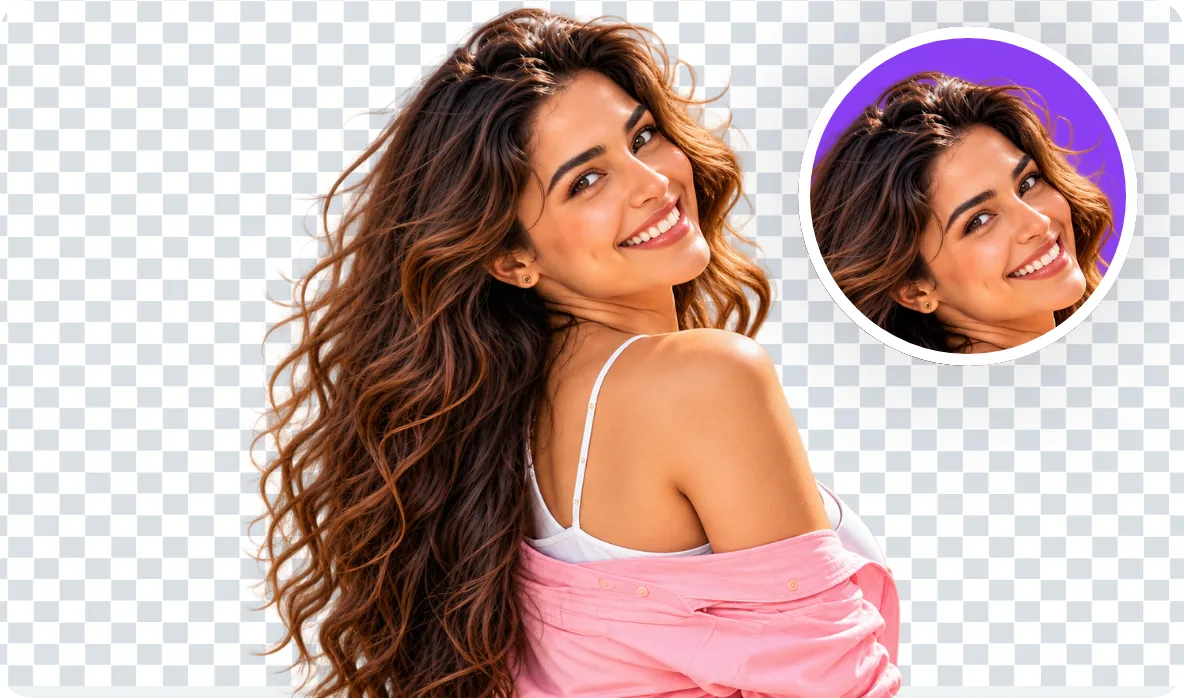
Create clean cutouts with transparent backgrounds.

Make product images ready for online stores.
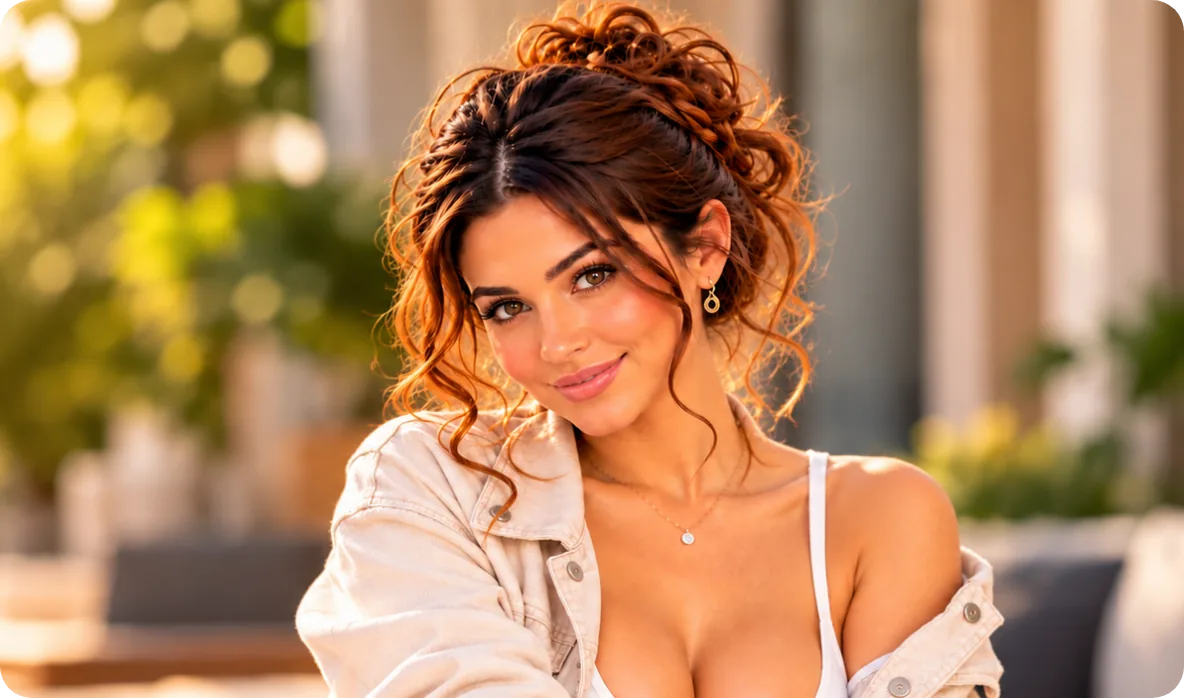
Create polished portraits with precise cutouts.

Design eye-catching stickers and creative visuals.
FAQ’s
Learn More About Magical Studio AI and Our Powerful Tools
No, the AI detects the subject and removes the background automatically, including tricky edges like hair.
Profile pictures, product photos, e-commerce listings, thumbnails, stickers and graphic design.
Every account gets 5 free images a day, no card needed. The Unlimited plan makes every image tool unlimited.
Yes, when you remove the background, the subject is saved as a png cutout with a transparent background. That means you can drop it straight onto any color, photo or design without a white box around it, making it ideal for logos, stickers, product mockups and layered graphics.
The AI is trained to keep fine detail like hair, fur and thin objects when it removes the background. For the cleanest edges, use a sharp, well-lit photo with good contrast between the subject and the backdrop. Busy or low-light backgrounds can make fine edges harder to separate cleanly.
Erase the background, keep the subject. Upload a photo and see the result in seconds, free to try.
Upload your ImageFile must be JPEG, JPG, PNG or WebP and up to 40MB






 Upload your Image