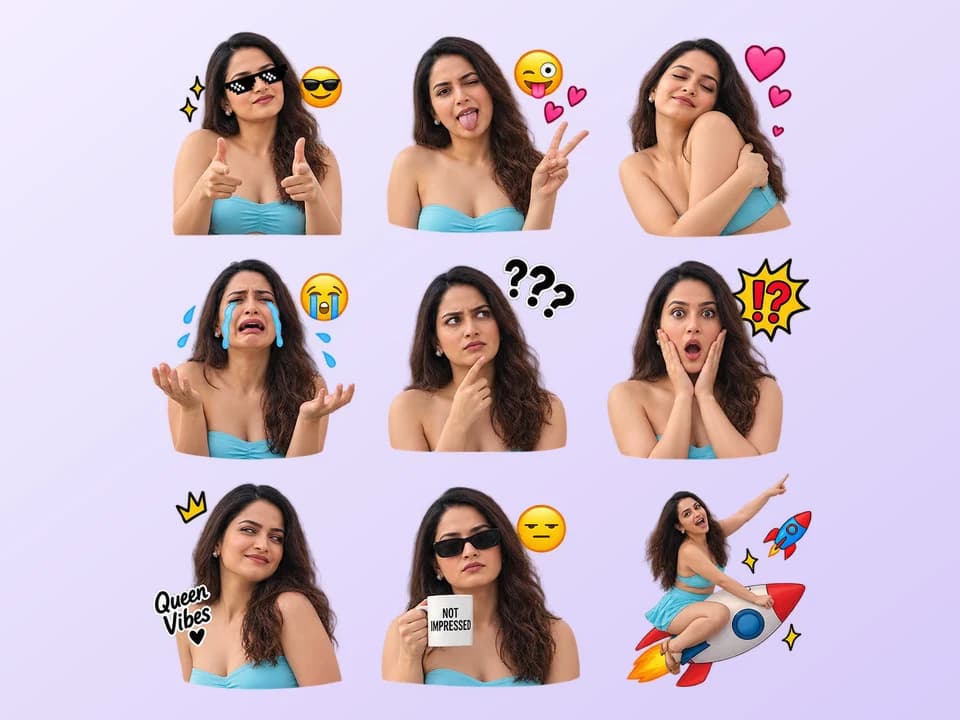
Social Media Avatars
Create a profile image that stands out on Instagram, Facebook, TikTok, X, messaging apps or community platforms.
AI Tool
Your photo, more personality
JPG, PNG or WebP. Choose a clear photo with visible faces.JPG, PNG or WebP. Choose a clear photo with visible faces.
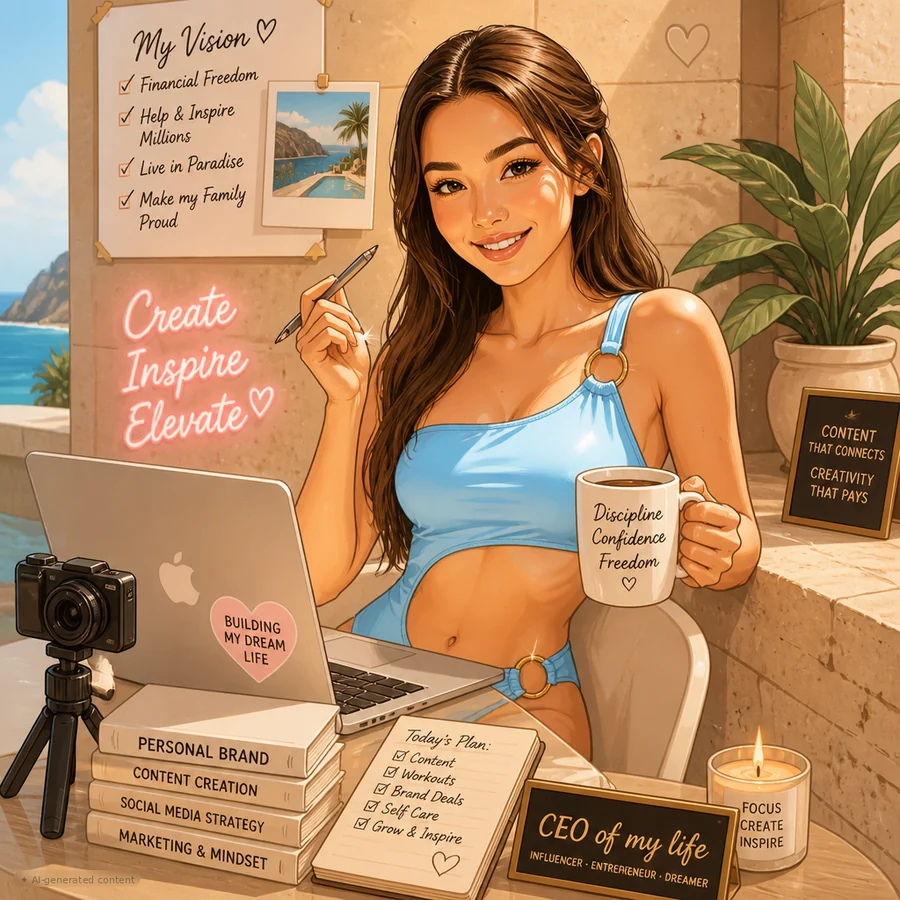
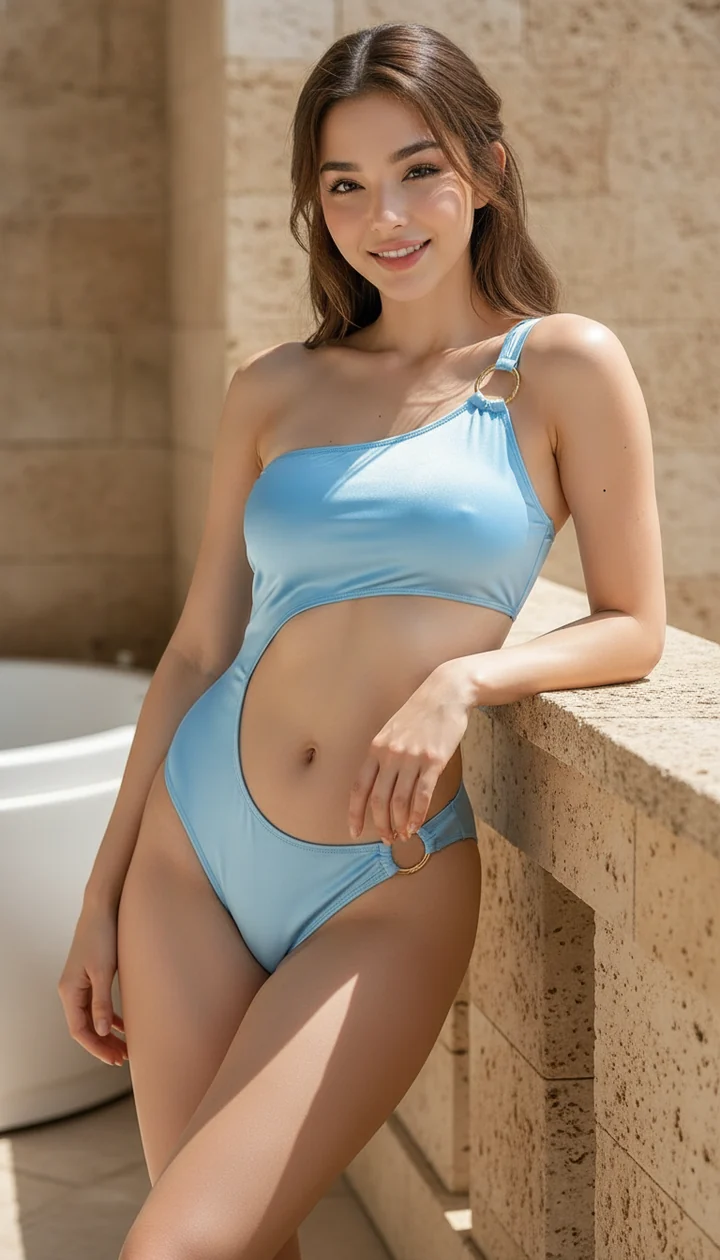
Create a Fun Cartoon Version of Your Photo
Turn a clear portrait into a playful illustrated version of yourself, with recognizable features and expressive artistic details.
By uploading, you agree to our Terms of use and Privacy Policy.
Turn a normal portrait into something bold, playful and memorable with our AI Caricature Maker. Upload a clear photo and create a stylized portrait that keeps your recognizable features while adding the exaggerated expressions and artistic details that make caricatures so entertaining. It is a simple way to create profile pictures, social media posts, gifts and trend-inspired visuals without drawing anything yourself.
Choose a high-quality image with a clearly visible face. Good lighting, sharp focus and a natural expression can help produce a better result.
Add your photo to the tool and let the system analyze the visible facial features and overall composition.
The AI Caricature Maker transforms your portrait into an illustrated version with more expressive features and a playful artistic style.
Once your image is ready, use it for social posts, profile pictures, creative projects, invitations or personalized gifts.
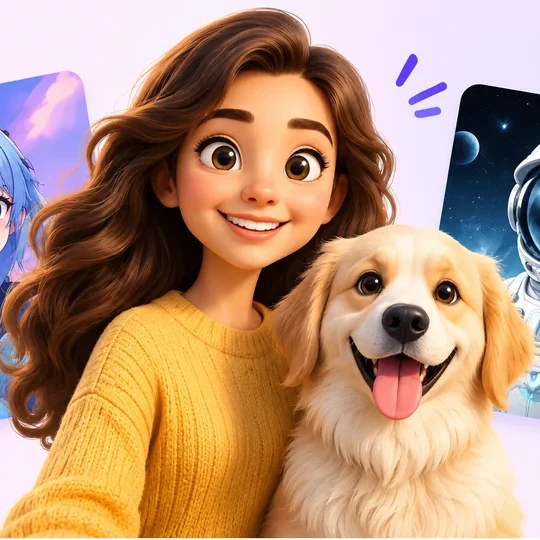 Style inspirationFamiliar face. Bigger expression.
A caricature is an illustrated portrait that exaggerates certain features of a person, such as the eyes, smile, hairstyle, face shape or expression, while still keeping the person easy to recognize. Traditional caricatures are often drawn by artists for entertainment, events, newspapers or personalized gifts.
Today, artificial intelligence makes this creative style much easier to explore. Instead of spending hours sketching by hand, an AI Caricature Maker can study a photo and create a playful interpretation automatically. The result combines recognizable facial details with a more expressive, humorous or cartoon-like appearance.
Create my caricatureCreating an eye-catching portrait does not have to be complicated. With an AI Caricature Maker, you can transform selfies, headshots, couple photos, family pictures and other portraits into unique illustrated artwork in just a few steps.
The tool analyzes visible facial details, expressions, hairstyle and overall appearance before producing a stylized result. This makes it ideal for users who want something more creative than a standard photo filter.
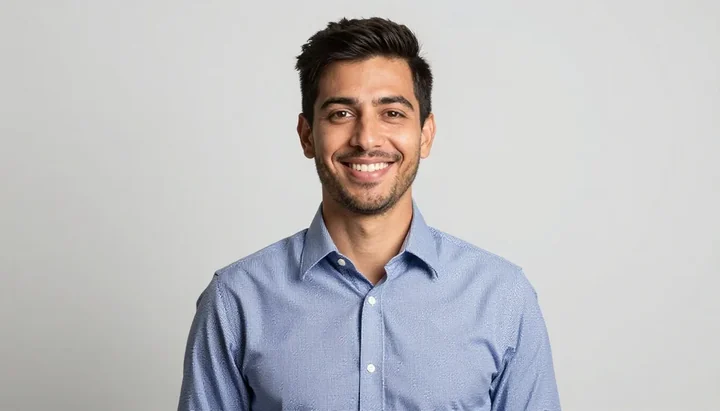 Photo inspiration
Start with a clear portrait
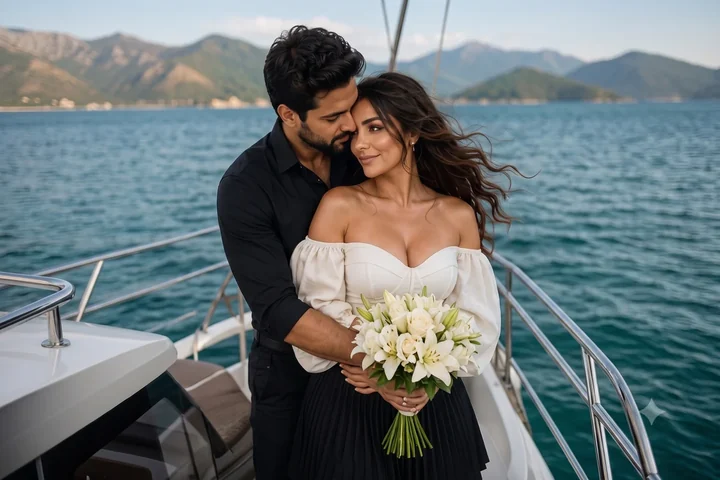 Photo inspiration
Start with a couple photo
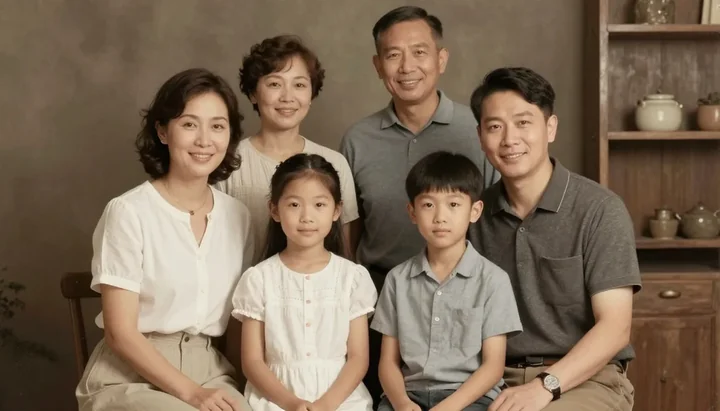 Photo inspiration
Start with a family photo
Caricatures are naturally fun to look at because they make familiar faces more expressive. They can turn an ordinary selfie into something people notice, share and remember.
Using an ai caricature generator also makes the process accessible to everyone. You do not need professional illustration skills, expensive software or hours of editing. A single photo can become a creative visual that works well for social media trends, avatars, digital gifts or personal entertainment.
Create a profile image that stands out on Instagram, Facebook, TikTok, X, messaging apps or community platforms.
Turn your photo into a funny or artistic version and use it for before and after posts, challenges, reels, stories or viral photo trends.
Caricature portraits can be used for birthday greetings, digital cards, posters, keepsakes and surprise gifts.
A caricature maker from a photo can give your favorite memories a playful twist while keeping the people in the image recognizable.
Use a caricature maker online to create eye-catching visuals for blogs, social posts, thumbnails, personal branding or fun digital projects.
For the best output, choose a photo with good lighting and a clearly visible face. Avoid images that are extremely blurry, too dark, heavily cropped or covered by large accessories.
Try different facial expressions as well. Smiling, surprised, confident or playful expressions can make your final caricature more interesting because this art style works especially well with visible personality.
You do not need to be an artist to enjoy this creative style. The AI Caricature Maker handles the transformation for you, making it easy for beginners to experiment with cartoon-style portrait art.
Whether you want a fresh profile image, a fun social media post or a creative version of a favorite photo, you can start with just one clear picture.
A caricature usually represents a real person and exaggerates specific facial or physical features while keeping the subject recognizable. A cartoon can be any illustrated character and does not always need to represent a real person.
This tool gives everyday portraits a new personality by combining recognizable facial details with exaggerated artistic features. It is quick, simple and perfect for anyone who wants to try a creative photo trend without complicated editing.
Upload your photo and discover how different your portrait can look when it becomes a playful caricature.
Create my caricature