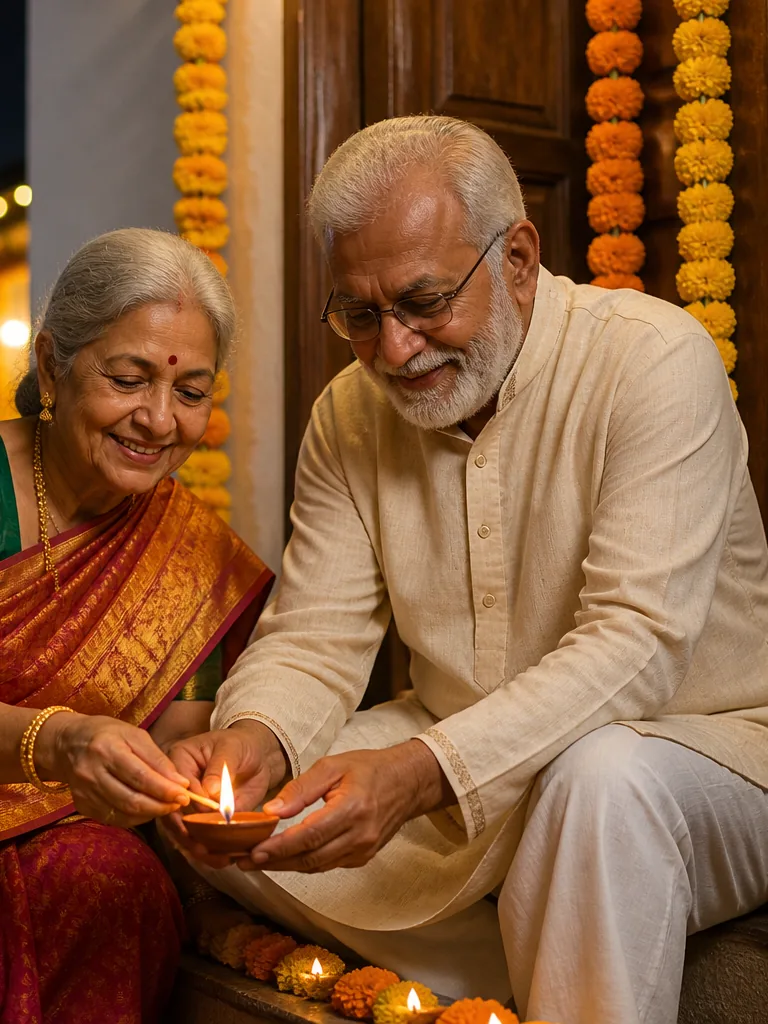
AI Diwali Photo Generator
Create your Diwali photo
AI Tool
Diwali Portrait
- Upload photo
- Generate
Upload a clear portrait
JPG, PNG or WebP · Up to 40MBJPG, PNG or WebP · Up to 40MB
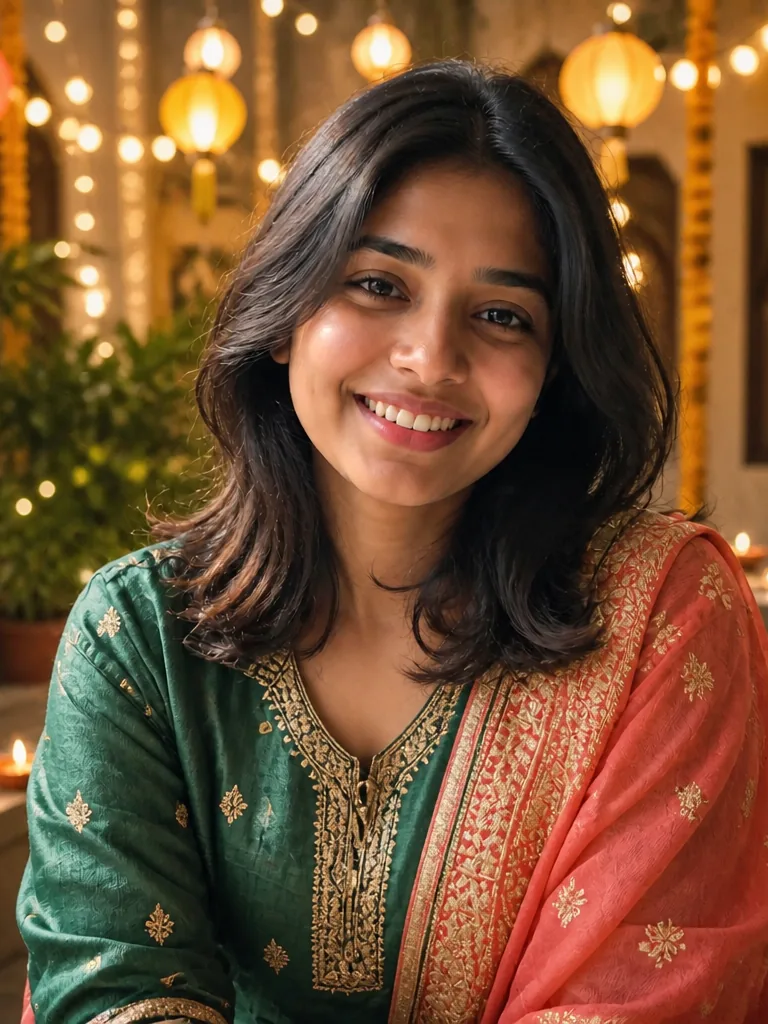
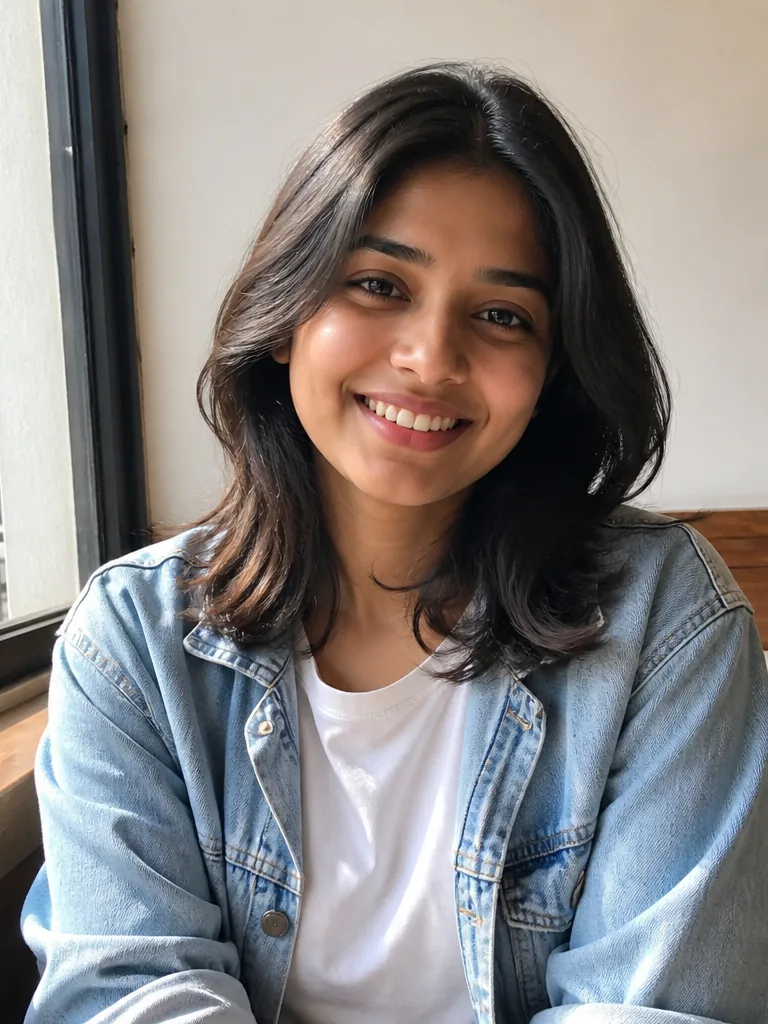
Your Diwali portrait, in two simple steps.
Uses your Image Edit allowance. Results vary with your photo. Go Unlimited
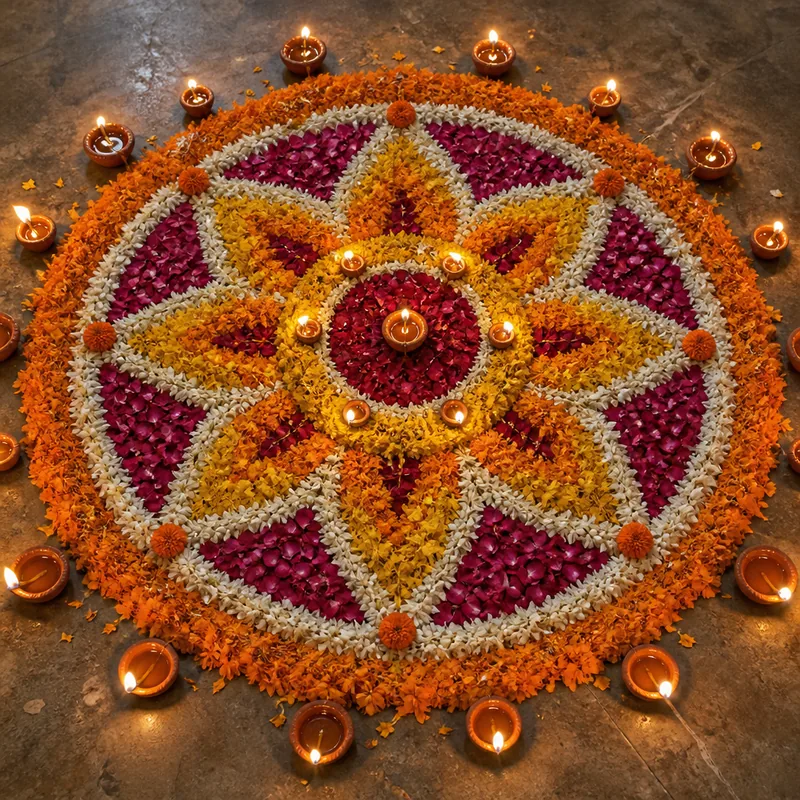
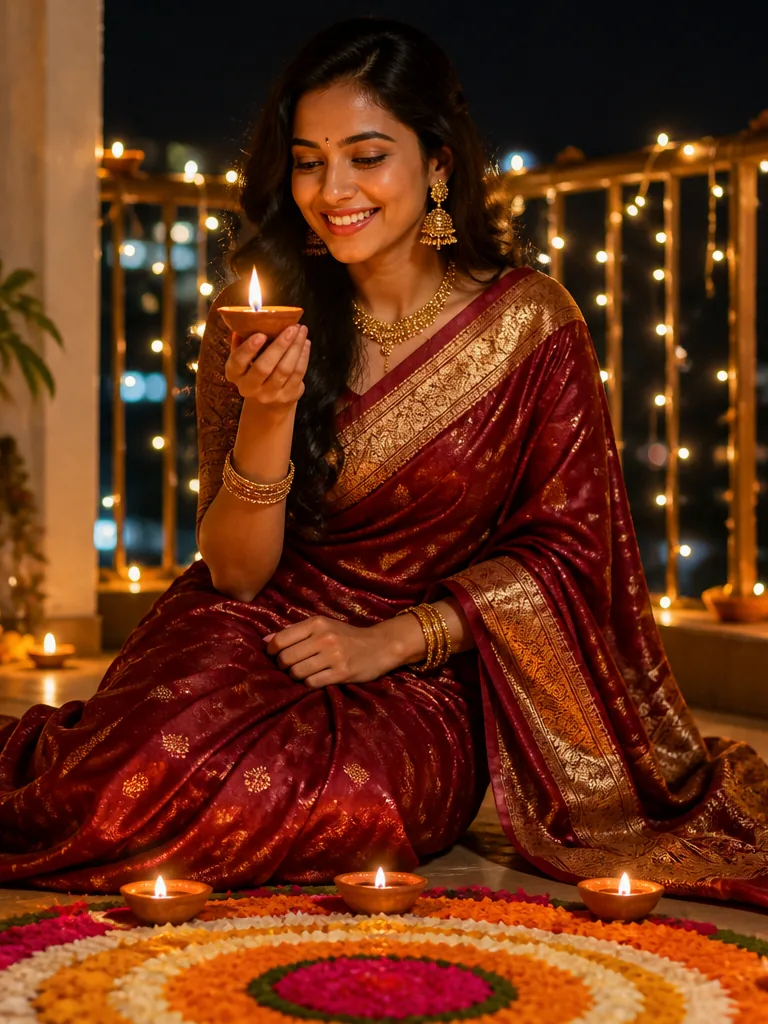
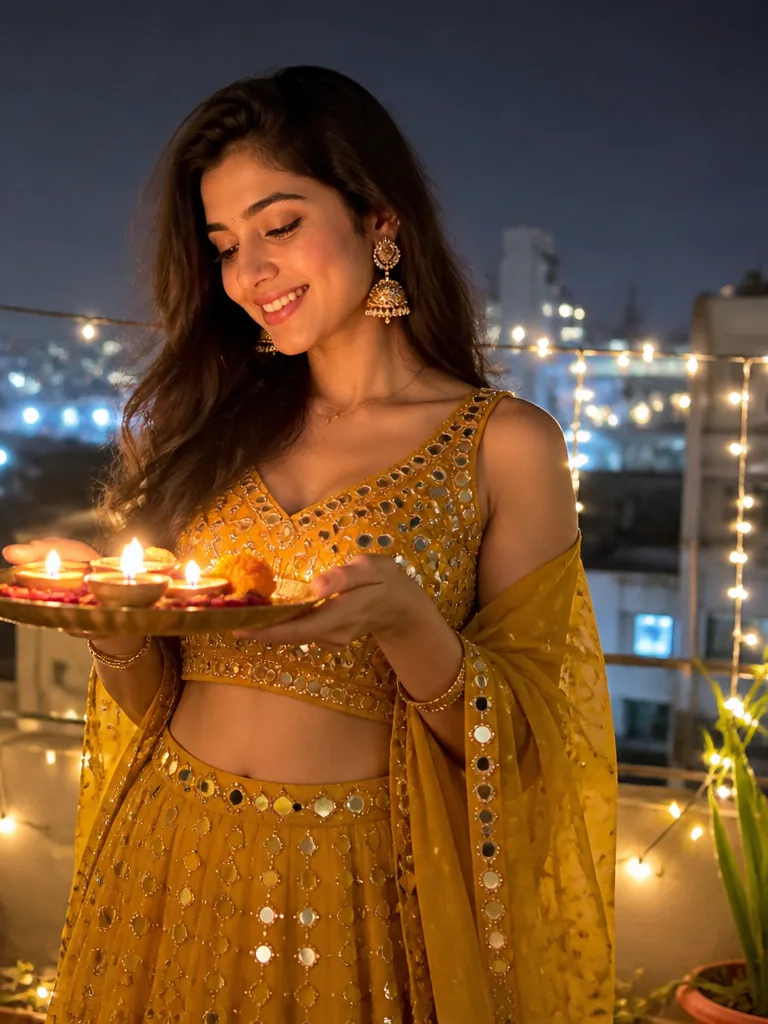
Celebrate the Festival of Lights with a creative photo transformation using our AI Diwali Photo Generator. Turn an ordinary portrait into a festive Diwali-inspired image filled with traditional outfits, glowing diyas, decorative lights, rangoli, flowers and warm celebration vibes. Whether you want a social media post, greeting image, profile picture or festive memory, creating a beautiful Diwali look takes only a few simple steps.
Give Your Photo a Festive Diwali Makeover
Diwali is all about light, color, tradition, family and celebration. With the AI Diwali Photo Generator, you can give your regular photo a complete festive makeover without spending hours editing it manually.
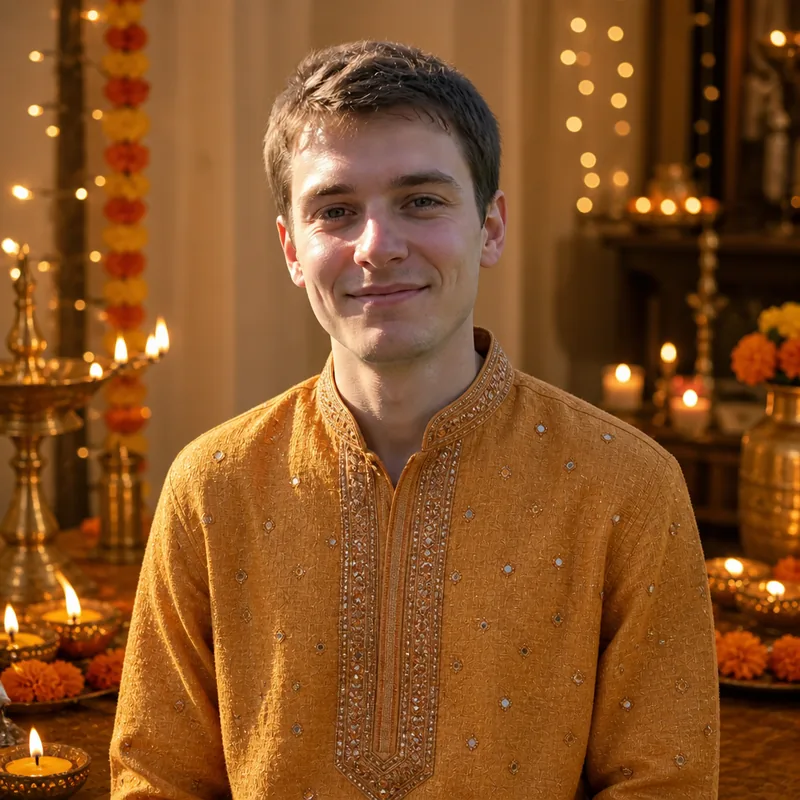
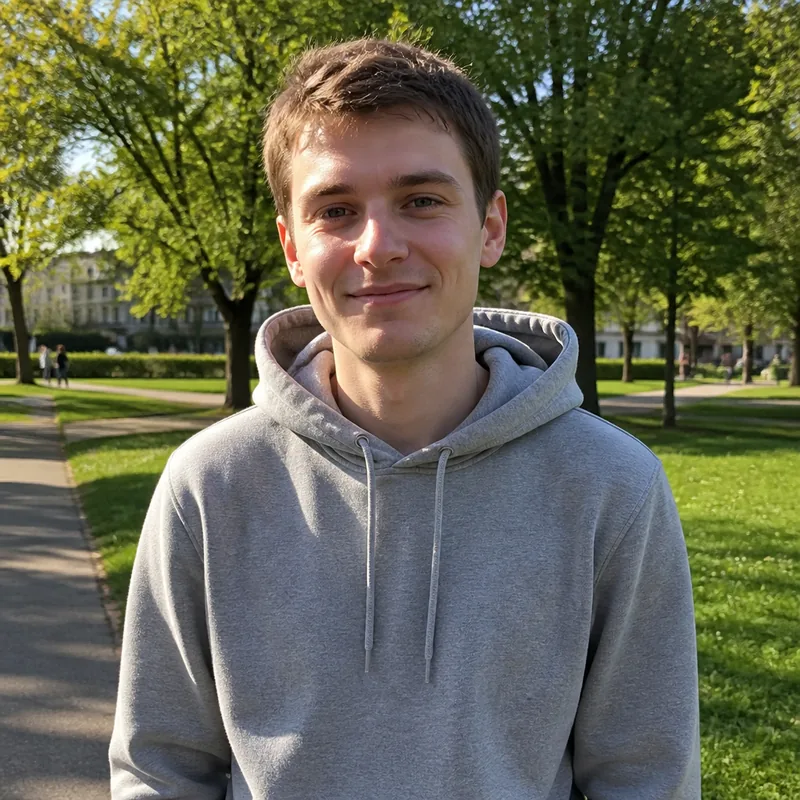
Solo look
A grey hoodie becomes a festive kurta with diyas and brass lamps.
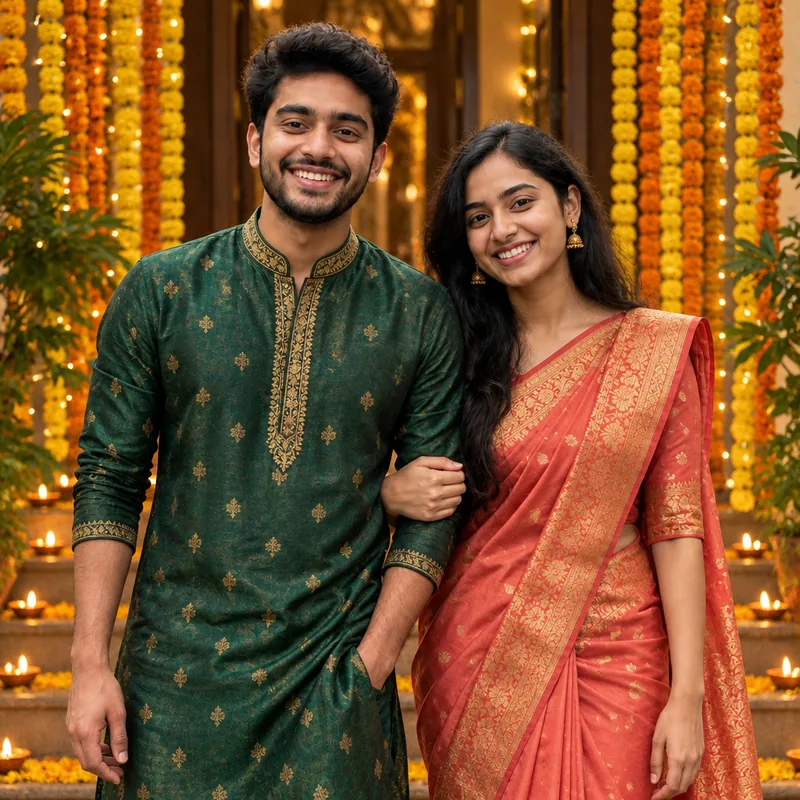
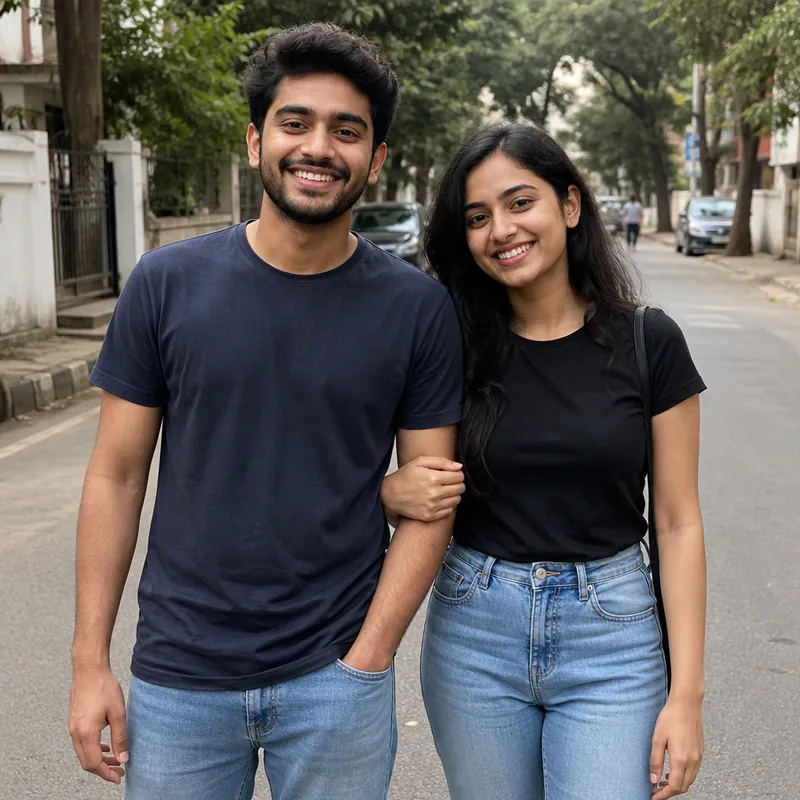
Couple
Jeans and t-shirts turn into a silk saree and a festive kurta.
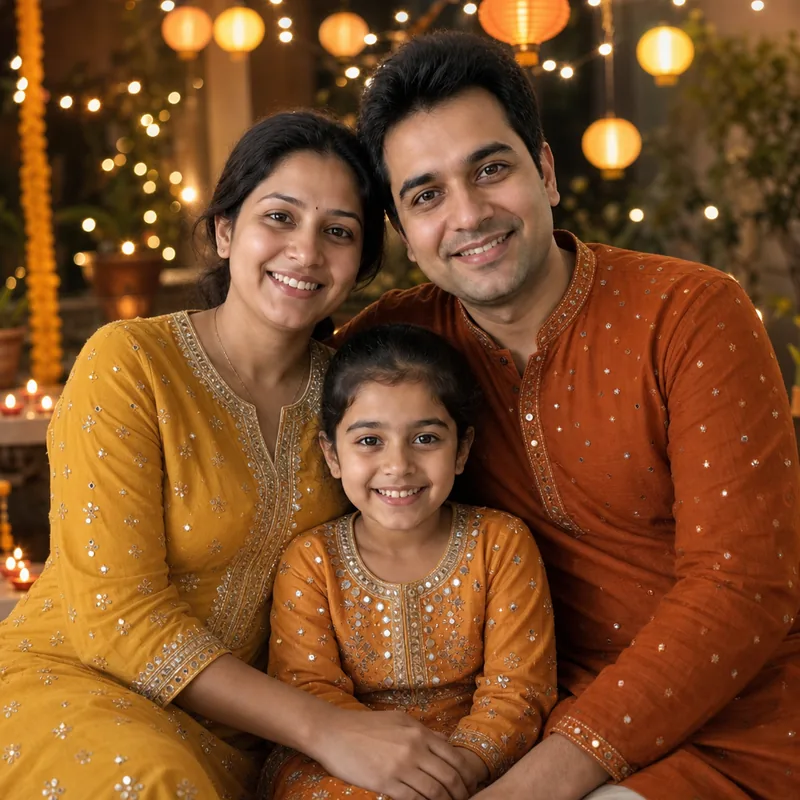
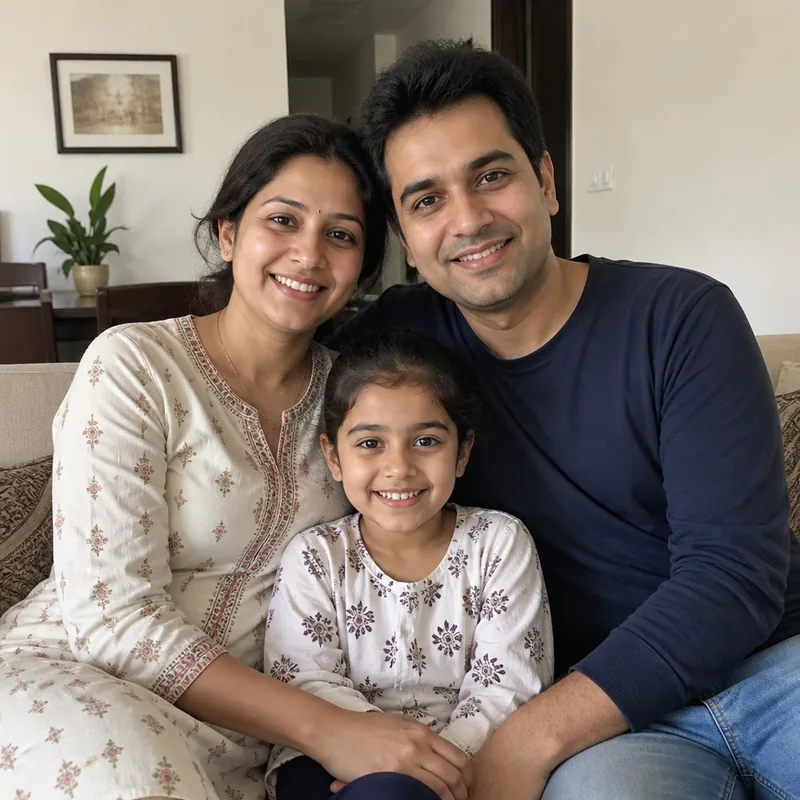
Family
Everyday clothes become matching festive outfits for the whole family.
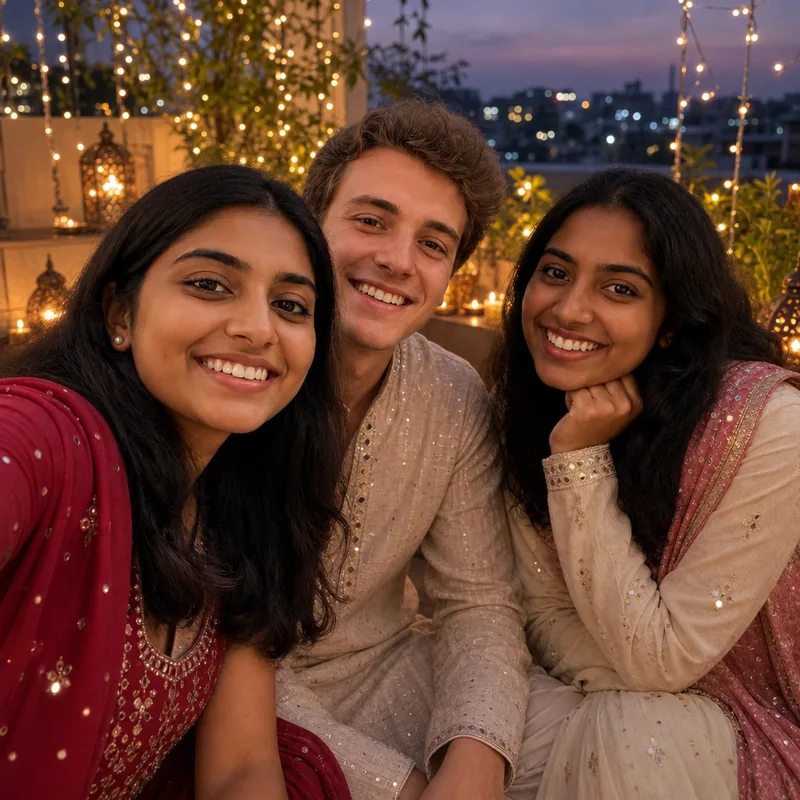
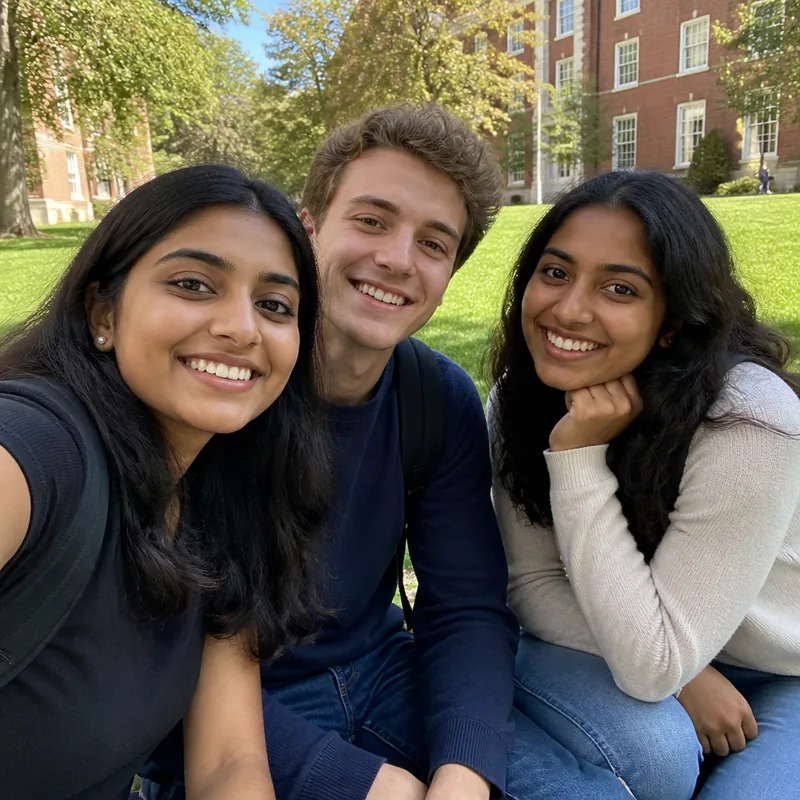
Friends
A campus selfie becomes a festive rooftop selfie with fairy lights.
How to Create Your Diwali Photo
- Step 1
Upload a Clear Picture
Choose a sharp portrait where your face is clearly visible. Good lighting and a simple background can help produce a cleaner transformation.
- Step 2
Generate Your Festive Look
The AI Diwali image generator analyzes your photo and creates a Diwali-inspired version with festive styling, lighting and decorative details.
- Step 3
Preview Your Image
Check your generated result and see how your portrait looks with a colorful festive makeover.
- Step 4
Save and Share
Use your finished image for Diwali wishes, social media posts, digital greetings, profile pictures or personal memories.
Create Diwali Photos Without Complicated Editing
You do not need professional editing skills to create festive visuals. A Diwali photo maker can turn an ordinary picture into a vibrant, festive image filled with traditional colors and celebration-ready style.
The process is beginner-friendly, making it useful for anyone who wants attractive festive content without learning advanced design software.
Why Use AI for Your Diwali Photos?
The AI Diwali Photo Generator gives you a quick and creative way to experiment with festive looks. You can experiment with different portraits, expressions, outfits and visual styles without the need for a physical photoshoot.
It is also useful when you need content for Instagram, Facebook, WhatsApp, festival campaigns, greeting cards or personal posts. With a Diwali photo editor online, you can create your festive artwork directly from a photo and enjoy a more convenient editing experience.
What Can You Create?
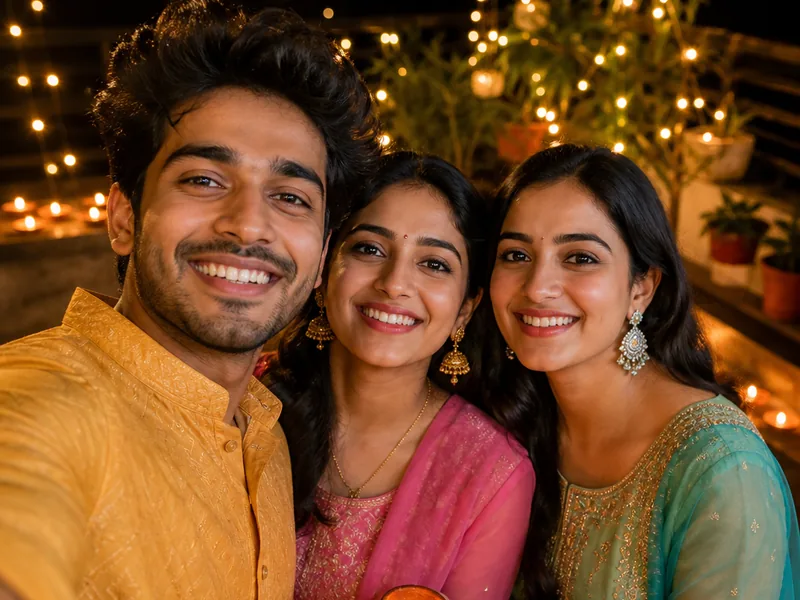
Festive Social Media Posts
Create eye-catching portraits for Instagram posts, reels covers, stories, Facebook updates or WhatsApp status images.
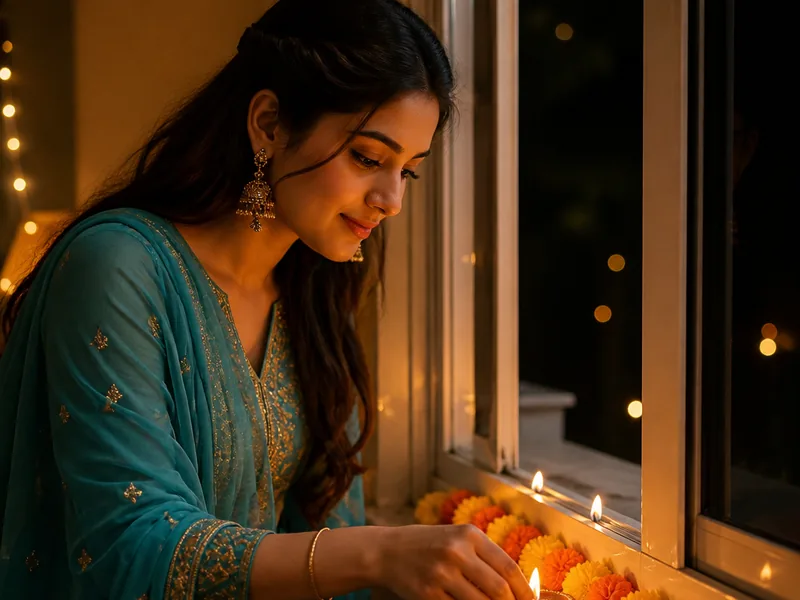
Diwali Greeting Images
Turn your photo into a personalized festive greeting that feels more memorable than a standard template.
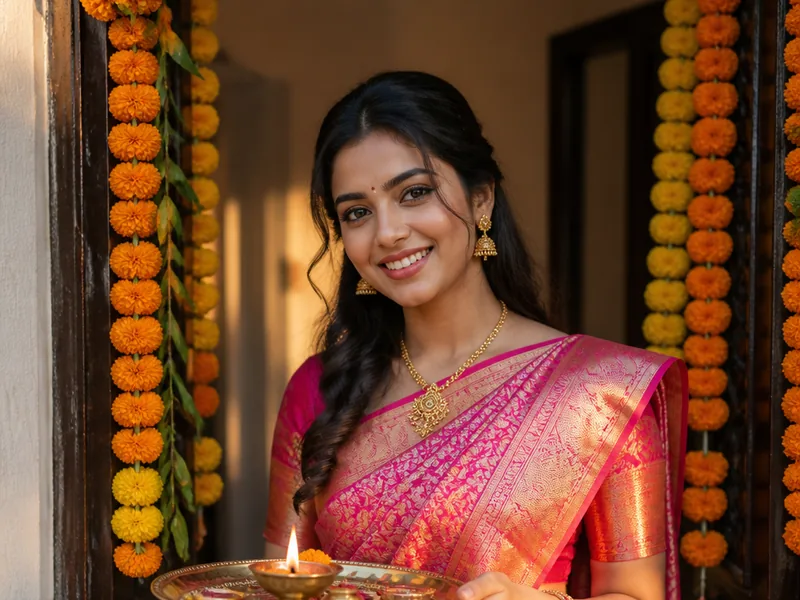
Traditional Portraits
Experiment with sarees, kurtas, sherwanis, lehengas, jewelry, festive backgrounds and warm lighting to achieve a more traditional celebration look.
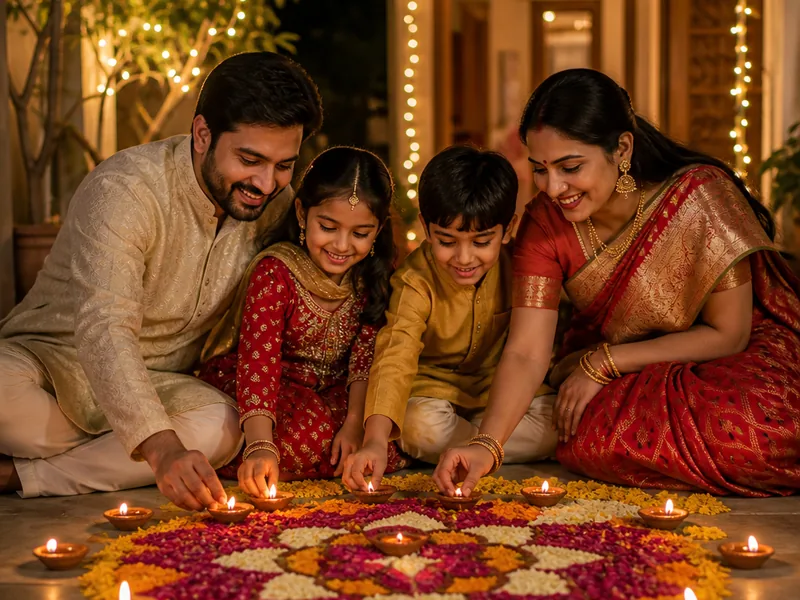
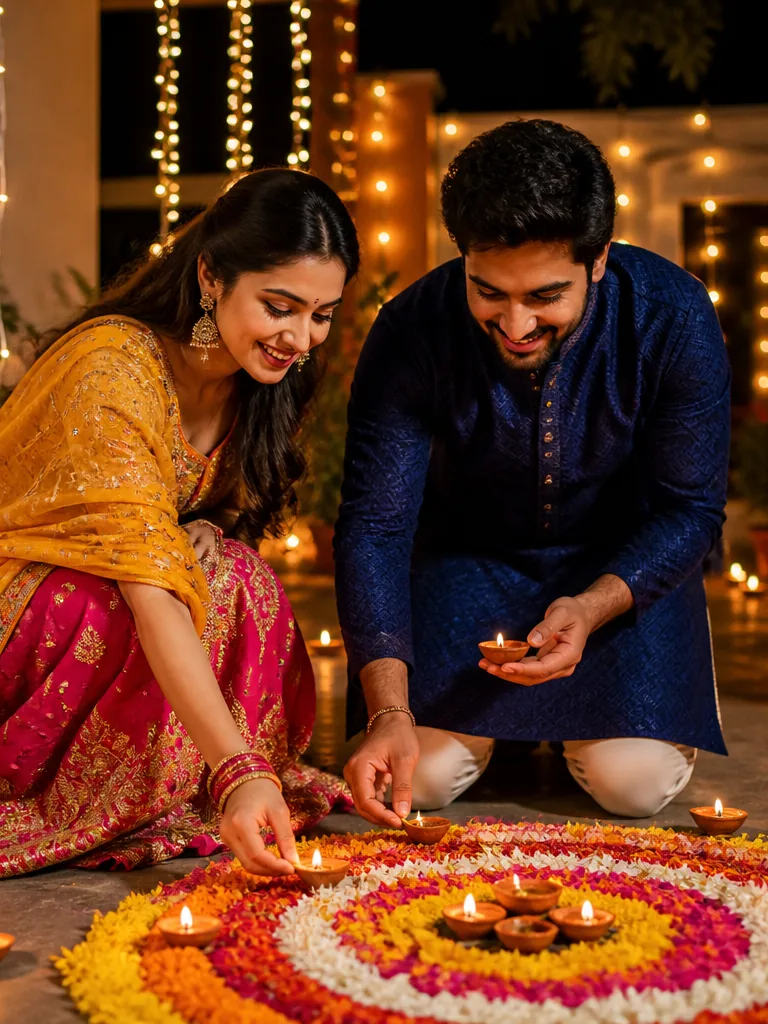
Family and Couple Photos
Give your favorite couple or family portraits a festive appearance and create beautiful memories for the holiday season.
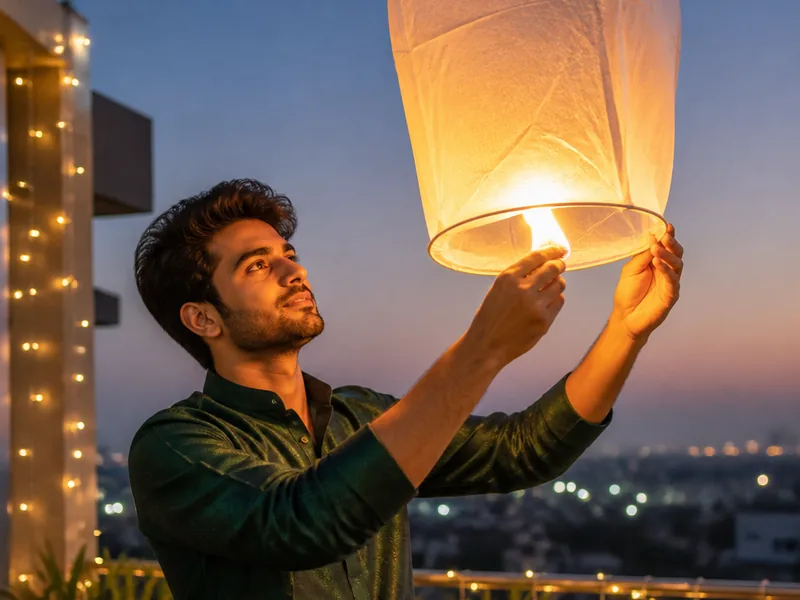
Creative Festival Content
Use your result as a Diwali festival image for personal content, digital greetings, festival promotions or creative projects where you have permission to use the original photo.
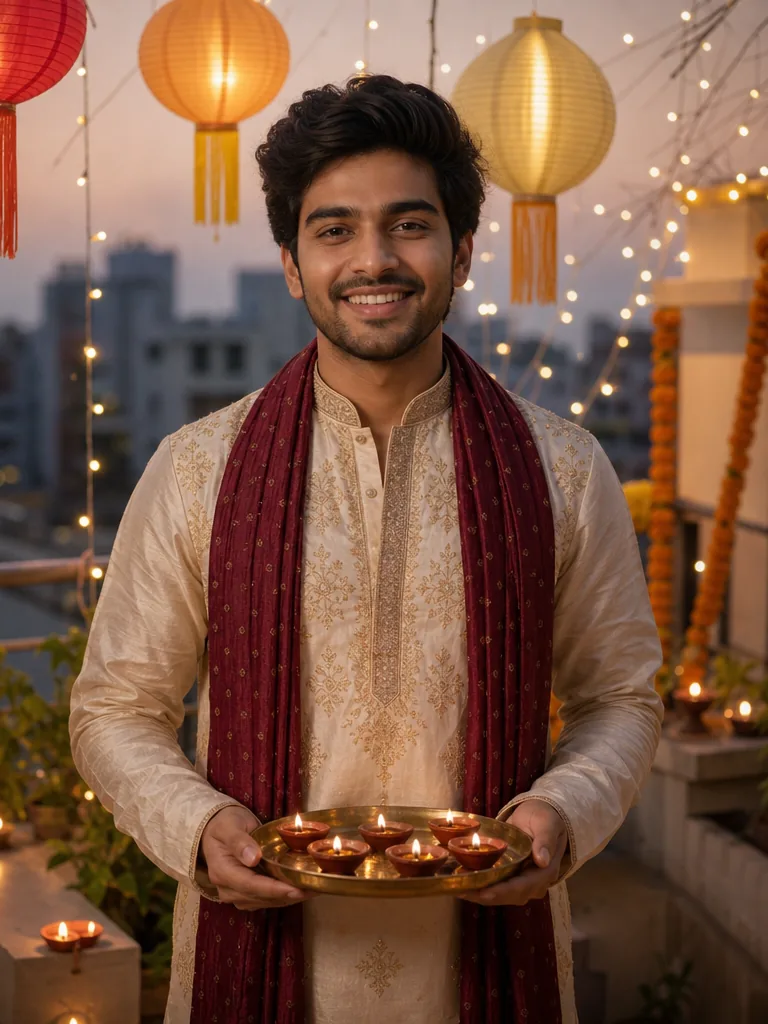
Tips for Better Diwali Photo Results
For the best transformation, use a high-quality portrait with a visible face and natural expression. Avoid extremely dark, blurry or heavily cropped photos.
Simple clothing and clean backgrounds can also help AI focus more clearly on the subject before adding festive styling and decorative elements.
Create different looks with new poses and expressions. A smiling portrait, traditional pose or confident front-facing image can work especially well for Diwali-themed transformations.
Make Your Diwali Celebration More Creative
The AI Diwali image generator helps you create festive portraits that combine your real photo with the warmth, color and beauty of Diwali. From glowing lamps to traditional outfits and decorative backgrounds, you can explore different creative looks in just a few moments.
Whether you are preparing a festive post or creating something special for friends and family, your regular portrait can become a memorable Diwali visual.
Create my Diwali photo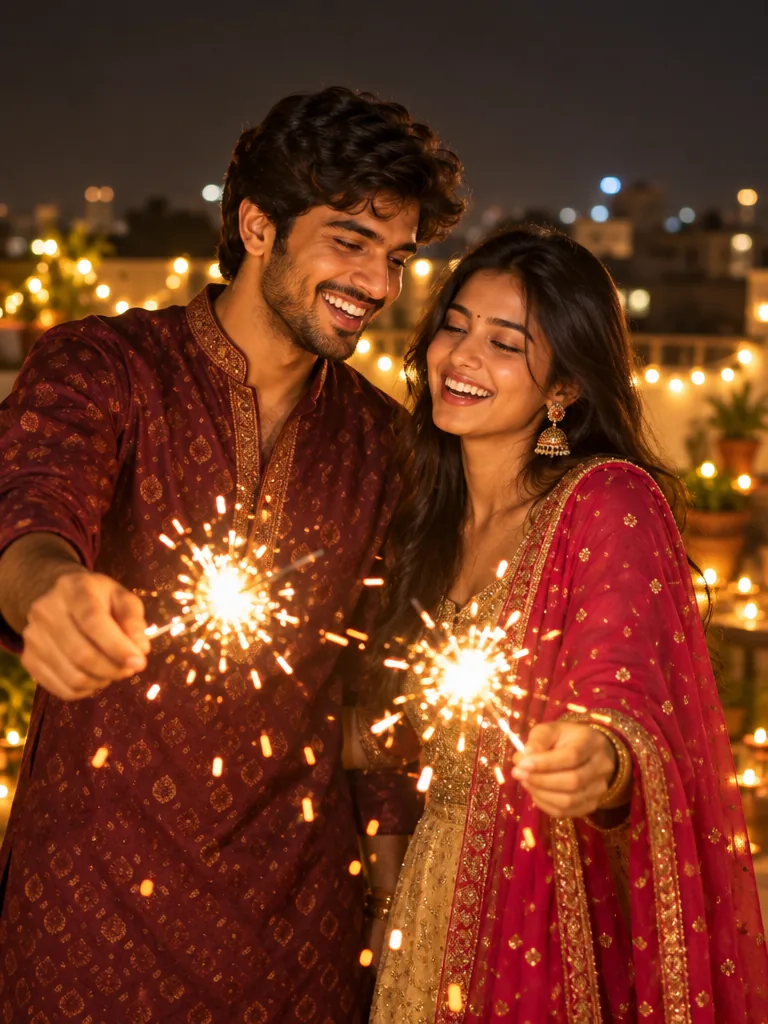
Frequently Asked Questions
A few helpful things to know before creating your Diwali photo.
Yes. A clear selfie with good lighting and visible facial features can work well for a festive transformation.
Create Your Festive Photo Today
Bring more color and celebration to your pictures with the AI Diwali Photo Generator. Upload your favorite photo, give it a festive Diwali makeover and share the final look with friends and family.
Create My Diwali PhotoExplore more festive styles