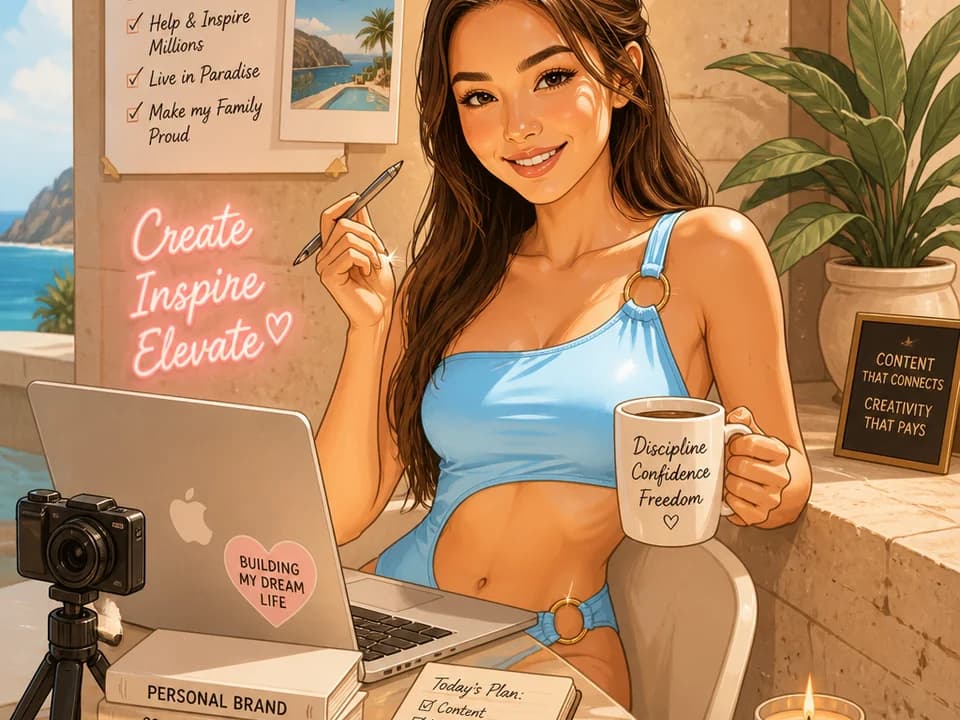
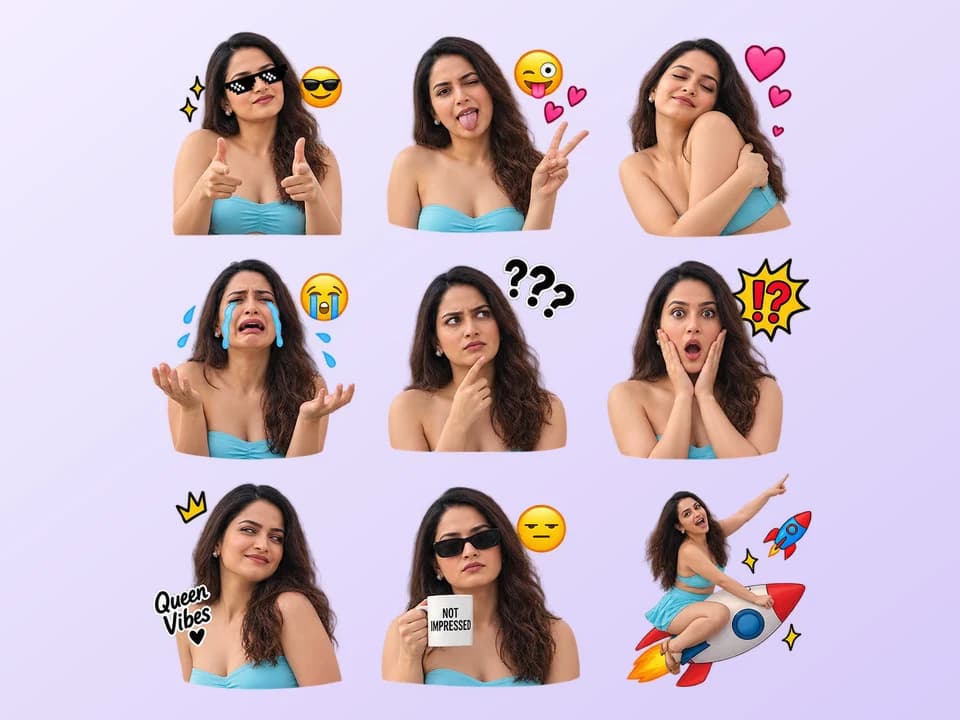
Upload your photo
Choose a clear selfie, portrait, pet photo, couple picture, group photo, or landscape image.
AI Tool
Drag & Drop your file here
File must be JPEG, JPG, PNG or WebP and up to 40MBFile must be JPEG, JPG, PNG or WebP and up to 40MB
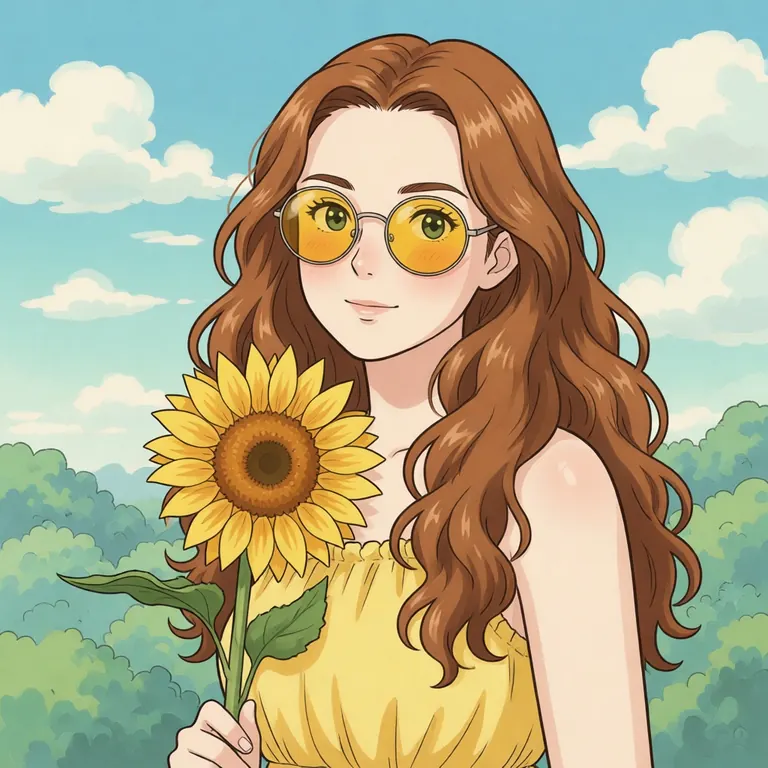 After
After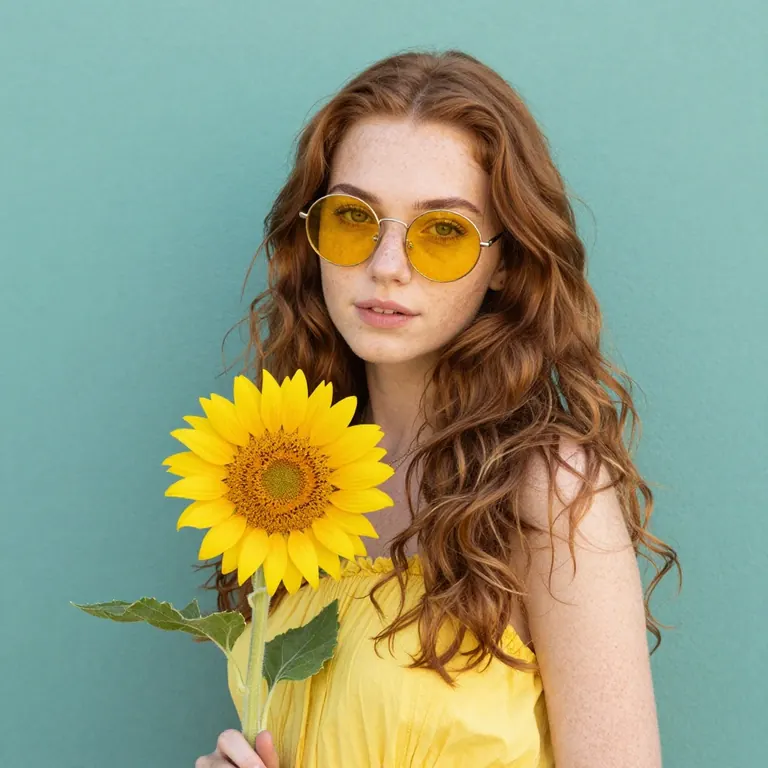
Turn your favorite photos into dreamy Ghibli-style anime art in seconds with Magical Studio AI.
By uploading your image, you agree to the Magical Studio AI Terms of use and Privacy Policy
Choose a clear selfie, portrait, pet photo, couple picture, group photo, or landscape image.
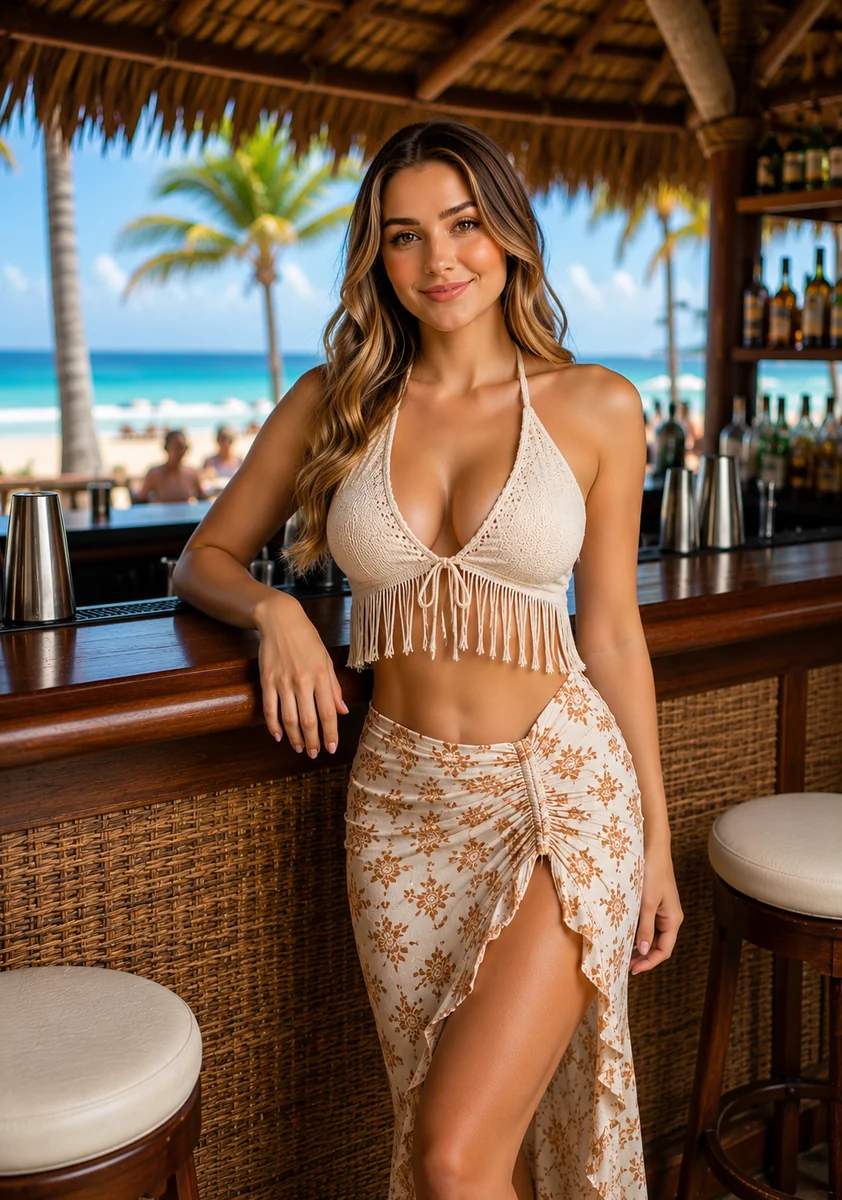 Generate
The AI will restyle your image into dreamy Ghibli-style anime art with soft lighting, painterly colors, and illustrated details.
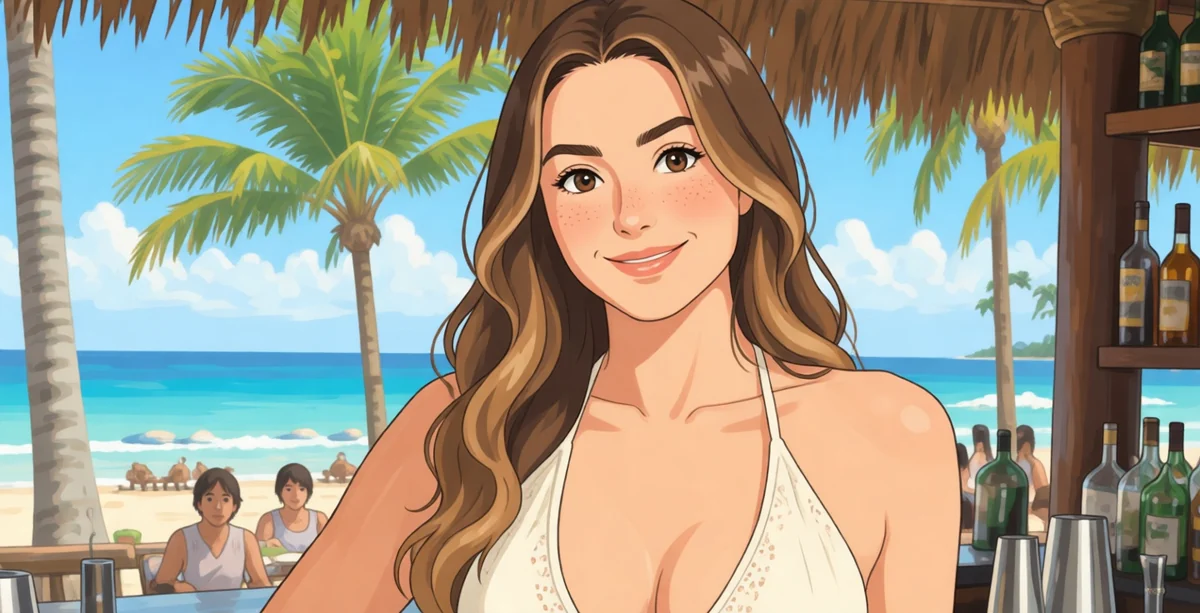
Save your final image and use it for social media, profile pictures, wallpapers, gifts, posters, or creative projects.
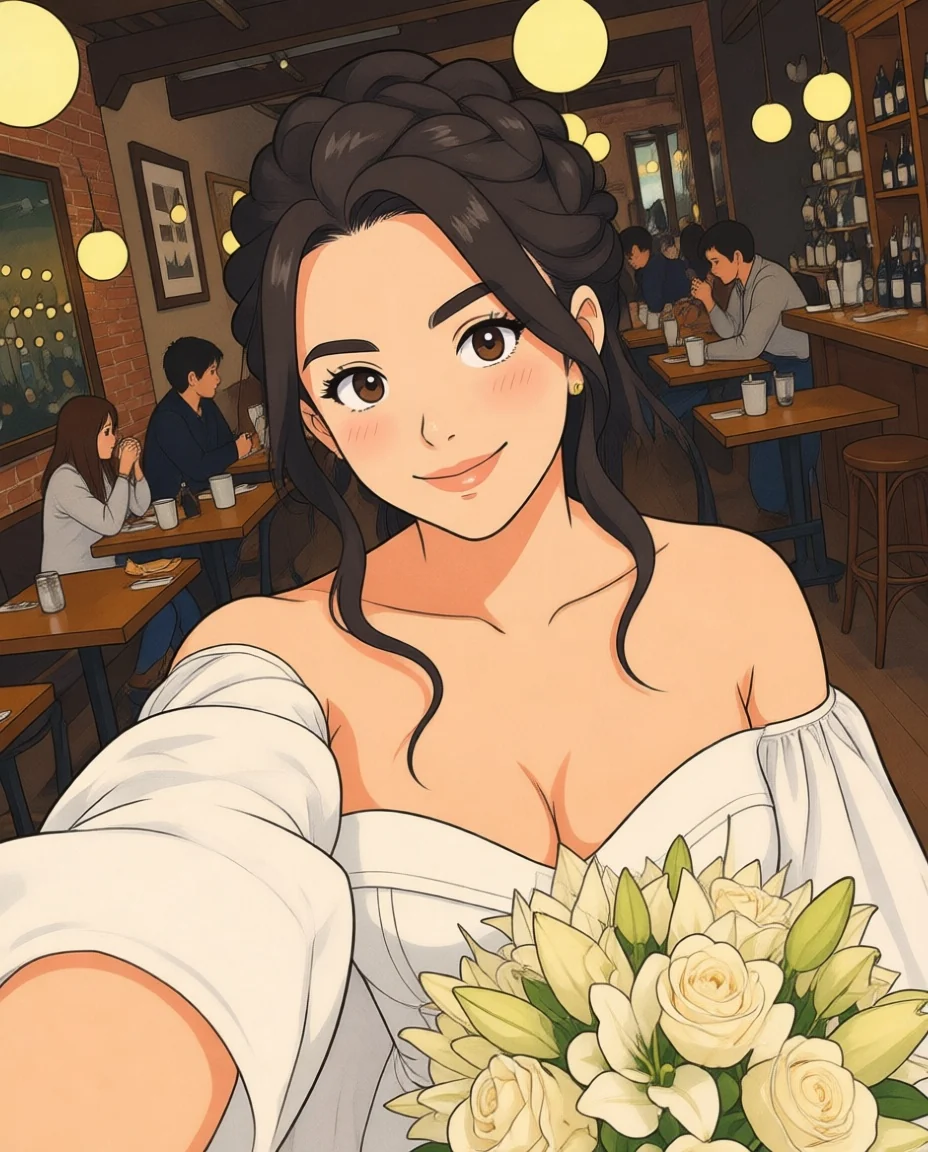 Selfie
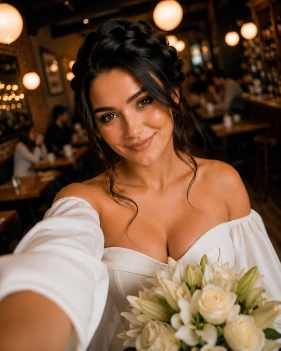 After
After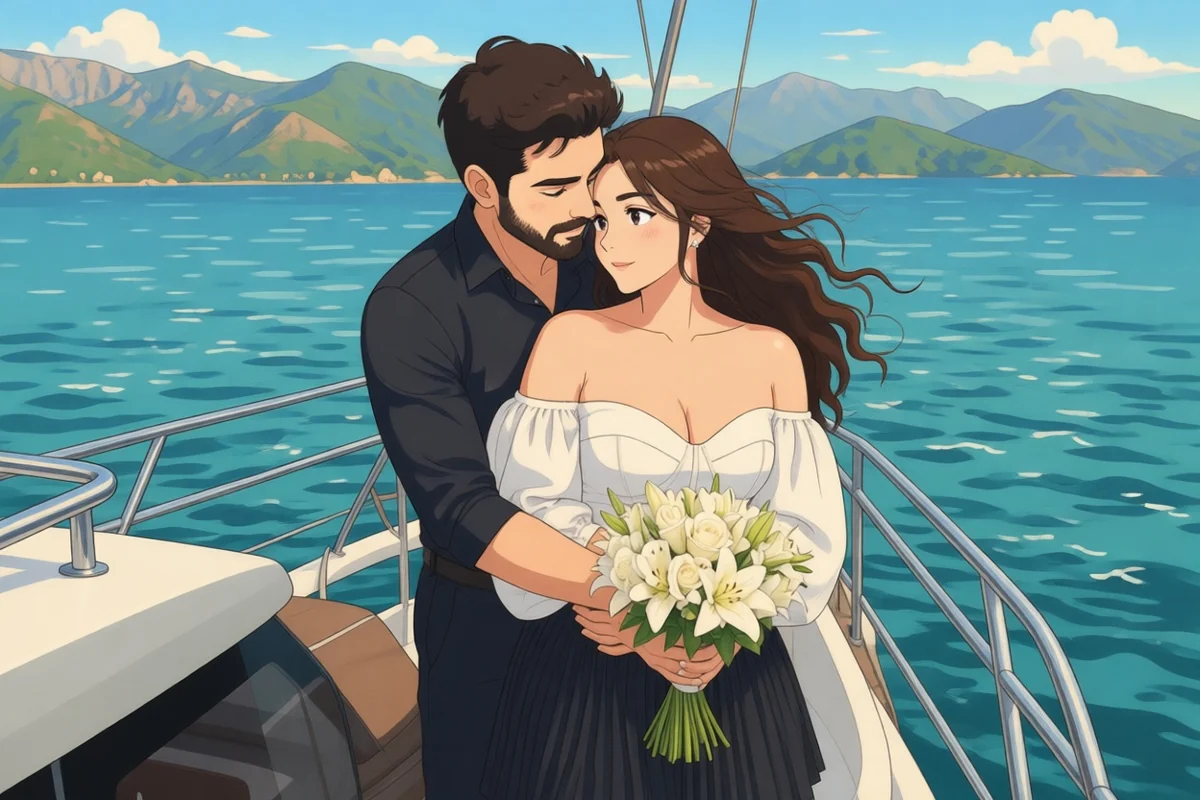 Couple
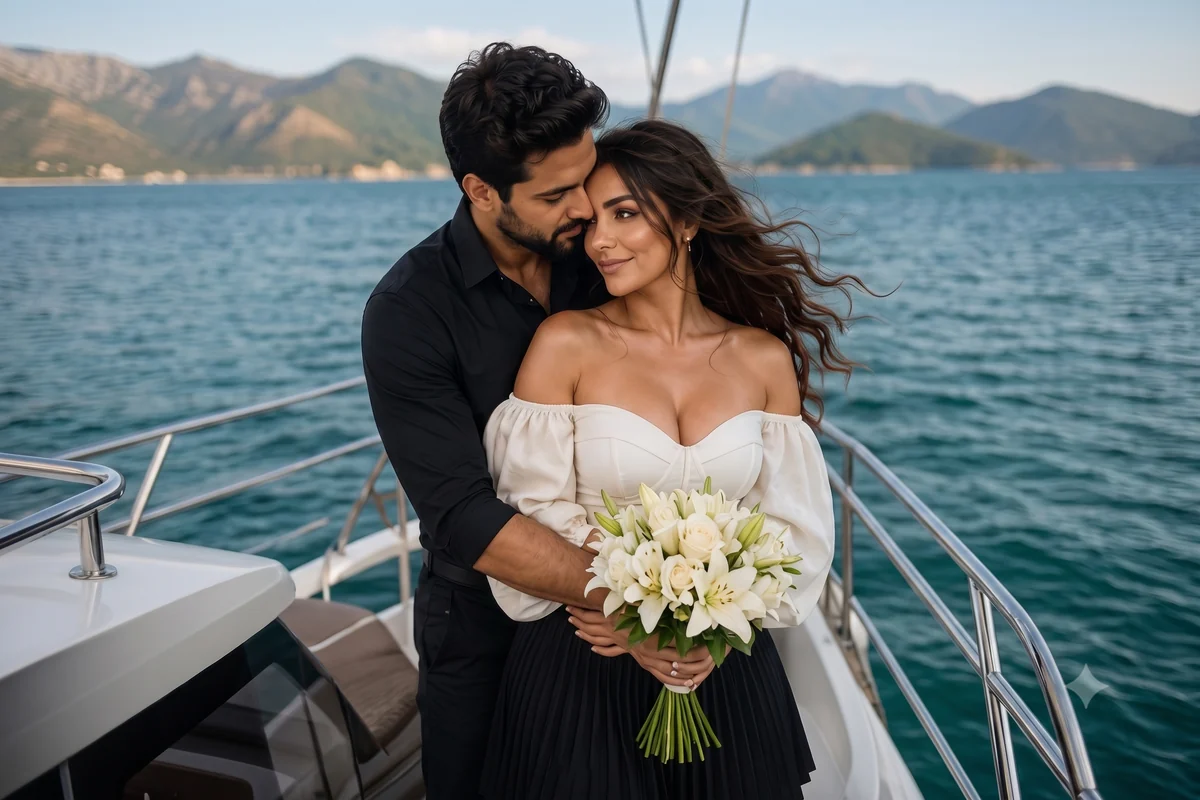 After
After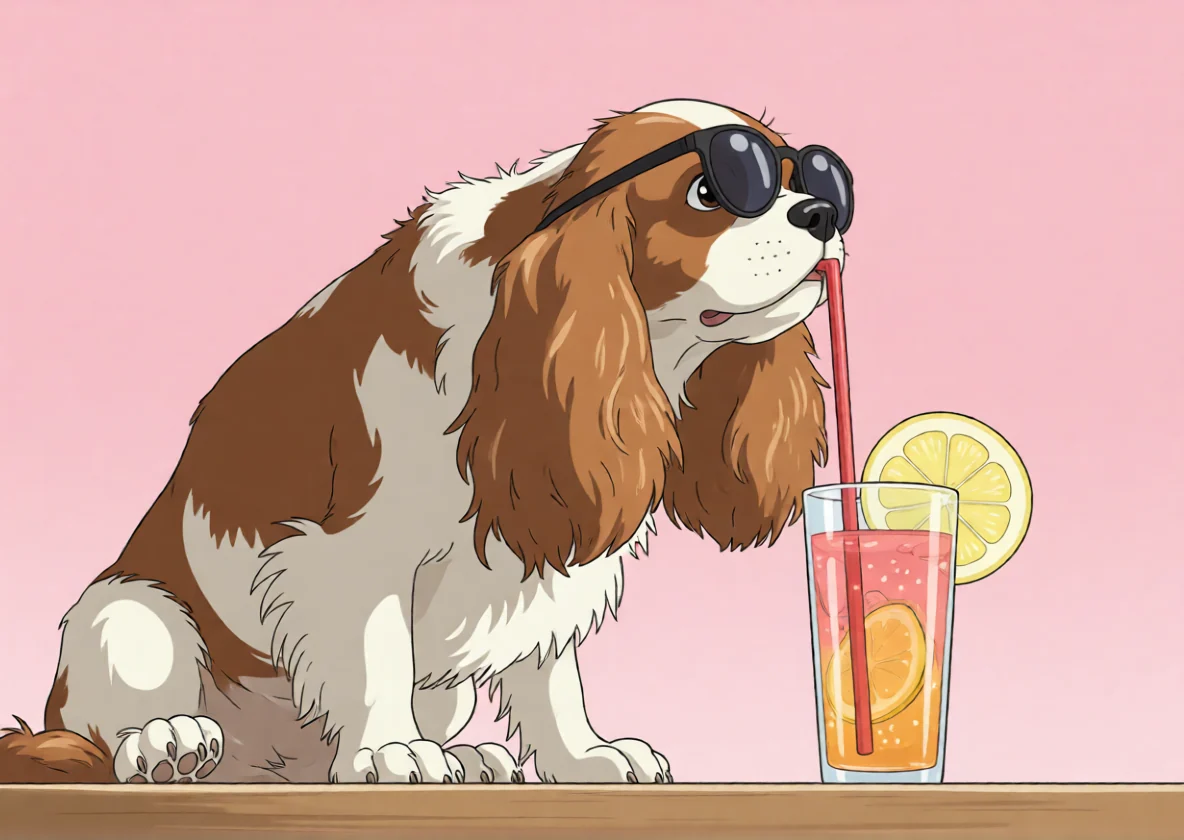 Pet
Pet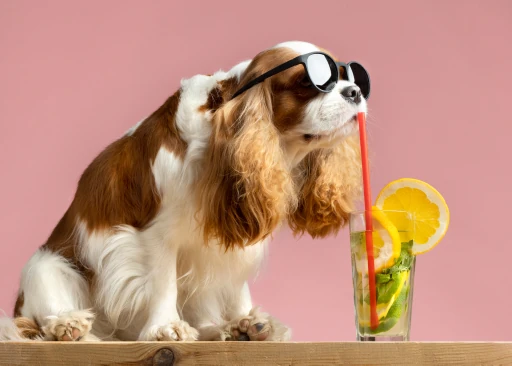 After
After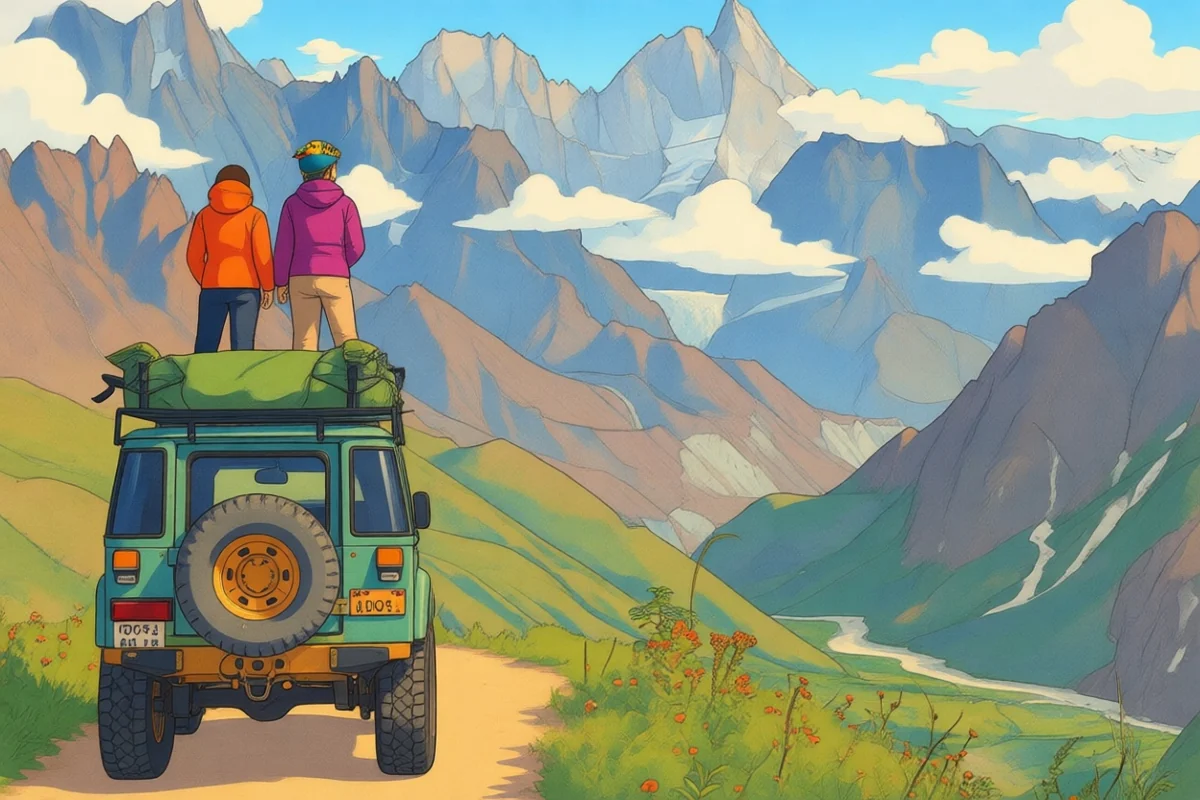 Travel
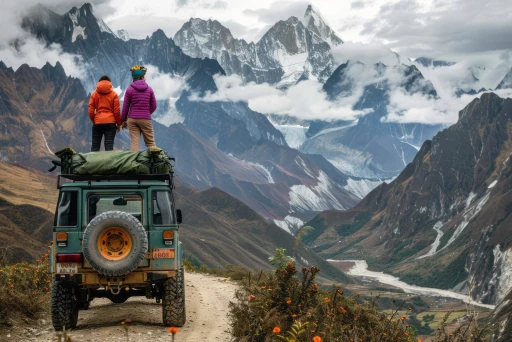 After
After
Turn your favorite photos into dreamy Ghibli-style anime art in seconds with Magical Studio AI. Upload a selfie, couple photo, pet picture, travel shot or landscape and our AI Ghibli Generator will transform it into soft, hand-painted artwork with warm colors, gentle lighting, painterly backgrounds and a magical anime-inspired feel.
No design skills are needed. No complicated prompts are required. Just upload your image, click generate and create beautiful Ghibli-style art online directly from your browser.
Upload your ImageAn AI Ghibli Generator is an online AI photo editor that converts normal images into Ghibli-style anime artwork. Instead of adding a simple filter on top of your photo, the AI reimagines your image with soft colors, illustrated textures, expressive details and a cinematic storybook look.
You can use it to turn portraits into anime-style profile pictures, transform pet photos into cute illustrated characters, make travel photos look like fantasy landscapes or create unique visual content for social media.
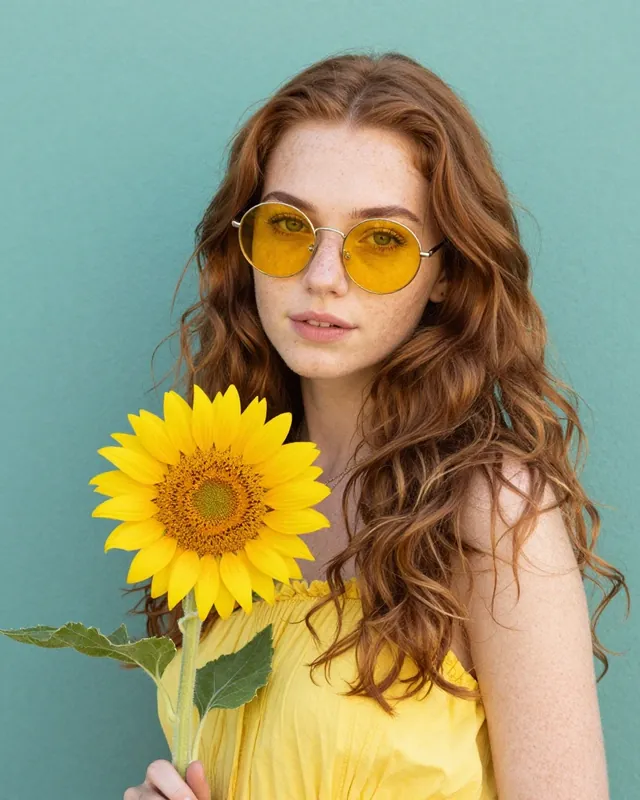
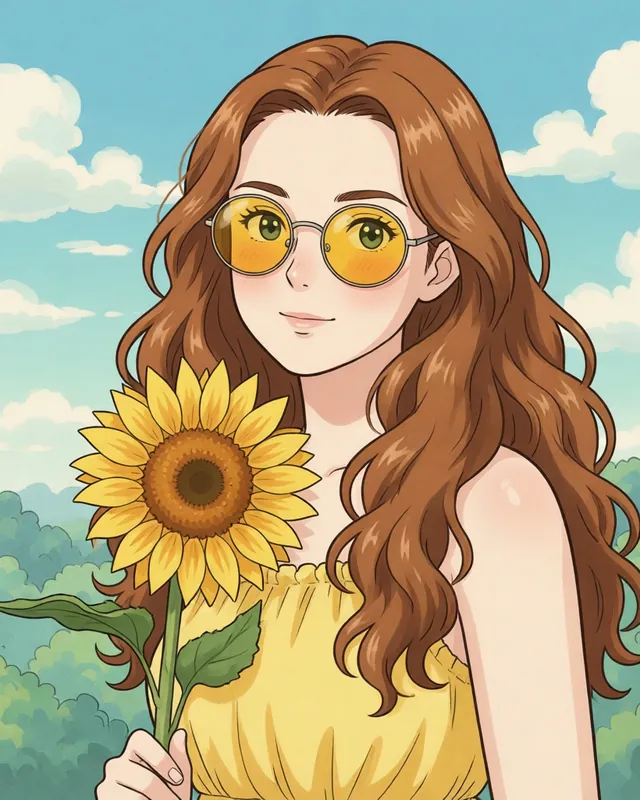 BeforeAfter
Magical Studio AI is built for users who want fast, simple, and beautiful AI photo editing without learning complex tools. Our Ghibli filter helps you create anime-inspired artwork from any image with only a few clicks.
No prompt writing is required. Just upload, generate, and download.
You do not need Photoshop, design experience, or a separate mobile app. Everything works online in your browser.
Upload your image and create a Ghibli-style edit in seconds.
Your image is transformed with warm colors, dreamy backgrounds, soft lighting, and a magical illustrated style.
The AI Ghibli Generator works well for selfies, couple photos, family pictures, pets, nature photos, travel shots, and creative scenes.
Get the best result
Visible faces, natural lighting and simple backgrounds work best.
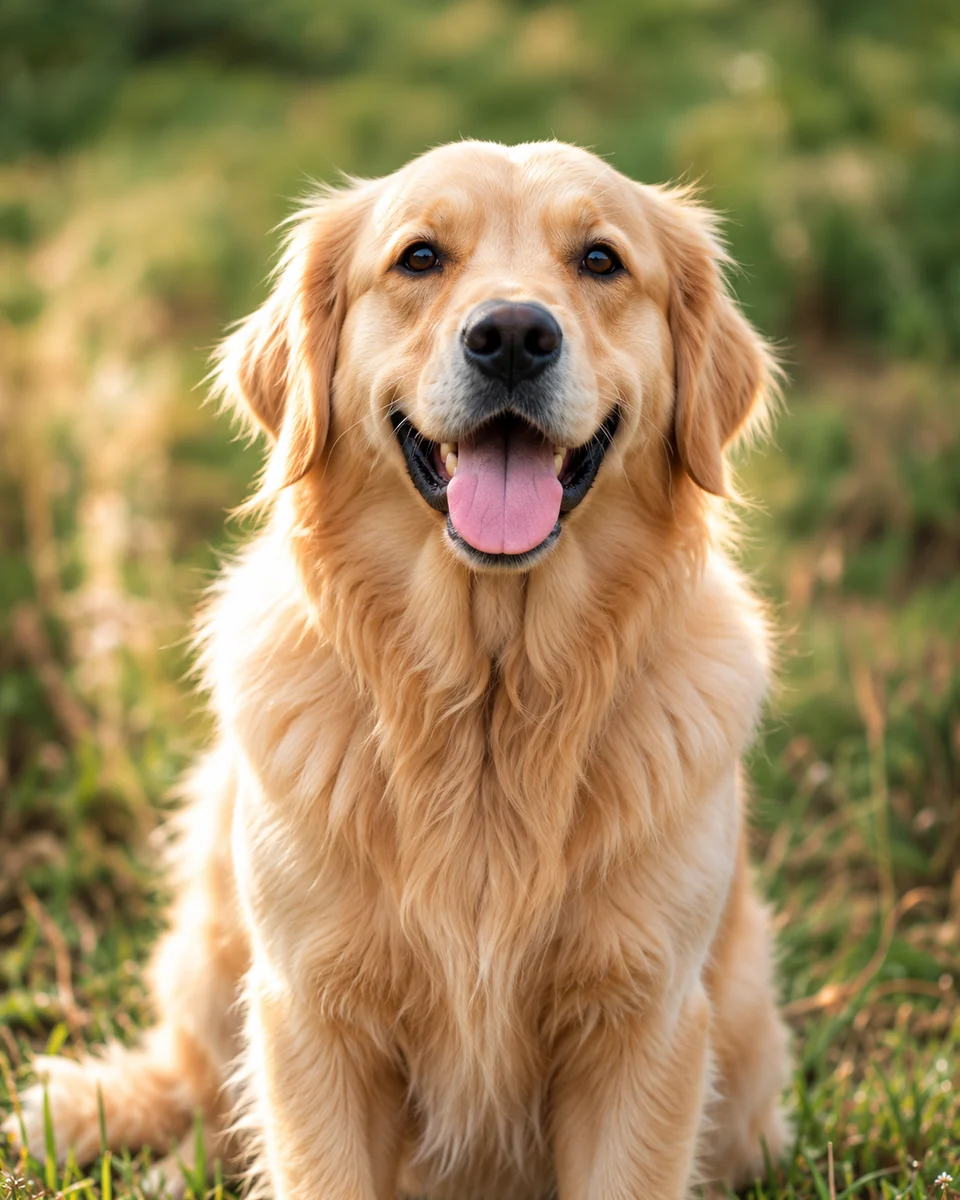
Keep your pet’s face sharp and close to the camera for better details.
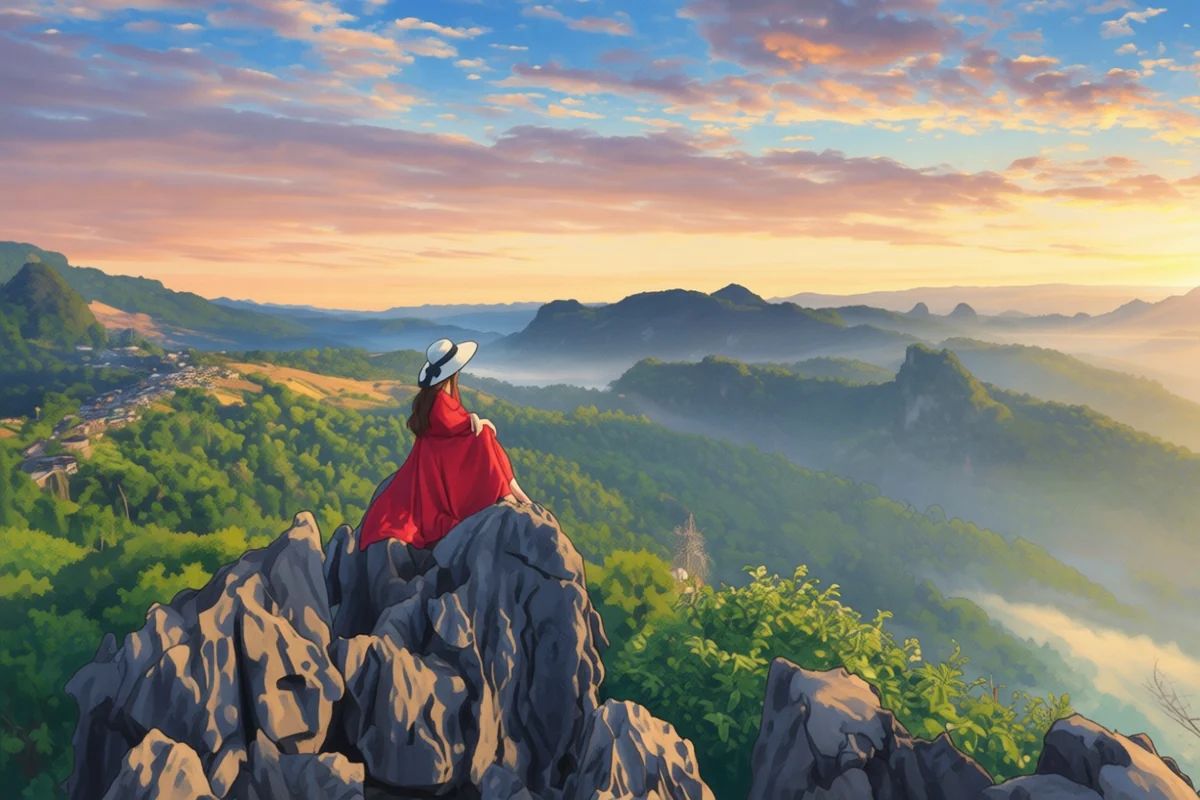
Open skies, trees, roads, houses and natural scenery create richer results.
Not getting the perfect result? Crop closer to your subject or upload a clearer version.
For the best result, use a photo that is clear, bright and focused. Portraits with visible faces, simple backgrounds, and natural lighting usually work best. Pet photos look better when the animal's face is sharp and close to the camera. Landscape photos work best when they have open skies, trees, roads, houses, fields or natural scenery.
Avoid very dark, blurry, heavily filtered or low-resolution photos. If your first result is not perfect, try cropping the image closer to the subject or uploading a clearer version.
You can use Magical Studio AI to create many types of Ghibli-style images:
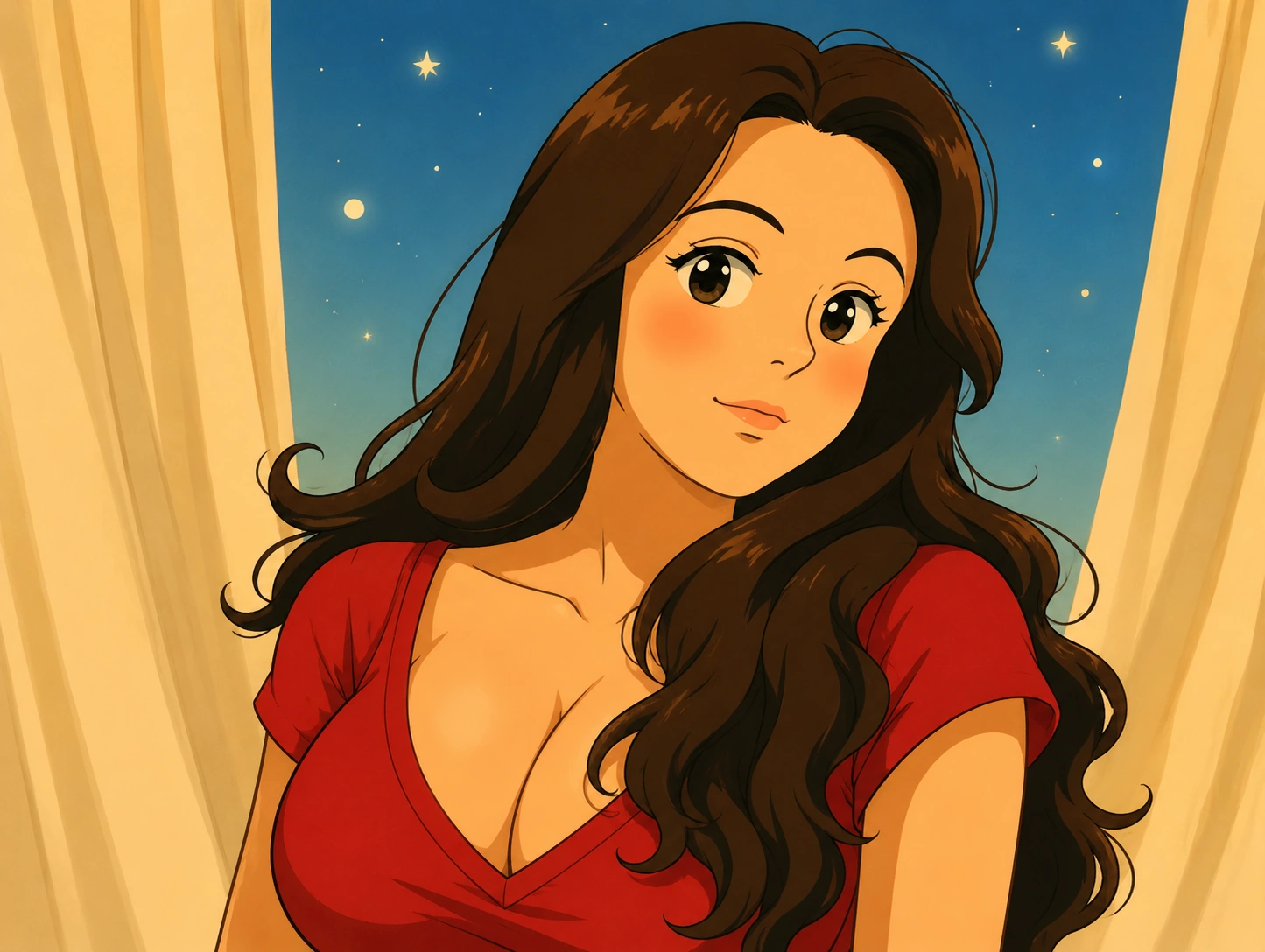
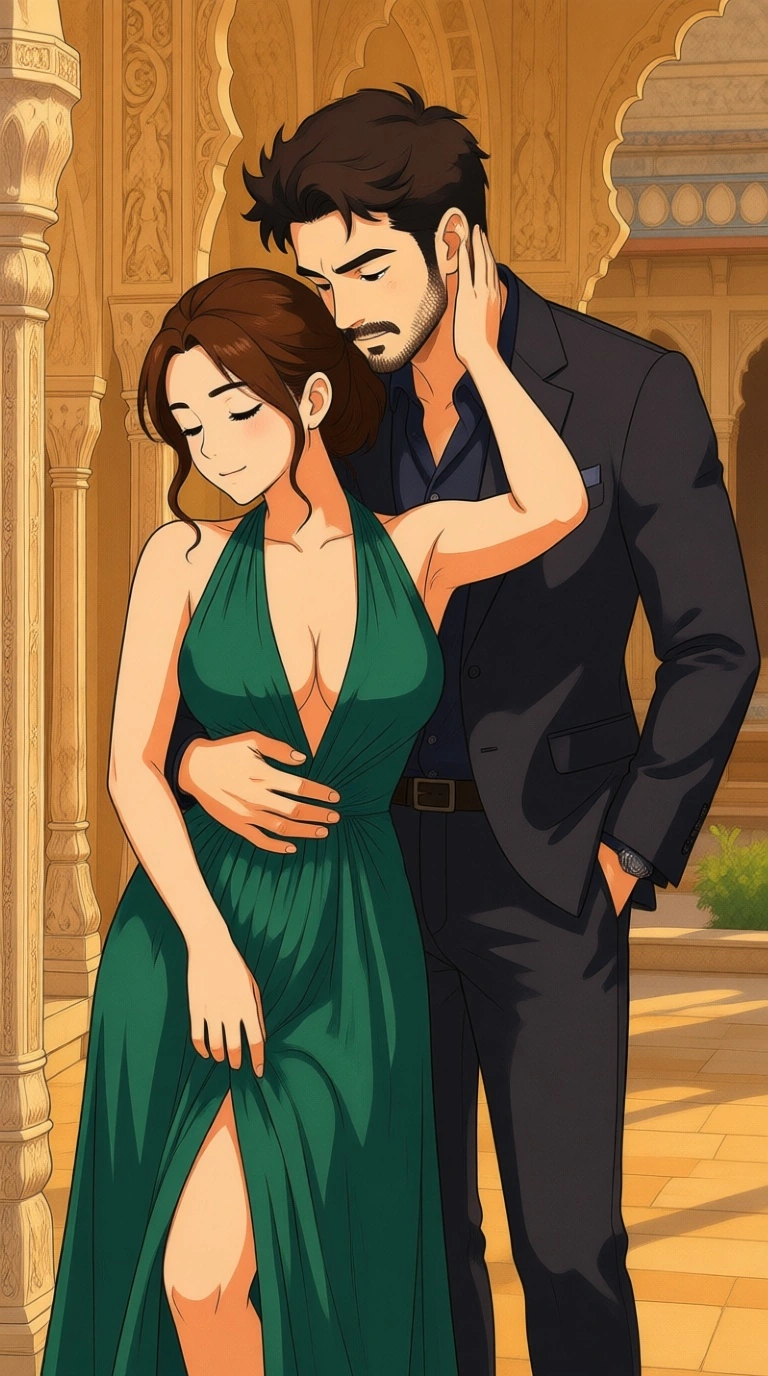
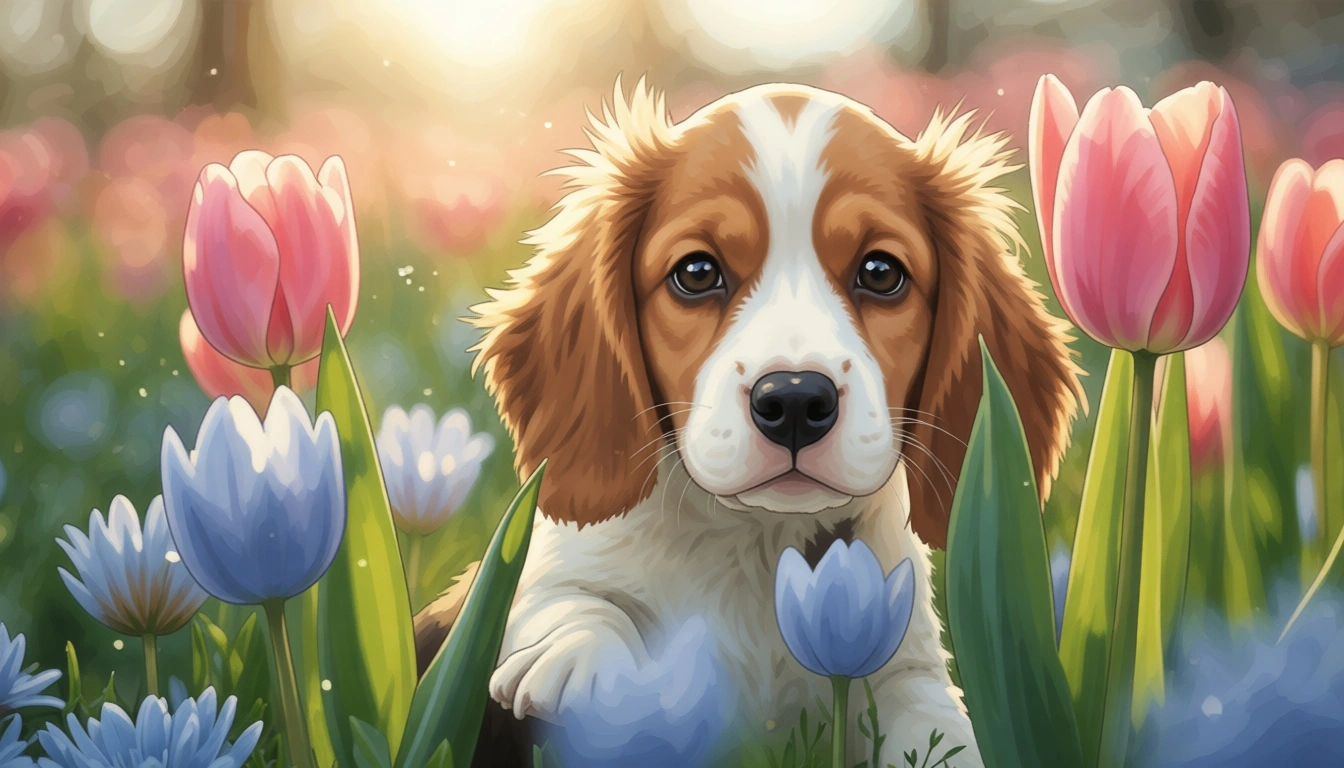
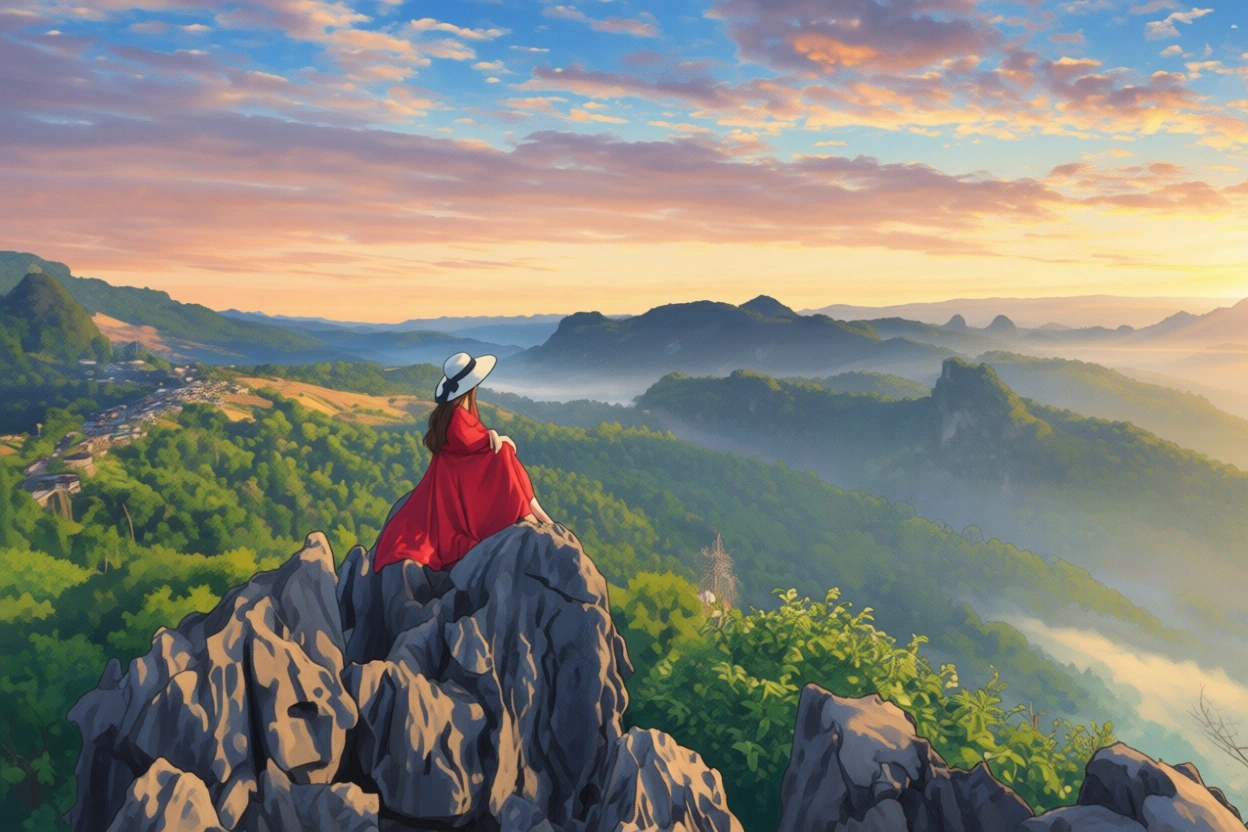
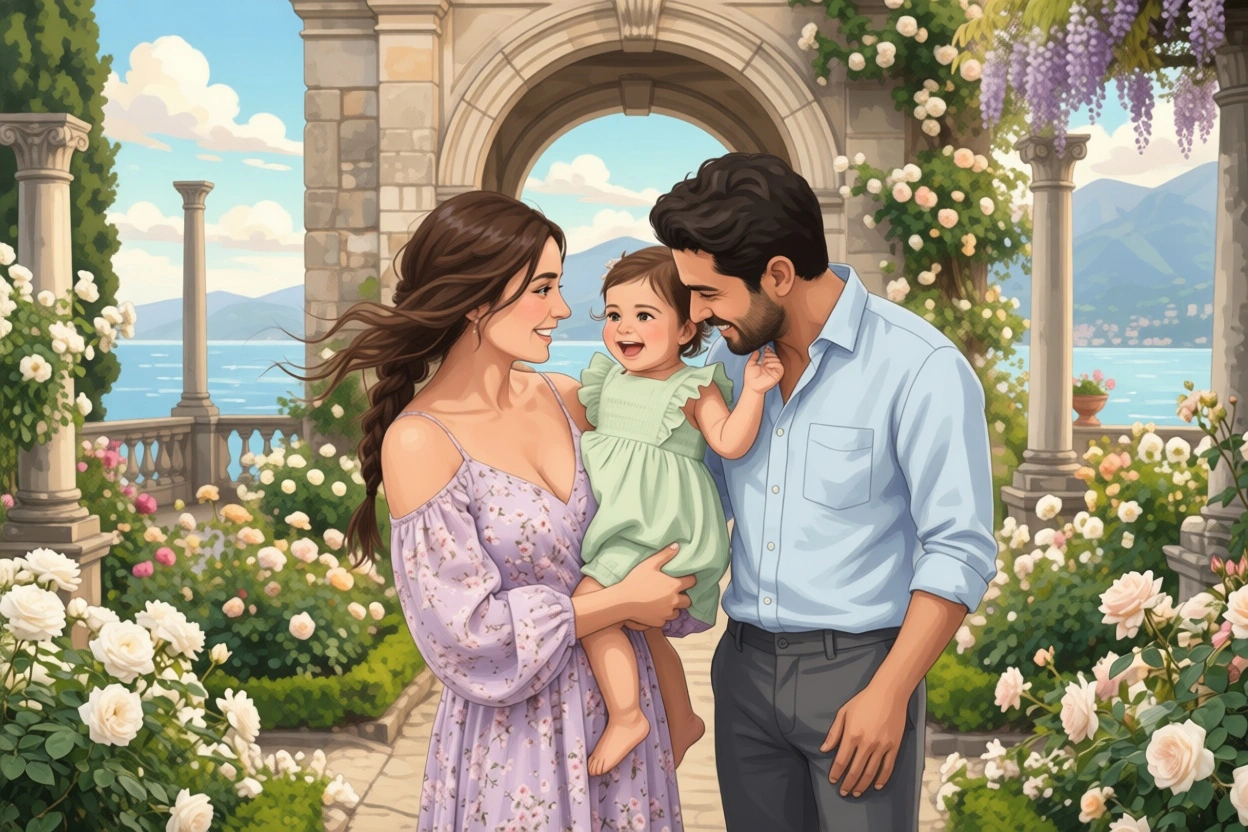
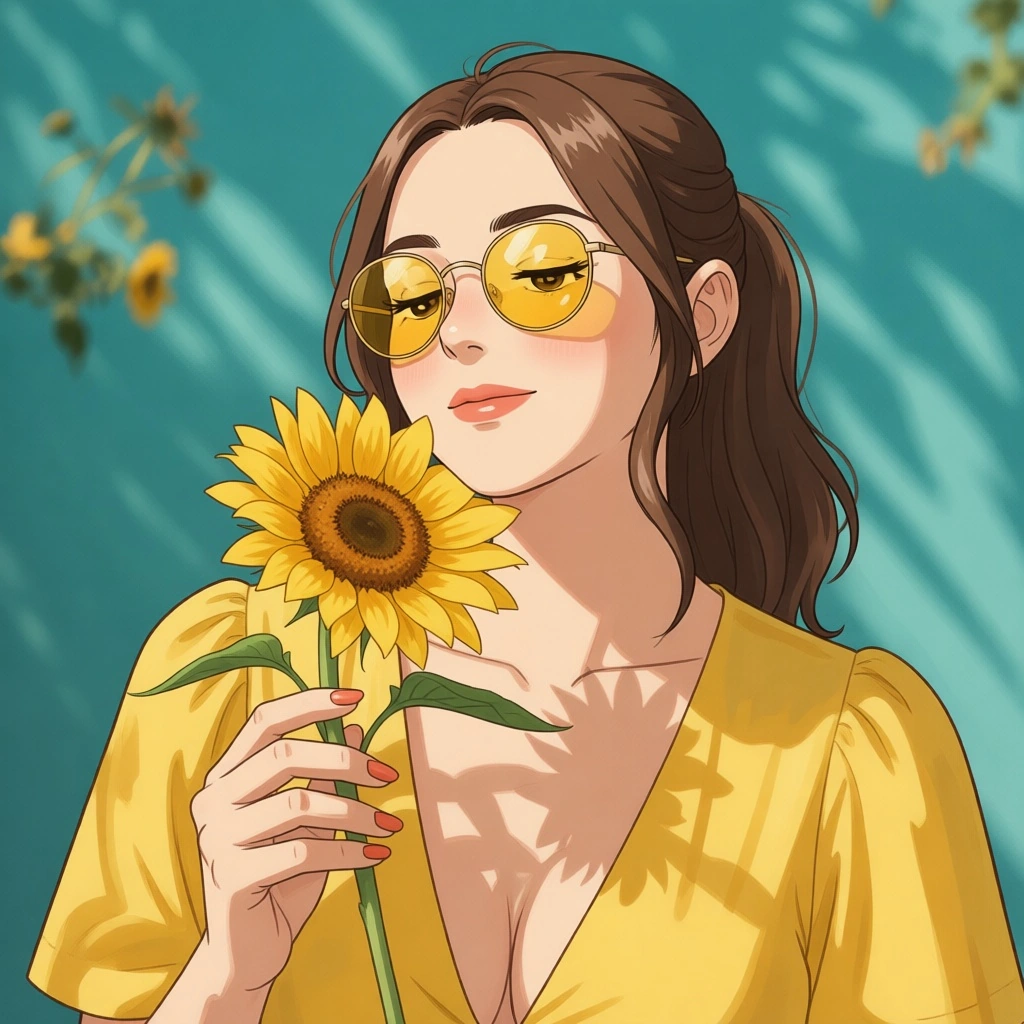
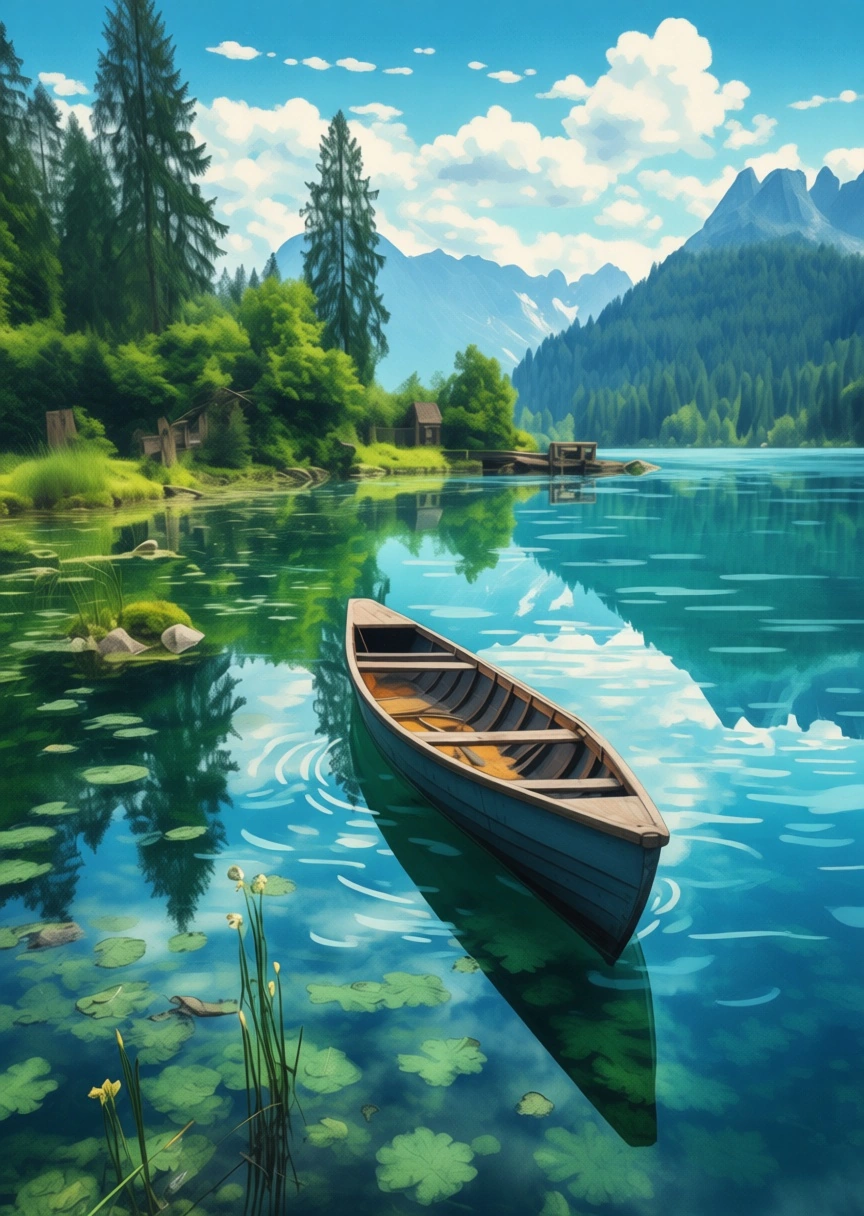
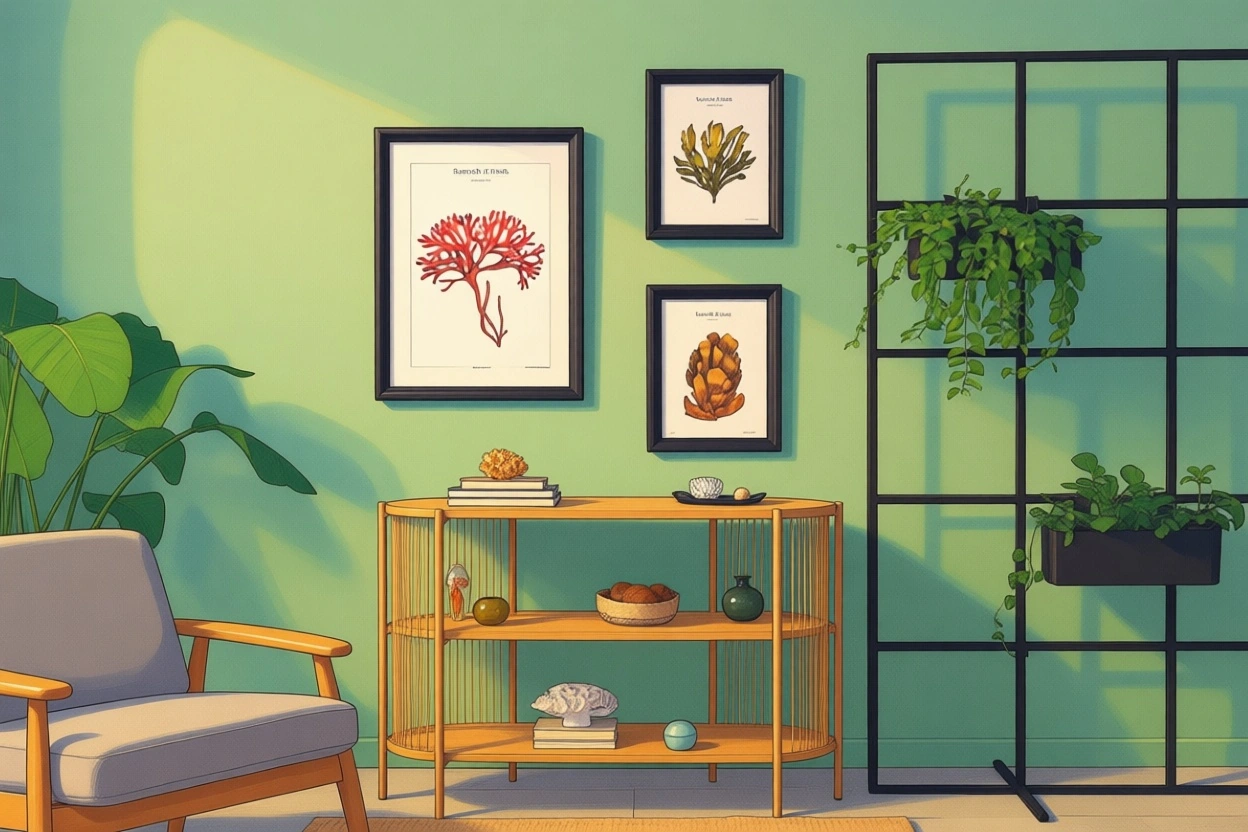
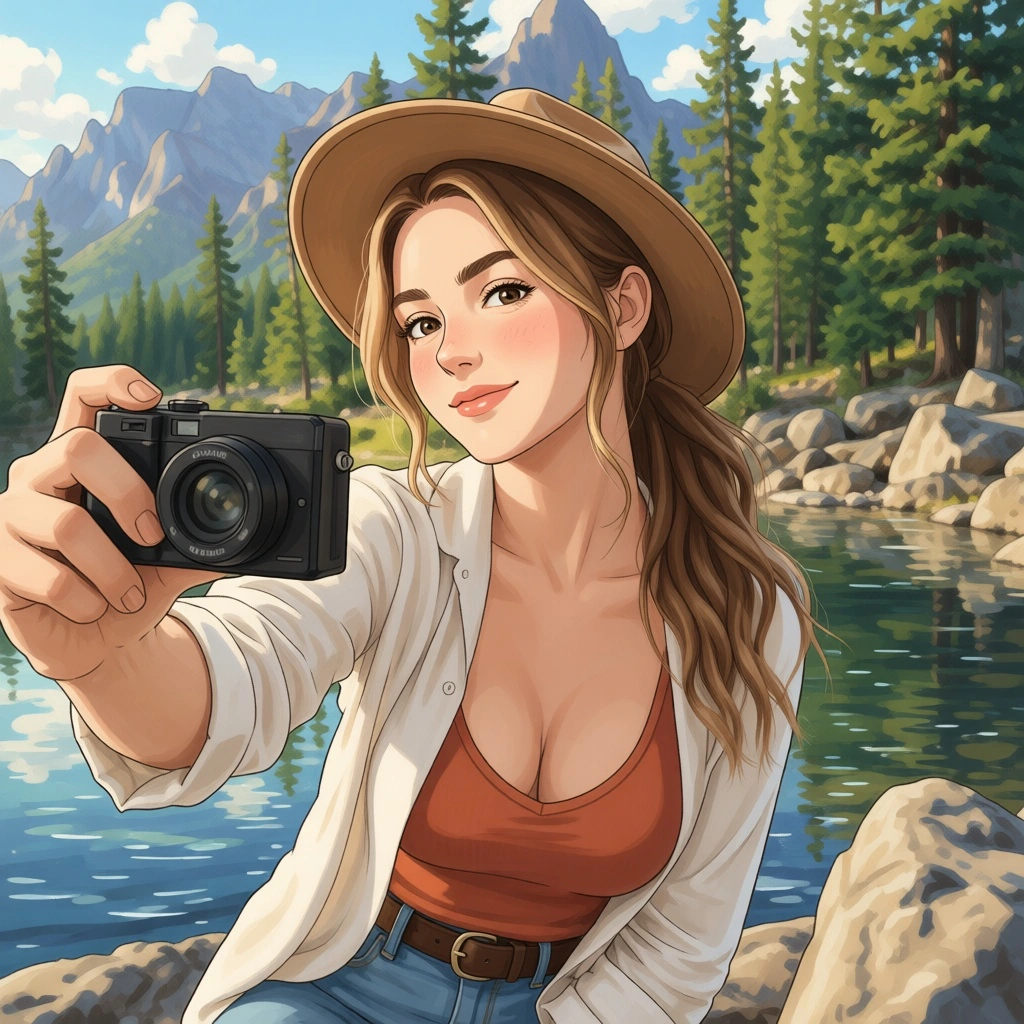
Whether you want a magical profile picture or a creative image for your next social post, the AI Ghibli Generator makes it easy to turn ordinary photos into eye-catching anime-style artwork.
See the Difference
See how AI transforms your photo beyond simple filters.
Looks edited. Still a photo.
Looks like a new anime-inspired illustration.
Ghibli AI transforms your original photo into a new anime-inspired illustration with its own mood, lighting, background and artistic style.
A normal photo filter usually changes colors, brightness, contrast or texture. A Ghibli AI filter goes further. It reinterprets your photo as illustrated artwork, changing the mood, lighting, background and artistic style.
That means your final image does not just look edited. It looks like a new anime-inspired illustration based on your original photo.
Create Ghibli-style artwork directly in your browser. Magical Studio AI works smoothly on your phone, tablet, laptop, or desktop, no app installation or editing skills required.
Upload your image or simply drag & drop your file.
Creating your magical art...Please wait while AI transforms your image into Ghibli art.
Save your finished image to your device.
Magical Studio AI works directly in your browser, so you can create Ghibli-style art from your phone, tablet, laptop, or desktop. There is no need to install heavy software or learn advanced editing steps.
Upload your photo, let the AI create the artwork and download your final image when it is ready.
Your content · Your responsibility · Your rights
Your photos are personal and you should only upload images that you own or have permission to edit. For best safety, avoid uploading private documents, sensitive personal images, or photos you do not have rights to use.
If you plan to use your generated image for commercial projects, make sure you have permission to use the original photo and review the usage rights before publishing or selling the final artwork.
FAQ’s
Learn More About Magical Studio AI and Our Powerful Tools
Every account gets 5 free images a day, no card needed. The Unlimited plan makes every image tool unlimited.
Clear, well-lit photos work best, portraits, pets and landscapes all look great in Ghibli style.
Yes, you can download your Ghibli image in full resolution.
The ghibli filter is an AI style that repaints your photo to look like hand-drawn Studio-Ghibli anime art. Instead of just adding a color overlay, the ghibli ai reinterprets shapes, lighting and texture, giving soft watercolor-style backgrounds and gentle character lines. You simply upload a picture and let the AI redraw it, no manual editing required.
You can download and use your generated anime art for personal projects, social media and prints. For commercial use such as merchandise or client work, review our terms and the rights to the original photo you uploaded, since you must own or have permission to edit that source image.