AI Pictures Trends: Best AI Photo Ideas, Tools, Prompts & Tips
In this guide
What are the AI pictures trends?
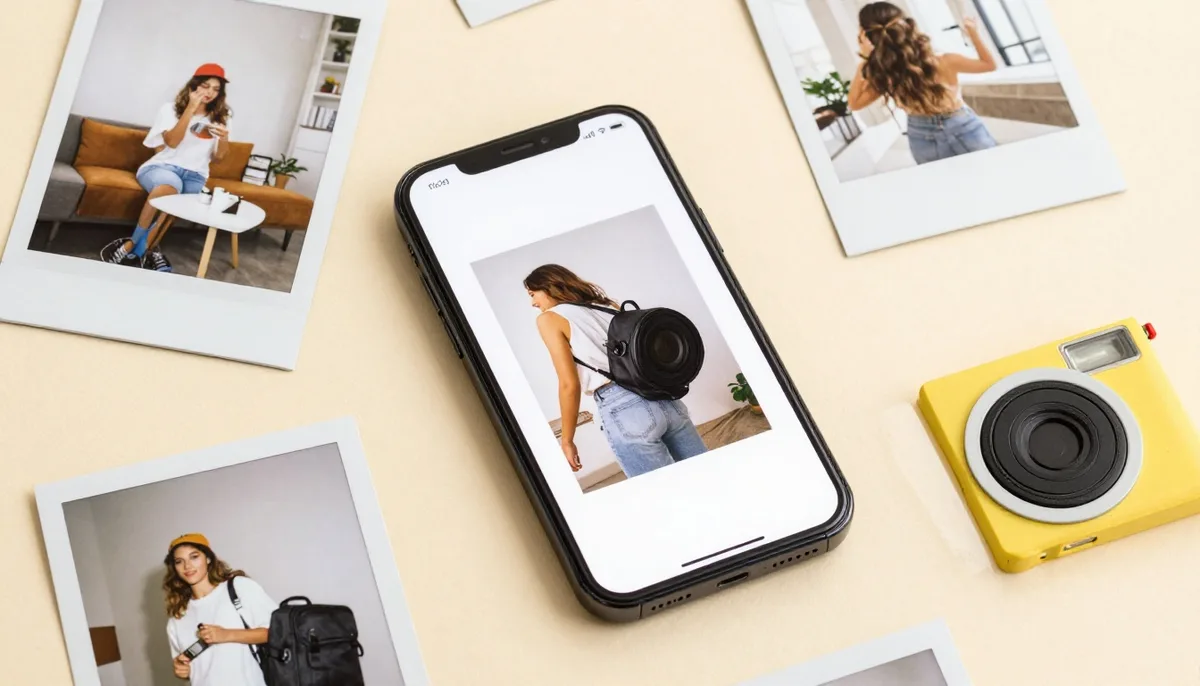
The AI pictures trends refer to the growing use of artificial intelligence tools to create, edit or transform photos. These tools can generate images from text prompts or modify existing photos into completely different styles.
For example, you can upload a normal selfie and turn it into a professional LinkedIn headshot, a romantic couple photo, a cinematic movie poster, a 3D cartoon avatar, a festival-themed portrait, a fantasy warrior image, a fashion or hairstyle preview, or a realistic product and brand visual.
The best part is that users do not need advanced design knowledge. Most AI picture tools work with simple prompts: you describe what you want, select a style, and the tool creates the image. This is why the AI photo trend has become so popular, it gives people fast, creative and personalized results without needing a studio, designer or editing software.
Most popular AI pictures trends in 2026
The AI pictures trends include many different styles. Some are fun and casual, while others are useful for branding, business and marketing. Here are the AI photo styles going viral right now.
AI couple photo trend
The AI couple photo trend is one of the most popular styles online. Users create romantic, cinematic or wedding-style pictures with their partner, often with beautiful backgrounds, matching outfits, soft lighting and emotional poses.
Popular ideas include romantic couple photos, wedding-style AI edits, long-distance couple portraits, sunset couple photos, traditional outfit couple images and cinematic love-story posters. This trend works well because it feels personal and emotional, so people love sharing couple edits on anniversaries, birthdays, Valentine's Day, weddings and festive occasions.
AI headshot trend
The AI headshot trend is popular among professionals, job seekers, freelancers, students and business owners. Instead of booking a studio photoshoot, users can create clean and professional profile photos with AI.
These images are often used for LinkedIn profiles, resume photos, business websites, team pages, portfolio profiles, speaker bios and personal branding. A good AI headshot usually includes professional clothing, a clean background, natural lighting and a confident expression.
AI movie poster trend
The AI movie poster trend turns normal photos into dramatic cinematic posters. These images usually include bold lighting, intense expressions, film-style backgrounds and sometimes custom title text.
This trend is especially useful for Instagram posts, YouTube thumbnails, Reels covers, personal branding, entertainment content and creative campaigns. A strong movie poster prompt should mention the mood, background, lighting, camera angle and poster style.
AI cartoon and anime photo trend
Cartoon and anime-style AI pictures are fun, colorful and highly shareable. Users can transform selfies into 3D cartoon characters, anime portraits, comic-style illustrations or animated profile pictures.
This type of AI-generated picture is popular because it feels playful and creative. Many people use it for profile images, stickers, social media posts and gaming avatars.
AI festival photo trend
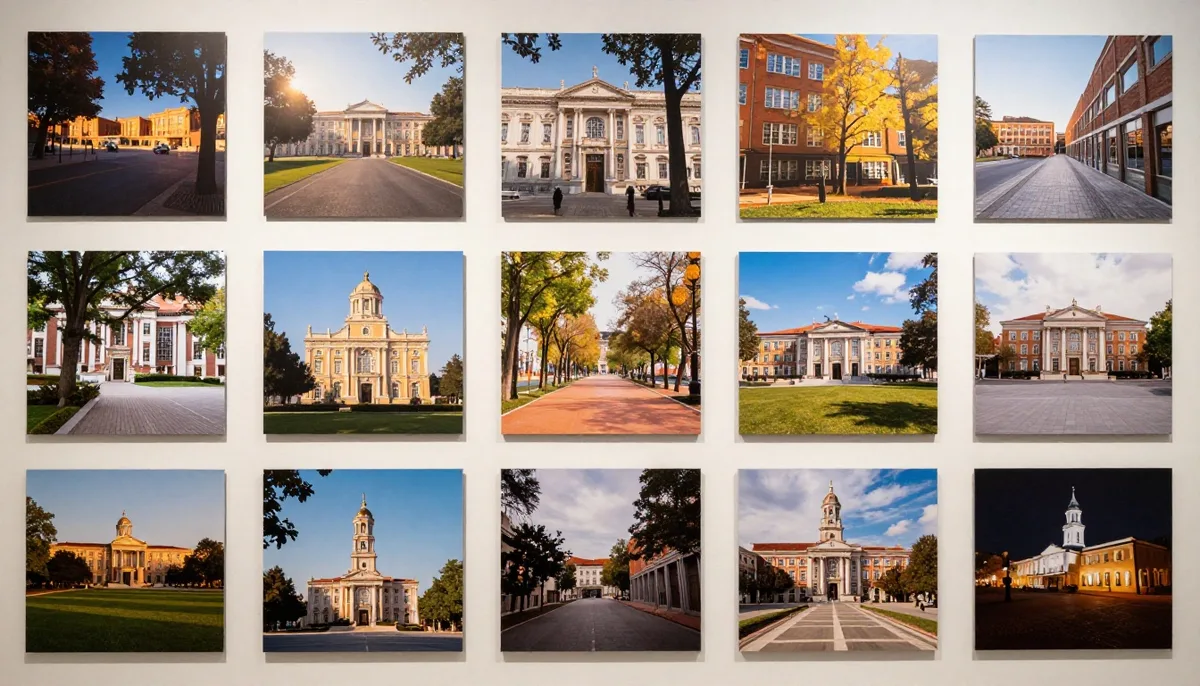
AI festival photos are very useful during seasonal events. People use AI tools to create images for Diwali, Holi, Eid, Christmas, Halloween, New Year, Valentine's Day, Navratri and other celebrations.
Brands can also use this trend to create festive campaign visuals quickly. For example, an online store can create Diwali-themed product images or Christmas-style social media creatives using AI.
AI 3D miniature trend
The AI 3D miniature trend turns people, objects or scenes into tiny collectible-style images. These pictures often look like toy figures, mini statues or small models placed on a desk or display platform.
This style is popular because it looks fresh and different from normal photo edits. It is also great for viral posts, because viewers usually stop and look closely at the details.
AI hairstyle and fashion trend
Many users now use AI pictures to test new hairstyles, outfits, makeup looks and fashion ideas before trying them in real life. This is useful for personal styling, salons, fashion brands and beauty creators.
Examples include a short hair preview, a long hair transformation, a beard style test, a wedding outfit preview, makeup look ideas, streetwear styling and traditional outfit edits. This trend is practical because it helps users visualize a look before spending money or making a real change.
How to create AI pictures step by step
Creating AI pictures is simple if you follow the right process. Here is a beginner-friendly method.
Step 1, choose an AI picture tool. Start with an AI image generator or AI photo editor that matches your goal. If you want to edit your own photo, choose a tool that supports image uploads. If you want to create a picture from scratch, use a text-to-image tool.
Step 2, upload a photo or write a prompt. If you want a personalized image, upload your photo. If you want a new image, write a clear prompt describing the scene, for example: "Create a realistic cinematic portrait of a young man standing in a neon-lit city at night, wearing a black jacket, soft background blur, dramatic lighting, high detail, Instagram viral style."
Step 3, select the style. Choose a visual style such as realistic, cinematic, cartoon, anime, 3D, fantasy, professional, vintage, festival or fashion. The style affects the final look, so choose it based on your purpose.
Step 4, add important details. A better prompt gives better results, so add details like outfit, background, lighting, mood, camera angle, color tone, facial expression, image size and the purpose of the image. Instead of writing "make a good photo", write something specific like "create a realistic professional business portrait with soft studio lighting, a clean background, a formal outfit and a natural expression".
Step 5, generate multiple versions. Do not stop after one result. Generate three to five versions and compare them, since AI tools often improve results when you adjust the prompt slightly.
Step 6, edit and finalize. Check the image carefully before using it, looking at the face, hands, eyes, background, text and overall quality. If something looks wrong, regenerate or use an editing tool to fix it.
Best AI picture prompt ideas for viral results
Prompts are the heart of AI-generated pictures, because a good prompt tells the AI exactly what to create. Here are ready-to-use prompt ideas for popular styles.
AI portrait prompt: "Create a realistic professional portrait of a confident person wearing formal clothes, soft studio lighting, clean background, sharp details, natural skin texture, high-resolution photography style."
AI couple photo prompt: "Create a romantic cinematic couple photo in a beautiful outdoor location during golden hour, natural poses, matching outfits, soft lighting, realistic photography style, emotional mood."
AI movie poster prompt: "Turn this photo into a dramatic movie poster with cinematic lighting, bold title text, intense background, high contrast, realistic details, action film style."
AI festival photo prompt: "Create a festive AI photo for Diwali with traditional outfit, warm lights, colorful decoration, joyful mood, realistic photography style and high detail."
AI cartoon prompt: "Transform this photo into a cute 3D cartoon character with bright colors, smooth details, expressive face, clean background, fun social media style."
AI fantasy prompt: "Create a fantasy warrior portrait with royal armor, dramatic sky, glowing light, cinematic background, powerful expression, ultra-detailed realistic style."
How brands can use the AI pictures trends for marketing
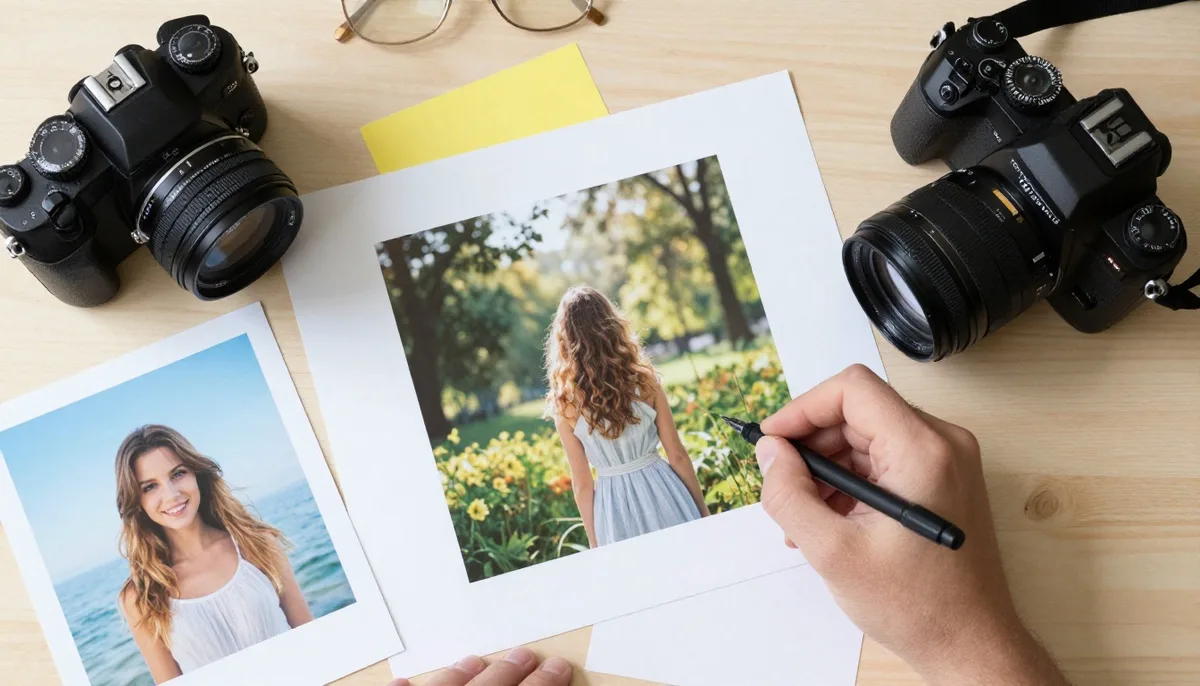
The AI pictures trends are not just for fun. Businesses can use AI-generated images to create faster and more engaging marketing content for social media posts, ad creatives, blog images, product concept visuals, festival campaigns, website banners, email marketing visuals, YouTube thumbnails, Instagram Reels covers and personalized customer content.
For example, a fashion brand can create different outfit concepts before planning a real photoshoot, a restaurant can create attractive food-themed visuals for social media, a travel company can create dream-destination images for campaign ideas, and a software company can create futuristic graphics for blog posts and landing pages.
AI images are also useful for testing, so marketers can create multiple versions of one creative and see which one gets more clicks, shares or conversions. However, businesses should not use AI pictures blindly: the images must match the brand, look realistic when needed and follow commercial usage rules.
Risks and ethical issues with AI pictures
AI pictures are powerful, but they also come with risks. Because AI can create realistic images, users must be careful about privacy, copyright and misinformation.
One major issue is identity misuse, so you should not create fake images of real people without permission, especially in sensitive or misleading situations. Another issue is copyright: some AI-generated images may be based on styles, concepts or references that raise legal questions, so if you plan to use AI pictures commercially, always check the tool's license and usage rules.
There is also the risk of misleading content. AI images should not be used to fake news events, medical results, legal proof or real-world evidence, and if an image is AI-generated and could confuse people, it is better to disclose that clearly.
Best practices include not creating deepfake-style images without consent, avoiding copying a living artist's exact style, checking commercial-use rights, labelling AI-generated visuals when necessary, never using AI images to mislead people, avoiding uploading private photos to unknown platforms, and using trusted tools with clear privacy policies. Responsible use builds trust with your audience and protects your brand.
Tips to make your AI pictures look more realistic
Many AI pictures look impressive, but some still have mistakes. To get better results, your prompt must be clear and detailed.
Mention the lighting style, describe the background clearly, add a camera angle or lens style, use natural expressions, avoid mixing too many styles in one prompt, generate multiple versions, check hands, eyes, teeth and text, use high-quality reference photos, and keep the prompt focused on one clear idea.
Helpful prompt details include natural lighting, realistic skin texture, 35mm photography, soft background blur, cinematic color grading, high detail, studio portrait and golden hour lighting.
For realistic portraits, avoid overusing words like "perfect", "glowing" or "ultra-beautiful", because they can make the image look artificial. Instead, focus on natural skin, real lighting and balanced details.
Common mistakes to avoid when creating AI pictures
Beginners often make simple mistakes that reduce image quality. Avoid these mistakes if you want better AI-generated pictures.
Writing very short prompts. A short prompt like "make a stylish photo" is too vague, so add details about outfit, background, lighting, mood and style.
Using too many ideas at once. Do not ask for a business portrait, cartoon style, beach background, festival theme and movie poster look in the same prompt, because too many instructions can confuse the AI.
Ignoring image errors. Always check the final image, since AI can make mistakes with fingers, eyes, text, logos and background objects.
Not checking usage rights. Before using AI images in ads, websites or client work, check whether the tool allows commercial use.
Using misleading AI images. Do not use AI-generated pictures to show fake events, fake products, fake people or false proof. And avoid uploading private or sensitive photos to unknown websites, use trusted AI tools only.
Future of the AI pictures trends
The future of the AI pictures trends looks very strong. AI image tools are becoming more realistic, faster and easier to use, and soon users will be able to edit images with simple conversation-style instructions.
For example, instead of manually editing a photo, users may simply type: "Change the background to a luxury office, make the lighting softer, keep my face the same and make the outfit formal."
AI tools are also moving toward better face consistency, more accurate text inside images, higher-quality editing and smoother integration with video tools, which means AI pictures and AI videos will become closely connected. Businesses will use AI visuals for ads, product campaigns, social media, landing pages and personalized marketing, creators will use AI to make faster content, and everyday users will use AI pictures for profile photos, festival posts, invitations, wallpapers and personal memories. At the same time, transparency will become more important, and people will expect brands and creators to use AI responsibly and disclose synthetic content when needed.
Should you try the AI pictures trends?
The AI pictures trends are one of the most exciting creative trends in digital content, allowing anyone to create beautiful, unique and personalized images without needing advanced design skills.
Whether you want a professional headshot, a viral Instagram photo, a romantic couple edit, a festival image, a cartoon avatar or a cinematic poster, AI picture tools can help you create it quickly. For best results, use clear prompts, experiment with different styles, check the final image carefully and follow ethical guidelines.
If you are a creator, marketer, business owner or casual user, now is the right time to explore AI-generated pictures and use them to stand out online. Start with one simple photo, choose a viral AI style, write a clear prompt and create your first AI picture today.
Try unlimited AI photo editing
Run every AI tool as much as you want, right in your browser.