How to Enhance Holiday Product Photos Without Altering Items
In this guide
The holiday season gives businesses a great opportunity to capture shoppers' attention with attractive product photography. From fashion accessories and skincare to home décor, toys, and personalized gifts, high-quality product images can shape purchasing decisions. During festive celebrations, shoppers are drawn to products that look appealing, feel gift-ready and match the excitement of the season.
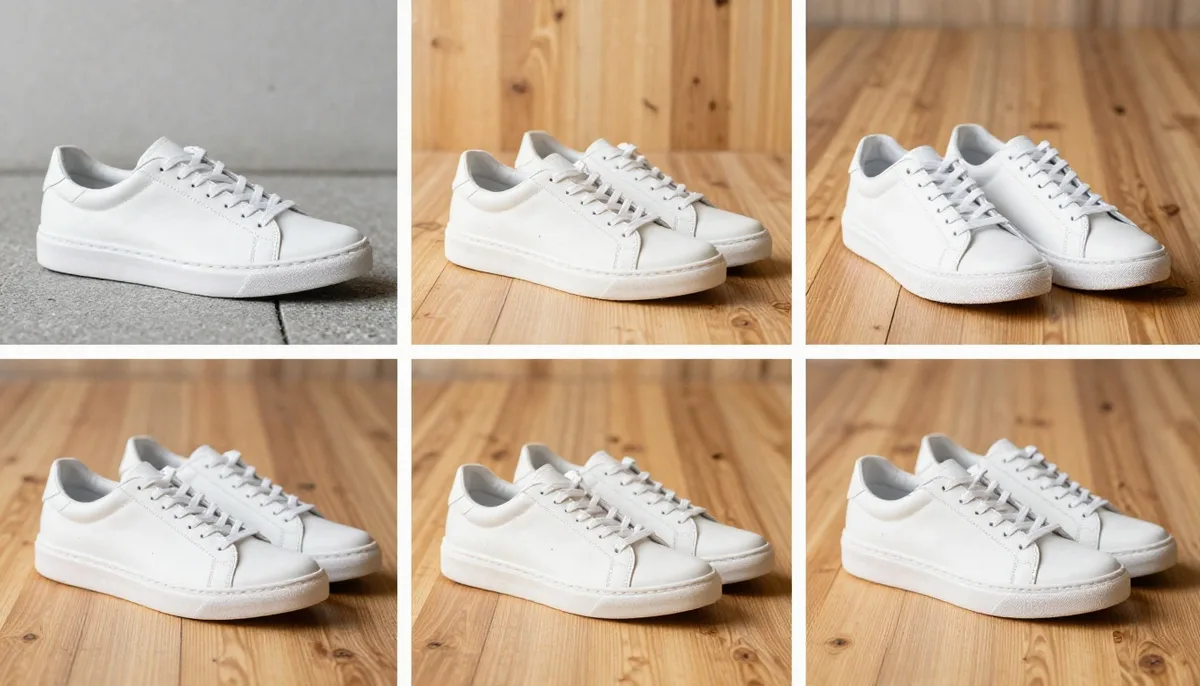
Creating attractive holiday product photos doesn't require altering the product's original look. Customers want the items they receive to match the images they see online. Modifying a product's color, shape, texture, packaging or key features can mislead buyers, create false expectations and ultimately reduce customer satisfaction.
The key is to enhance the presentation without altering the product itself. By using suitable lighting, festive backgrounds, well-planned styling, and subtle photo editing, businesses can create eye-catching seasonal images while maintaining each item's original appearance and authenticity.
Why Holiday Product Photography Matters
Product photos often shape a customer's first impression before they explore the description or compare prices. A sharp, detailed image helps shoppers see what an item looks like, while a thoughtfully styled festive background can make the product feel more appealing and create a stronger emotional connection.
During holiday promotions, product visuals play a key role in attracting shoppers looking for gifts and seasonal essentials. Well-composed images can help products stand out in online stores, catch attention on social media, and make digital advertisements more appealing to potential buyers.
However, attractive product images should always remain true to reality. Making an item look bigger, glossier or more vibrant than it actually is can create unrealistic expectations and leave customers disappointed when their purchase arrives.
An effective product photography approach balances visual appeal with authenticity. By enhancing the background, lighting and overall image quality without changing the actual product, businesses can create polished, professional photos that build customer trust and encourage confident purchasing decisions.
Improve Lighting for a Professional Appearance
Proper lighting can instantly improve the overall quality of product photos. Insufficient light may obscure important details, cast harsh shadows and cause product colors to look different from their true appearance.
Natural light is an excellent choice for photographing many types of products. Place your item near a window to take advantage of gentle, even lighting while avoiding strong glare and harsh shadows. You can also use a white reflector or a simple piece of white cardboard to brighten shadowed areas and create a more balanced, well-lit image.
For indoor product photography, use diffused LED lighting or softboxes to achieve balanced illumination. Position the key light slightly to one side to highlight the product's shape and texture. For glossy items, experiment with different lighting angles to minimize unwanted glare and reflections.
Color temperature is equally important when editing product photos. Warm lighting can add a cozy, festive feel, but too much warmth may give white products a yellow tint or alter the natural colors of materials.
The objective is to create a bright, balanced image in which customers can clearly see the product's genuine details.
Introduce Festive Backgrounds Without Distracting Viewers
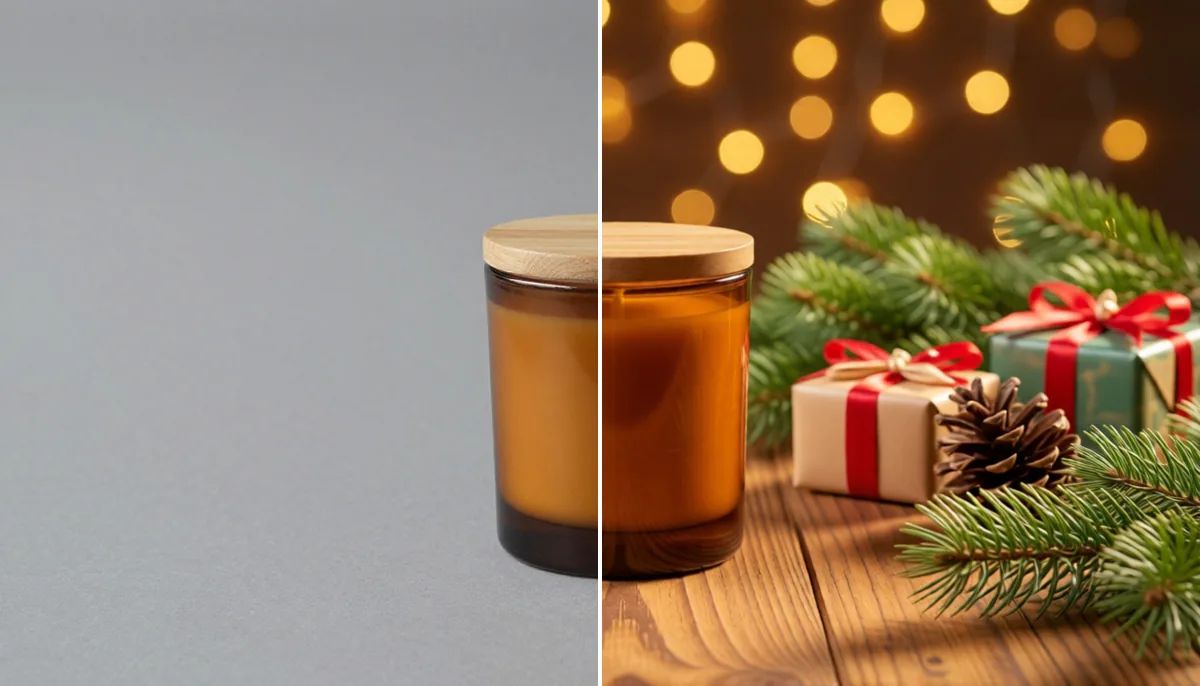
A festive background can instantly make a regular product photo more suitable for seasonal marketing. Rather than changing the product itself, focus on creating a holiday-inspired setting that highlights the occasion.
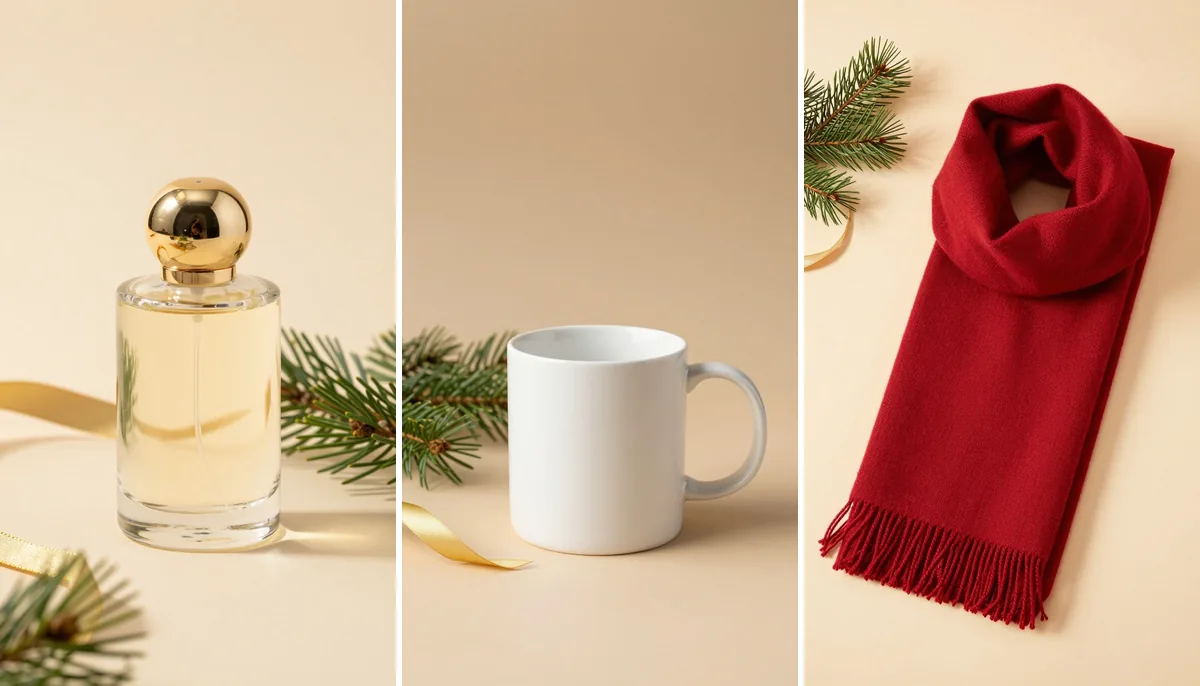
For Christmas campaigns, add subtle touches such as fresh greenery, decorative ribbons, pinecones, soft lighting or stylish gift boxes. For winter-themed promotions, try white fabrics, neutral backdrops and delicate silver details to create a clean, elegant look.
Select background colors that work well with your product and help it stand out. For example, dark accessories can look striking against cream or beige surfaces, while lighter products may be more noticeable on darker backgrounds.
Make sure seasonal decorations do not cover essential product features. Keep labels, logos, buttons, stitching and unique design elements clearly visible. Overloading the scene with ornaments can make the image feel cluttered and distract shoppers from the product.
In most cases, a clean background paired with a few thoughtfully arranged festive details creates a polished, professional image that keeps the product as the main focus.
Enhance Holiday Product Photos With Realistic Editing
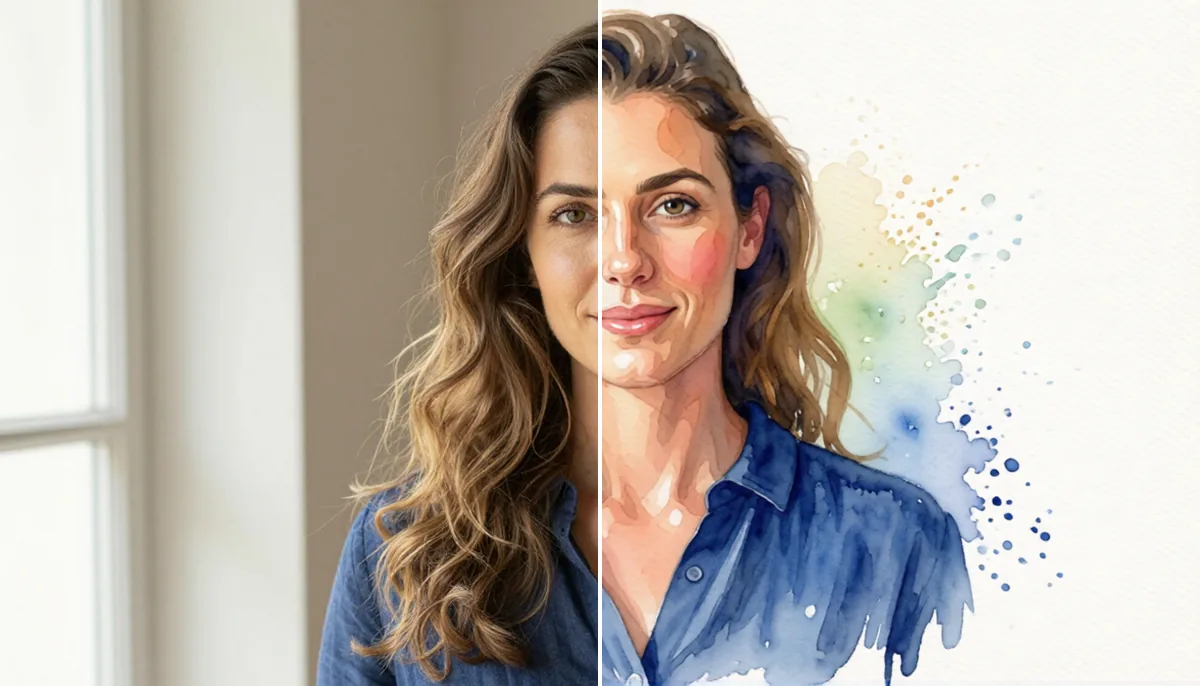
Photo editing can fix common image issues and give your product catalog a polished, consistent look. The key is to enhance the photo while keeping the product true to its actual appearance.
Start with simple adjustments to brightness, white balance, contrast, and cropping. These improvements can make product images look clearer and more balanced without altering their original features.
Pay attention to sharpness and clarity as well. Subtle enhancements can highlight fabric textures, packaging labels and surface details. Avoid over-sharpening, as it may create harsh edges and make the image appear unrealistic.
Cleaning up the background can also improve the overall presentation. Remove dust, unwanted distractions, or accidental marks around the product to create a neat, professional look. However, avoid removing genuine product details or concealing flaws that buyers should be aware of.
AI-powered editing tools can make product image preparation easier by assisting with background cleanup and image enhancement. Magical Studio AI is one tool worth exploring for creative product photography workflows. Whatever tool you choose, review the finished image carefully to ensure the product still looks accurate.
Good product photo editing should enhance visual appeal and clarity while maintaining customer trust. The goal is to present the real product in its best light, not to create an unrealistic impression of what buyers will receive.
Arrange Holiday Props With Purpose
Holiday props can give product photographs a story and help customers imagine an item as a gift. The key is to select decorations that suit the product's style and intended audience.
For example, a fragrance bottle may look elegant beside a simple ribbon and a neutral gift box. Handmade accessories might benefit from textured fabric and natural decorative elements. Kitchen products can be photographed in a festive setting with seasonal table linens and carefully arranged serving accessories.
Consider the size and placement of every prop. Large decorations may overwhelm smaller items, while too many objects can make the photograph difficult to understand.
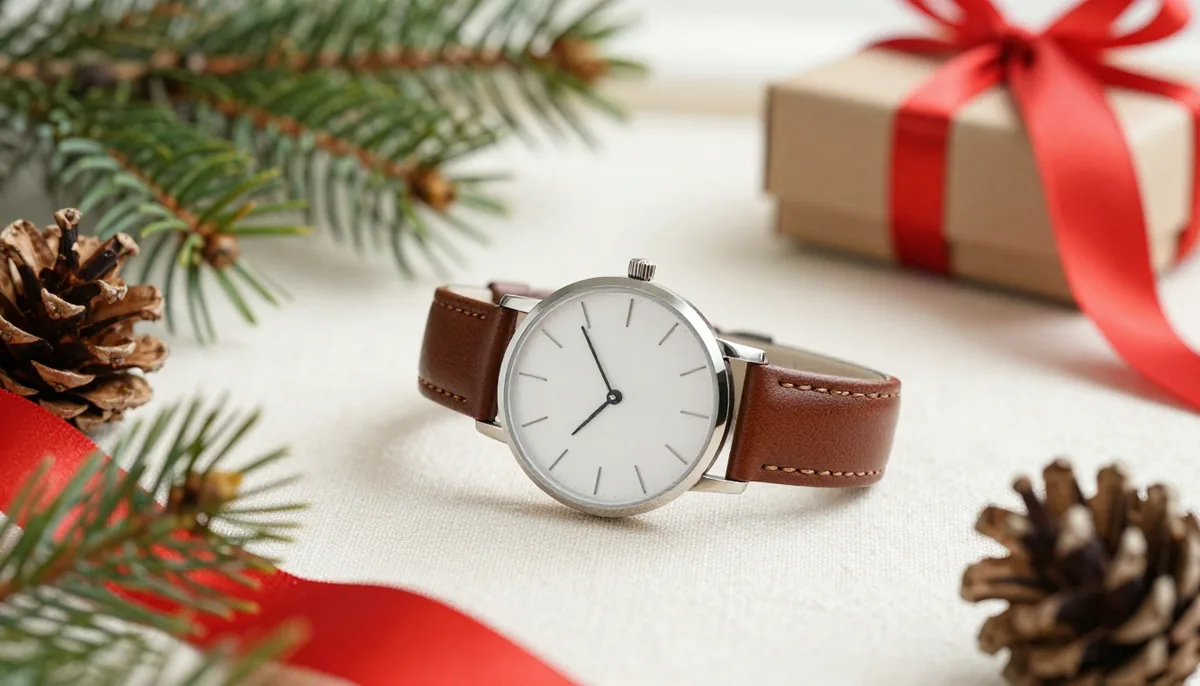
Leave enough space around the product to show its complete outline. If the item has important features, such as a watch face, handbag clasp or cosmetic label, position the decorations so those details remain unobstructed.
Also, avoid suggesting that decorative props are included with the purchase when they are not. Clear product descriptions help shoppers distinguish between the item for sale and the elements used to create the photograph.
Preserve Original Colors and Material Details
Color accuracy is essential when customers cannot physically examine a product before buying it. Even small differences can influence purchasing decisions, especially for clothing, accessories, cosmetics, and home furnishings.
Start by photographing products under balanced lighting. Check the original image before editing and use it as a reference throughout the process. If you adjust brightness or white balance, confirm that the item's color still matches its real appearance.
Materials also deserve careful attention. Leather, cotton, glass, wood, metal, and plastic each have distinctive visual qualities. Excessive smoothing or artificial shine can make one material resemble another.
Avoid reshaping products, changing their proportions, or using editing effects that conceal visible features. Keep printed information, logos, patterns, and packaging details intact.
For products with multiple colors or variations, photograph each version separately whenever possible. This helps customers select the option they actually want.
Accurate product photography creates realistic expectations and supports a more dependable shopping experience.
Create a Consistent Holiday Photography Style
A recognizable visual style helps customers connect different products with the same brand. It also makes an online store appear organized and professionally maintained.
Before creating a holiday collection, establish a few basic guidelines. Select a limited color palette, choose suitable background materials, and determine how the products will be positioned within each frame.
Use consistent lighting and similar camera angles for products within the same category. For example, a collection of beauty products may benefit from clean backgrounds and balanced close-up photography, while home accessories may require wider compositions that show scale and context.
You can also create separate image styles for different marketing channels. Product listings often benefit from simple photographs, whereas social media posts may use more expressive festive scenes.
Keep the actual product consistent across every version. Changing the background is a presentation choice; changing the item's genuine color, design or included accessories can misrepresent what is being sold.
A reusable photography setup makes it easier to prepare seasonal campaigns without sacrificing quality or authenticity.
Review Every Image Before Publishing
A final quality check can prevent small editing mistakes from reaching customers. Compare each finished photograph with the original image and, when possible, the physical product.
Check whether the color, shape, proportions, texture, packaging and visible labels remain accurate. Look for unexpected changes caused by automated background removal or AI-assisted editing.
Confirm that the product is in focus and that the lighting reveals important features. Remove distracting background marks when appropriate, but do not hide genuine product defects or alter features that influence a purchasing decision.
Review the image alongside its product description. If the photograph includes decorative accessories, make sure the listing clearly explains whether those accessories are part of the purchase.
Finally, verify image dimensions, file size, and mobile appearance before publishing. A short review process can improve consistency and reduce avoidable presentation errors.
Conclusion
Beautiful holiday photography does not require changing the products themselves. Thoughtful lighting, complementary backgrounds, carefully selected props and realistic editing can create engaging images while preserving the item's genuine appearance.
The most effective approach balances seasonal creativity with accurate representation. Customers should enjoy the festive atmosphere while still being able to understand the product's real color, shape, texture and features.
By following these techniques, businesses can develop attractive holiday campaigns, maintain consistent branding, and present their products with greater confidence. When authenticity remains the priority, seasonal product photography can strengthen customer trust while making online shopping more appealing.
Try unlimited AI photo editing
Run every AI tool as much as you want, right in your browser.