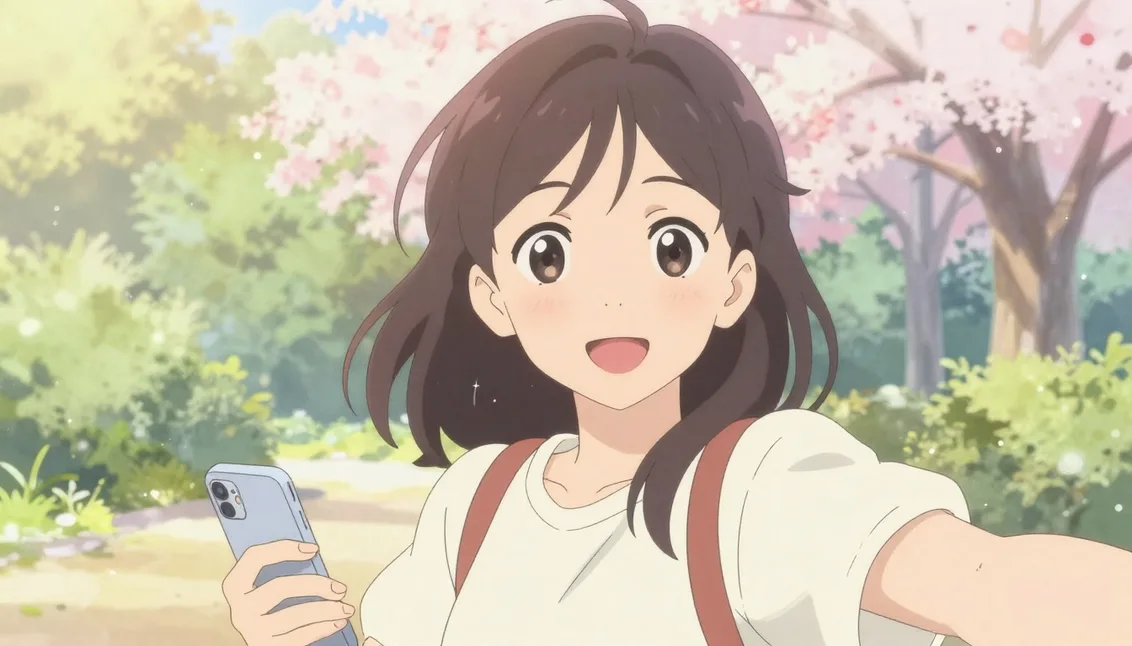
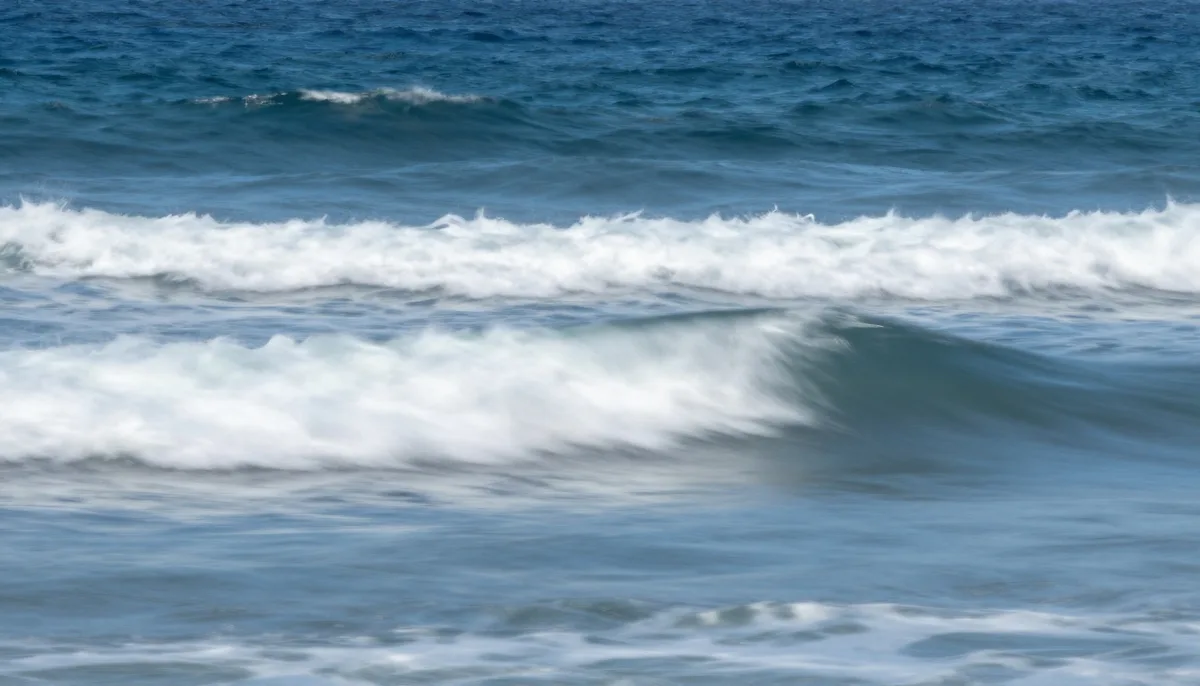
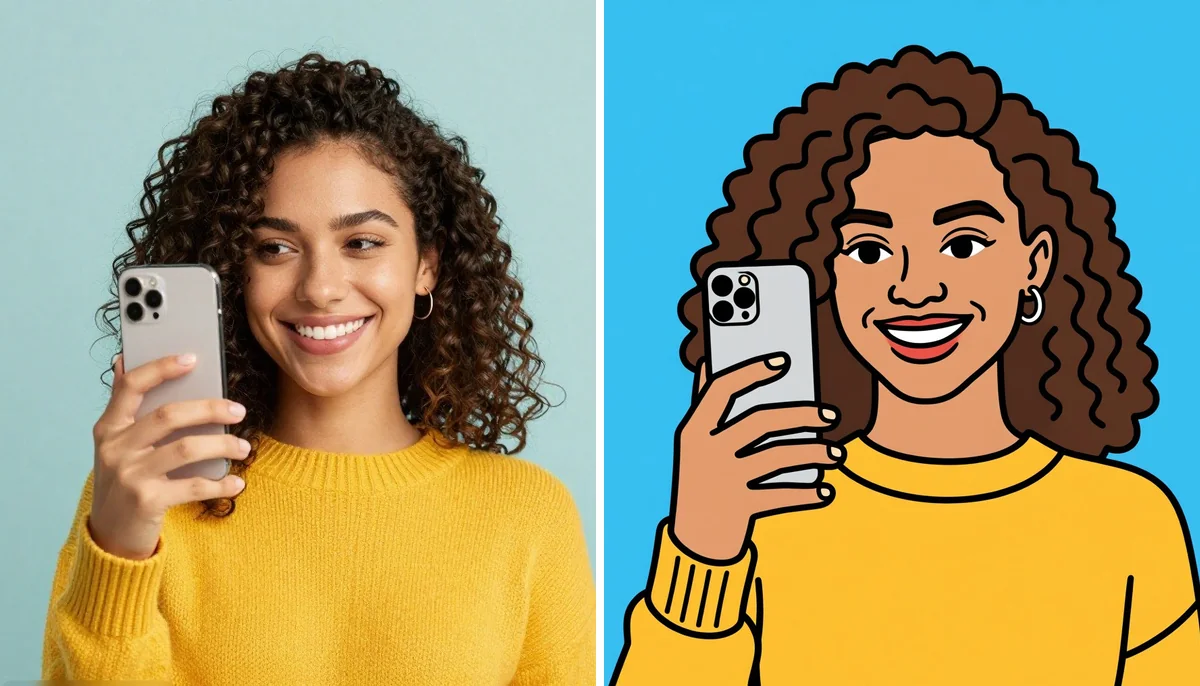
AI Image Fusion: Combine Photos into Stunning AI Art
In this guide
Combining two or more images can create something far more interesting than a single photograph. A portrait can be blended with a landscape, a family picture can become a creative composition or completely different visual elements can be merged into one artistic scene. Modern artificial intelligence makes this process faster and easier, even for people without advanced photo-editing skills.
What Is AI Image Fusion?
AI Image Fusion is a creative image-editing approach that uses artificial intelligence to combine visual elements from multiple images into a single composition. Instead of manually cutting subjects, adjusting layers, matching colors and refining edges, AI-powered systems can analyze the images and determine how their important visual characteristics can work together.
The result can range from a realistic composite photograph to a highly imaginative piece of digital artwork. Depending on the tool and prompt, users can combine people, backgrounds, objects, colors, textures, lighting styles and artistic concepts.
The technology is especially useful when traditional editing feels too complicated. A user may start with two ordinary photos and transform them into a visually connected composition within a short time.
How Does AI-Powered Image Combining Work?
Artificial intelligence can analyze the content of an image by identifying elements such as people, objects, backgrounds, colors, shapes, textures and lighting. When multiple images are provided, the system attempts to understand which features should remain recognizable and how they can be integrated.
1. Upload Your Source Images
The first step is choosing the photographs you want to combine. These might include portraits, travel photos, product images, illustrations, nature scenes or everyday snapshots.
For better results, select images with reasonably clear subjects. High-quality source material gives an AI system more visual information to work with.
2. Define the Desired Composition
Think about what you want the final image to communicate. You might want a person's portrait placed inside a fantasy environment, two different scenes blended together or several visual elements transformed into one artistic concept.
A clear description helps guide the generation process.
3. Let AI Analyze the Images
The AI examines the uploaded visuals and identifies important features. It can determine the subject's position, surrounding environment, colors, textures and other characteristics.
It then attempts to create visual relationships between the selected elements instead of simply placing one photograph on top of another.
4. Refine the Result
The first output may not always be flawless. You can improve the result by changing the prompt, adjusting the source images or trying a different visual direction.
Small changes can significantly affect the composition, lighting, subject placement and overall appearance.
Creative Ways to Combine Multiple Photos
There are countless ways to experiment with AI-powered image blending. The best approach depends on your purpose and imagination.
Create Artistic Portraits
Portrait photography becomes much more creative when combined with another visual concept. A person's photograph can be transformed into an artistic scene featuring dramatic lighting, colorful surroundings, abstract textures or a completely different environment.
This can be useful for social media content, profile artwork, creative projects and personal experiments.
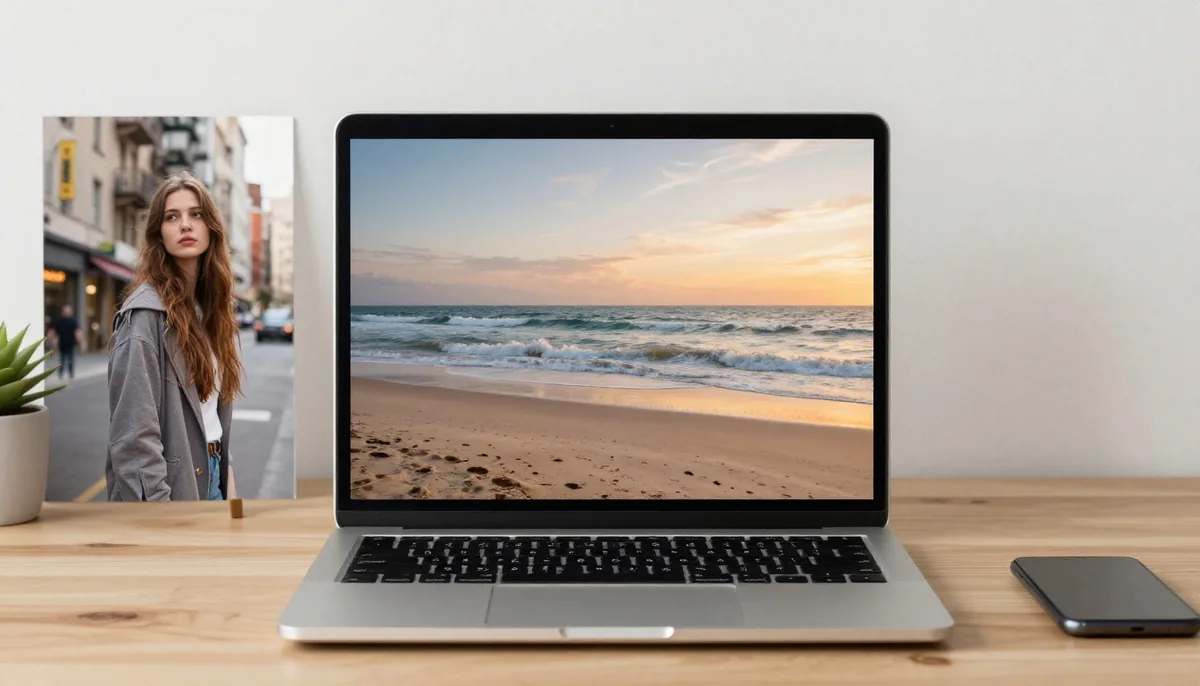
Blend People With Different Backgrounds
A common editing idea is replacing or transforming a background while keeping the main subject recognizable. AI can help create a smoother relationship between the person and the new environment.
For example, a simple indoor portrait could be transformed into a sunset beach scene, futuristic city, mountain landscape or elegant studio environment.
Combine Family or Group Photos
Sometimes people appear in separate photographs because everyone could not be present for the same picture. AI-assisted editing can help create a new composition using subjects from different images.
The output should still be treated as a creative composite rather than a representation of an original event.
Experiment With Double Exposure
Double-exposure-inspired artwork combines two visual concepts within one frame. A face might contain a city skyline, forest, ocean, architecture or another meaningful scene.
This style can produce dramatic and emotional results while maintaining recognizable elements from the source photographs.
Create Surreal Artwork
AI is particularly useful for ideas that would be difficult to produce with conventional photography. You can combine unrelated objects, environments, textures and subjects to create imaginative artwork.
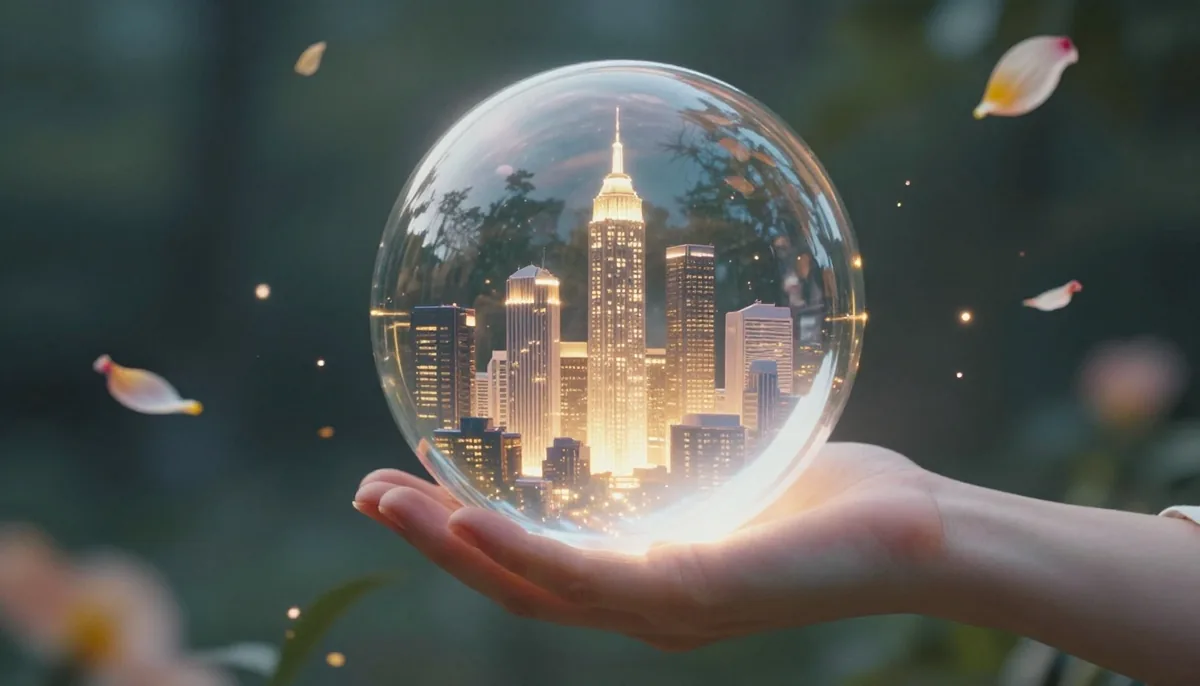
A portrait surrounded by floating flowers, a city inside a glass object or an ocean flowing through an architectural structure are examples of concepts that can be explored.
Tips for Getting Better Results
Good source material and clear instructions can make a noticeable difference.
Choose Clear Source Images
Images with visible subjects, reasonable lighting and good resolution generally provide more useful information for an AI editing system. Avoid photographs where the main subject is heavily blurred or hidden.
Keep Your Main Subject Consistent
If the person's identity is important, use a clear reference image. Front-facing or well lit portraits can make it easier for AI to understand facial characteristics.
Describe the Composition Clearly
Instead of using a vague instruction such as “combine these pictures,” describe the intended relationship between them.
For example, explain which person should remain the primary subject, where the background should appear, what type of lighting you want and whether the final result should look realistic or artistic.
Consider Lighting and Perspective
Images with completely different lighting directions or camera perspectives can be harder to blend naturally. When possible, choose photographs with compatible visual characteristics.
If one image has strong sunlight from the left and another has soft indoor lighting, the resulting composition may require additional refinement.
Try Several Variations
Creative AI editing is often an iterative process. One generation may look completely different from another even when the same source images are used.
Experiment with prompts, compositions, backgrounds and artistic styles until you find an output that matches your concept.
AI Image Fusion for Personal Projects
You don't need to be a professional designer to experiment with creative image combinations. Personal photographs can become digital artwork for wallpapers, invitations, greeting cards, photo albums, posters or creative gifts.
Travel photographs are particularly interesting because several locations can be visually represented in one composition. Similarly, old photographs can inspire new artistic interpretations, especially once an AI Photo Colorizer has added color to black and white originals.
Tools such as Magical Studio AI can make experimentation more accessible by allowing users to explore AI-assisted creative workflows without relying entirely on traditional editing techniques.
Common Mistakes to Avoid
While AI can simplify image editing, the quality of the final output still depends on the input and instructions.
One common mistake is providing low-quality or heavily compressed photographs. Another is giving extremely vague prompts that do not explain the desired composition.
It is also important not to overload a single image with too many unrelated elements. A composition can become visually confusing when every possible idea is added at once.
Finally, always review the generated image carefully. Look for unusual facial details, distorted hands, inconsistent shadows, strange object shapes or other visual artifacts before publishing the result.
Why This Technology Is Changing Creative Editing
Traditional image manipulation often requires several individual steps. Users may need to remove backgrounds, create selections, manage layers, match colors, adjust lighting and manually refine edges.
AI can automate many of these tasks and allow people to focus more on the creative idea rather than the technical process.
This does not mean traditional editing is no longer useful. Professional designers may still need detailed control over individual elements. Instead, AI provides another workflow that can accelerate experimentation and help users explore ideas quickly.
The Future of AI-Powered Image Creation
Image-generation and editing technology continues to develop rapidly. Future systems are likely to offer more precise control over individual subjects, better preservation of identity, improved lighting consistency and more accurate understanding of complex compositions.
Users may increasingly be able to describe an entire visual concept in natural language and receive a result that closely matches their intended composition.
This could make advanced visual experimentation accessible to a much broader audience, from casual creators to professional marketers and designers.
Final Thoughts
AI Image Fusion opens up a creative way to turn separate photographs into unified visual experiences. Whether you want to create imaginative portraits, artistic double exposures, social media graphics, fantasy scenes or personal artwork, AI-assisted editing can reduce the technical effort involved.
The most important part is experimentation. Start with clear source images, define your desired composition, keep your instructions specific and review every generated result carefully. With the right combination of photographs and creative direction, ordinary images can become distinctive pieces of digital art.
Try unlimited AI photo editing
Run every AI tool as much as you want, right in your browser.