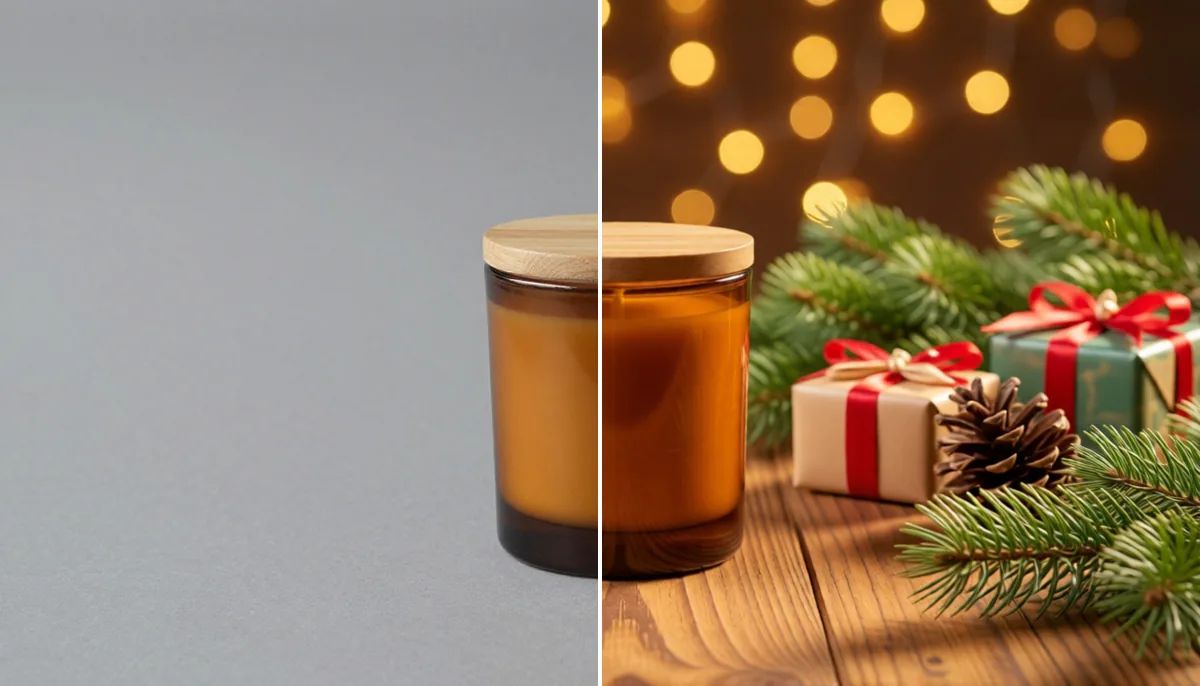
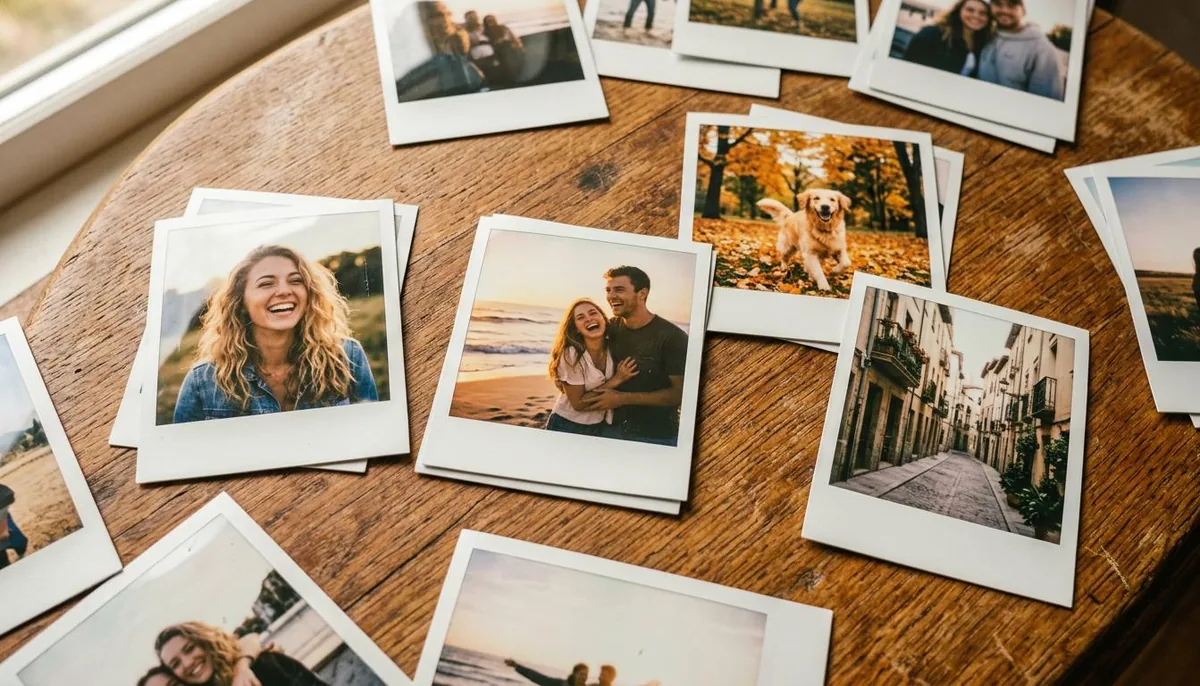
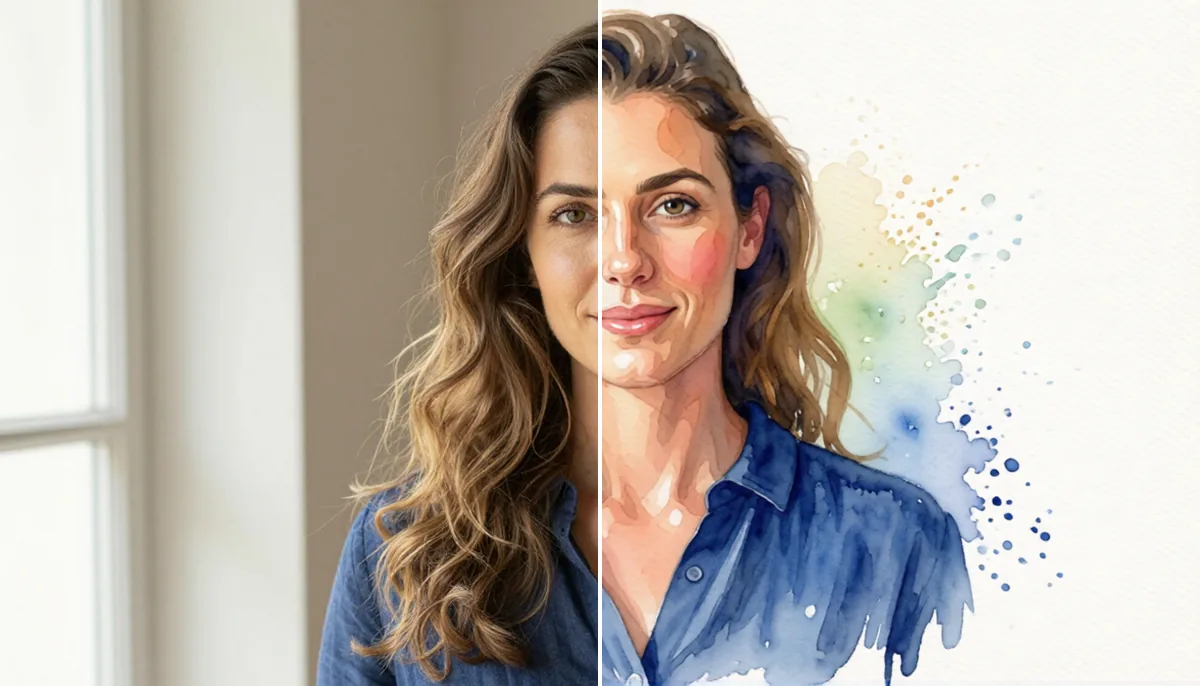
Create High-Converting Product Photos Using AI Tools
In this guide
Product photos are one of the strongest reasons people click, trust and buy online. Before a shopper reads the full description or compares features, they judge the product through visuals. A clean, attractive image can make a simple item feel premium, while a dull image can make even a useful product look low quality. That is why ecommerce brands are now using AI Product Photography Tools to create better images faster and with more creative control.
In the past, product photography required a studio, camera, lights, props, editing software and a skilled designer. For small businesses, Shopify stores, Amazon sellers and social media brands, this was expensive and slow. AI has changed the process. Now you can upload a basic product photo and turn it into a polished image, lifestyle scene and creative or website banner in minutes.
Why Product Photos Matter for Online Sales
A product photo is not only decoration. It is part of the sales message. Good visuals help customers understand the size, color, texture, quality and use of a product. They also reduce doubt. When people clearly see what they are buying, they feel more confident.
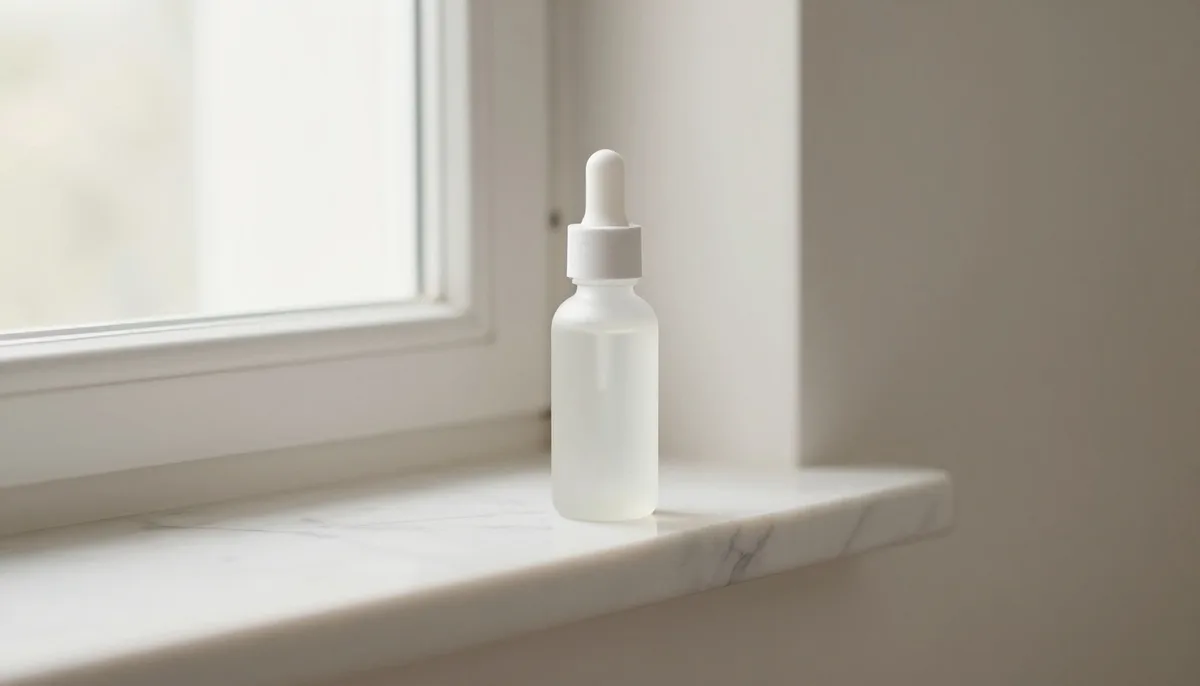
High-converting product images usually have three things: clarity, emotion and context. Clarity shows the product properly. Emotion makes the product feel desirable. Context shows how the product fits into real life. A plain bottle photo simply displays the product, while placing it on a clean bathroom shelf with soft lighting can make it look more premium, appealing and trustworthy.
How AI Product Photography Tools Help Brands
AI Product Photography Tools help sellers create professional-looking images without a full photoshoot. They can remove backgrounds, generate new scenes, improve lighting, fix image quality, create lifestyle photos and resize visuals for different platforms.
This saves time and money. Instead of arranging a new shoot for every campaign, a brand can create many image versions from one product photo. You can make website images, Instagram posts, ad creatives, marketplace photos and email banners quickly. This also makes testing easier. If one background does not perform well, you can try another style, color or layout.
AI also helps with brand consistency. When all product images use similar lighting, colors and composition, the store looks cleaner and more professional. Consistent visuals build trust and make the buying experience smoother.
Key Elements of a High-Converting AI Product Photo
1. Clean Background
The background should support the product, not distract from it. White, light grey, pastel, or simple lifestyle backgrounds work well for many ecommerce products. For luxury products, warm lighting, soft shadows and elegant surfaces can create a premium look.
AI can remove messy backgrounds and replace them with clean scenes. This is helpful when the original photo was taken at home, in a warehouse or in poor lighting.
2. Realistic Lighting and Shadows
Lighting can make or break a product image. If the lighting looks fake, customers may lose trust. A good AI photo should have natural shadows, correct reflections and balanced brightness. The product should look polished but believable, not pasted onto the background.
3. Lifestyle Context
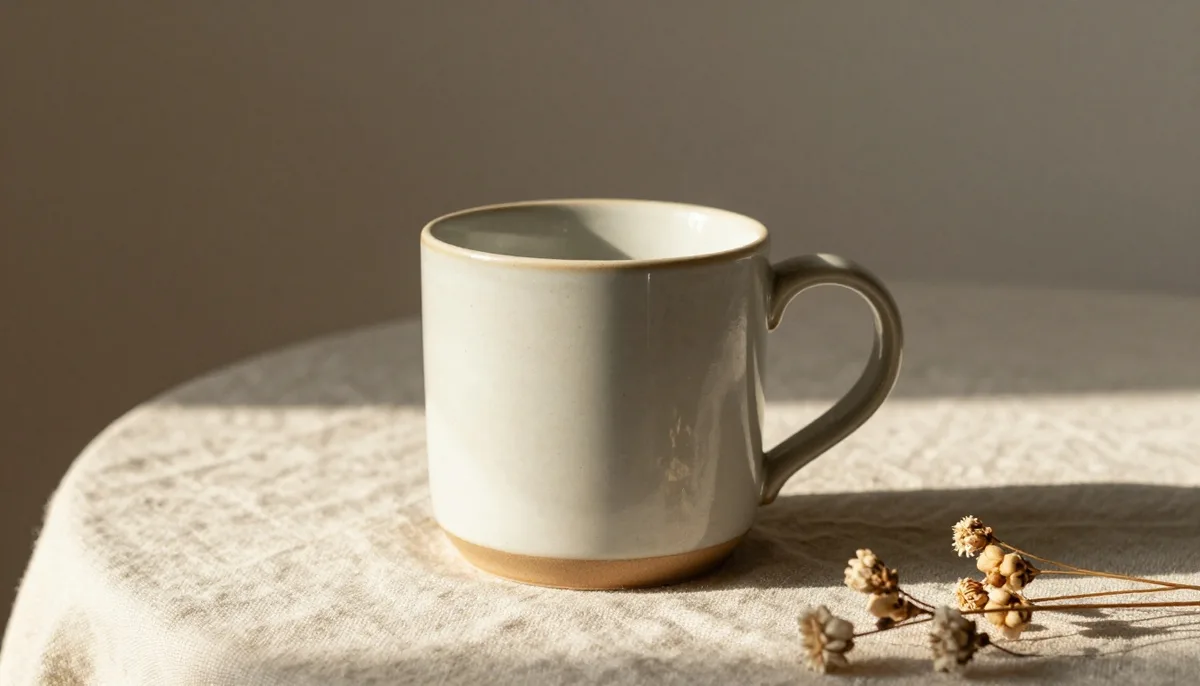
Lifestyle images help customers imagine using the product. A coffee mug on a desk, a chair in a modern office, a handbag on a city street or a supplement bottle in a gym scene can create stronger desire than a plain cutout.
The lifestyle scene should match the target audience. A luxury watch needs a different mood than a children’s toy. A fitness product needs a different setting than home decor. The goal is to show the product in a situation where the buyer can see its value.
4. Strong Visual Focus
The product should always be the hero. It should be sharp, clearly visible and easy to notice first. Props, backgrounds and effects should never hide the main item.
For ads and banners, leave enough empty space for text, offers, buttons or brand messages. A good product photo is not just beautiful, it is planned for its final use.
5. Platform-Friendly Sizes
A website banner, product page image, Instagram post and TikTok ad do not need the same layout. Product listings often need square images, social ads often need vertical formats and banners usually need wide layouts.
AI helps brands create different image sizes from one product shot while keeping the same style across platforms.
Step-by-Step Process to Create Product Photos with AI
Step 1: Start with a Clear Product Image
Use a sharp photo where the product is fully visible. The image should not be blurry, badly cropped or covered by other objects. A phone photo can work, but the product should be clean and easy to separate from the background.
Step 2: Remove the Original Background
Create a clean product cutout before adding a new scene. This gives AI more flexibility and helps the final image look professional. Background removal is useful for catalog images, marketplace listings and ad creatives.
Step 3: Choose the Right Scene
Pick a background that matches the product and audience. Use a modern kitchen for cookware, a luxury bathroom for skincare, a gaming desk for tech accessories or a bright living room for home decor.
Do not choose a scene only because it looks attractive. Choose it because it supports the buying decision.
Step 4: Improve Details
After generating the image, check the product edges, shadows, colors, labels and shape. The color should stay close to the real item because inaccurate images can lead to returns and complaints.
Tools like magical studio ai can help ecommerce sellers create clean product visuals, but every final image should still be reviewed before publishing.
Step 5: Create Multiple Variations
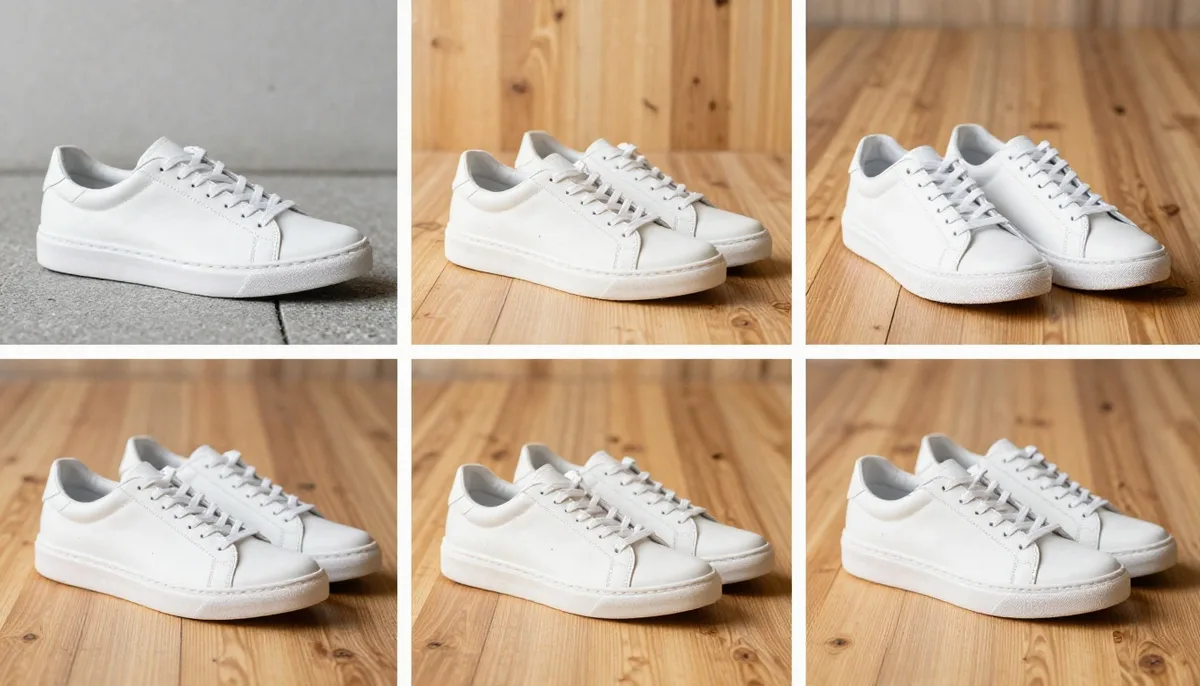
Do not depend on one image. Create several versions with different backgrounds, moods and layouts. Test which image gets better clicks, longer page engagement or more add-to-cart actions.
Best Places to Use AI Product Photos
Use AI images on product pages, social media ads, marketplace listings, email banners, and seasonal campaigns. Product pages need clear images that answer customer questions. Social ads need strong composition because users scroll quickly. Marketplaces need trustworthy visuals with simple main images and helpful secondary images. Seasonal campaigns can use holiday, summer, winter, gift, office or luxury-style scenes without arranging a new photoshoot.
Common Mistakes to Avoid
One mistake is making images too unrealistic. A beautiful image will not convert if the product looks fake. Another mistake is using too many props. Props should support the product, not compete with it.
Also avoid changing important product details. If AI changes the color, shape, label, logo, size or texture, the image can mislead customers. Always compare the final image with the real product.
Another mistake is using the same image everywhere. Website photos, social ads and banners have different goals. Create each image based on where it will appear and what action you want customers to take.
Better Prompt Tips for AI Product Images
When using AI Product Photography Tools, write prompts with clear details. Mention the background, surface, lighting, camera angle, mood and style. Instead of writing “make this product photo better,” write: “Place this product on a clean marble counter with soft natural window light, realistic shadow, premium ecommerce style, minimal background.”
Also add negative instructions when needed, such as: “Do not change the product color, label, logo, shape or text.” This helps protect important product details.
Final Thoughts
AI is making professional product photography easier for online sellers. It reduces cost, saves time and gives brands more creative freedom. But the best results still need strategy. Your images should be clear, realistic, brand-friendly and designed around customer intent.
If you want higher clicks, stronger trust and better conversions, start by improving your visuals. Test different scenes, protect product accuracy and use every image with a clear goal. With AI Product Photography Tools, even small businesses can create polished photos that look professional and help customers buy with confidence.
Try unlimited AI photo editing
Run every AI tool as much as you want, right in your browser.