How to Create Your Own GTA 6 Character Using AI
In this guide
Imagine stepping into the vibrant world of Grand Theft Auto VI with a character designed entirely by you. From a stylish street racer to a fearless criminal mastermind, you can bring your imagination to life without spending hours learning professional digital art or character modelling.
Thanks to artificial intelligence, creating your own GTA 6 character has become easier, faster and more exciting than ever. With an AI-powered GTA 6 character creator, you can transform simple text descriptions into detailed character portraits, realistic outfits, unique hairstyles and cinematic scenes inspired by the atmosphere of GTA.
Whether you want to design a character for social media, create gaming fan art or simply explore your creativity, this guide will walk you through the entire process.
Let's discover how to create your own GTA 6 character using AI.
Understand What Makes a GTA 6 Character Unique
Before opening an AI tool, think about the kind of character you want to create.
GTA characters are more than just attractive faces and fashionable clothes. Their appearance often reflects their personality, background, lifestyle and ambitions.
The colourful atmosphere of GTA VI, with its modern Vice City-inspired setting, offers plenty of creative possibilities.
Your character could be:
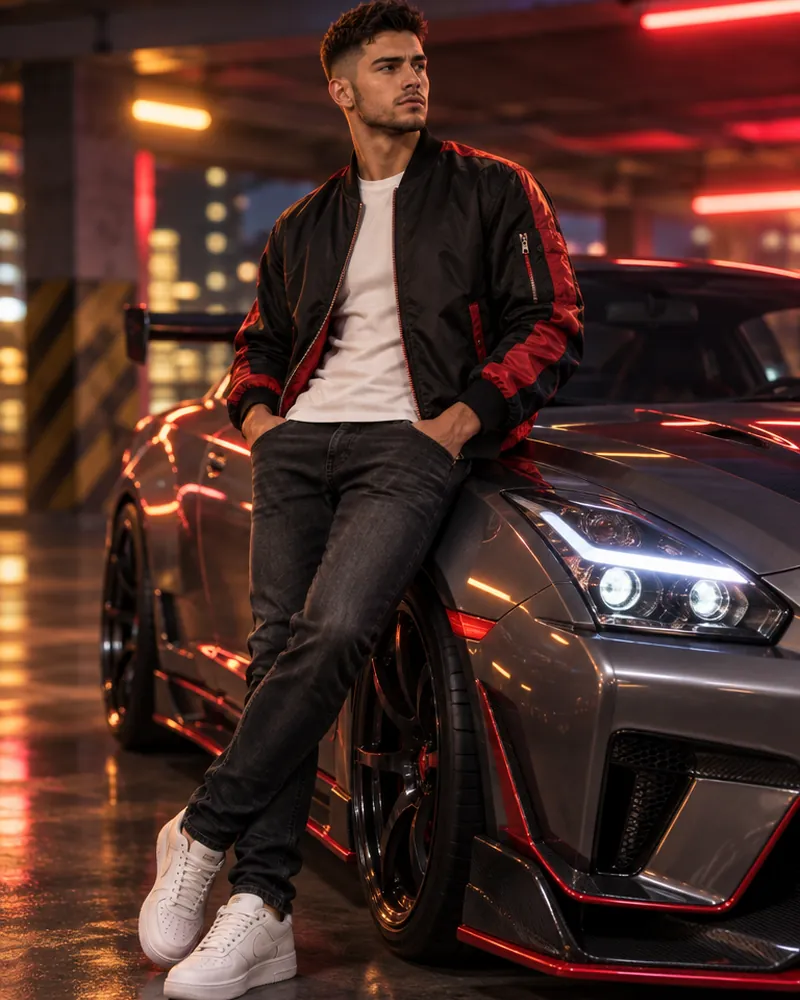
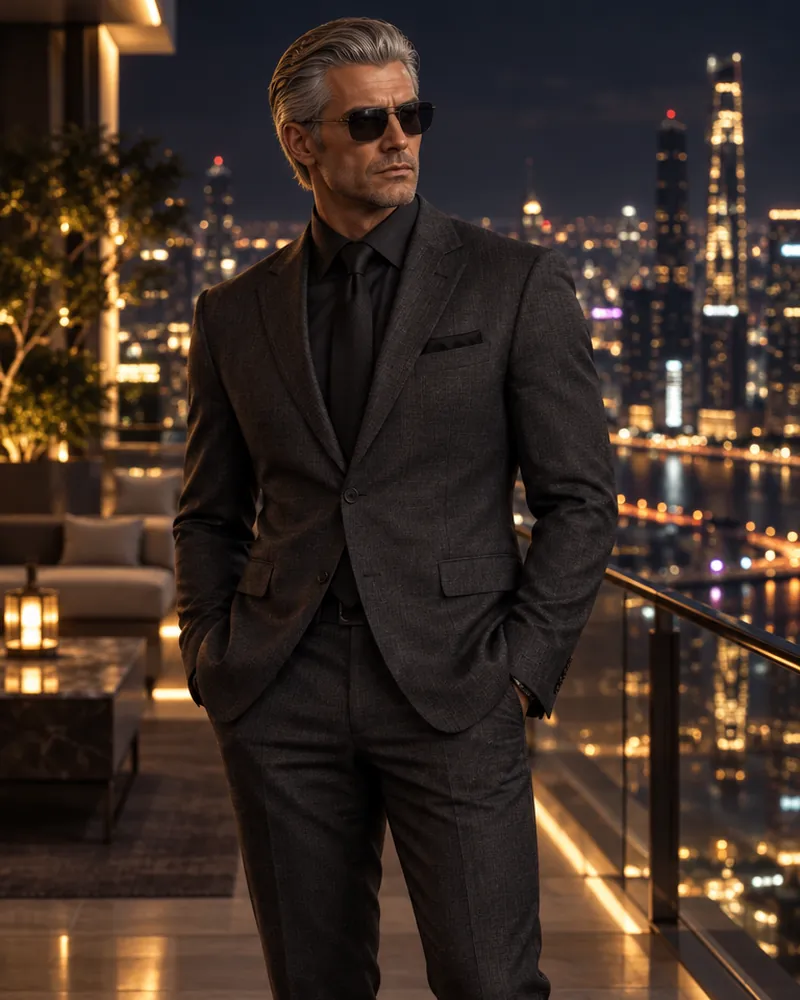
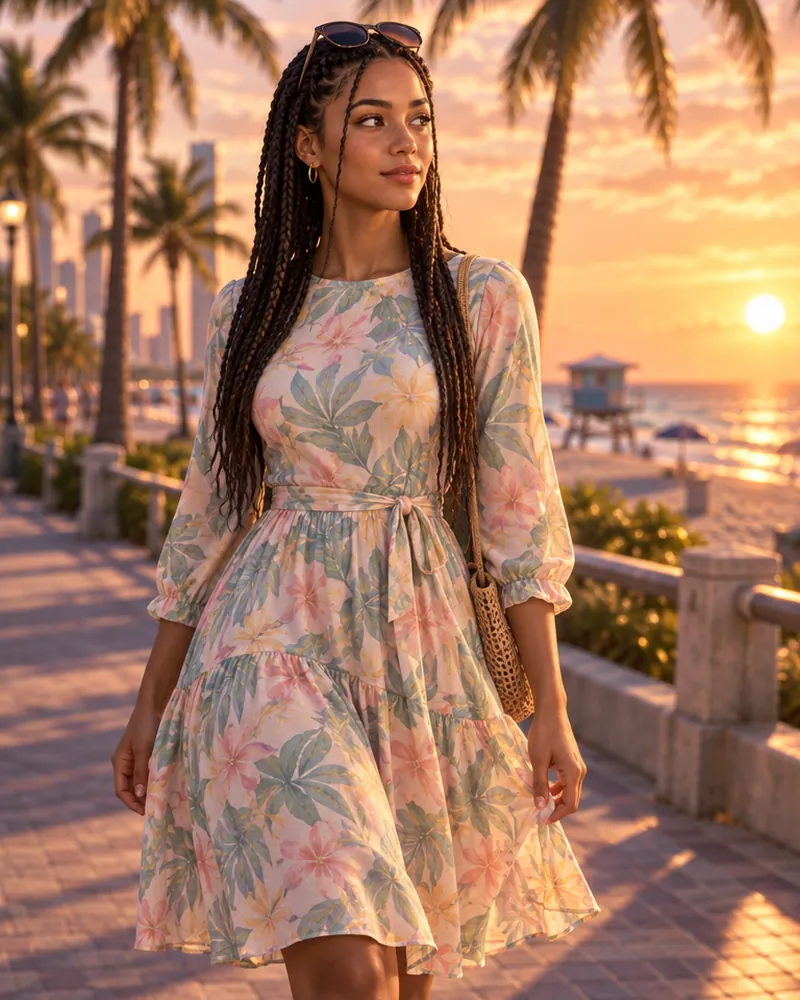
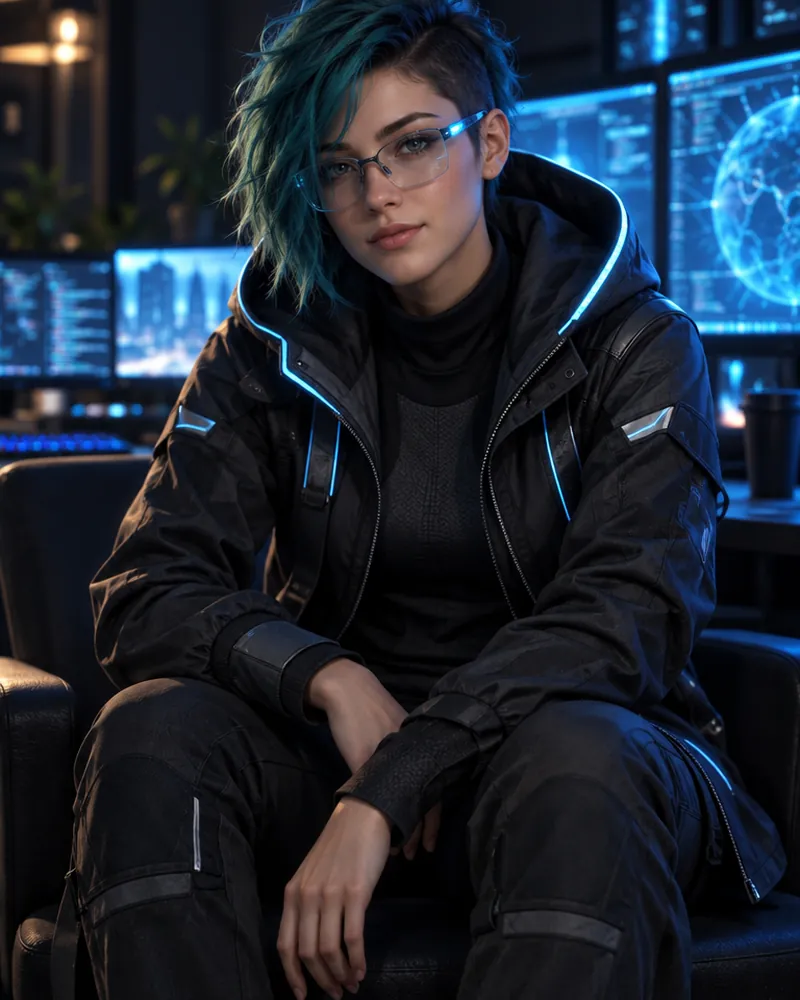

Choosing a character concept first will help AI generate more consistent and interesting results.
Choose the Right AI Character Generator
The next step is selecting an AI image-generation platform. Several tools can turn your imagination into impressive digital artwork.
Here are some popular options:
1. ChatGPT Image Generation
ChatGPT can help you develop character concepts and generate images from detailed descriptions. You can experiment with hairstyles, clothing, facial features, poses and backgrounds.
2. Midjourney
Midjourney is popular for creating visually detailed and artistic images. It can be useful when you want cinematic lighting, realistic textures and dramatic character portraits.
3. Leonardo AI
Leonardo AI offers creative image-generation features that can help you experiment with different character appearances, art styles and visual concepts.
4. Adobe Firefly
Adobe Firefly is another option for generating and editing creative visuals. It can help you explore different designs and refine your character's appearance.
Choose a tool that matches your experience level and creative requirements. Beginners can start with a simple text to image platform before experimenting with advanced settings.
Create an Interesting Character Description
This is one of the most important steps in the entire process.
AI tools depend heavily on the instructions you provide. A short prompt such as "Create a GTA character" may produce a generic image. A detailed description gives the AI a much clearer idea of what you want.
Consider these elements when writing your character description:
- Gender and age: Decide how your character should look.
- Facial features: Describe the face shape, eyes, skin tone and facial hair.
- Hairstyle: Choose a hairstyle that matches the character's personality.
- Clothing: Include jackets, shirts, jeans, sneakers, dresses or accessories.
- Personality: Decide whether the character should look confident, mysterious, friendly or intimidating.
- Environment: Choose a suitable background, such as a neon-lit street, luxury apartment or tropical beach.
The more clearly you describe your idea, the easier it becomes to achieve your desired result.
Use This AI Prompt to Create Your GTA 6-Inspired Character
You don't need professional writing skills to create a detailed AI prompt. Start with the example below and customize it according to your imagination.
Sample AI Character Creation Prompt:
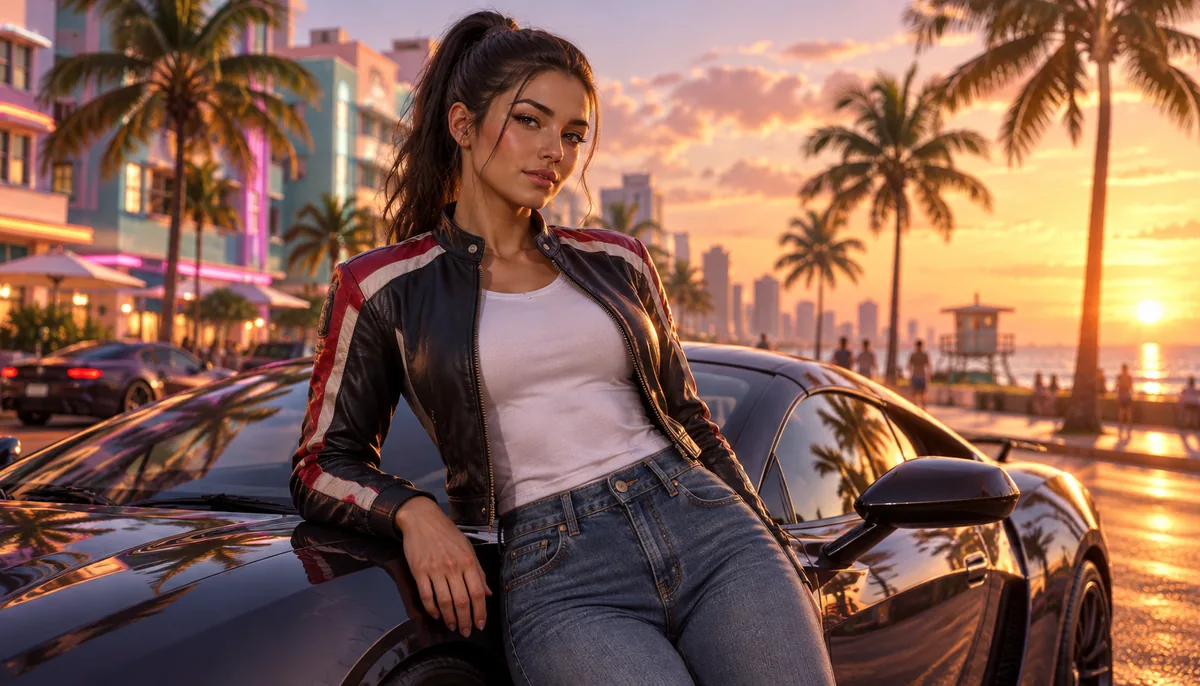
"Create an original, highly detailed, realistic open-world crime-game-inspired character. The character is a confident young adult with an expressive face, stylish modern hairstyle, fashionable streetwear, premium sneakers and subtle accessories. Give the character a distinctive personality and a memorable appearance. Place them on a vibrant Miami-inspired coastal street at sunset, featuring colourful buildings, palm trees, luxury vehicles and cinematic lighting. Use realistic skin textures, detailed fabric materials, natural proportions, professional video-game character artwork and a visually rich composition. The design should be original and not copy any existing GTA character."
You can modify this prompt to create different characters.
For example, replace the streetwear with a luxury suit to create a wealthy businessman. Alternatively, add a leather jacket, tattoos and a sporty hairstyle for a rebellious street racer.
Pro tip: Avoid using only generic words such as beautiful, cool or realistic. Specific descriptions usually give you more creative control over the final image.
Customise Your Character's Face and Appearance
Once AI generates the first image, take some time to improve the character's appearance.
You might like the outfit but dislike the hairstyle. Perhaps the facial expression looks too serious or the character needs a more distinctive appearance.
Instead of generating everything again, use an image-editing or AI inpainting feature when available.
Try making small adjustments such as:
- Changing the hairstyle or hair colour.
- Adding a beard, moustache or different facial expression.
- Adjusting eye colour and facial details.
- Adding tattoos, jewellery or sunglasses.
- Changing the clothing style.
- Making the character look older or younger.
Small changes can make a significant difference.
If you want to create a character that remains visually consistent across multiple images, save your preferred reference image and use it as a visual reference where the AI platform supports this feature.
Design Outfits Inspired by Vice City's Lifestyle
Fashion is an important part of character design. A well-designed outfit can make your AI-generated character look more believable and memorable.
Since GTA VI draws inspiration from a colourful coastal environment, you can explore several fashion styles.
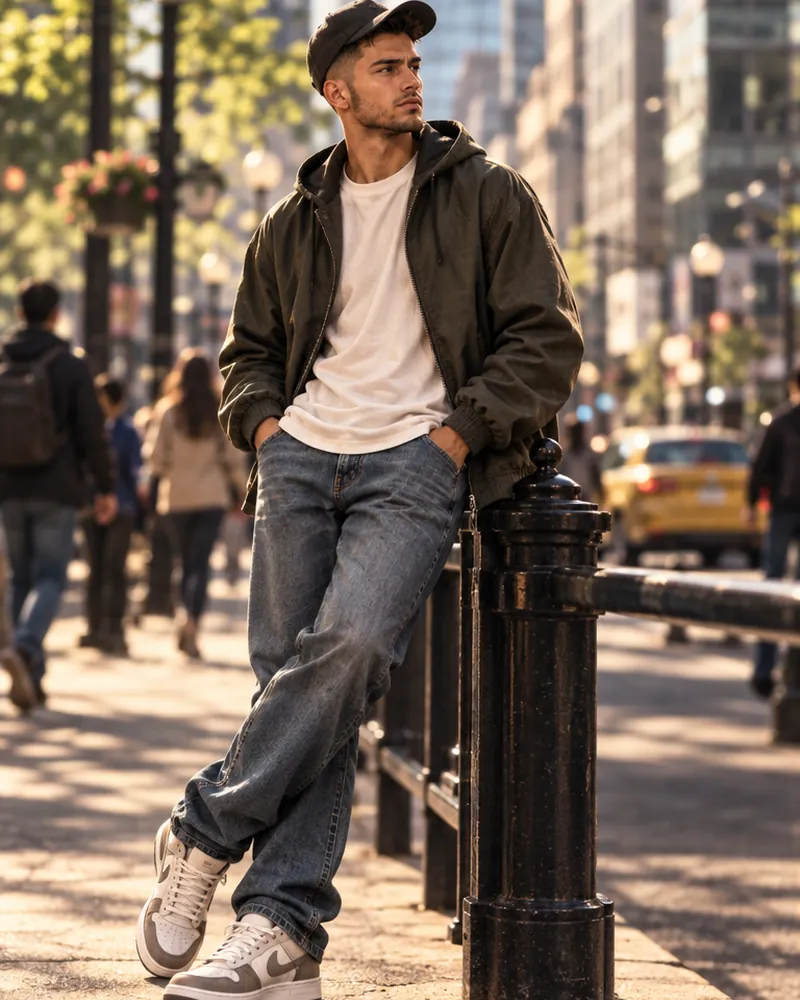
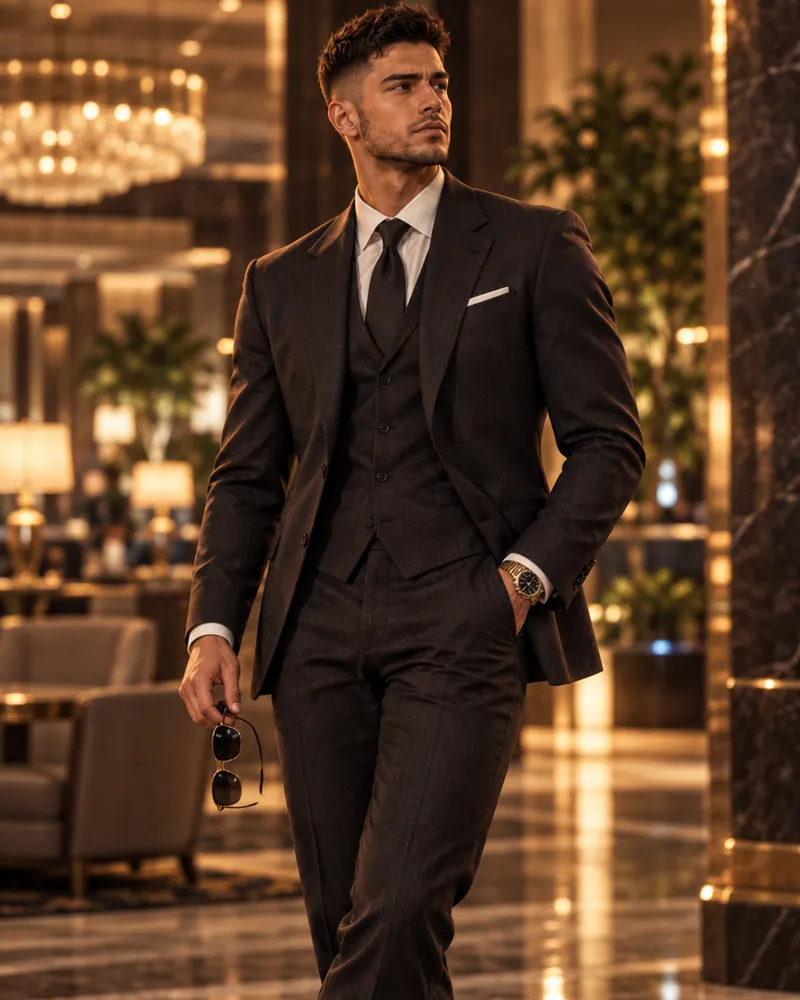

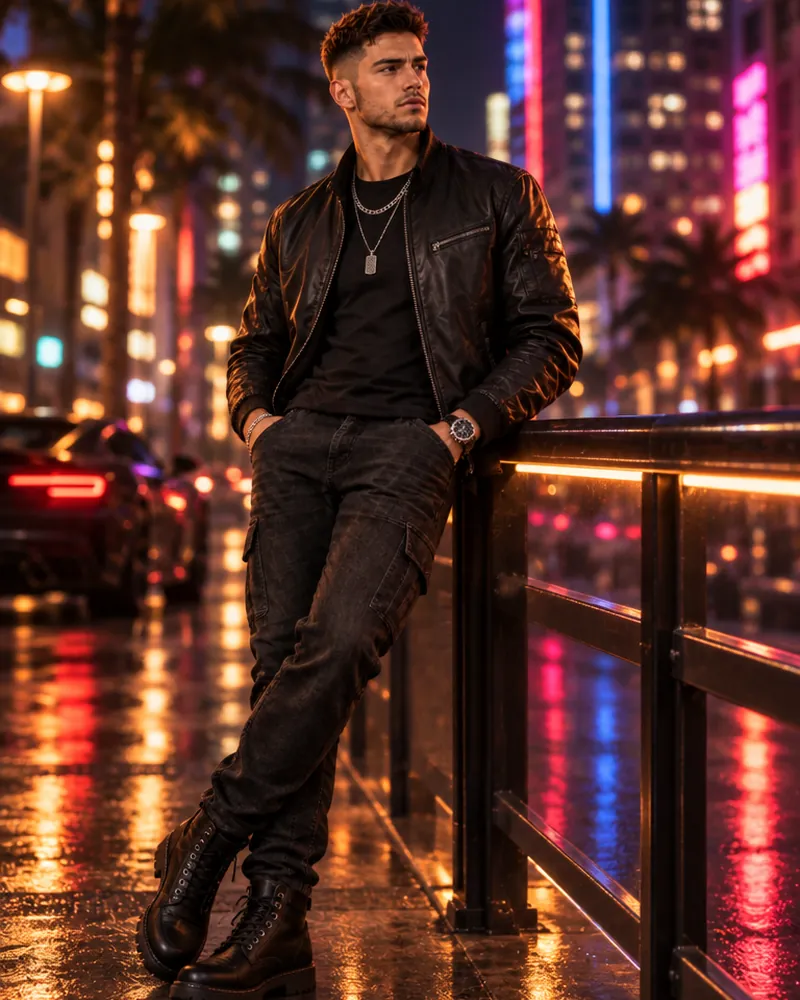
Try creating three or four different outfits for the same character. This gives your design more personality and makes it look like a complete video-game character concept.
Create Different Poses and Backgrounds
A single character portrait is a good starting point, but multiple scenes can make your creation much more interesting.
Think about how your character would appear in different situations.
For example:
- Standing beside a luxury sports car.
- Walking through a neon-lit city street.
- Relaxing near a beautiful beach.
- Standing outside a modern nightclub.
- Exploring a busy urban neighbourhood.
- Watching the sunset from a rooftop.
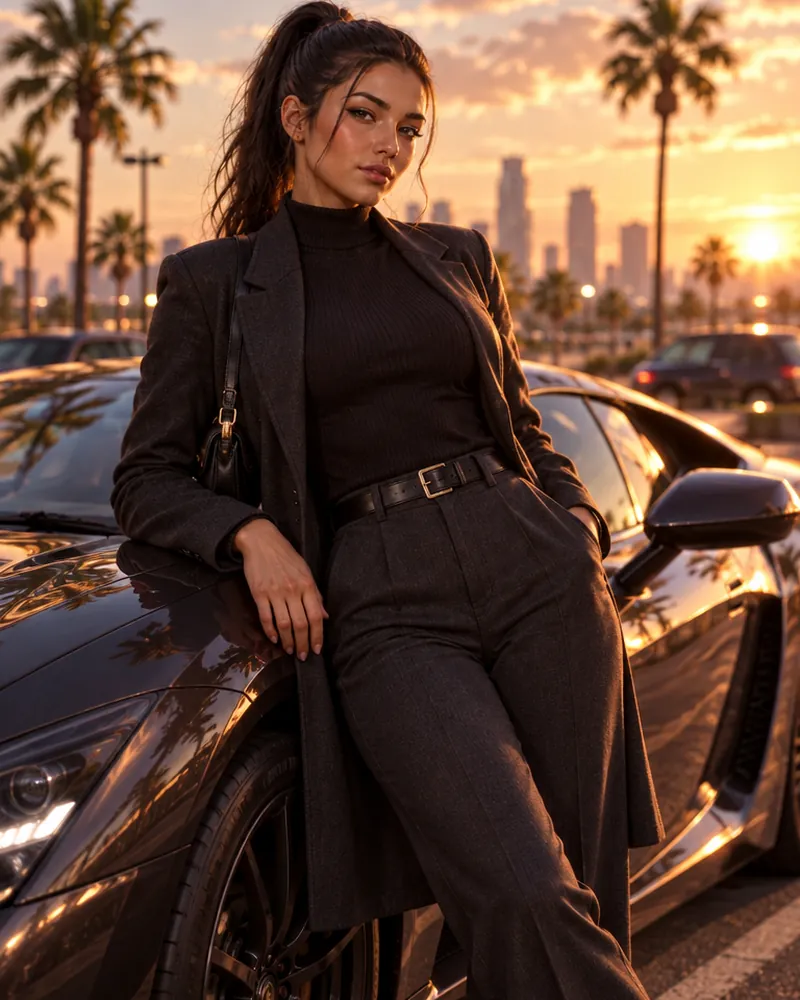
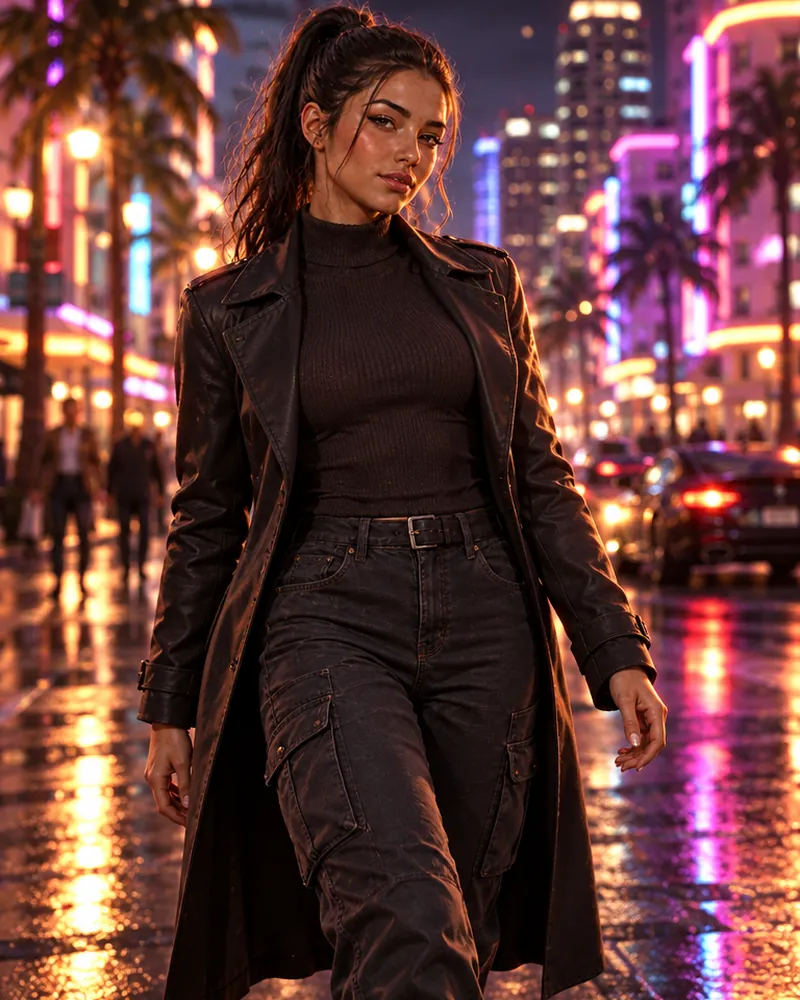
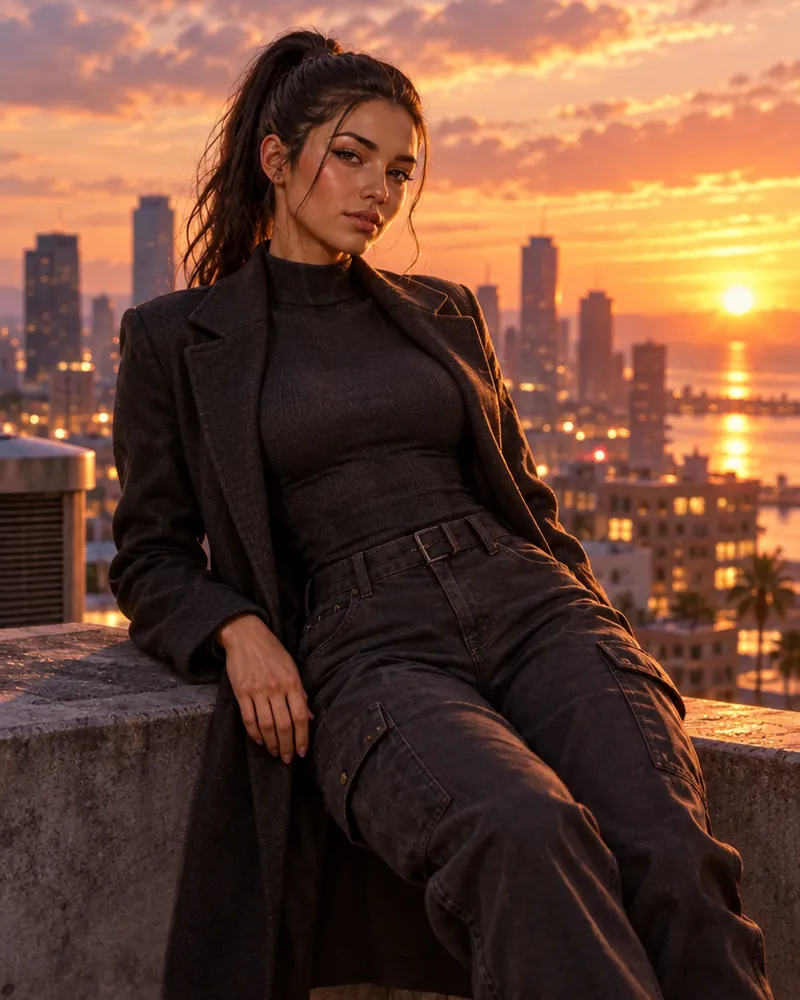
You can use AI image tools to generate these scenes with different camera angles, lighting conditions and poses.
For better consistency, use the same character reference image and repeat the most important facial and clothing descriptions in every prompt.
This approach can help you build a collection of images that feels like one connected character story.
Make Your Character Look More Realistic
If you want your AI-generated character to look like professional video-game artwork, pay attention to the smaller visual details.
Here are some useful tips:
- Use cinematic lighting: Sunset lighting, neon reflections and soft shadows can make character images more visually appealing.
- Focus on realistic textures: Mention natural skin details, fabric textures, realistic hair, and detailed accessories.
- Choose suitable camera angles: Full-body portraits are useful for showing outfits, while close-up shots highlight facial features.
- Avoid excessive details: Adding too many accessories, colours and background elements can make the image look crowded.
- Refine the final image: Use AI editing tools or image editors to correct unwanted details and improve the composition.
Remember that a visually impressive character doesn't necessarily need complicated styling. Sometimes a simple outfit and distinctive facial features create the strongest impression.
"Meet Alex Carter, a fearless street racer with a passion for luxury cars and an unpredictable personality. Growing up in a busy coastal neighbourhood, Alex dreams of building an empire while staying one step ahead of the competition."
A simple backstory gives your character an identity beyond their appearance.
If you publish your artwork, clearly describe it as AI-generated fan art. Avoid presenting unofficial artwork as an official Rockstar Games character or game asset.
Common Mistakes to Avoid When Creating GTA Characters With AI
Although AI makes character creation easier, beginners sometimes make mistakes that affect the final output.
Here are a few things to avoid:
- Using vague prompts: Unclear instructions can produce generic characters.
- Changing too many details at once: Make smaller adjustments to understand which changes improve the result.
- Ignoring facial consistency: Your character may look different in every generated image if you don't use reference features.
- Overloading the design: Too many accessories and visual effects can make the character look unnatural.
- Expecting an exact in-game character: AI-generated artwork is a creative concept, not automatically a playable GTA VI character.
- Copying existing designs: Creating original faces, outfits and backstories makes your artwork more distinctive.
The best results usually come from experimenting, reviewing the output and gradually improving your prompts.
Conclusion
Creating your own GTA 6-inspired character using AI is an exciting way to combine gaming, imagination and digital creativity. You don't need advanced graphic-design skills or professional 3D modelling experience to get started.
All you need is a creative idea, a suitable AI image generator and a well-written prompt.
Start by imagining your character's personality, choose their appearance, experiment with different outfits and create unique backgrounds. Keep refining the results until your character looks exactly how you imagined.
Most importantly, don't be afraid to experiment. Your character doesn't have to resemble Lucia, Jason or any other existing game character. Give them an original identity, a unique fashion style and a story of their own.
Try unlimited AI photo editing
Run every AI tool as much as you want, right in your browser.