GTA 6 Character Creator: Turn Your Photo into a GTA 6 Character
Create your GTA 6 character
AI Tool
GTA 6 Character
- Upload photo
- Add name
- Generate
Upload a clear photo of your face
JPG, PNG or WebP · Up to 40MBJPG, PNG or WebP · Up to 40MB
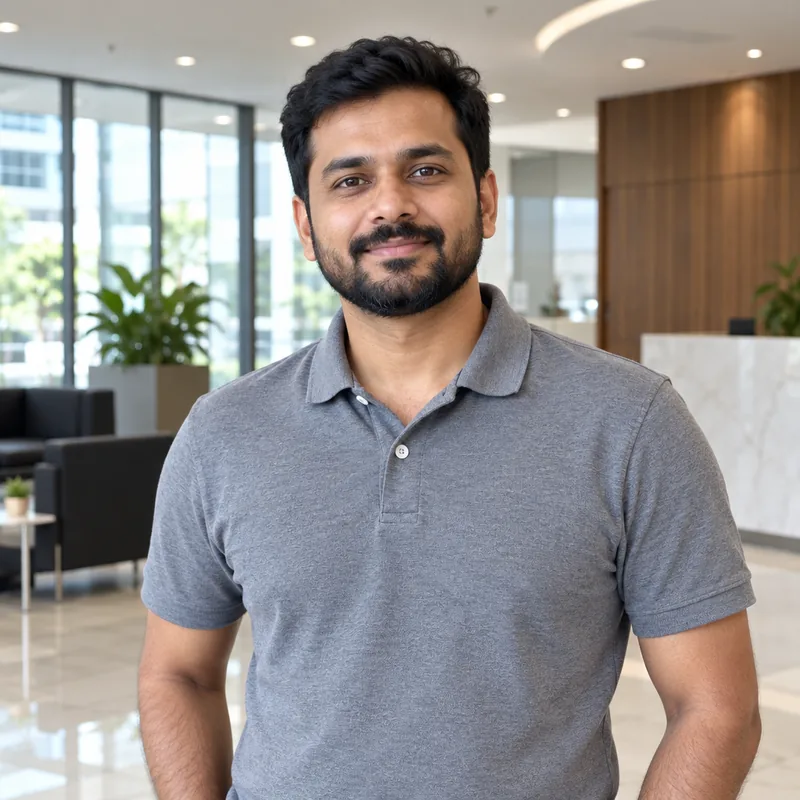
Upload a photo, add a name if you like, and get your GTA 6 character.
Uses your Image Edit allowance. Results vary with your photo. Go Unlimited
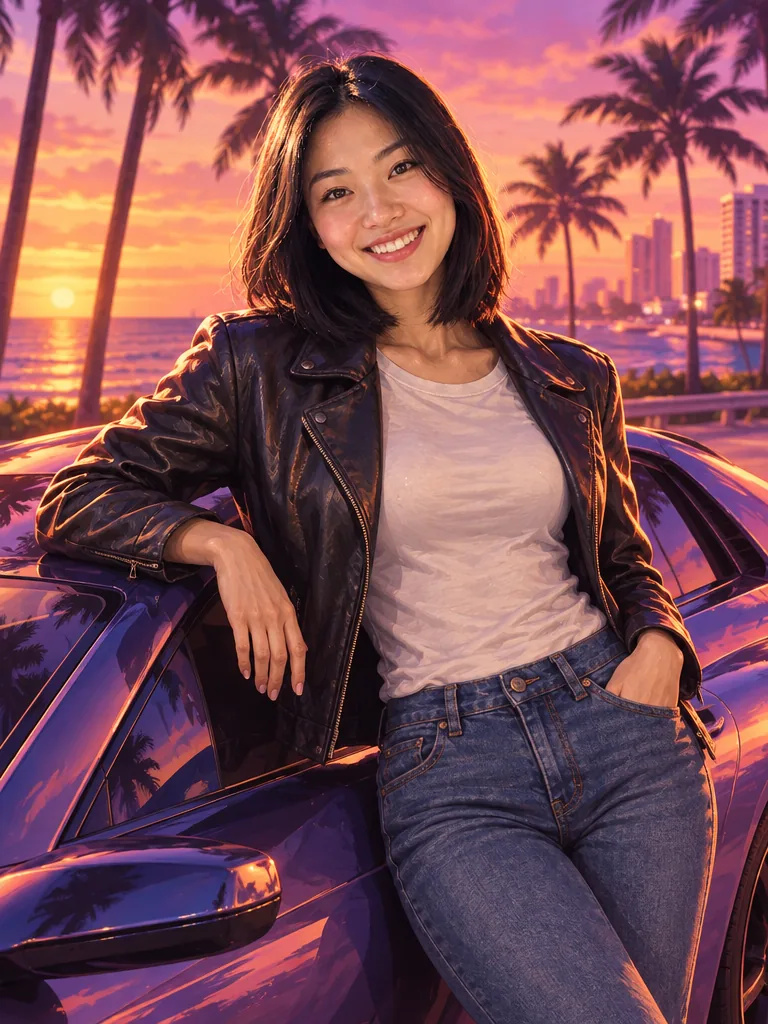
Looking for a GTA 6 character creator? Here is the honest answer first: GTA 6 lets you play as Jason and Lucia, not as a character you design, and its online mode is not out yet. So if you want to see yourself in Vice City today, a GTA 6 character maker like the one above is the way to do it. Upload a selfie and it paints you in the style of the official GTA 6 character artwork, with your real face, a Vice City sunset, realistic tattoos when your outfit suits them and an optional name in GTA lettering.
Is There a GTA 6 Character Creator?
Not in the way GTA Online players are used to, at least not yet. Here is what GTA 6 character customization looks like right now, in November 2026.
Story mode: Jason and Lucia
GTA 6 is built around two set protagonists, Jason Duval and Lucia Caminos. You play as them, so the story has no tool to design your own main character or a new face.
GTA 6 Online: not out yet
Rockstar has not released an online mode for GTA 6 yet, and it has not explained how a GTA 6 Online character creator would work.
What GTA Online had before
For context, GTA Online in GTA 5 let you pick parents with a heritage system, shape facial features, then choose hair, makeup and outfits. Rockstar has not said whether GTA 6 will work the same way.
In-Game Creator vs Third-Party GTA 6 Character Tools
Be careful with sites that say they put your face into GTA 6. There is no official way to do that. Here is what each kind of tool can really do.
In-game character creator
- Builds the character you actually play
- Works only inside the game
- Not available for your own character in GTA 6 yet
Third-party tools like this one
- Make an image of you in GTA 6 style
- Work in your browser, no game needed
- Cannot add a character or your face to the game
Real Photos Turned into GTA 6 Style Characters
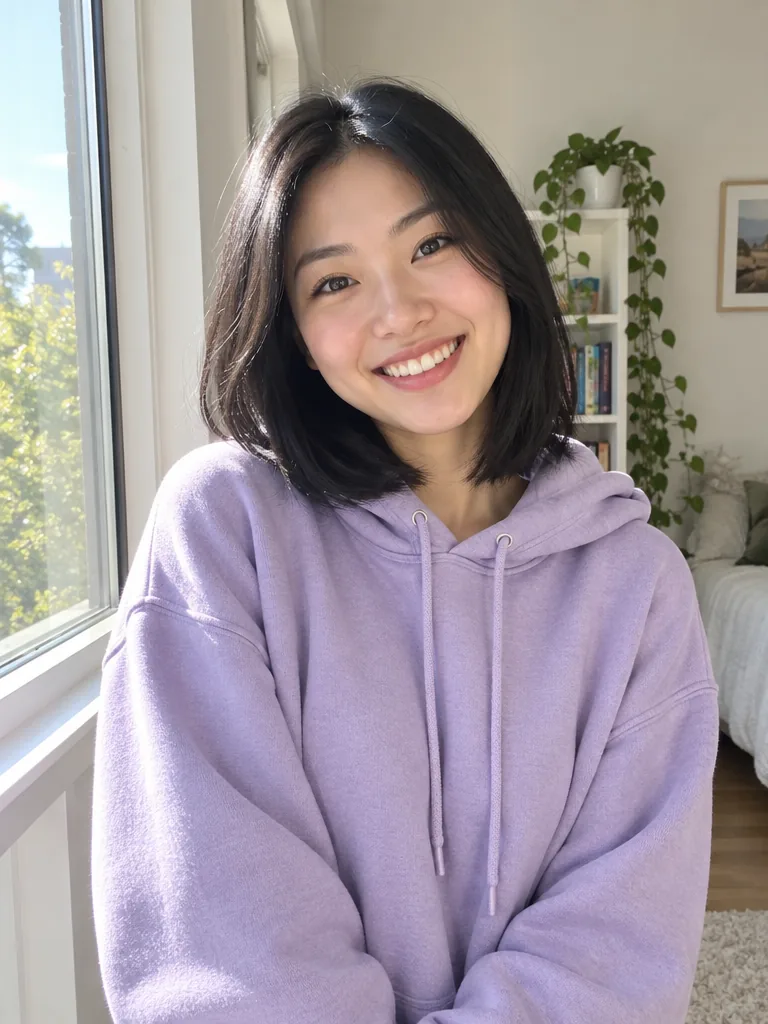
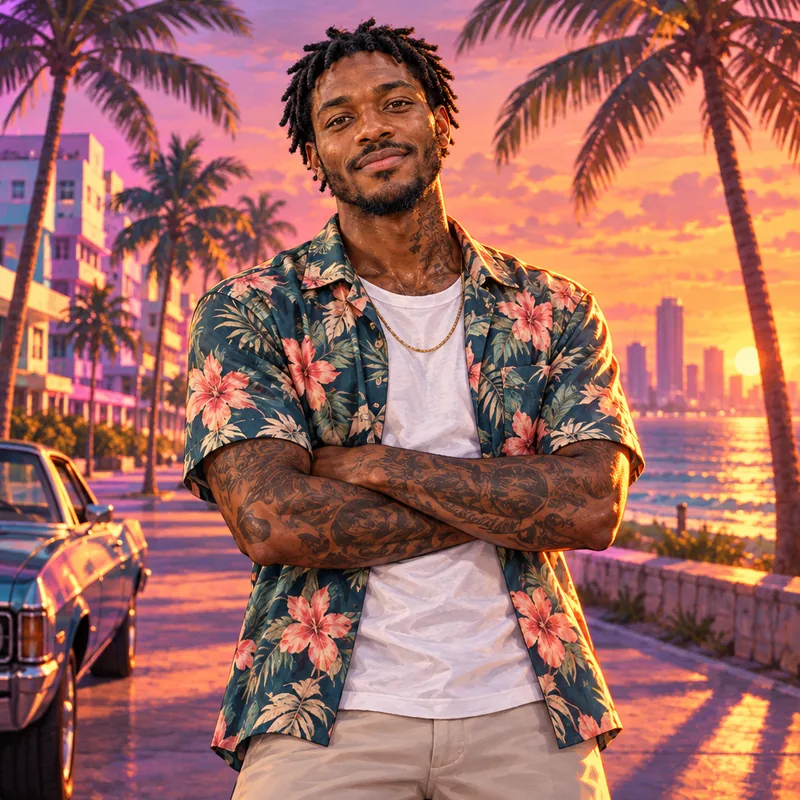
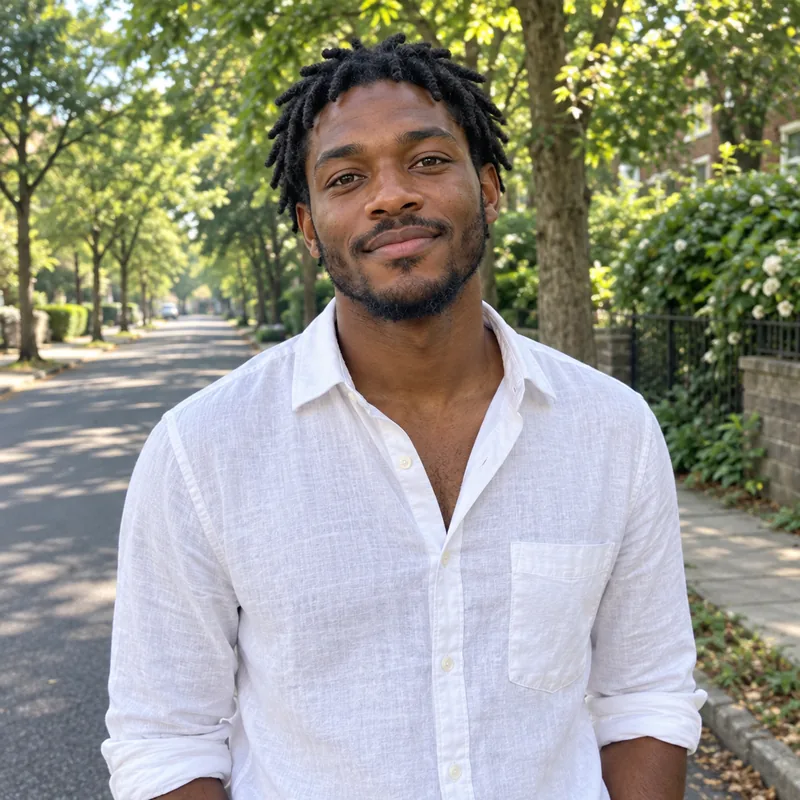
Drag the slider to compare. Two of these had a name typed in the optional box, two are clean artwork.
Clean look
No name typed, so you get a clean GTA 6 style character.
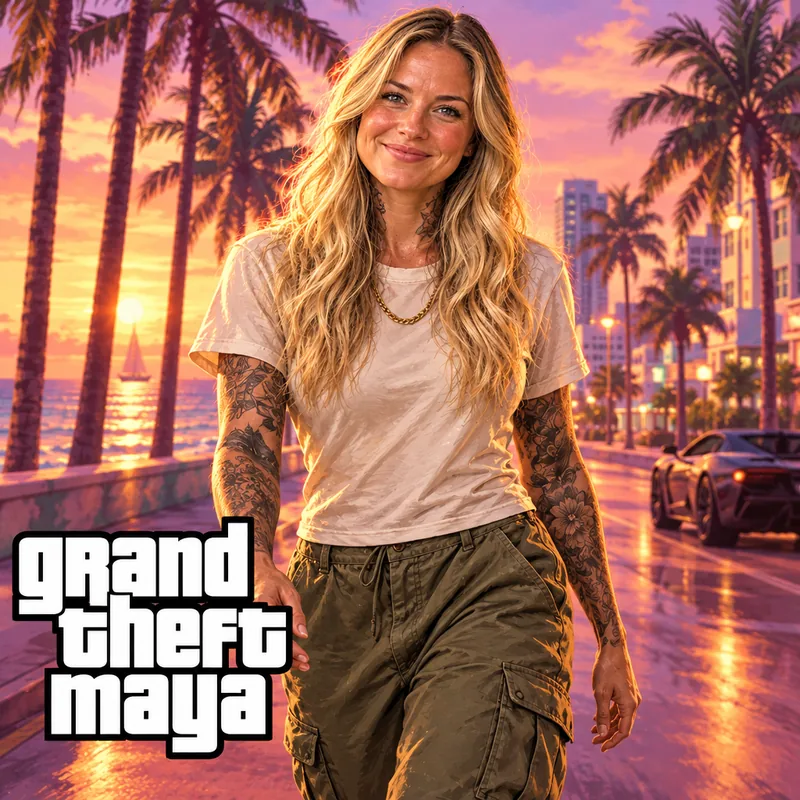

With a custom name
Typed "Grand Theft Maya" and got it in bold GTA lettering.
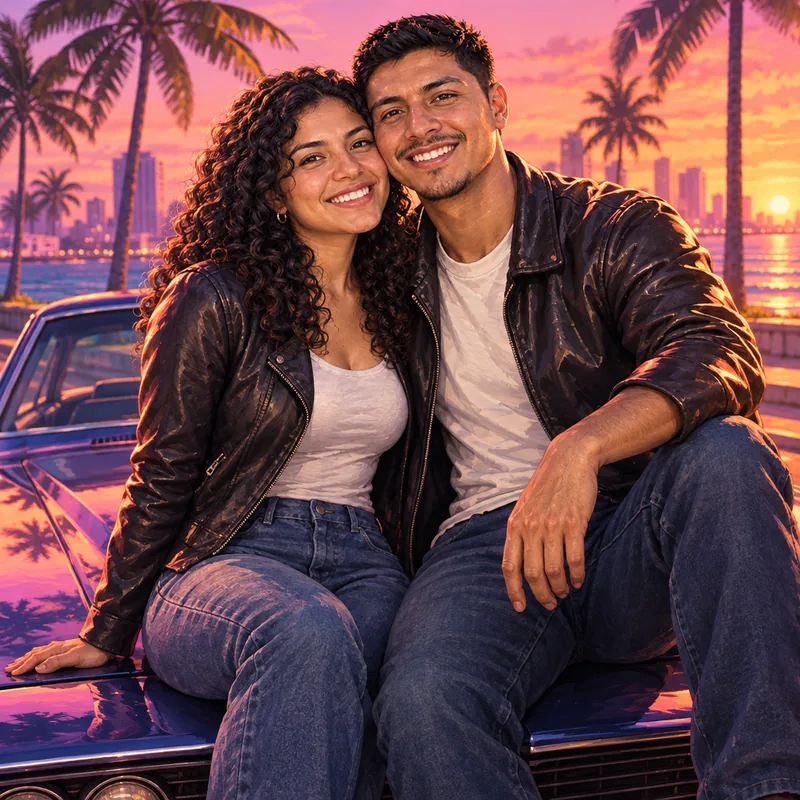
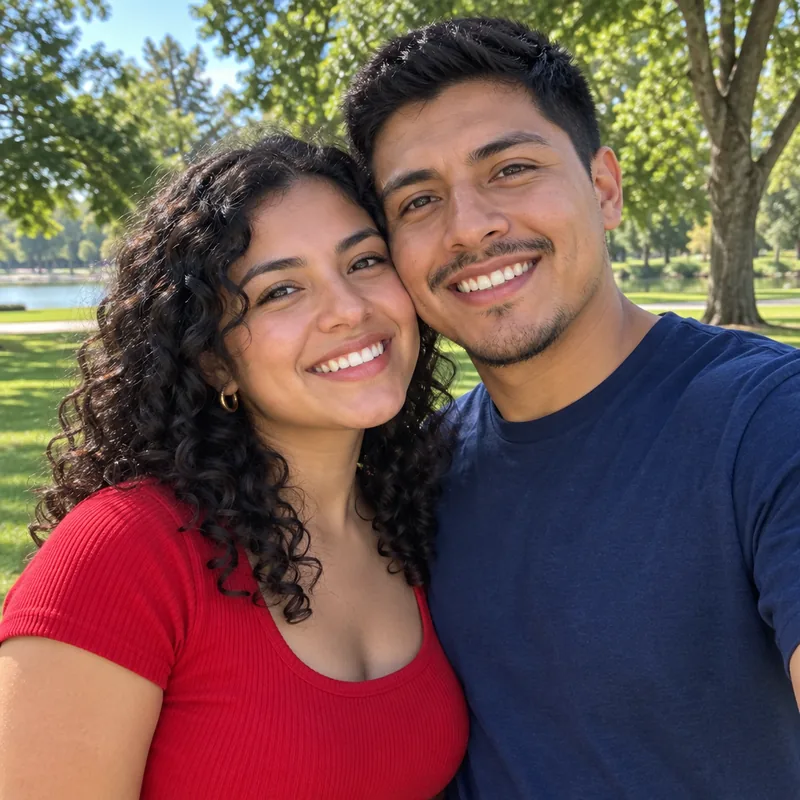
Couples work too
Both faces kept, both turned into GTA 6 style characters.
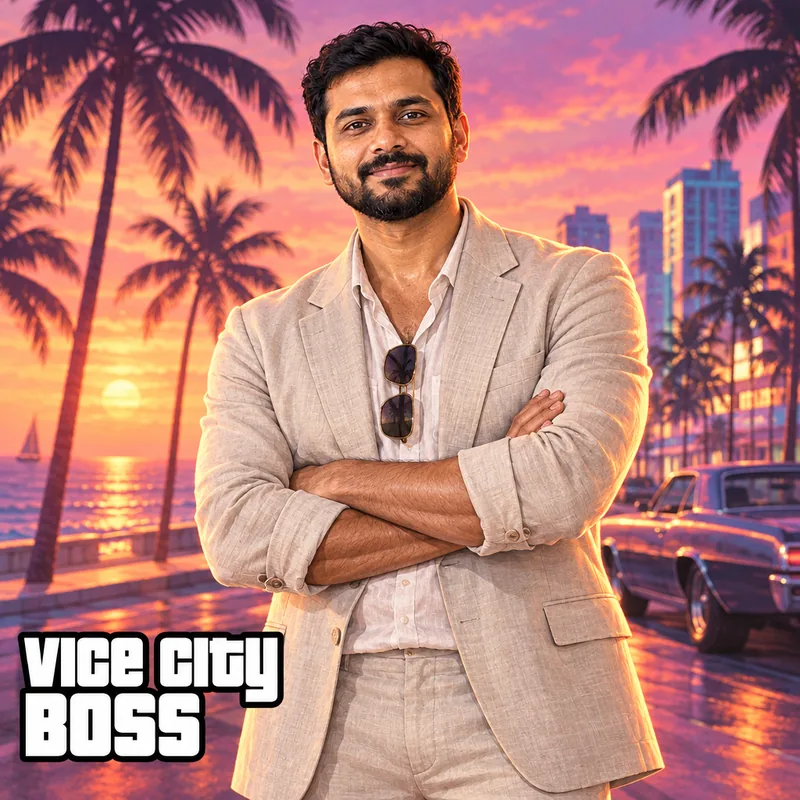
Your own title
Typed "Vice City Boss" for a title that fits the setting.
How to Create Your GTA 6 Style Character
- Step 1
Upload Your Photo
Pick a clear photo where your face is easy to see. A simple selfie works well.
- Step 2
Add an Optional Name
Type your name or a title like GRAND THEFT ALEX, or leave the box empty for clean artwork with no text.
- Step 3
Download Your GTA 6 Character
Generate, check your GTA 6 style character and download it for a profile picture, thumbnail or post.
Add Your Name in GTA Lettering
Type your name or a fun title in the optional box before you generate. The AI draws it in heavy white GTA style letters with a thick black outline, in a bottom corner of the artwork, like a real loading screen.
Keep it short, up to 24 characters. GRAND THEFT ALEX, VICE CITY BOSS or your gamer tag all work. Leave the box empty and you get clean, full-bleed character art with no text at all.
GTA 6 Character Design Ideas
Each generation mixes a pose and an outfit at random, always in a Vice City sunset with palm trees and the ocean boulevard, so you can generate again for a different GTA 6 character design from the same photo. These are the looks it picks from, inspired by the official GTA 6 character art.
Leaning on a sports car
A relaxed lean on a parked sports car, looking straight at you.
On the hood
Sitting on the hood of a customized muscle car as the sun goes down.
Walking toward you
A calm, confident walk down the ocean boulevard.
Arms crossed
Arms crossed with a relaxed half smile. Add a title like VICE CITY BOSS.
Smart tattoos: short-sleeve outfits get realistic black-and-grey GTA 6 sleeve tattoos on the arms, jackets and suits never do, and the face always stays clear.
Want a softer look? Try the cartoon photo styles, the AI caricature maker or the AI photo editor.
Tips for the Best GTA 6 Style Photo
Use a sharp photo where your face is fully visible and well lit. Avoid sunglasses, heavy filters and very dark or blurry pictures, because the AI needs to see your features to keep them.
One person gives the most reliable result, and couples work too. Want a different scene or outfit? Just generate again.
Frequently Asked Questions
Quick answers about GTA 6 characters and this tool.
Not for the story. GTA 6 is played as Jason Duval and Lucia Caminos, two set protagonists, so you cannot design your own main character or a new face. An online mode with its own character creator has not been released yet.
Make Your GTA 6 Character Today
There is no official GTA 6 character creator for your own character yet, and Rockstar has not shared how GTA 6 Online will handle it. You can still put yourself in Vice City today: upload your favorite photo, add a name if you want one, and download your GTA 6 style character in moments.
Create My GTA 6 CharacterExplore more AI photo trendsGTA, Grand Theft Auto and GTA 6 are trademarks of their owners. Magical Studio is not affiliated with or endorsed by Rockstar Games.