AI GIF Profile Picture: How to Make an Animated Avatar
In this guide
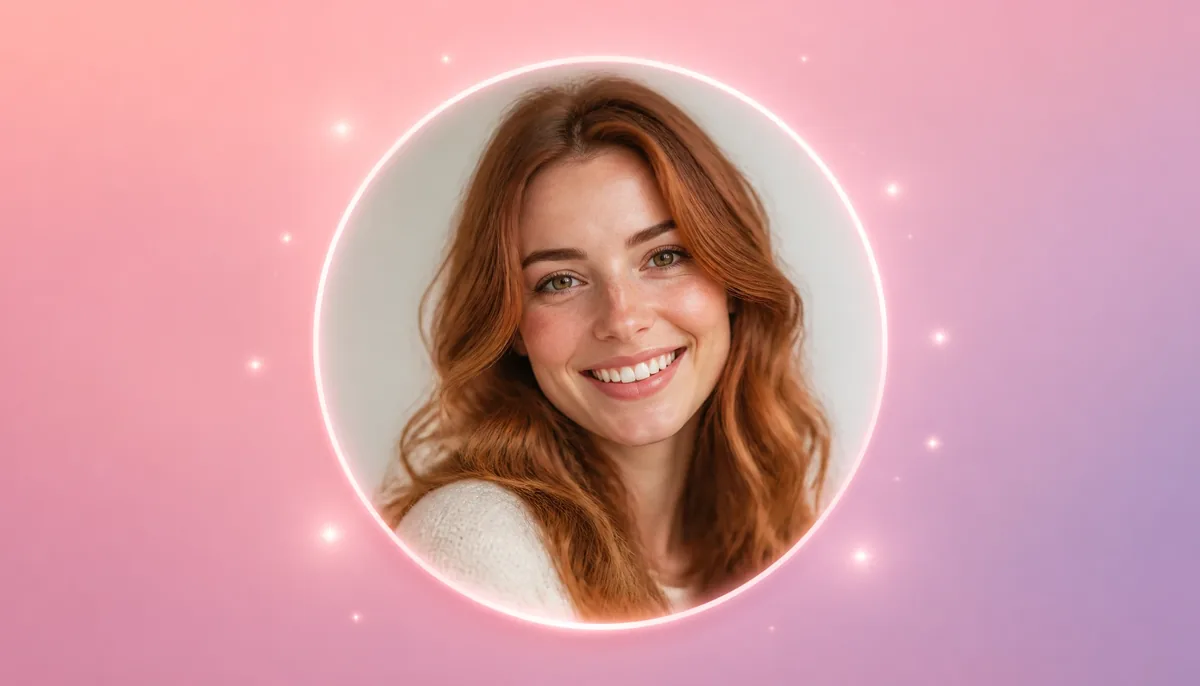
Your profile picture is usually one of the first things people notice about you online. Whether you are building a personal brand, growing a social media account, participating in online communities or simply want something more interesting than a static photo, an animated avatar can make your profile stand out.
Instead of spending hours learning animation software, artificial intelligence can now help transform an ordinary portrait into an engaging animated image. With the right AI tool and a creative concept, you can add natural facial movement, artistic effects and dynamic motion to bring a profile picture to life in just a few steps.
An AI GIF Profile Picture combines the familiarity of a personal photo with the visual appeal of animation. The result can be used across social platforms, messaging apps, online communities, gaming profiles, portfolios and other digital spaces where you want your profile to feel more dynamic.
What Is an Animated Profile Picture?
An animated profile picture is a short moving image that replaces or enhances a traditional static avatar. Instead of showing exactly the same frame, the image contains a sequence of frames that creates the appearance of movement.
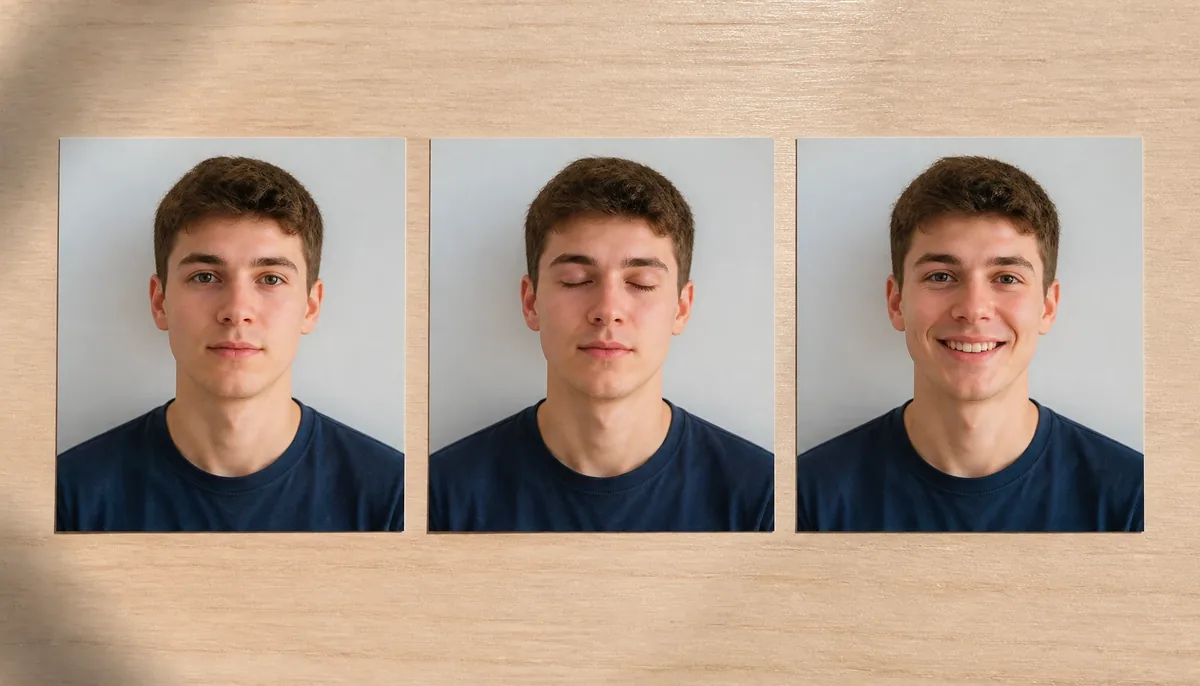
The animation can be very simple. For example, a person might blink, smile, move their hair slightly or turn their head. More creative versions can include glowing effects, changing backgrounds, cinematic lighting, particles, artistic transformations or other visual elements.
GIFs are particularly useful for this purpose because they can automatically loop, making the animation continue without requiring the viewer to press a play button.
Why Use an Animated Avatar?
Static profile photos are still useful, but animated avatars provide another way to express personality and creativity.
Make Your Profile More Noticeable
A moving image naturally attracts attention. On platforms where users scroll through many profiles, subtle animation can make your account visually different.
The goal can be simple and straightforward. Even a small movement, such as blinking or a gentle smile, can make a portrait feel more alive.
Show More Personality
Your profile picture can communicate something about you before someone reads your bio. An animated avatar gives you additional creative possibilities.
You can choose an animation style that matches your personality, profession, hobbies or online brand. A professional creator might prefer a clean cinematic animation, while a gaming or entertainment profile could use something more energetic.
Refresh an Existing Photo
You do not necessarily need to take a new photograph. An existing portrait can become the starting point for an animated avatar.
AI-powered editing can help introduce motion while maintaining the important characteristics of the original image.
Create Consistent Branding
Creators and businesses can also use animated avatars as part of their visual identity. Using a recognizable face with consistent colors, lighting and animation style can create a more cohesive and memorable online presence.
How AI Turns a Photo Into an Animated Avatar
Modern AI image tools can analyze different elements of a photograph and generate changes based on a description.
For example, you might start with a front-facing portrait and request a subtle animation where the person smiles, blinks or moves naturally.
The AI essentially creates visual variations that can be combined into a moving sequence. Depending on the tool, you may be able to control the motion, appearance, background, lighting and overall style.
Step 1: Choose a Suitable Photo
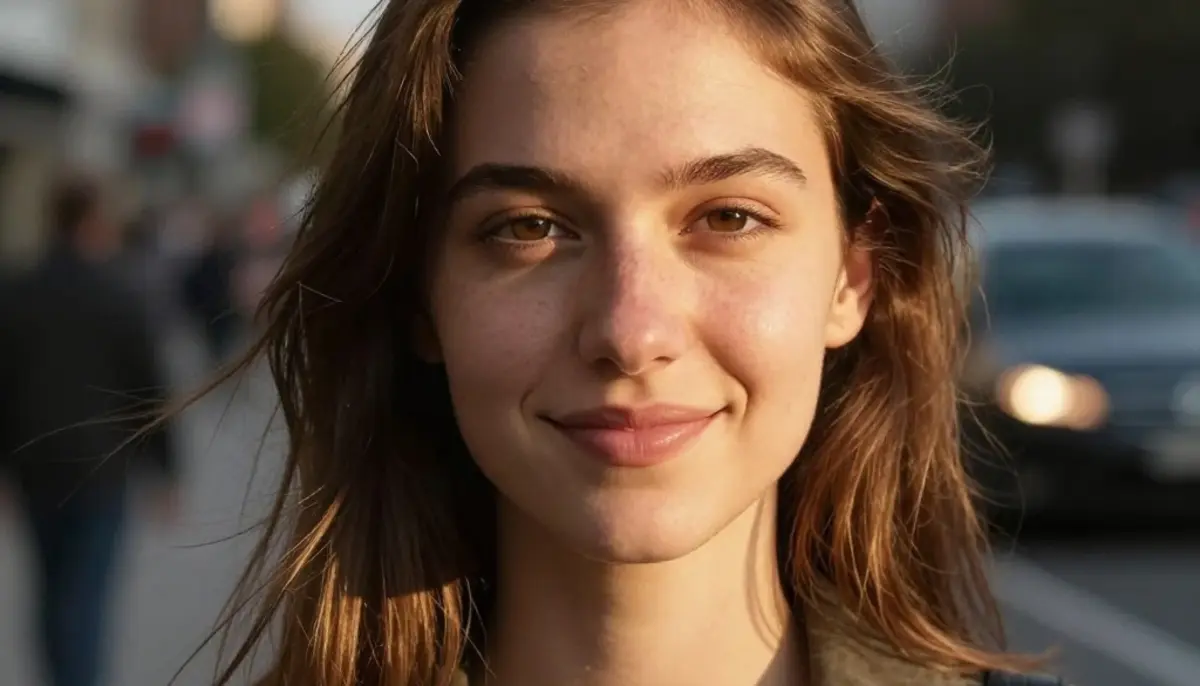
Begin with a clear photo where the face is fully visible. A front-facing or slightly angled portrait generally works well because important facial features are easier for AI systems to interpret.
For better results, avoid heavily blurred photographs or images where the face is hidden.
Step 2: Decide What Should Move
Think about the type of animation you want before generating it.
Some simple ideas include:
- Blinking naturally
- Smiling gently
- Moving the head slightly
- Waving
- Moving hair with a soft breeze
- Adding subtle facial expressions
- Creating a cinematic lighting effect
- Adding particles or glowing elements
Simple movements often look more natural than trying to animate everything simultaneously.
Step 3: Describe the Animation Clearly
A good prompt should explain what needs to change while keeping the important characteristics of the original person consistent.
For example, you could request a natural blink and a slight smile while asking the system to preserve the person's facial structure, hairstyle, clothing and overall appearance.
This is particularly important when you want the animated version to remain recognizable as the same person.
Step 4: Review the Generated Result
AI-generated animation may sometimes produce unwanted changes. Check the face, eyes, hands, hair, clothing and background carefully.
If the identity looks different or the movement appears unnatural, simplify the animation prompt and generate another version.
Step 5: Export the Animation
Once you are happy with the result, export it in a format suitable for your intended platform.
GIF is useful when you want automatic looping, while other animated formats may provide better image quality or smaller file sizes depending on the platform.
Tips for Creating a Better Animated Profile Picture
Creating an animated avatar is easy, but a few design decisions can significantly improve the final result.
Keep the Movement Subtle
Large or unnatural movements can make a profile image look distracting. Small movements generally feel more realistic.
A gentle blink, slight head movement or natural smile can be enough to create an engaging effect.
Use a Clear Face
The quality of your original photo matters. A sharp, well-lit portrait gives the AI more visual information to work with.
Try to avoid extreme filters or photographs where the face is partially covered.
Maintain Your Identity
If you are animating a real person's photograph, preserving their recognizable appearance should be a priority.
Keep facial proportions, hairstyle, skin appearance, age and other defining characteristics consistent unless you intentionally want a stylized transformation.
Choose a Background Carefully
A simple background can make the face easier to recognize. If you add animation to the background, make sure it does not overpower the subject.
For professional profiles, subtle backgrounds usually work better than highly dramatic effects.
Consider the Platform
Different websites and apps may display profile images differently. Some platforms crop images into circles, while others use square avatars.
Keep the face positioned near the center and avoid placing important details close to the edges.
Creative Animated Avatar Ideas
Once you understand the basics, you can experiment with different concepts.
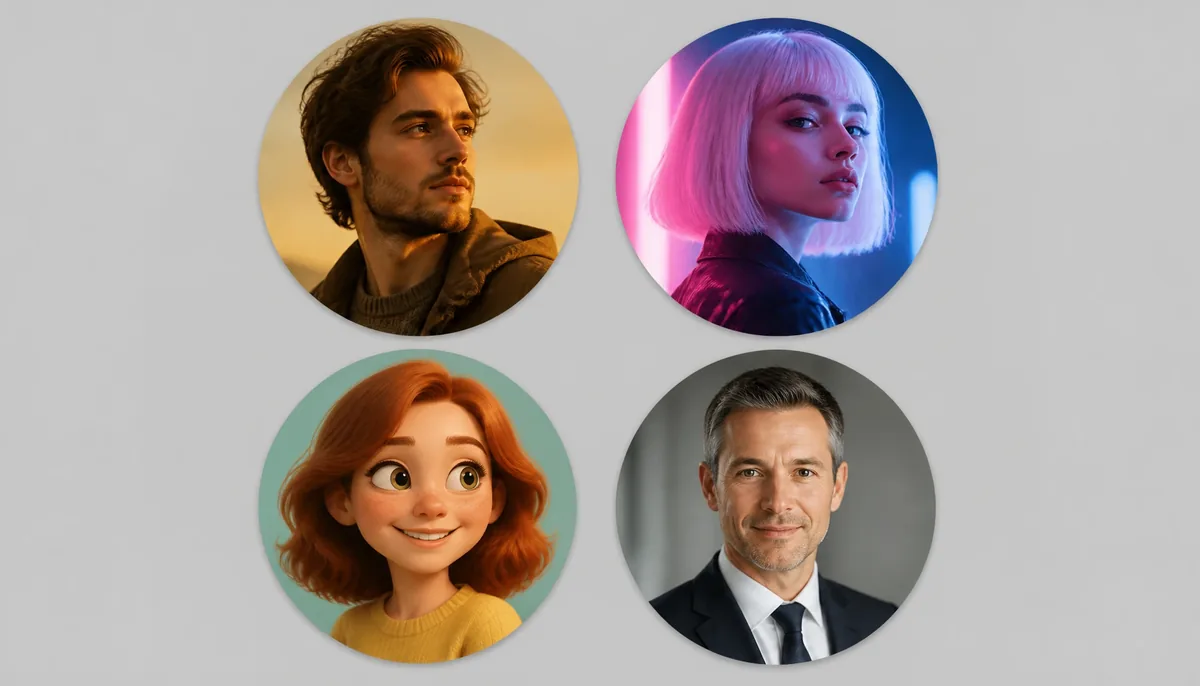
Cinematic Portrait
Create a sophisticated avatar with soft lighting, subtle head movement and a cinematic atmosphere. This can work well for personal brands, portfolios and professional creators.
Neon Digital Avatar
Add colorful neon lighting, futuristic effects and gentle motion for a technology-focused or gaming profile.
Cartoon Character
Turn a portrait into an illustrated character and add simple animation such as blinking, smiling or moving hair.
Seasonal Profile
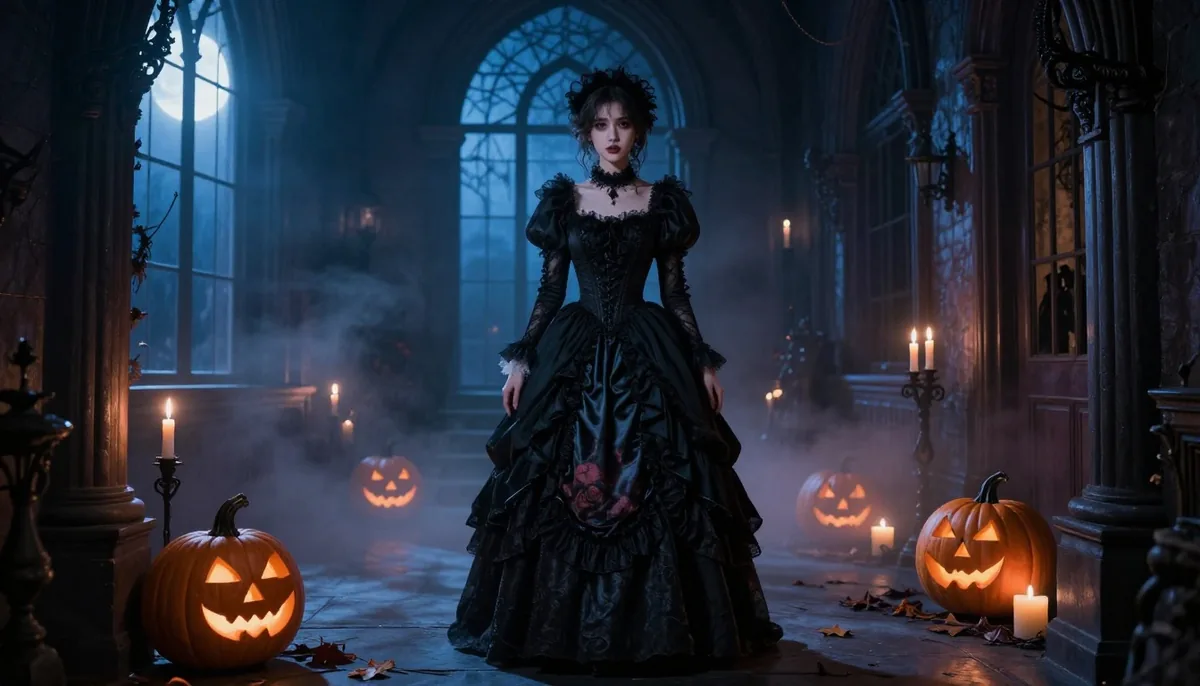
You can also create temporary avatars for holidays, festivals or special events. Change the background and add subtle themed effects while keeping the main portrait recognizable.
Professional AI Avatar
For business profiles, use minimal animation. A slight smile, natural eye movement or gentle camera-style motion can make a professional profile feel more modern without becoming distracting.
Common Mistakes to Avoid
Not every animated profile picture will look good. Avoid excessive effects, rapid movement and complicated backgrounds.
Another common mistake is trying to change too many things at the same time. If the face, hairstyle, clothing, background and lighting all change dramatically, the final result may no longer resemble the original person.
It is also important to check the final file size. A very large animated image may load slowly or fail to work correctly on certain platforms.
Finally, remember that animation should support your profile rather than distract from it. The best avatar is usually one that adds personality while remaining recognizable.
How Magical Studio AI Can Help
Tools such as Magical Studio AI can make AI-powered image editing more accessible for people who want to experiment with creative profile images.
Instead of manually working through complicated animation software, AI-based workflows can help users explore different visual styles and transform ordinary photographs into more engaging digital content.
When creating an animated avatar, focus on having a clear source image, a specific animation idea and a prompt that explains exactly what should move. This approach can produce more consistent and visually appealing results.
Final Thoughts
An animated profile picture is a simple way to make your online identity more expressive. You do not need professional animation skills or complicated editing software to experiment with movement and creative effects.
Start with a clear portrait, choose one or two natural movements and use AI to explore different styles. Keep the animation subtle, preserve the recognizable appearance of the subject and make sure the final image fits the platform where you plan to use it.
Whether you want a professional avatar, a fun social media profile, a gaming identity or a creative personal brand, AI animation gives you an easy way to turn an ordinary photograph into something more dynamic and memorable.
Try unlimited AI photo editing
Run every AI tool as much as you want, right in your browser.