Spotting AI: How to Tell Real Images from AI-Generated Ones
In this guide
Artificial intelligence has changed the way images are created, edited and shared online. Today, anyone can generate realistic portraits, landscapes, product photos, artwork and even scenes that look like professional photography with just a short text prompt. As AI image generators become more advanced, distinguishing an authentic photograph from a synthetic image is becoming increasingly difficult.
That creates an important question: how can you tell whether an image is real or AI-generated?
The answer is not always obvious. Some AI-generated images contain strange hands, distorted objects or unnatural details that are easy to notice. Others can look remarkably realistic at first glance. Instead of relying on a single clue, it is better to examine several elements, including facial details, lighting, reflections, text, image metadata and the source where the image was published.
Understanding these clues can help you make more informed decisions before trusting, sharing, or publishing an image.
Why Is It Becoming Harder to Identify AI Images?
Early AI-generated images often had obvious flaws. Faces could look unnatural, fingers might appear distorted and backgrounds frequently contained strange shapes. Modern image-generation models have improved significantly, making many of these problems less noticeable.
AI can now create realistic skin texture, natural-looking lighting, detailed environments and convincing photography styles. An image may appear to have been captured with an expensive camera even though it was generated entirely by software.
Social media makes the problem more complicated. Images can be cropped, compressed, resized, filtered or edited before being uploaded. These changes can remove or hide clues that might otherwise help identify the original source.
For this reason, Spotting AI should be treated as a process rather than a quick visual test.
10 Signs an Image May Be AI-Generated
1. Examine the Hands and Fingers
Hands have historically been one of the most noticeable problem areas in AI-generated images. Look closely at the number, shape, and positioning of fingers.
Check whether fingers appear connected naturally to the hands and whether joints and nails have realistic proportions. Look for fingers that overlap strangely or objects being held in ways that do not make physical sense.
However, a perfect-looking pair of hands does not automatically prove that an image is authentic. Modern AI systems can produce highly realistic hands.
2. Look Closely at Facial Features
Faces can provide useful clues when examining an image.
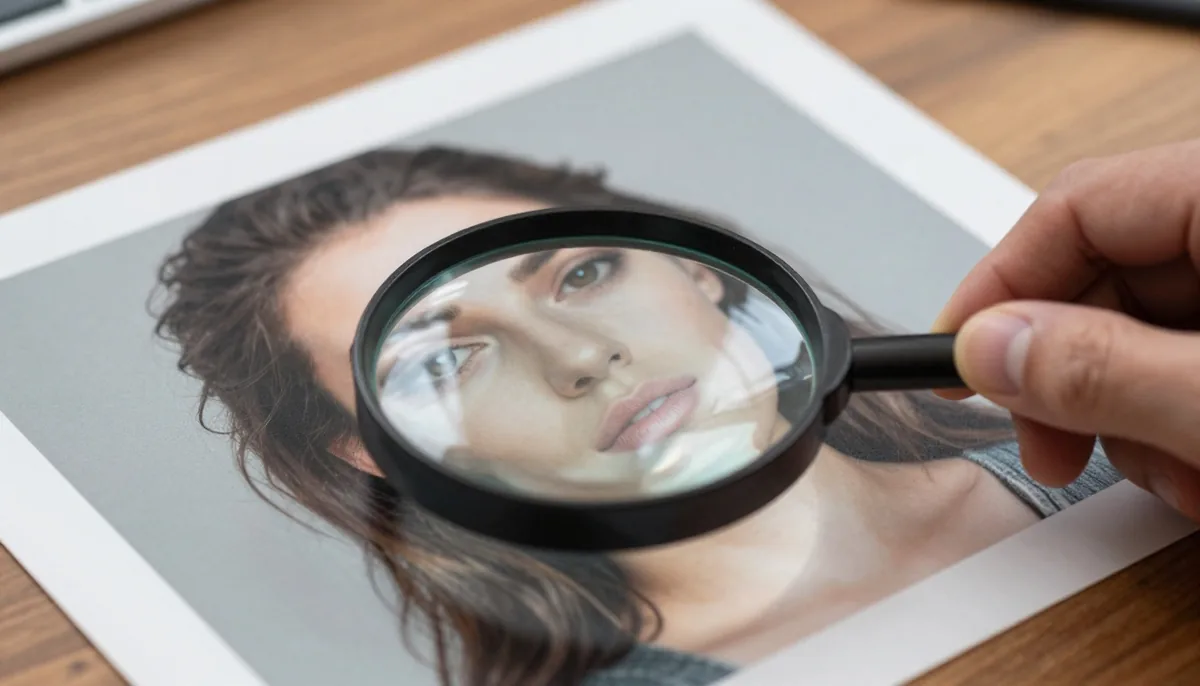
Zoom into the eyes, teeth, ears, eyebrows and hairline. Real photographs often contain tiny imperfections caused by lighting, camera focus, skin texture and natural facial asymmetry.
AI-generated faces may sometimes have unusually smooth skin, strangely aligned eyes, inconsistent earrings or facial features that do not appear symmetrical in a natural way.
Pay particular attention to glasses and other objects positioned around the face. Their frames, reflections and connections to the ears may reveal inconsistencies.
3. Check Text and Logos
AI image generators can struggle with accurately reproducing written language.
Look at signs, product labels, posters, books, screens, packaging and clothing. Letters may appear scrambled, incomplete, misspelled or arranged in unusual patterns.
A restaurant sign might look convincing from a distance but contain meaningless characters when viewed closely. Similarly, a product package may contain a logo that resembles a real brand without actually matching it.
Text inconsistencies are particularly useful because they can be difficult for image-generation systems to reproduce perfectly.
4. Inspect Lighting and Shadows
Lighting is another useful area to examine.
In a real photograph, light generally follows consistent physical rules. Objects positioned under the same light source should have shadows and highlights that correspond with one another.
Check whether shadows point in consistent directions. Look at reflections on glass, metal, water and polished surfaces. If the subject appears brightly illuminated while nearby objects are strangely dark, the image deserves closer inspection.
Unusual highlights can also be revealing. Hair, skin, jewelry and clothing should generally respond naturally to the surrounding light.
5. Examine Reflections
Reflections can expose inconsistencies that are difficult to notice at normal viewing size.
Look at mirrors, windows, sunglasses, water, polished floors and metallic surfaces. Ask whether the reflected object actually matches the main scene.
For example, a person standing in front of a mirror should have a reflection that corresponds to their position, clothing, and pose. If the reflection contains unexplained differences, it could indicate that the image was generated or heavily manipulated.
6. Check Background Objects
Do not focus only on the main subject.
AI-generated images may contain subtle problems in the background. Buildings, furniture, vehicles, plants, street signs and people may have unusual shapes or inconsistent proportions.
Try zooming into distant objects. A background that looks normal at first may contain distorted windows, impossible architecture, strangely shaped cars or people with unclear facial features.
These details can be particularly useful because viewers often concentrate on the main subject and ignore everything around it.
7. Study Hair and Fine Details
Hair is made up of thousands of individual strands, making it a useful area to inspect.
Look for strands that merge unexpectedly into the background or appear to pass through accessories. Pay attention to hair around the ears, shoulders, glasses and clothing.
Other fine details can also provide clues, including eyelashes, fabric patterns, jewelry, shoelaces and small accessories.
A high-resolution image should still maintain consistent details when enlarged. Unusual textures or repeated patterns may suggest synthetic generation or aggressive editing.
8. Compare Depth and Perspective
Real-world scenes follow perspective rules.
Objects that are farther away generally appear smaller, while parallel lines can converge toward a vanishing point. AI-generated images sometimes produce subtle perspective errors.
Look at roads, buildings, tables, walls, windows and furniture. Check whether their proportions make sense relative to the main subject.
Perspective problems may not be obvious immediately, but comparing multiple objects within the same scene can reveal inconsistencies.
9. Investigate the Image Source
The location where an image appears is just as important as the image itself.
If you find a surprising photograph on social media, check who originally posted it. Look for an original photographer, publication, company website or verified source.
A reverse image search can also help determine whether the image existed elsewhere before appearing in its current form. Finding earlier versions, related photographs or the original source can provide useful context.
Remember that an image being found on a reputable website does not automatically prove that it is authentic. Websites can also publish user-generated or AI-created material.
10. Review Metadata When Available
Digital images can contain metadata describing how and when a file was created or modified.
Depending on the file and platform, metadata may include information about the camera, software, date, resolution and editing history.
Some AI tools may leave software-related information in a file, while social media platforms often remove metadata during upload. Therefore, missing metadata is not proof that an image is AI-generated.
Metadata should be considered one supporting clue rather than definitive evidence.
Tools and Techniques That Can Help
Visual inspection is useful, but additional verification methods can provide more confidence.
Reverse image search can help locate older versions of a picture or identify its original source. Image-analysis tools may also look for patterns associated with synthetic images.
When using an AI detection service, avoid treating its result as absolute proof. Detection systems can produce false positives and false negatives, especially when images have been compressed, edited, resized or generated using newer models.
A better approach is to combine several forms of evidence.
For example, you might notice unusual text, inconsistent reflections, and an unclear source. Together, these clues provide stronger grounds for questioning the image than any single visual anomaly.
Why Context Matters More Than One Visual Clue
One of the biggest mistakes people make is assuming that a single unusual detail proves an image was generated by AI.
Real photographs can contain strange-looking shadows, motion blur, unusual reflections, lens distortion, or editing artifacts. Professional photographers also manipulate exposure, color, contrast, and composition.
At the same time, AI-generated images can look extremely realistic.
Therefore, Spotting AI requires context. Consider the image's source, publication date, surrounding information, metadata, visual details and whether independent sources support the story connected to the image.
How to Check an Image Before Sharing It
Before reposting a questionable image, follow a simple verification process.
Step 1: Look at the Original Source
Find where the image first appeared and determine who published it.
Step 2: Zoom In
Inspect hands, faces, text, reflections, shadows, hair and background objects.
Step 3: Perform a Reverse Search
Search for visually similar or older versions of the image.
Step 4: Check the Context
Read the caption and surrounding information. Determine whether the image actually represents the event or location being claimed.
Step 5: Compare Independent Sources
If an image claims to show a major event, look for photographs or reports from unrelated sources.
Step 6: Use Detection Tools Carefully
AI detection tools can provide another signal, but their results should not be treated as conclusive evidence.
AI Images Are Not Always a Bad Thing
It is important to remember that AI-generated images are not inherently misleading.
Creators use AI for advertising concepts, product visualization, entertainment, storytelling, social media content, education and creative experimentation. Platforms such as Magical Studio AI can also make advanced image creation accessible to people without professional design skills.
The issue is not simply whether an image was created using AI. The important question is whether viewers are being given enough context to understand what they are seeing.
A clearly labeled AI-generated illustration used for a creative project is very different from an AI-generated image presented as an authentic photograph of a real event.
The Future of Image Verification
As generative AI continues to improve, visual inspection alone may become less reliable.
Future image-verification systems are likely to combine multiple technologies, including digital provenance, content credentials, watermarking, cryptographic signatures, metadata, reverse search and automated analysis.
At the same time, users will need stronger digital media literacy. Understanding where an image came from and how it was created will become increasingly important.
Rather than asking only, "Does this image look real?" It is useful to ask several questions: Who created it? Where did it originate? Has it been edited? Does independent evidence support its context? Is there information about its creation history?
Final Thoughts
AI-generated images have reached a level of realism that makes identification increasingly challenging. Obvious clues such as strange fingers still occasionally appear, but they should not be the only things you look for.
Examine faces, hands, text, reflections, lighting, shadows, perspective, backgrounds, metadata and the image's original source. Combine those observations with reverse searches and independent evidence whenever the image matters.
Most importantly, avoid making a conclusion based on one unusual detail. Real photographs can contain imperfections and AI-generated images can sometimes look remarkably authentic.
The goal of Spotting AI is not to distrust every image. It is to develop the habit of checking visual content carefully before accepting it as genuine or sharing it with others.
Try unlimited AI photo editing
Run every AI tool as much as you want, right in your browser.