Best Photo Editing Tools Online: 7 Top Choices for 2026
In this guide
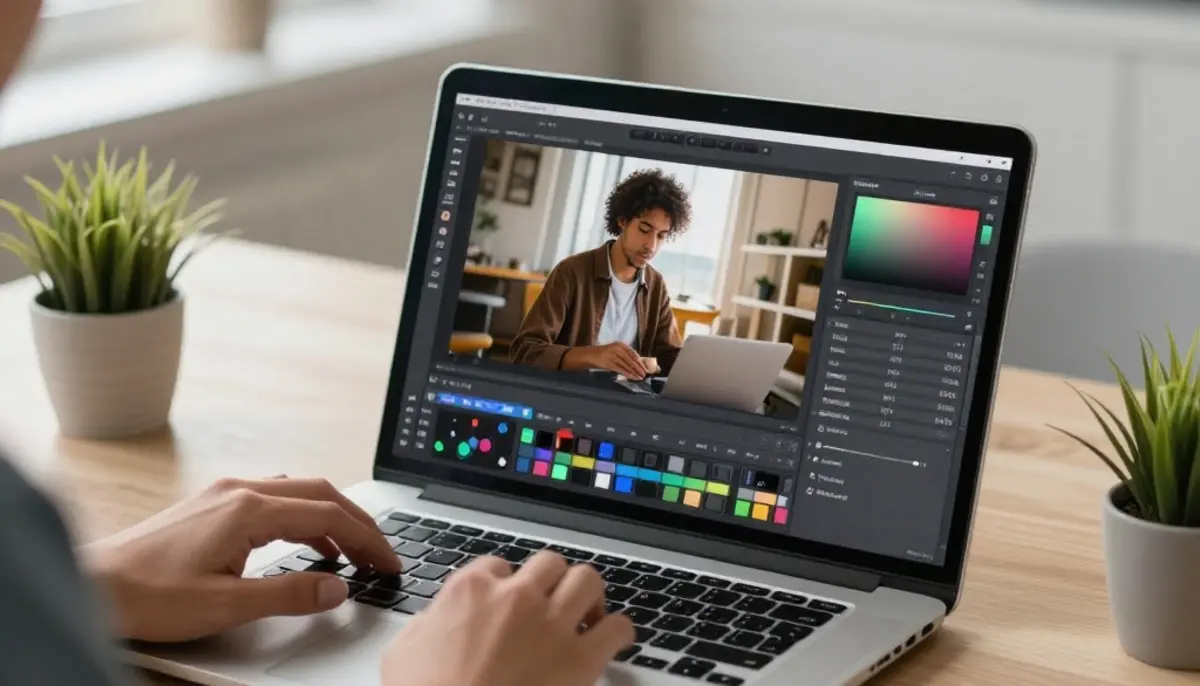
High-quality images are now essential for websites, social media, ecommerce stores, blogs, ads, portfolios and personal branding. A simple photo can become more attractive when it is edited with the right tool. You can improve brightness, remove unwanted objects, change backgrounds, resize images, add text, restore old photos or create professional-looking designs within minutes.
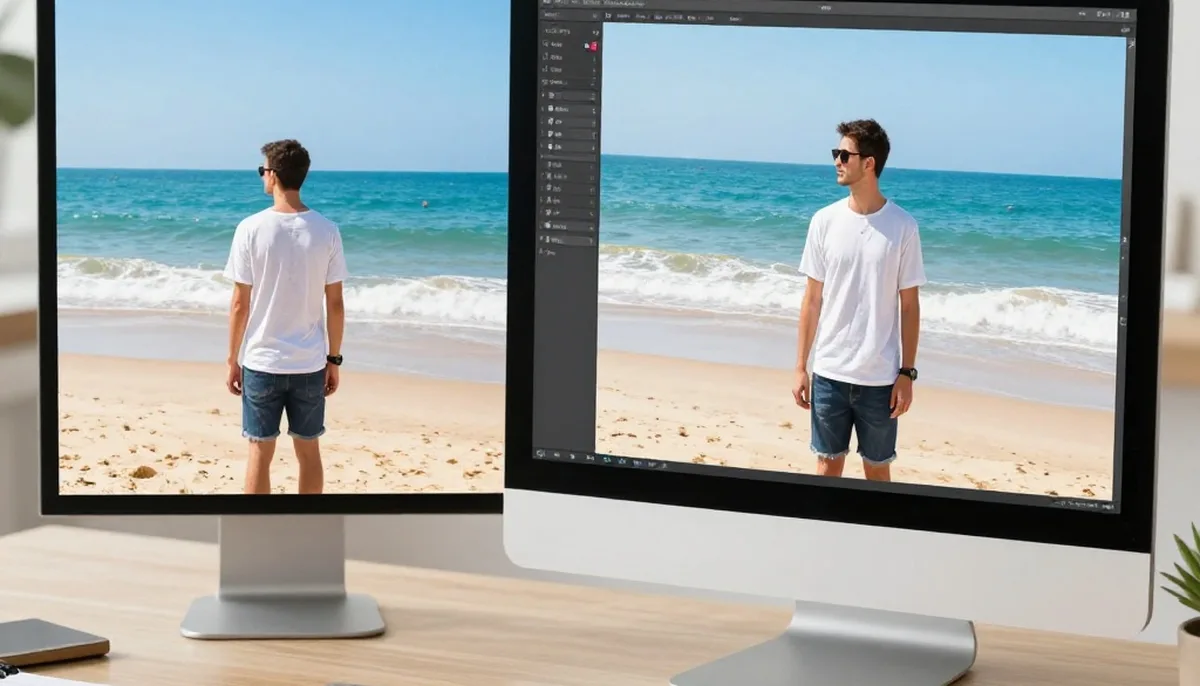
The best part is that you do not always need heavy desktop software. Today, Photo Editing Tools Online make editing easier for beginners, creators, marketers, students, freelancers, and business owners. These tools work directly in your browser, so you can upload a photo, make changes, and download the final image without installing complex programs.
In 2026, online photo editing is becoming smarter because of AI. Many platforms now offer background removal, AI enhancement, object erasing, face retouching, image upscaling, photo restoration, templates, and one-click design features. Below are seven top choices that can help you create clean, attractive and professional visuals.
Why Online Photo Editing Tools Are Useful in 2026
Online photo editors are popular because they save time and make editing more accessible. Earlier, people needed advanced design skills to improve images. Now, many edits can be completed with simple clicks. Whether you want a product image for your store, a thumbnail for YouTube, a post for Instagram or a polished profile picture, an online editor can help you get results quickly.
Before you choose Photo Editing Tools Online, think about your main purpose. Some tools are better for AI editing, some are better for social media templates, and some are better for advanced manual editing. The right choice depends on your editing style, content goals, and required output quality.
1. magical studio ai
magical studio ai is a useful choice for users who want simple AI-powered editing without spending too much time on manual work. It is suitable for quick image improvement, background removal, photo enhancement, upscaling and creative image editing.
Why It Stands Out
This platform is helpful when you want fast results for everyday editing tasks. For example, if you have a product photo with a messy background, you can remove the background and make the image look cleaner. If you have an old or low-quality image, AI enhancement can make it sharper and more polished.
Best For
magical studio ai is best for creators, ecommerce sellers, bloggers, marketers and beginners who want fast AI edits. It is especially useful for background cleanup, image quality improvement, profile photos, product visuals, and creative content.
2. Canva
Canva is one of the most popular online design and editing platforms. It is not only a photo editor but also a complete design tool. You can edit images, add text, use templates, create posters, design social media posts, make thumbnails and build brand visuals.
Why It Stands Out
Canva is easy to use because it provides ready-made templates for almost every content type. You can choose a design, replace the image, edit colors, add your logo, and export the final design. This makes it perfect for people who do not have professional design experience.
Best For
Canva is best for social media posts, banners, posters, presentations, thumbnails, flyers, ads and branded content. It is a strong option for businesses and creators who need quick, attractive designs.
3. Adobe Express
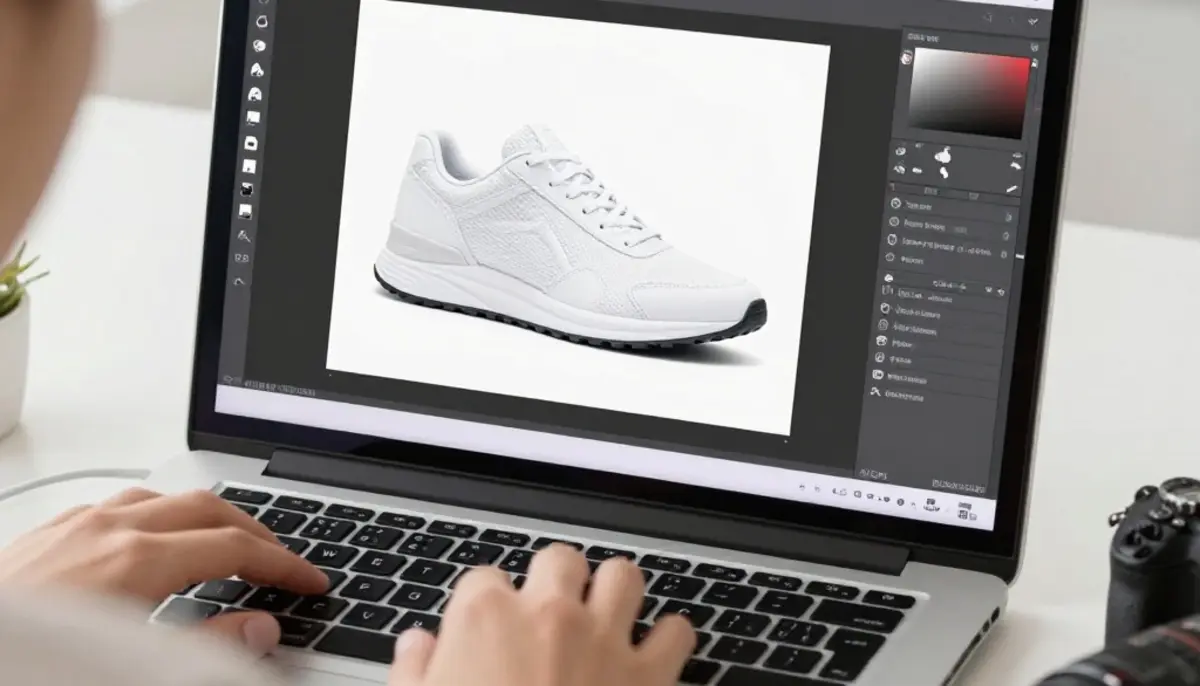
Adobe Express is another excellent tool for quick and polished visual content. It is designed for people who want professional-looking results without using complex desktop software. You can edit photos, remove backgrounds, add text, resize images, apply filters and create social media graphics.
Why It Stands Out
Adobe Express offers a clean editing experience with useful creative features. It is ideal for users who want a balance between simplicity and professional design quality. Since it comes from Adobe, it also feels reliable for people who want high-quality visual output.
Best For
Adobe Express is best for business graphics, social media designs, promotional posts, posters, flyers and quick photo edits. It is useful for marketers, small businesses, students, and content creators.
4. Pixlr
Pixlr is a flexible online photo editor that offers both simple and advanced editing options. It includes tools for cropping, resizing, retouching, layering, adding effects, removing backgrounds and applying AI-powered changes.
Why It Stands Out
Pixlr is a good choice for users who want more control than a basic editor provides. It gives a familiar editing experience with features like layers and detailed adjustments. At the same time, it also includes AI tools that make editing faster.
Best For
Pixlr is best for creative edits, layered designs, background changes, photo manipulation, collages and quick image improvements. It works well for users who want more flexibility in their editing process.
5. Fotor
Fotor is a beginner-friendly editor that focuses on fast photo improvement. It includes features like brightness correction, filters, beauty retouching, background editing, collage making, text, stickers, frames and AI tools.
Why It Stands Out
Fotor is simple but powerful enough for everyday editing. If your photo looks dull, you can enhance it with a few adjustments. If you want to improve a portrait, you can use retouching features to smooth skin, brighten the face or improve the overall look.
Best For
Fotor is best for portraits, beauty edits, social media images, filters, collages, simple product photos and quick corrections. It is a good option for beginners who want clean results without a difficult learning curve.
6. Picsart
Picsart is a creative editing platform made for stylish, fun and shareable visuals. It is popular among social media users because it offers filters, stickers, background removal, collage tools, AI effects, text styles and creative templates.
Why It Stands Out
Picsart is great for people who want eye-catching edits. If you want to create trendy profile pictures, memes, reels covers, Instagram posts or creative graphics, Picsart gives you many options. It is less formal than some other editors and more focused on creative expression.
Best For
Picsart is best for social media creators, influencers, meme creators, students, and users who want modern visual effects. It is a good option for stylish edits, stickers, filters, collages and AI-based creative content.
7. Photopea
Photopea is a powerful browser-based editor that feels similar to advanced desktop editing software. It supports detailed editing features such as layers, masks, selections, text tools, shapes, adjustments and file compatibility with common design formats.
Why It Stands Out
Photopea is useful for people who need more advanced control. It is not as template-focused as Canva or Adobe Express, but it gives more freedom for detailed editing. If you understand layers and manual adjustments, Photopea can be a strong online alternative for professional-style editing.
Best For
Photopea is best for advanced photo editing, product image correction, web graphics, banners, PSD-style work, detailed selections and design projects that need more control.
How to Pick the Best Tool for Your Needs
Choosing the right editor depends on what you want to create. If your main goal is social media design, Canva, Adobe Express and Picsart are strong choices. If you want AI-based editing, background removal or image enhancement, AI-focused platforms can save time. If you need detailed manual editing, Pixlr and Photopea are better options.
For ecommerce, choose a tool that can clean backgrounds, improve lighting and export sharp images. For personal branding, choose a tool that can enhance portraits and create professional profile photos. For marketing, choose a tool with templates, text styles, brand colors and resizing options.
These Photo Editing Tools Online are useful because each one solves a different problem. Some help you edit faster, some help you design better, and some give you advanced control. The best workflow is to keep one tool for quick AI edits, one for design templates and one for detailed corrections.
Final Thoughts
Photo editing in 2026 is faster, easier and more creative than ever. You no longer need expert-level skills to create beautiful images. With the right online editor, you can improve photos, design content, remove backgrounds, restore images and prepare visuals for websites, ads and social media.
The best Photo Editing Tools Online are the ones that match your work style. If you want speed, choose an AI editor. If you want designs, choose a template-based editor. If you want advanced control, choose a tool with layers and detailed adjustments. By using the right tool for the right task, you can save time and create professional-quality images with less effort.
Try unlimited AI photo editing
Run every AI tool as much as you want, right in your browser.