AI LinkedIn Headshots: Look Professional Online Instantly
In this guide
Your LinkedIn profile is often the first place people visit before they reply to your message, review your application, explore your services or consider a business partnership. Before they read your skills, work history or achievements, they notice your profile photo. That small image can create a strong first impression within seconds.
A professional photo does not always require an expensive studio, perfect lighting or a formal photoshoot. Today, artificial intelligence makes it easier to turn a simple image into a polished, business-ready profile picture. With the right tool and a few smart choices, you can build an online presence that looks clean, confident and trustworthy.
Why AI LinkedIn Headshots Matter for Your Online Image
LinkedIn is more than a resume platform. It is a professional networking space where recruiters, founders, clients, freelancers, creators and business leaders connect every day. Your photo helps people understand how seriously you present yourself. A blurry selfie, cropped party picture, or messy background can make your profile feel incomplete, even when your experience is strong.
AI-generated professional photos solve this problem quickly. They help you create a clear, polished, and career-focused image without booking a studio or learning complex editing software. This is especially useful for job seekers, remote workers, entrepreneurs, students, consultants and anyone building a personal brand.
What Makes a Great LinkedIn Profile Photo?
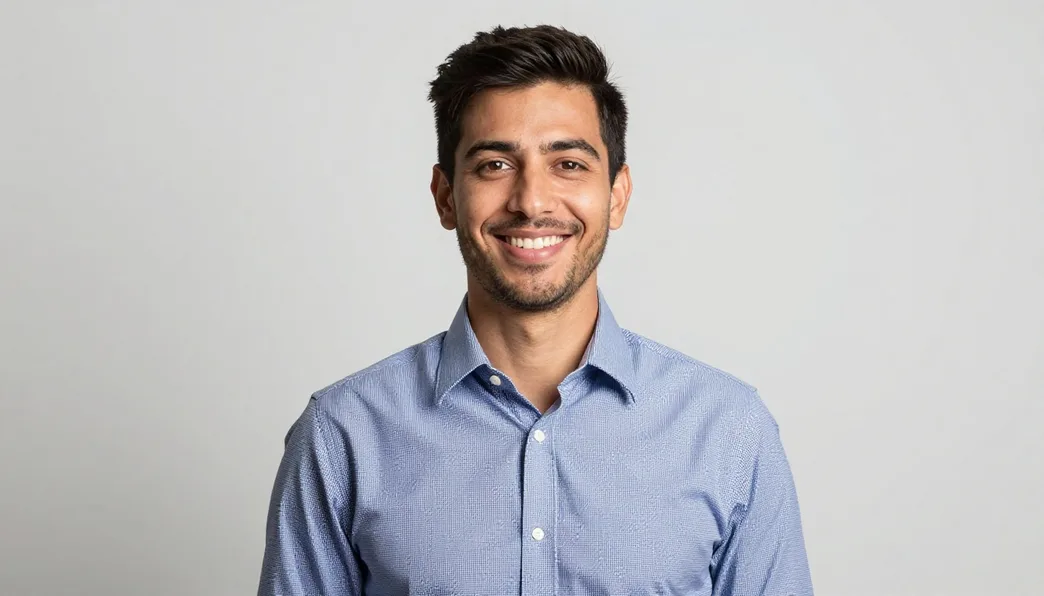
A strong LinkedIn photo is not about looking overly formal. It is about looking approachable, confident and professional. The best images feel natural while still matching the expectations of a business platform.
Clear Face Visibility
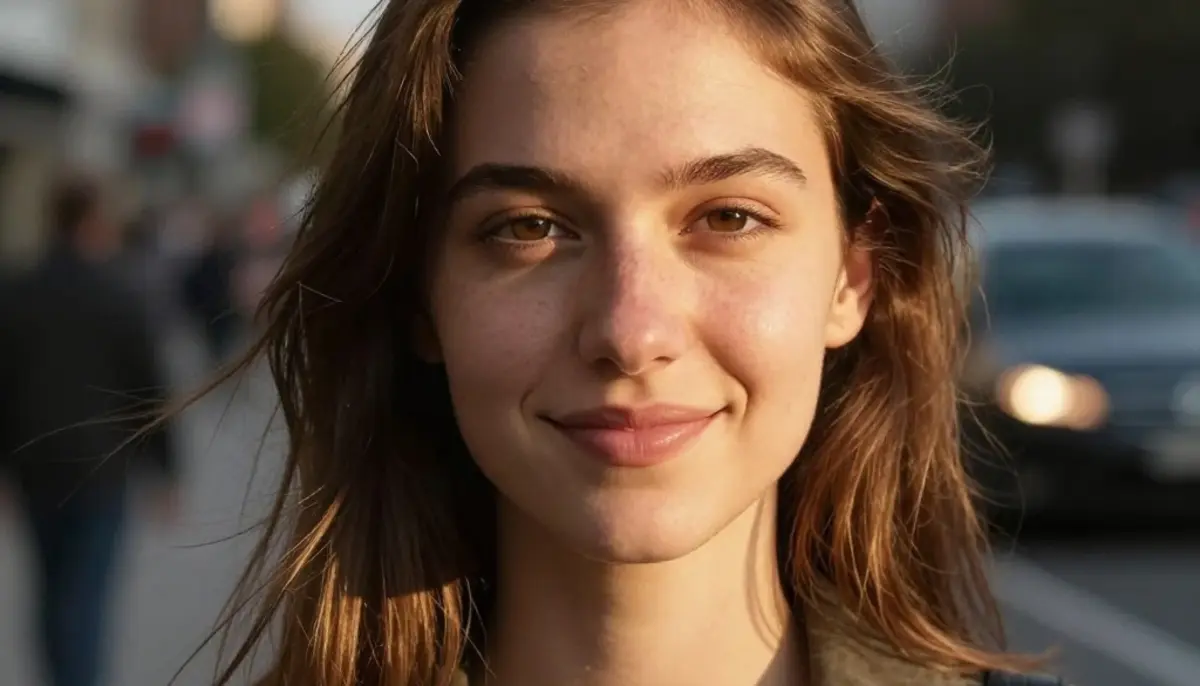
Your face should be easy to see, with balanced lighting and no distracting shadows. People connect better when your expression is visible and your photo feels open.
Simple Background
A clean background keeps attention on you. Office-style, neutral or softly blurred backgrounds usually work well because they look professional without feeling too busy.
Professional Clothing Style
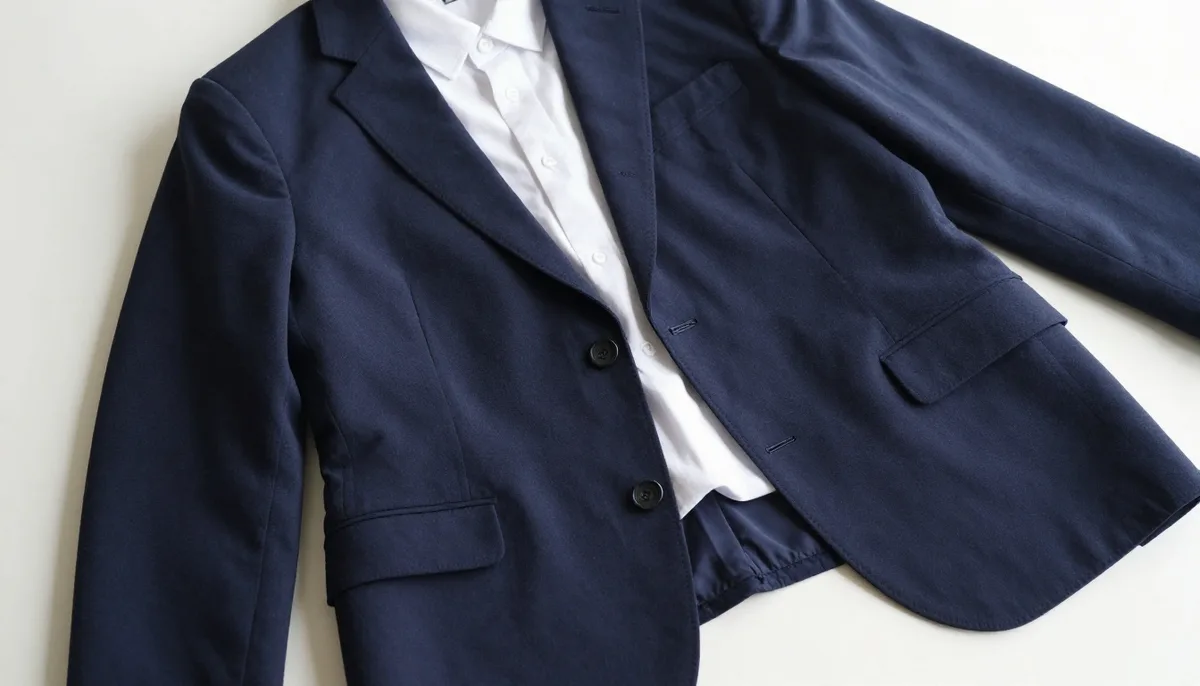
Your outfit should match your industry. A blazer may suit corporate, finance, or consulting roles, while a smart-casual look can work well for tech, startup, creative and freelance professionals.
Natural Expression
A slight smile or calm expression often works better than a stiff pose. LinkedIn is professional, but it is also built around human connection.
How AI Improves Professional Headshot Creation
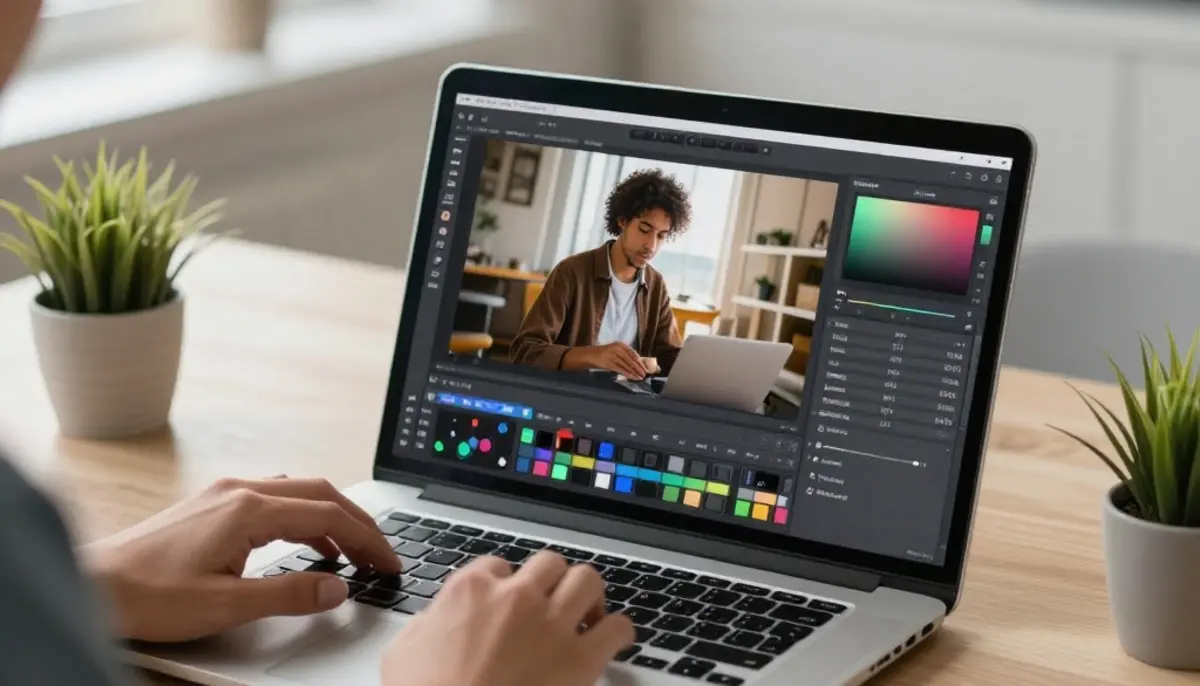
Traditional photo editing can take time. You may need to adjust lighting, remove background distractions, crop the image, improve skin tone, sharpen details and balance the final look. AI tools simplify this process by handling many of these improvements automatically.
With AI LinkedIn Headshots, users can create profile-ready photos from regular images. The technology can improve background style, lighting balance, facial clarity, clothing appearance, and overall composition. Instead of spending hours editing, you can get a professional-looking result in a few moments.
This is useful when you do not have access to a recent formal photo. Many people delay updating their LinkedIn profile because they feel they need the perfect picture. AI removes that barrier by helping you create a confident image from photos you already have.
Benefits of Using AI for LinkedIn Photos
Saves Time
A traditional headshot process may require planning, travel, retouching and revisions. AI makes the process much faster, so you can upgrade your profile without interrupting your workday.
More Affordable
Professional photoshoots can be costly, especially for students, freelancers and early-career professionals. AI tools offer a budget-friendly way to improve your profile presentation.
Easy to Update
Your profile photo should reflect how you currently look. If your hairstyle, role or personal brand changes, AI makes it easier to refresh your image whenever needed.
Consistent Personal Branding
A clean headshot can be reused across LinkedIn, company profiles, resumes, portfolios, speaker pages and professional bios, creating a consistent image across platforms.
How to Create Better AI LinkedIn Headshots
The quality of your final result depends on the photo you start with and the style you choose. AI can improve an image, but a strong input photo usually creates a better output.
Start with a Clear Photo
Use a photo where your face is visible, sharp and not covered by sunglasses, heavy filters or strong shadows. A front-facing or slightly angled image usually works best.
Avoid Group Photos
Choose a solo image. Cropping yourself from a group photo may reduce quality and make the final result less natural.
Pick the Right Style
Select a background, outfit style and tone that match your industry. A corporate profile may need a formal look, while a designer or founder may prefer a modern, relaxed style.
Keep It Authentic
Your photo should still look like you. Avoid results that feel overly edited, unrealistic or too different from your natural appearance. Trust grows when your online image feels genuine.
Who Can Benefit from AI Professional Photos?
AI profile photos are useful for job seekers, freelancers, business owners, students, remote employees, consultants, coaches, recruiters, marketers and creators. Anyone who depends on online trust can benefit from a cleaner, more professional profile image.
When someone checks your profile before a meeting, message or application review, your photo helps shape their first impression. A polished image can support credibility and make your profile feel more complete.
Common Mistakes to Avoid
Using an Overly Casual Image
A vacation selfie or party photo may weaken your professional presentation on LinkedIn.
Choosing a Distracting Background
Busy rooms, cars, crowds or messy spaces pull attention away from your face.
Overediting the Photo
Heavy retouching can make an image look fake. Aim for natural polish.
Ignoring LinkedIn Cropping
LinkedIn displays profile photos in a circular frame, so keep your face centered.
Why Your Headshot Supports Personal Branding
Your LinkedIn photo is part of your personal brand. It works together with your headline, about section, experience, featured content and posts. When these elements feel aligned, your profile becomes more memorable.
A strong headshot can suggest confidence, reliability and professionalism before someone reads a single line of your profile. This matters because online attention is limited. People often make quick decisions about whether to connect, click, reply or continue reading.
Using a smart tool like Magical Studio AI can help you create a more polished image while keeping the process simple. It gives professionals an easier way to upgrade their online presence without needing advanced editing skills.
Tips for Making Your LinkedIn Profile Stronger
A professional photo is important, but it should be supported by the rest of your profile. Use a clear headline that explains what you do. Write an about section that highlights your value, experience and goals. Add relevant skills, achievements, portfolio links, certifications and work samples. Keep your profile active by sharing useful insights and connecting with people in your industry.
When your photo and profile content work together, you create a stronger digital identity. A visitor should quickly understand who you are, what you offer and why they should trust you.
Conclusion
AI-powered LinkedIn portraits are a simple way to upgrade your professional image and create a stronger first impression online. Whether you are searching for a job, growing a personal brand, attracting clients or improving your business presence, a polished profile photo can help your LinkedIn page feel more credible and complete.
The best part is convenience. You no longer need to wait for a studio session or struggle with complex editing tools. With platforms such as Magical Studio AI, professionals can create clean, modern and profile-ready images quickly. A better headshot can make your profile look more trustworthy, more memorable and more ready for new opportunities.
Try unlimited AI photo editing
Run every AI tool as much as you want, right in your browser.