Best Unlimited AI Photo Editor in 2026: Edit Without Limits
In this guide
Why usage limits make most AI photo editors frustrating
If you have ever tried to edit photos with AI, you have probably hit the wall: a small pile of free daily generations, then a meter that drains with every single edit. Most AI photo editors price by the action. One background removal, one upscale, one style transfer, each quietly subtracts from a balance, and the moment you are in a creative flow is the moment you run out.
The bigger problem is what usage limits do to how you work. Instead of experimenting freely, you start rationing. You hesitate before trying a second version because it counts against your daily allowance, and you skip the playful trends and the "just to see how it looks" attempts that are half the fun of an AI image editor. Editing should feel open-ended, but a usage counter turns it into a budgeting exercise.
Top-ups also make pricing hard to predict. Packs expire, top-ups stack up, and a busy week can cost far more than a flat subscription. For anyone who edits regularly, creators, sellers, hobbyists restoring old family photos, that unpredictability is the real pain, not the tool itself.
What "unlimited" should actually mean
The word "unlimited" gets used loosely, so it is worth being precise. A genuinely unlimited AI photo editor means you can run as many edits as you want on your plan without a per-edit charge counting down in the background. Make ten upscales or a hundred, try the same photo five different ways, batch through a folder, none of it should count down a usage meter.
Unlimited should also mean every tool is included, not just one. Some editors advertise unlimited use of a single feature while gating the rest behind separate packs. True unlimited means the whole toolbox, style transfer, background removal, colorize, enhance, upscale, is open under one plan.
Finally, unlimited should be honest about the trade. You are paying a flat subscription instead of paying per edit, so the value comes from using the editor often. It is not free AI forever; it is a way to stop counting every action and just edit. A good unlimited AI photo editor is upfront about that and still lets you try things free before you commit.
What to look for in an unlimited AI photo editor
Start with the limits, because the marketing and the fine print do not always agree. Look for a plan that clearly states no per-edit cost and no daily cap on generations. If a page talks about "unlimited" but still lists top-up packs, read closely, the unlimited part may only apply to one feature.
Next, check the range of tools. The point of a single AI image editor is that you do not need five separate apps. A strong option covers the everyday jobs (background removal, enhance, upscale, colorize) plus the creative ones (style transfer, viral trends), so one subscription replaces a scattered set of tools.
Then weigh convenience and trust. A browser-based editor with nothing to install means you can edit photos with AI from any computer without setup. Look for a free allowance to try before paying, a simple sign-in, and clear, plain-language terms on billing and cancellation so there are no surprises.
How Magical Studio AI does unlimited
Magical Studio AI is a browser-based AI photo editor built around one Unlimited plan, with unlimited images. On that plan you get unlimited AI image edits across every tool, there is no per-edit charge being counted, and no separate pack to buy for each feature. You pick a tool, upload a photo, and edit as many times as you like.
The Unlimited plan is billed weekly ($9.99) or monthly ($29.99) through Dodo Payments, and Monthly starts with a 1-day trial for $1.99. You can cancel anytime from your account. Refunds are available within 24 hours of the first payment of a Monthly plan, if you made 5 or fewer generations after it. Every account also gets 5 free images a day to test the tools before you subscribe.
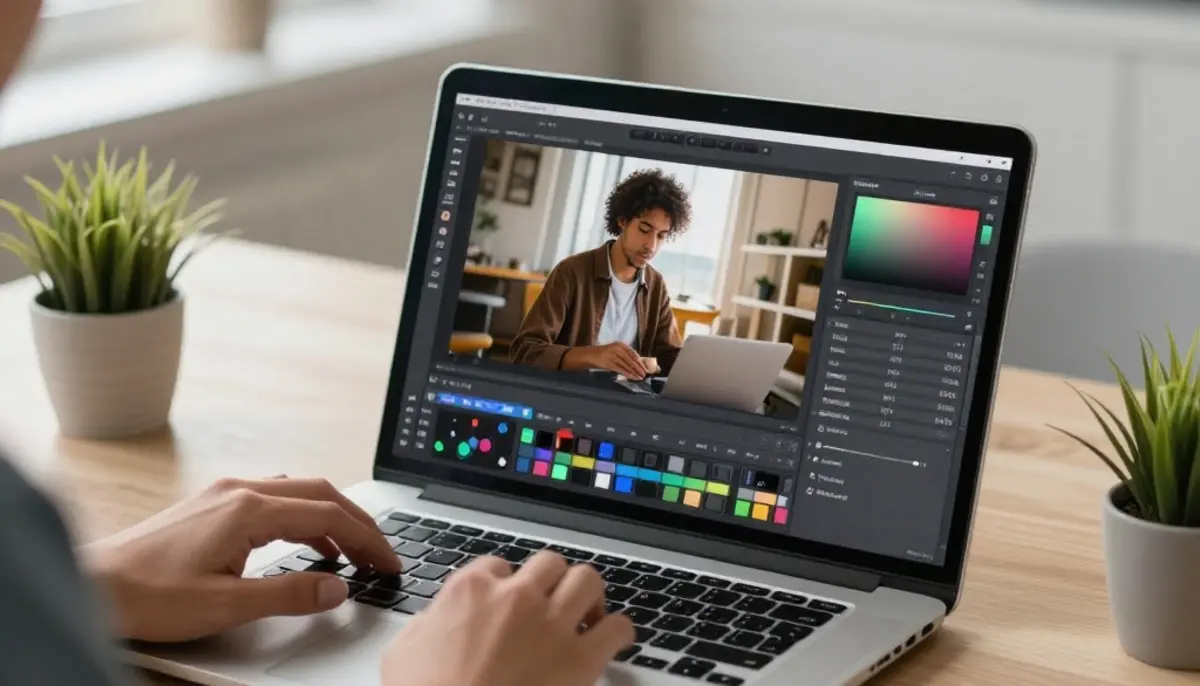
Because it runs entirely in your browser, there is nothing to download or install. You sign in with Google, open the tool you need, and start editing on any laptop or desktop. The same account and plan cover the whole toolbox, which makes it usable as your everyday AI image editor rather than a one-trick app.
The unlimited tools, one by one
AI Ghibli turns an ordinary photo into soft, hand-painted anime-style art. Upload a portrait, a pet or a landscape and the AI repaints it with warm colors and gentle lighting, great for profile pictures, gifts and posts, and easy to retry until the look feels right.
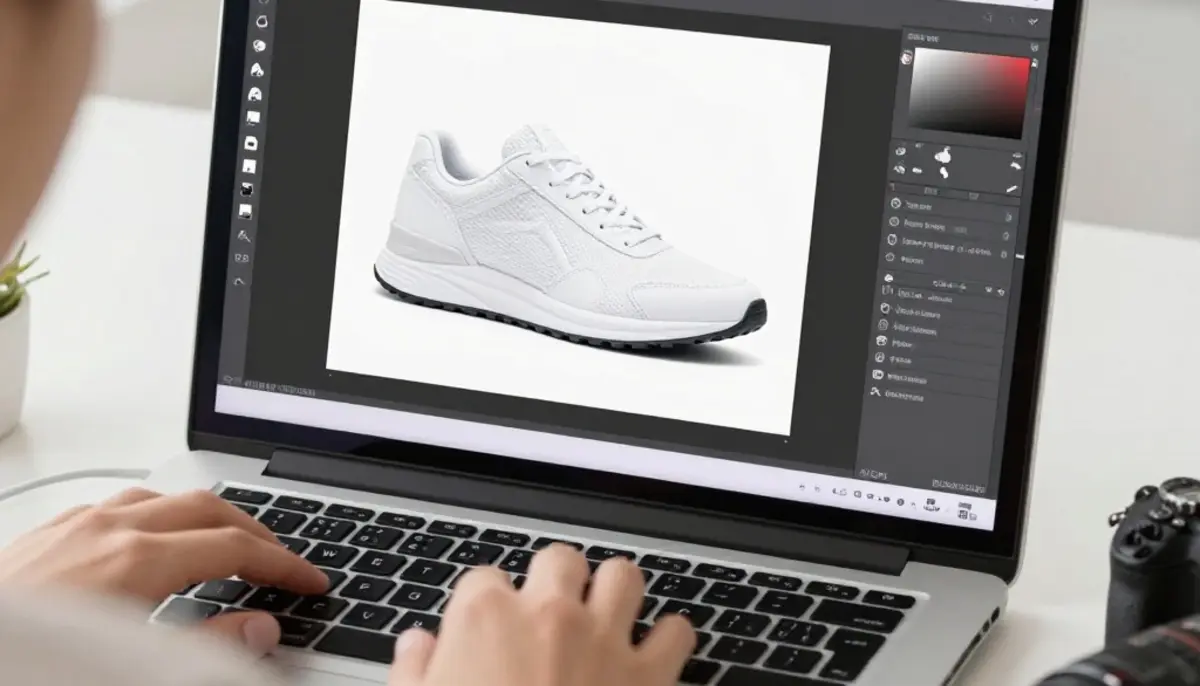
Background Remover cleanly cuts the subject out of any photo and gives you a transparent background in seconds, the workhorse tool for product shots, profile images and quick composites.
Photo Colorizer brings black-and-white pictures to life with natural-looking color. It is a favorite for restoring old family photos, and unlimited edits let you run a whole album without watching a usage meter.
AI Enhance sharpens detail, fixes lighting and cleans up grainy or low-quality images so a so-so photo looks polished. Use it as a finishing step after another edit, or on its own to rescue dim phone snaps.
AI Upscale increases a photo's resolution while keeping it crisp, so small or compressed images become large enough to print. Combined with AI Enhance, it is an easy way to get clean, high-resolution results from imperfect originals.
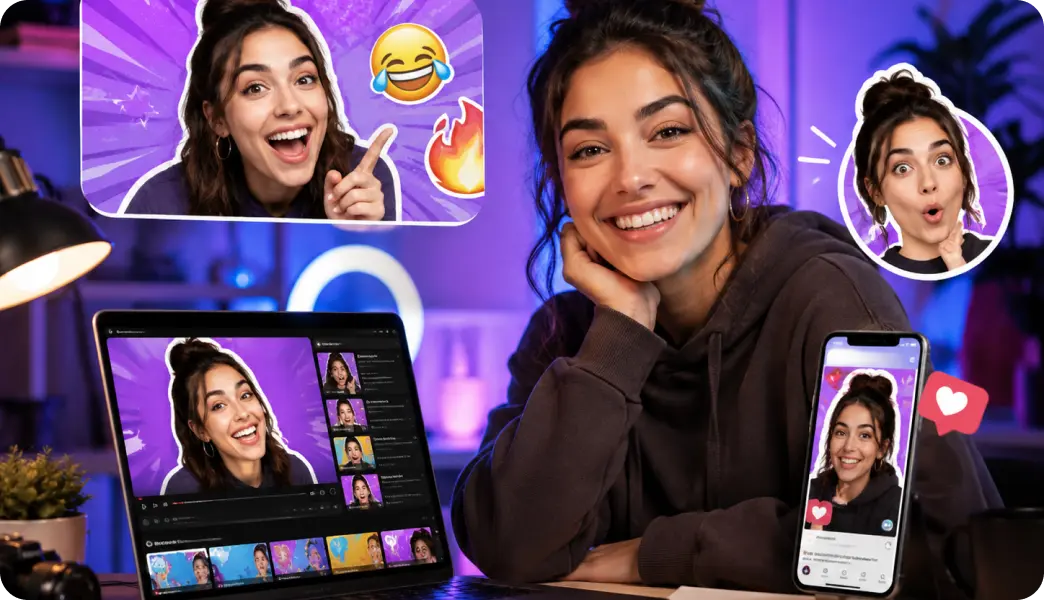
On top of these, a rotating set of viral photo Trends gives you ready-made styles and effects in a click, the fun, experimental side of editing photos with AI. Trends are exactly what usage limits ruin, since half the appeal is trying several on one photo; on the Unlimited plan you can run as many as you want until you find a version worth sharing.
How to get started
Getting started takes a minute. Open Magical Studio AI in your browser and sign in with Google, there is nothing to install. Every account includes 5 free images a day, so you can try the tools right away and see the quality on your own photos before deciding anything.
When you are ready to edit without limits, go Unlimited with the monthly plan through Dodo Payments. From there every tool is open with unlimited AI image edits and no per-edit cost, and you can cancel anytime if your needs change.
A practical first session: remove a background, run AI Enhance, then AI Upscale on the result for a clean, print-ready image. Doing all three in a row, with no counter draining, is the clearest way to feel what an unlimited AI photo editor changes about your workflow.
Free vs Unlimited: an honest note
To be clear, the free tier is not unlimited. Every account comes with 5 free images a day so you can try the tools and judge the results, but that allowance is limited, a trial, not an endless one. That is the honest line between free and paid.
Unlimited AI editing is the paid Unlimited plan: a flat subscription that opens every tool with unlimited images. If you only need a couple of quick edits, the free images may be all you need. If you edit often and want to stop rationing, the Unlimited plan is what makes Magical Studio AI a true unlimited AI photo editor, and the free images let you confirm it suits you first.
Try unlimited AI photo editing
Run every AI tool as much as you want, right in your browser.