30 Image to Video Prompt Ideas That Actually Work
In this guide
Turning a photo into a video takes one upload and one sentence, but that sentence decides everything. Ask for the wrong motion and the clip looks warped; ask for the right one and a still image suddenly feels alive. These prompt ideas are organized by the kind of photo you are starting from, so you can jump to what you need and copy a phrasing that is known to work.
Portrait prompts (people and selfies)
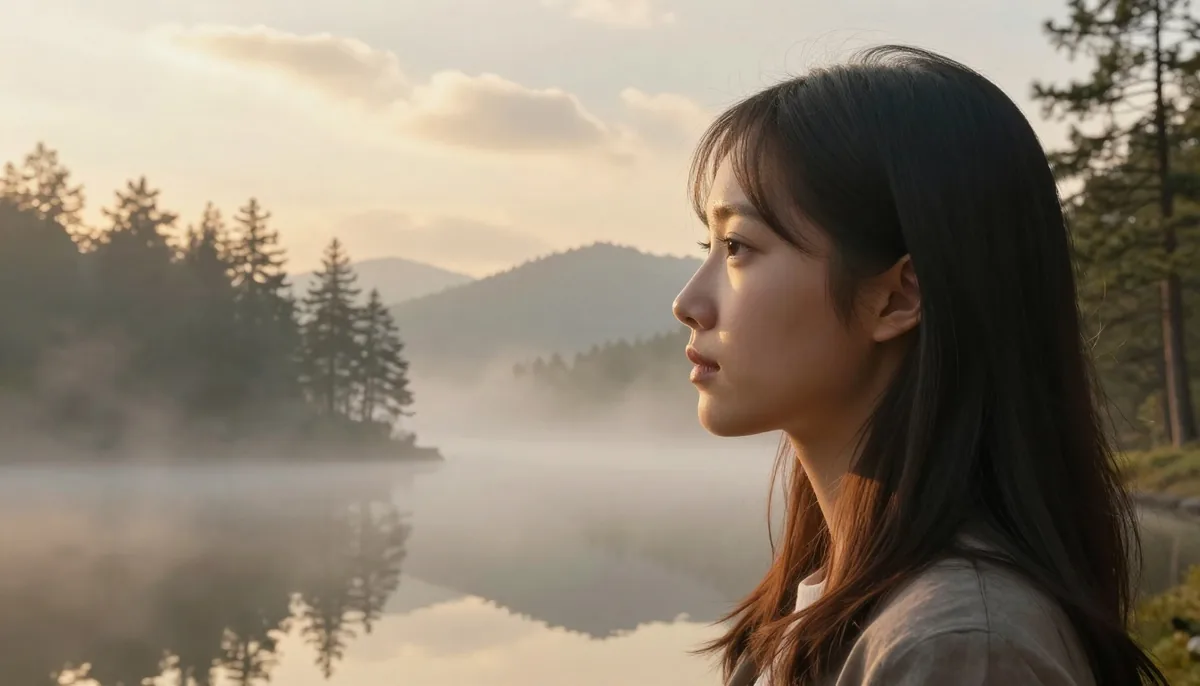
Faces animate best with small, natural movements. Big theatrical motion is where portrait videos fall apart, so keep it subtle: 'Natural blinking, a soft smile forming, gentle hair movement in the breeze.'
Other reliable portrait prompts: 'Slow cinematic zoom toward the face, calm expression'; 'The person turns their head slightly and smiles'; 'Soft laughter, shoulders relaxing, natural eye movement'; 'Hair and clothing sway gently, background lights flicker softly.'
Avoid asking a portrait to talk. Mouth movement without real speech audio tends to look uncanny; smiles, blinks and head turns read as far more natural.
Product prompts (shops and promos)
Products benefit from camera motion more than object motion: 'Slow 360-degree rotation of the product, studio lighting, clean background' or 'Cinematic dolly-in toward the bottle, soft reflections moving across the glass.'
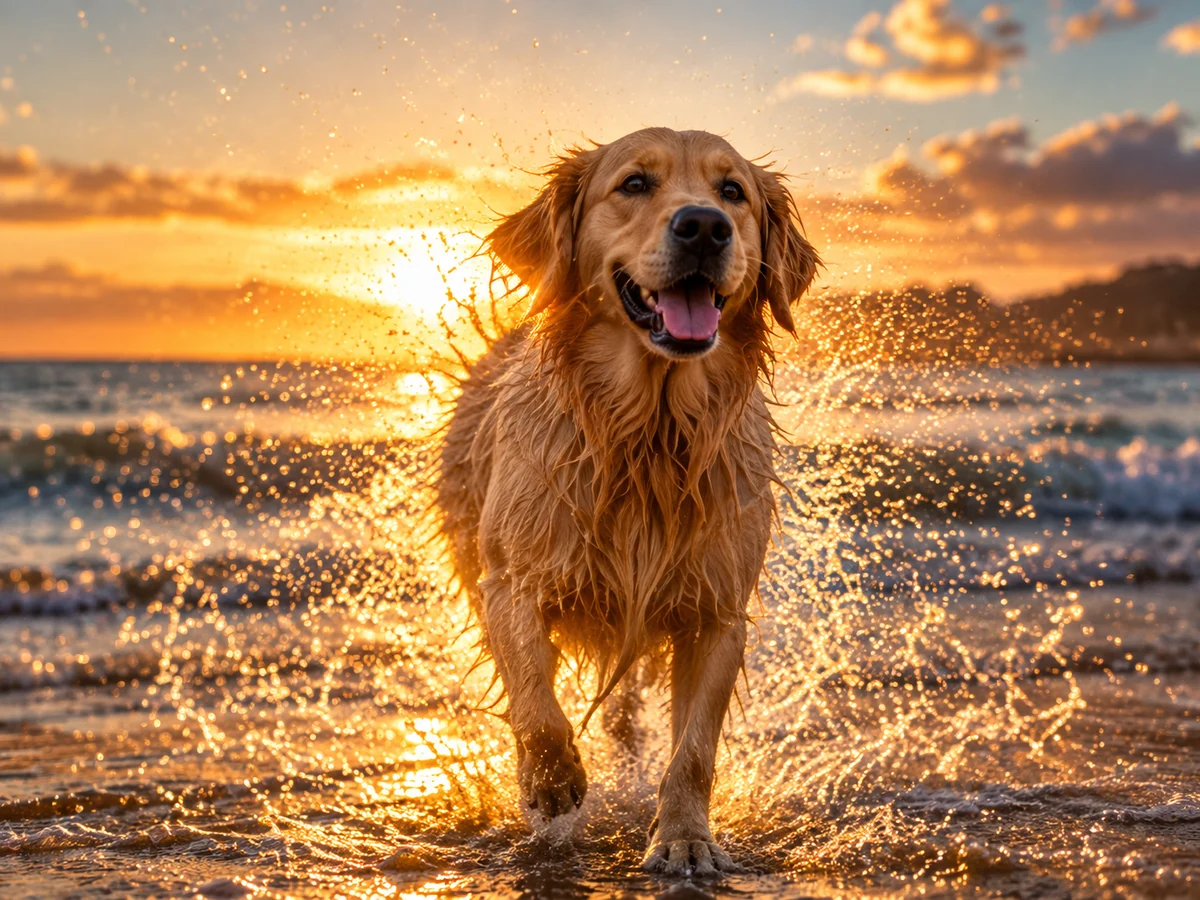
For fashion and apparel: 'Fabric flowing gently as if in a light breeze, subtle shimmer on the material.' For food: 'Steam rising slowly from the dish, warm light flickering.' For tech: 'Screen glow pulsing softly, slow orbit around the device.'
Keep backgrounds still when the product moves, or move the camera while everything else stays put. One source of motion per clip looks premium; three look chaotic.
Landscape and travel prompts
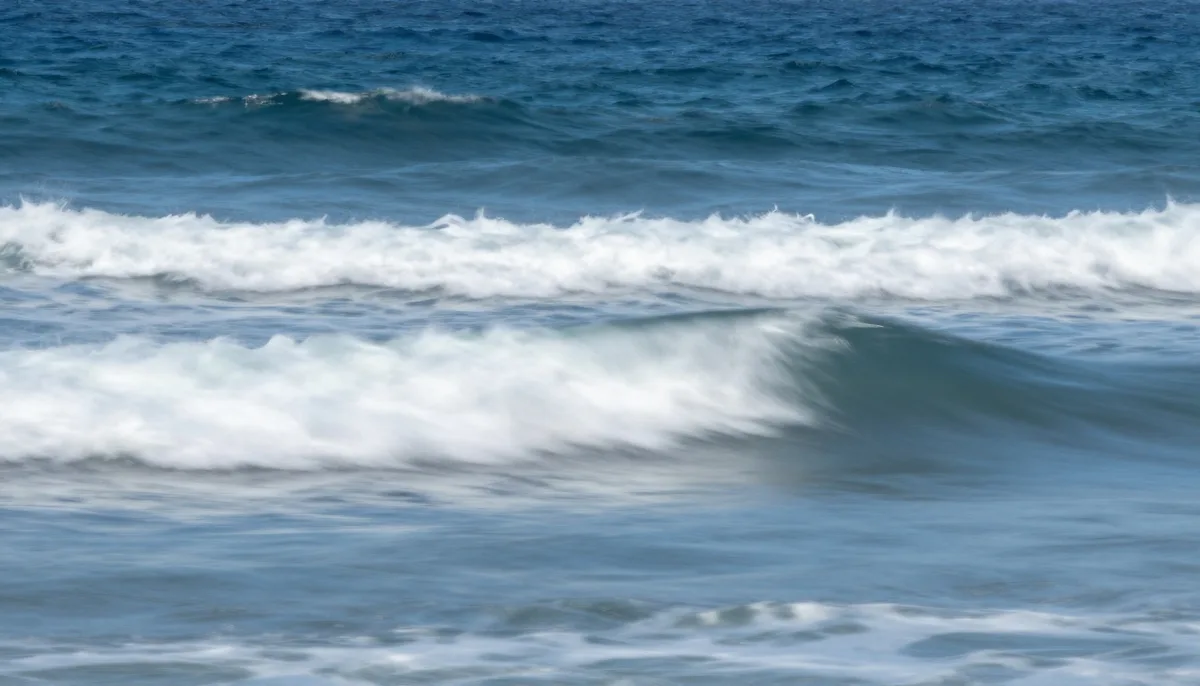
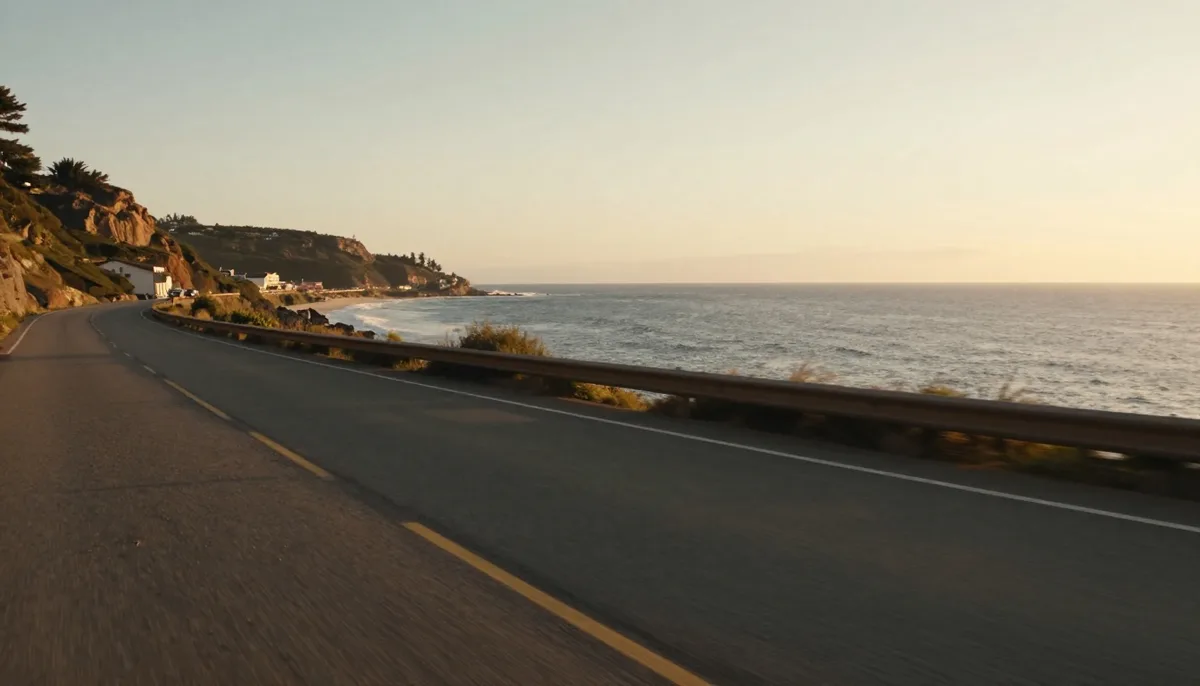
Nature photos are the most forgiving. Water, clouds and light all animate beautifully: 'Clouds drifting slowly, water rippling, golden light shifting across the valley.'
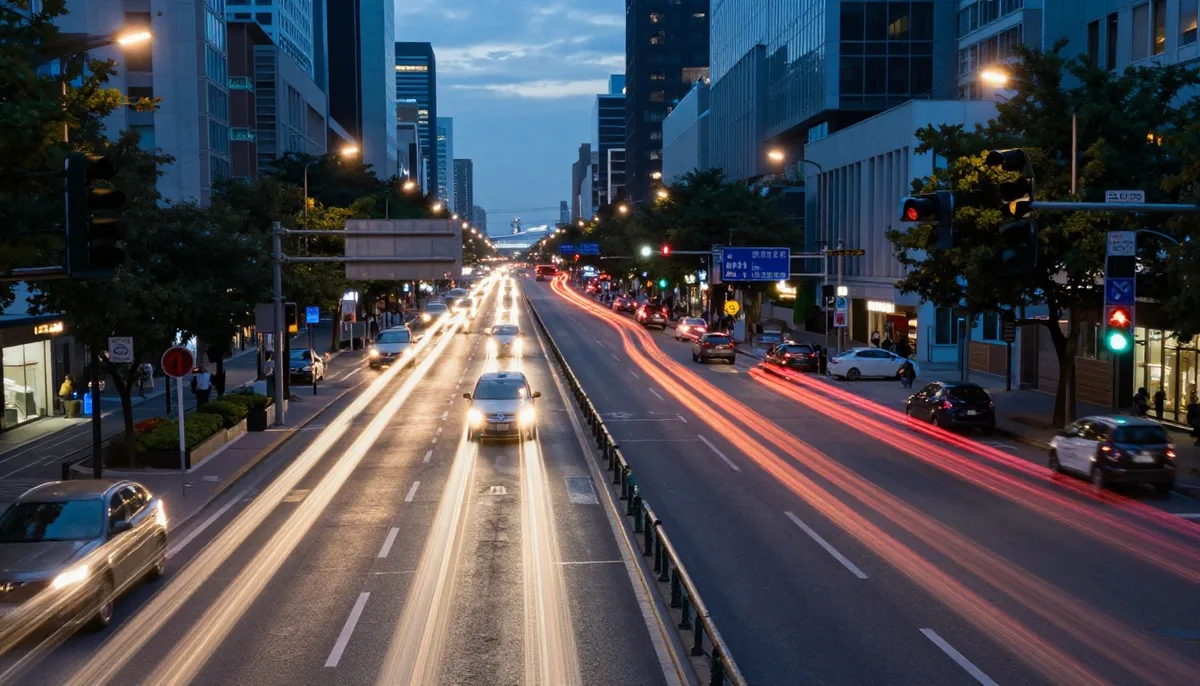
More ideas: 'Gentle waves rolling onto the beach, palm leaves swaying'; 'Snow falling softly over the mountain village'; 'City lights twinkling, slow aerial-style push forward'; 'Fog rolling through the forest, sun rays breaking through the trees.'
Pair one weather element with one camera move at most. 'Rain falling, slow zoom out' is enough to make a still photo feel like a film opening.
Art, illustration and old photo prompts
Illustrations and paintings come alive with parallax: 'Subtle parallax between the character and the background, hair and cape moving softly.'
Old family photos deserve gentler treatment: 'Very subtle breathing motion and blinking, everything else perfectly still.' The restraint is what makes restored memories feel touching rather than artificial.
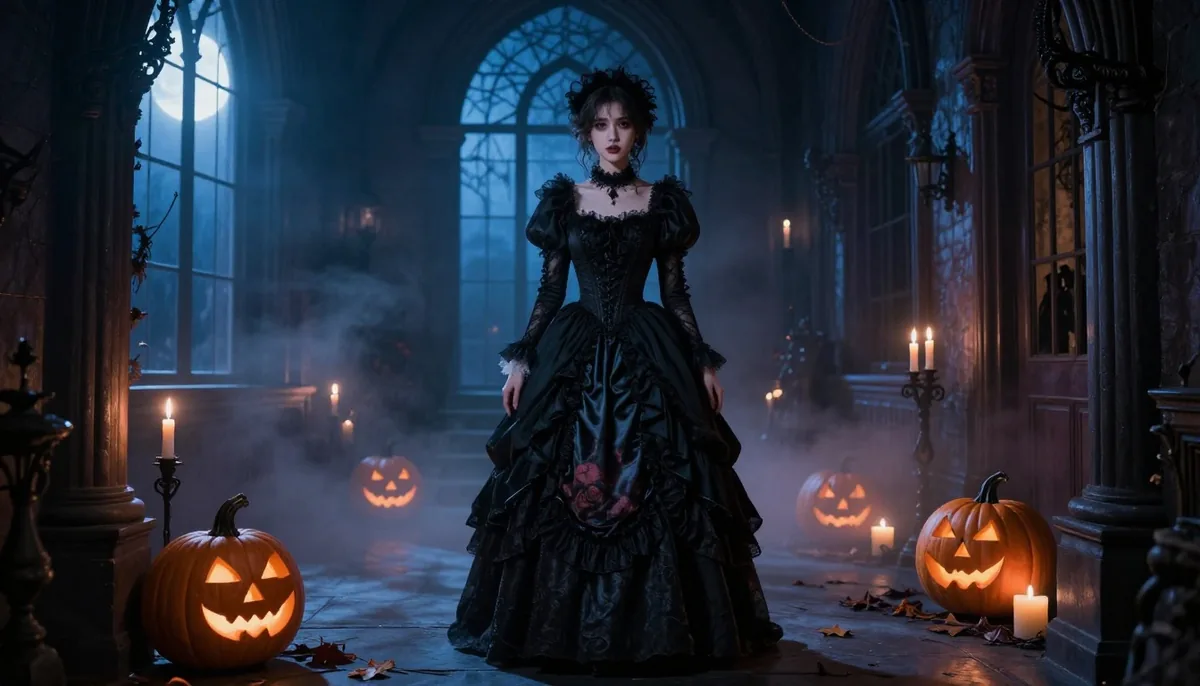
For fantasy art: 'Embers floating upward, cloak billowing, magical glow pulsing slowly.' For anime-style images: 'Cherry blossom petals drifting across the frame, gentle wind in the hair.'
How to choose duration and aspect ratio
Five seconds is the sweet spot for social media loops; use eight, ten or fifteen seconds only when the motion has somewhere to go, like a slow zoom that needs room to breathe.
Match the aspect ratio to the destination before generating: 9:16 for Reels, Shorts and TikTok, 16:9 for YouTube and presentations, 1:1 for feed posts. Generating in the right shape beats cropping afterwards, because the AI composes motion for the frame it is given.
You can try all of these directly in the Image to Video AI Generator, which includes duration and aspect ratio controls. AI video is not part of the current plans.
Try unlimited AI photo editing
Run every AI tool as much as you want, right in your browser.