How to Write AI Photo Editing Prompts: A Practical Guide with 25+ Examples
In this guide
AI photo editors follow instructions literally. When a result looks wrong, the image usually is not the problem, the description is. This guide shows you how to write prompts that leave no room for misunderstanding, with real examples you can copy, adapt and reuse for any photo.
The three-part prompt formula
Strong editing prompts answer three questions in one or two sentences. What should change? What should stay the same? What style or mood should the result have?
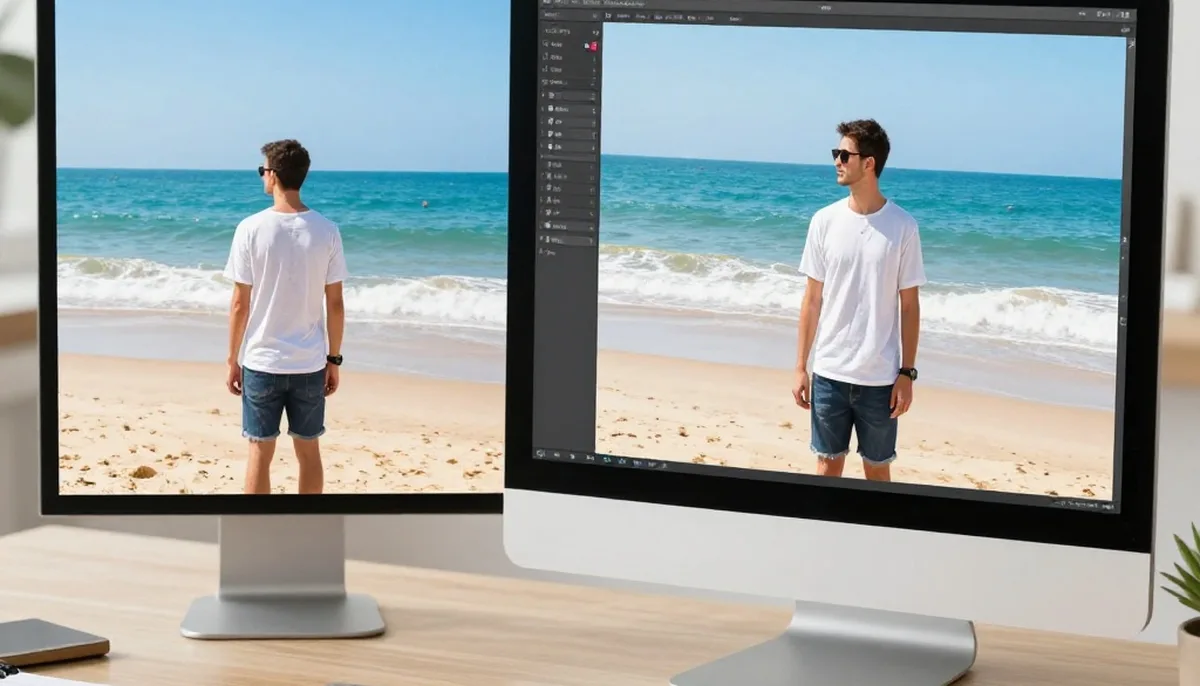
For example: 'Change the background to a sunset beach, keep the person exactly the same, warm golden lighting.' The first clause tells the AI what to touch, the second protects what matters, and the third sets the look. Prompts written this way fail far less often than a single vague instruction like 'make it look nice'.
If you only remember one rule, remember the middle part. Telling the AI what to preserve, the face, the pose, the product, the text on a sign, is what keeps edits looking natural instead of uncanny.
Background change prompts
Background swaps are the most common edit, and the most common place prompts go wrong. Be specific about the scene, the time of day and the depth: 'Replace the background with a quiet Paris street at dusk, soft bokeh blur, keep the subject sharp and unchanged.'
More examples that work well: 'Plain white studio background, soft shadow under the subject' for product shots; 'Cozy cafe interior, warm lights, slightly blurred' for portraits; 'Modern office with glass walls, natural daylight' for professional headshots; 'Solid pastel pink backdrop, fashion editorial style' for social posts.
Avoid stacking two scenes in one prompt ('a beach or maybe a forest'). The AI cannot choose for you, and mixed instructions produce mixed results.

Lighting and mood prompts
Lighting words carry a lot of power in AI editing. 'Golden hour glow', 'soft window light', 'moody cinematic shadows', 'bright airy daylight' and 'neon night lights' each push the whole image in a clearly different direction.
Combine one lighting phrase with one mood phrase and stop there: 'Soft window light, calm minimal mood.' Prompts overloaded with five aesthetic words tend to average out into something generic.
For fixing photos rather than restyling them, name the problem directly: 'Brighten the underexposed face, keep the background exposure unchanged' or 'Remove the harsh flash shadow behind the subject.'
Outfit, style and object prompts
Clothing swaps work best when you name the garment, its color and its fit: 'Change the t-shirt to a fitted black blazer with a white shirt underneath, keep the face and pose unchanged.'
For style transfers, anchor the style with a known reference the AI understands: 'Repaint in soft Ghibli-style animation, pastel colors, hand-painted look' or 'Convert to a detailed pencil sketch with cross-hatching.'
For object removal, describe both the object and what should fill its place: 'Remove the trash bin on the left, extend the brick wall behind it naturally.' Giving the fill instruction prevents smudgy patches where the object used to be.
Common prompt mistakes to avoid
Vague adjectives ('better', 'nicer', 'professional') give the AI nothing concrete to do. Replace them with observable changes: brighter, sharper, warmer, cleaner background, straighter horizon.
Negations are weaker than positives. 'No clutter in the background' works less reliably than 'plain clean background'. Describe the result you want, not the things you fear.
Finally, iterate in small steps. If the first result is 80 percent right, run a second edit that fixes only the remaining 20 percent ('same image, just make the lighting slightly warmer'), rather than rewriting the whole prompt from scratch.
Try these prompts on your own photos
Open the free AI photo editor on Magical Studio AI, upload any photo, and paste one of the examples above. Every account includes 5 free images a day, so you can experiment with different phrasings and see for yourself how much the wording changes the result.
Try unlimited AI photo editing
Run every AI tool as much as you want, right in your browser.