AI Face Swap
Swap one or many faces in any photo with realistic AI, free and online.
AI Tool
AI Face Swap
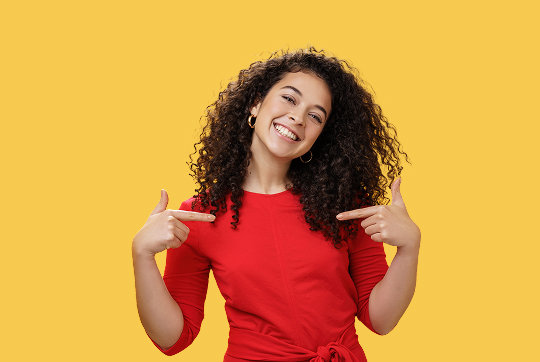
Photo to edit
The photo to change
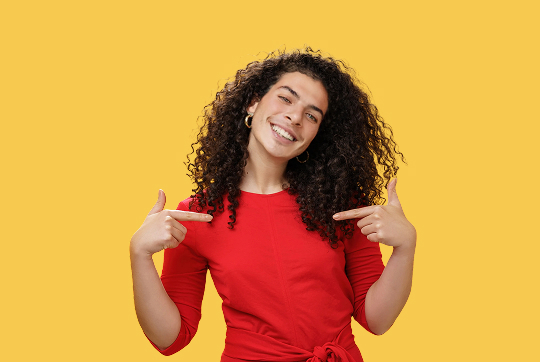
New face
The face to swap in
We swap the main face in your photo with the new face.
Unlimited with a plan
Free to try · go Unlimited for unlimited edits · no card required
Magical Studio AI’s face swap is an online AI photo editor that detects every face in your photo and lets you replace each one with a face you upload. The AI blends skin tone, lighting and angle for a natural, realistic result, so you can swap faces online with no Photoshop skills required. Swap a single face or several people at once, then edit photos with AI and download the finished image straight from your browser in seconds.
Why use AI face swap
Face swap online opens up a huge range of fun and practical uses. Put your face into a movie poster, a meme or a historical photo, or swap faces with friends and family for a laugh. Photographers use it to fix the one group shot where someone blinked by borrowing a better expression, and creators build eye-catching thumbnails, profile pictures and personalized cards. Because the tool detects multiple faces, you can swap faces for a whole group in a single pass. It runs as an online photo editor in your browser, so there is nothing to install, just upload, swap faces and download a realistic result in seconds.
Tips for the best results
For the most realistic swap, use clear, front-facing source faces that are well-lit and roughly match the angle and lighting of the target photo. Avoid sunglasses, heavy shadows, motion blur or faces turned far to the side, since these give the AI less to work with. Higher-resolution images blend more cleanly, and matching the skin tone and head tilt of the original helps the swapped face sit naturally. If a result looks off, try a sharper source face or a different photo.
How to use AI Face Swap
Upload the photo you want to edit, the AI detects every face.
Add a face to swap in for each person you want to change (skip the rest).
Generate and download your swapped photo.
Frequently asked questions
Yes, every detected face gets its own slot, so you can swap one person or several at once. Tap "Skip" to leave a face unchanged.